Heat Sink for Laptop?
- Yongxing
- 29 May ,2026
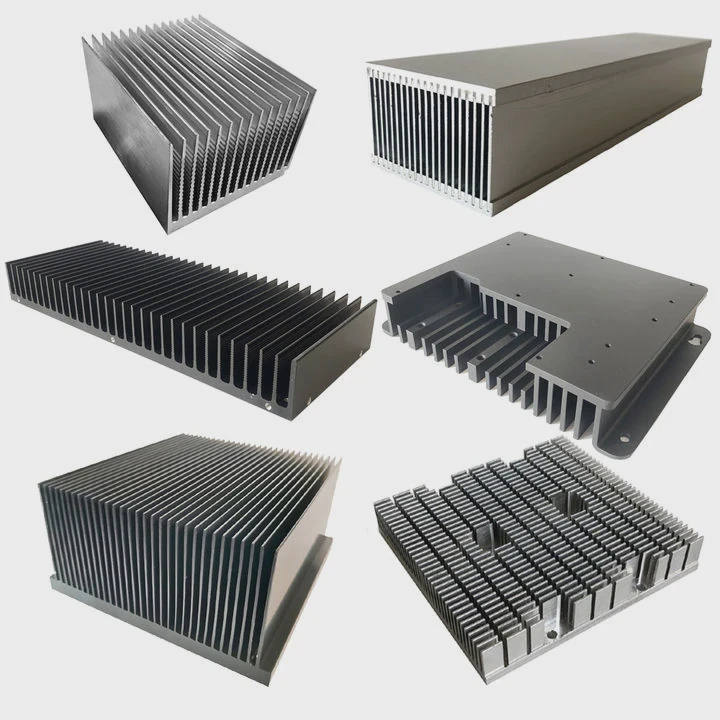
Opening your laptop to find it hot can be frustrating. Heat can slow down your system and damage components.
Laptop heat sinks are designed to transfer heat away from critical components like CPU and GPU, keeping your device safe and performing efficiently.
Understanding how they work can help you choose or maintain a laptop that stays cool under pressure.
How do laptop heat sinks manage heat?
Laptop overheating is a common problem. If your device runs hot, performance drops and parts may fail.
Heat sinks manage heat by absorbing thermal energy from the CPU or GPU and dispersing it through metal fins or pipes, sometimes aided by fans, to keep temperatures within safe limits.
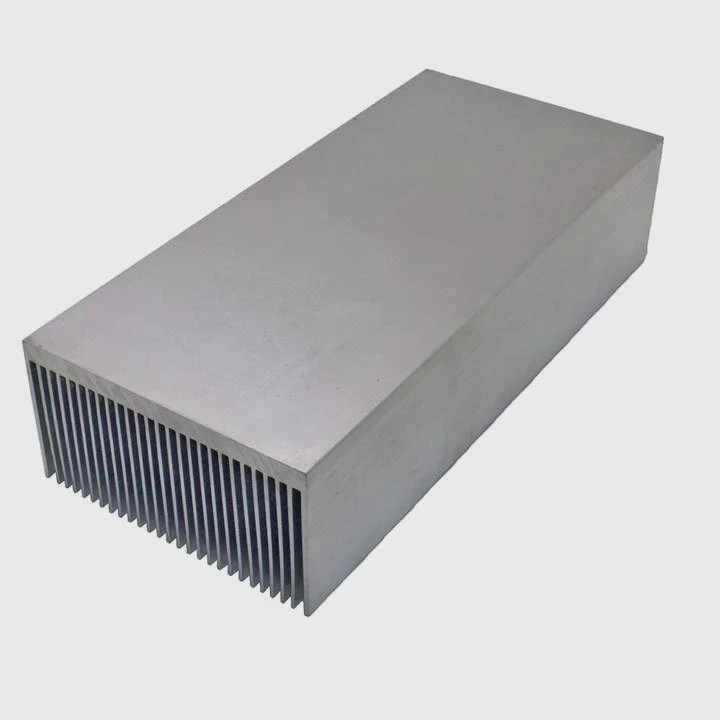
The basics of heat transfer
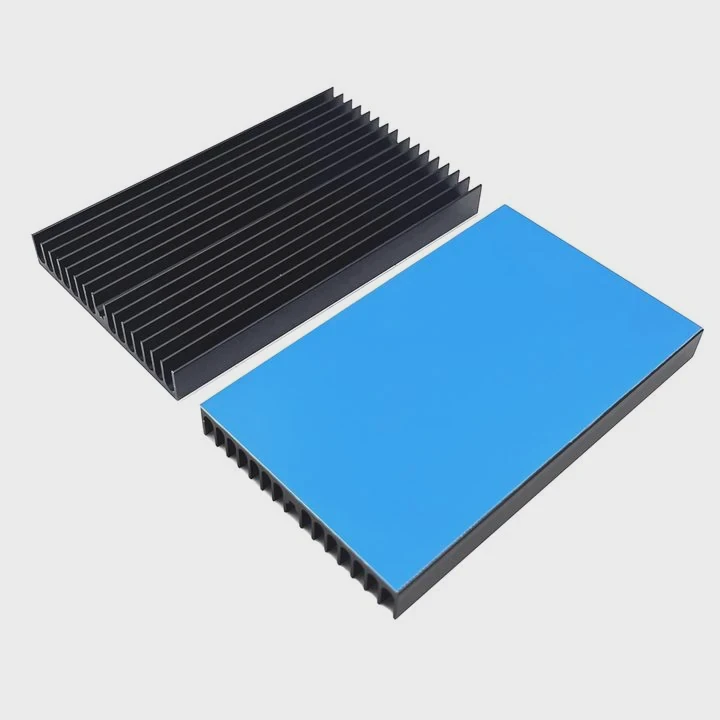
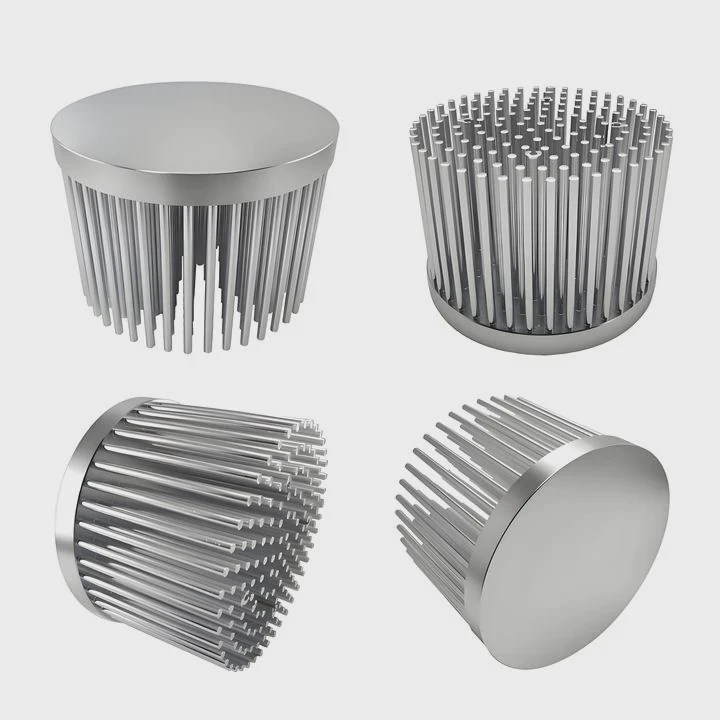
Heat sinks are made of metals like aluminum or copper because they conduct heat well. The heat moves from the processor into the heat sink. Then, thin fins increase the surface area to let air carry heat away efficiently.
Heat pipes and fans
Many modern laptops use heat pipes. These pipes contain liquid that evaporates when heated and moves heat along the pipe to the cooler side. Fans blow across the fins to remove the heat from the laptop chassis. This combination makes heat sinks much more effective than metal alone.
Thermal compounds
A layer of thermal paste is applied between the CPU/GPU and the heat sink. This paste fills tiny gaps, improving heat transfer. Without it, even a high-quality heat sink would fail to cool effectively.
Real-world impact
Efficient heat sinks prevent throttling. Throttling occurs when the CPU reduces speed to avoid overheating. By keeping temperatures low, heat sinks ensure consistent performance for gaming, video editing, or heavy calculations.
Why are laptop cooling systems compact?
Laptop users want light and thin devices. But packing powerful components into a small space creates heat issues.
Cooling systems are compact to fit inside slim laptop designs while still transferring heat away from components efficiently.
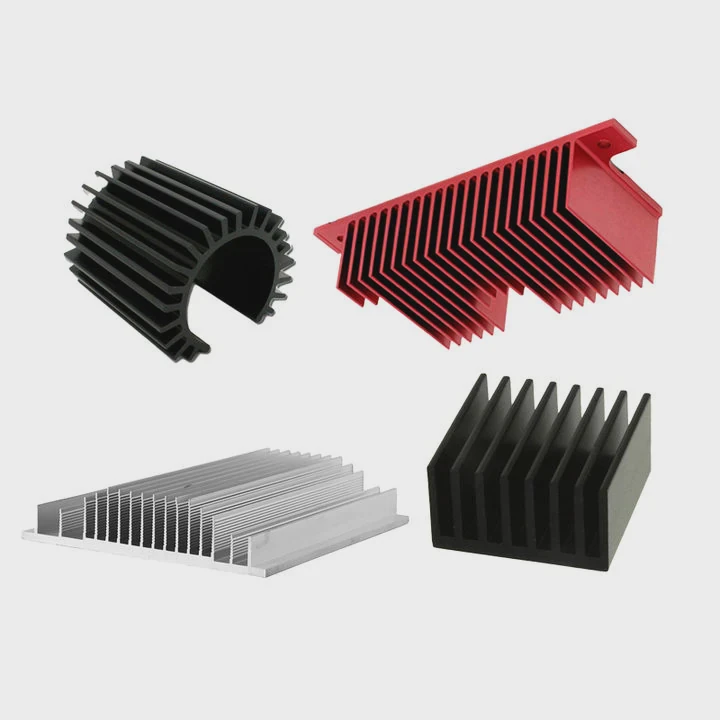
Space limitations
Laptops have limited room for airflow. Designers must fit a heat sink, fan, and sometimes a liquid cooling pipe into a tiny chassis. This often requires creative shapes and layered designs.
Weight considerations
Every gram matters in portable devices. Large metal heat sinks can add weight, so engineers use lightweight aluminum or copper alloys to maintain performance without making the laptop heavy.
Noise management
Smaller fans move less air at low speed, which keeps the laptop quiet. Noise reduction is essential for users who work in offices or libraries. Engineers balance heat removal and noise to achieve a quiet, efficient design.
Design trade-offs
Compact cooling may lead to higher temperatures under heavy loads. Some gaming laptops use larger heat sinks and multiple fans, while ultrabooks rely on efficiency and passive cooling. Understanding the trade-offs helps users select a laptop for their needs.
Where are heat sinks located in laptops?
Finding the right heat sink placement is key to effective cooling. Laptops hide them inside, making them invisible but crucial.
Heat sinks are usually placed directly over the CPU and GPU, often connected to fans and vents to direct heat out of the chassis.
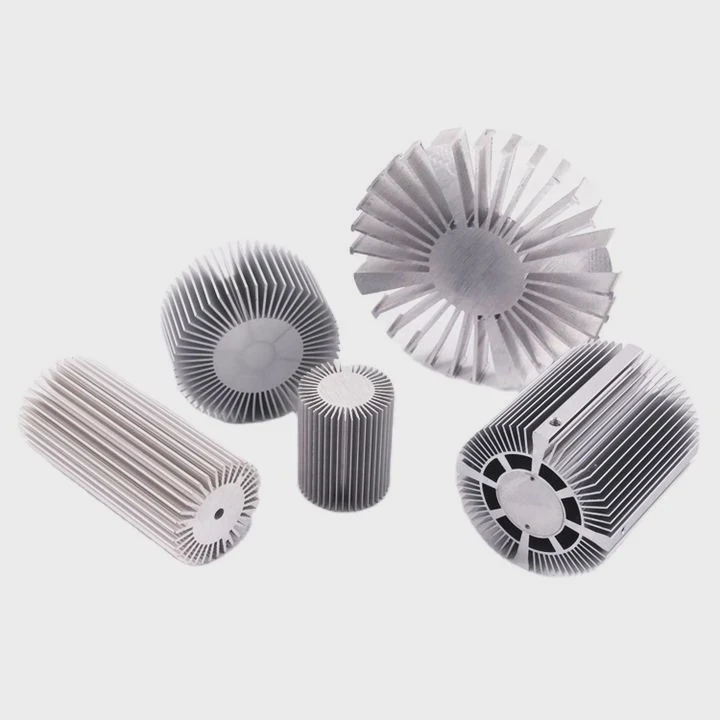
Common heat sink positions
Most laptops have heat sinks in the center near the CPU. Gaming or workstation laptops also include GPU heat sinks. Some models add additional cooling over memory modules or VRMs.
Layout strategies
Manufacturers place heat sinks near vents or fans to maximize airflow. Some laptops have dual-fan systems with separate heat pipes for CPU and GPU, improving heat dissipation. Others use a shared heat pipe system to save space.
Heat sink shapes
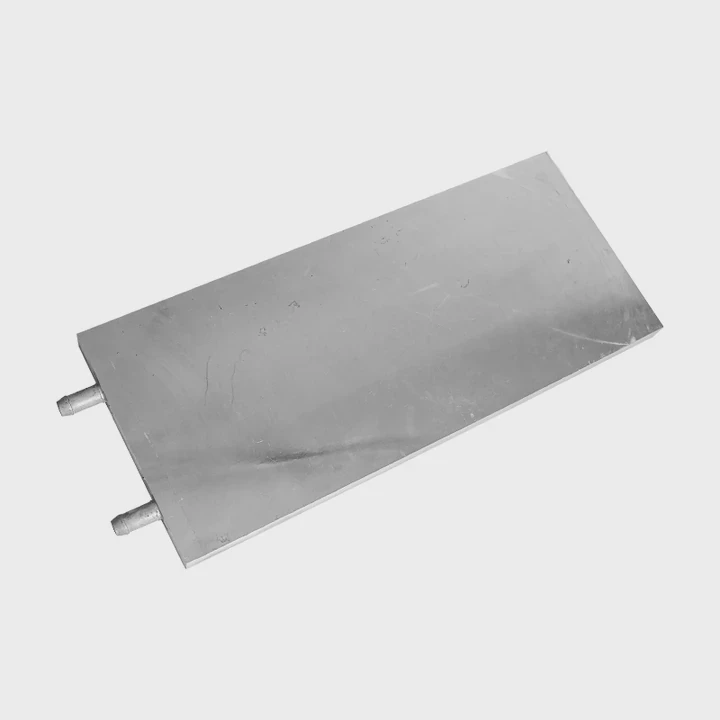
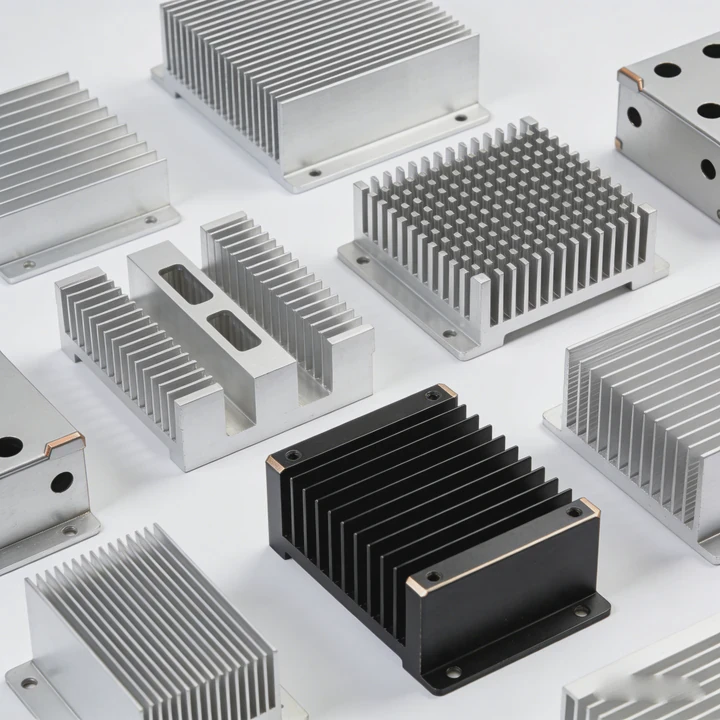
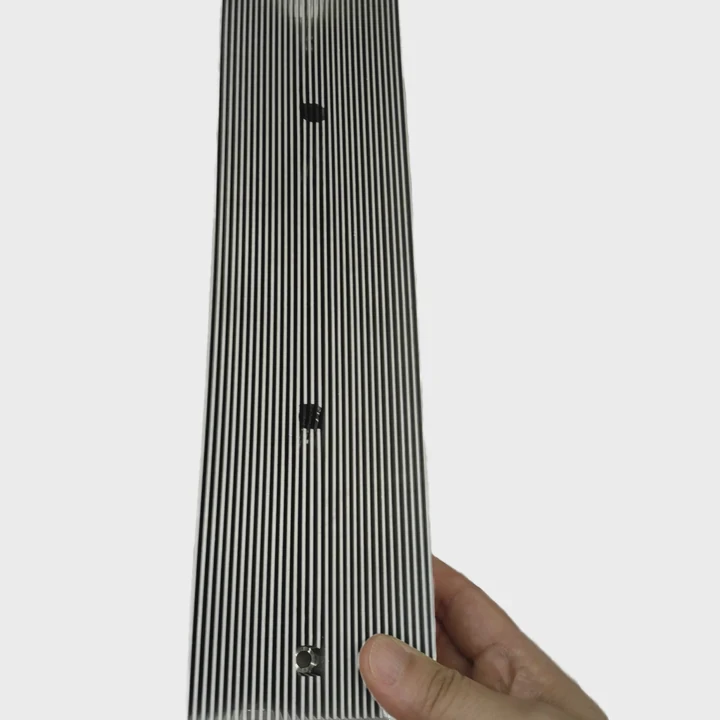
Heat sinks vary in design. Some are flat plates, others have fins and pipes that bend around the motherboard. Laptop designers optimize shapes to avoid interfering with other components like batteries or storage drives.
Impact on maintenance
Knowing where heat sinks are helps when cleaning your laptop. Dust can block airflow, reducing cooling efficiency. Cleaning vents and fans regularly ensures heat sinks work effectively.
Example heat sink layout table
| Component | Heat Sink Type | Airflow Path |
|---|---|---|
| CPU | Copper plate + heat pipe | Side vent fan |
| GPU | Aluminum fins + heat pipe | Rear vent fan |
| VRM | Small aluminum block | Passive cooling to chassis |
Which laptops need better heat sinks?
Not all laptops generate the same heat. Some require more advanced cooling to maintain performance.
Laptops with high-performance CPUs or GPUs, gaming models, and workstations need better heat sinks to prevent throttling and maintain reliability.
Performance demands
Gaming laptops or machines for video editing and 3D modeling produce more heat. Simple ultrabooks or office laptops usually run cooler and do not need complex heat sinks.
Thermal testing
Manufacturers often test laptops under full load to determine how much cooling is required. Devices with poor heat sinks may throttle quickly, reducing speed during heavy use.
Factors influencing heat sink design
Several factors determine whether a laptop needs a better heat sink:
- CPU/GPU TDP (Thermal Design Power): Higher wattage requires more cooling.
- Chassis size: Smaller laptops limit heat sink options.
- Material choice: Copper conducts heat better than aluminum, but is heavier and more expensive.
- User environment: Laptops in warm rooms or on laps may run hotter, needing stronger cooling.
Choosing a laptop with a good heat sink
Look for laptops with multiple heat pipes, dedicated fans, and solid thermal design. Reviews often provide temperature benchmarks under heavy workloads. Gaming or workstation laptops usually advertise enhanced cooling.
Comparison of heat sink requirements
| Laptop Type | Typical Heat Sink | Notes |
|---|---|---|
| Ultrabook | Single aluminum plate | Lightweight, passive cooling sufficient |
| Gaming laptop | Copper heat pipes + dual fans | High heat, needs aggressive cooling |
| Workstation laptop | Multi-pipe copper + large fans | Maintains stability under long workloads |
| Thin-and-light laptop | Minimal aluminum + passive fins | May throttle under load |
Summary
Better heat sinks improve performance and prolong laptop life. Choosing a laptop with proper cooling ensures smooth use for gaming, work, or creative projects.
Conclusion
Laptop heat sinks are vital for performance and safety. Proper design, placement, and materials prevent overheating, making devices reliable for daily and heavy use.
- Pre Heat Sink for Gaming PC?
- Next: Heat Sink for LED?