Heat Sink for Gaming PC?
- Yongxing
- 29 May ,2026
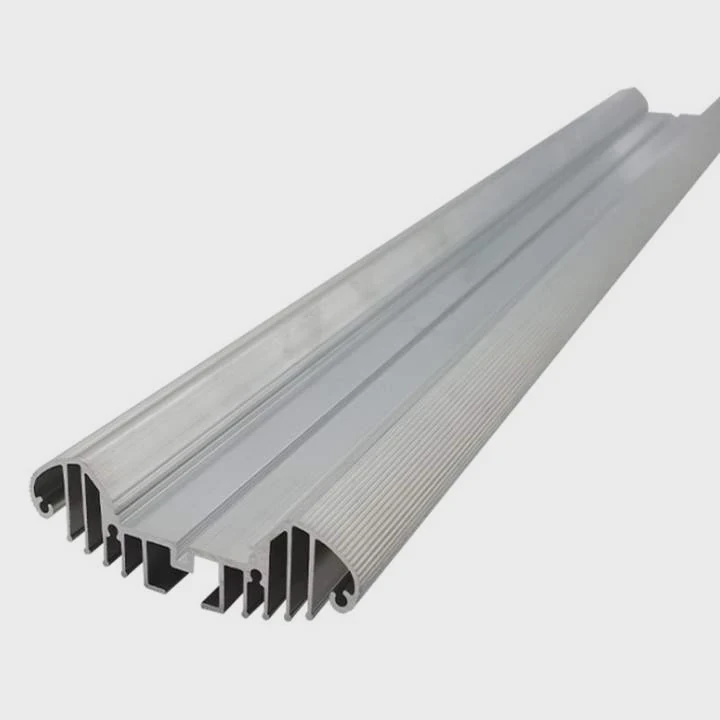
Gaming PCs often overheat, causing lag or damage. Choosing the right heat sink solves this problem quickly.
A heat sink improves your gaming PC cooling by drawing heat away from critical components, keeping your system stable and efficient.
Proper cooling is essential. Let’s explore how heat sinks work and where to place them in your gaming setup.
How does a heat sink enhance gaming PC cooling?
Gaming PCs can get very hot. Without a heat sink, the CPU or GPU might throttle performance or fail.
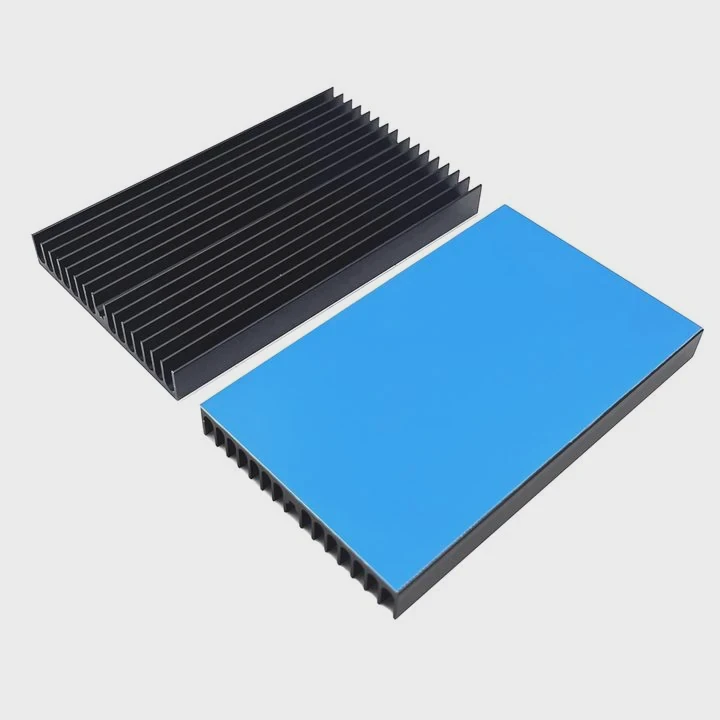
Heat sinks enhance cooling by increasing surface area for heat to escape, often combined with fans for airflow, keeping components safe.
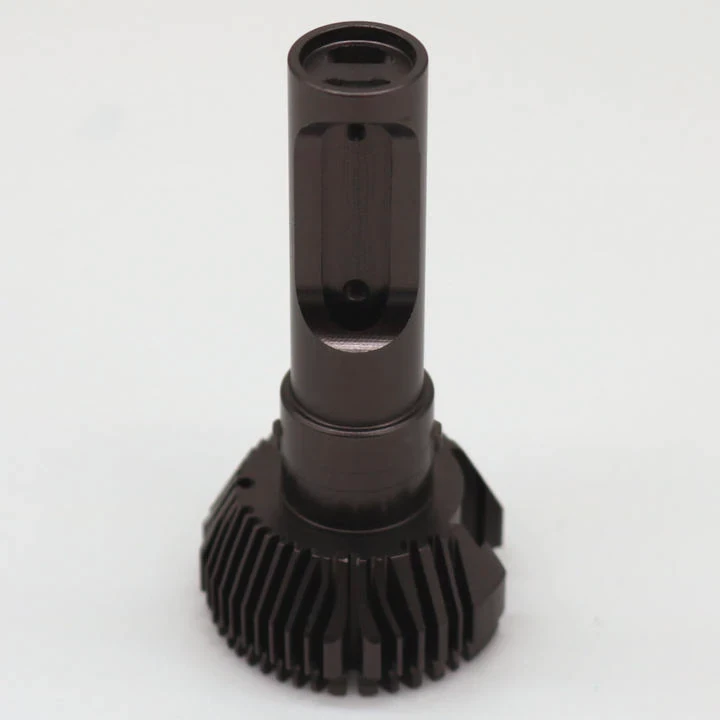
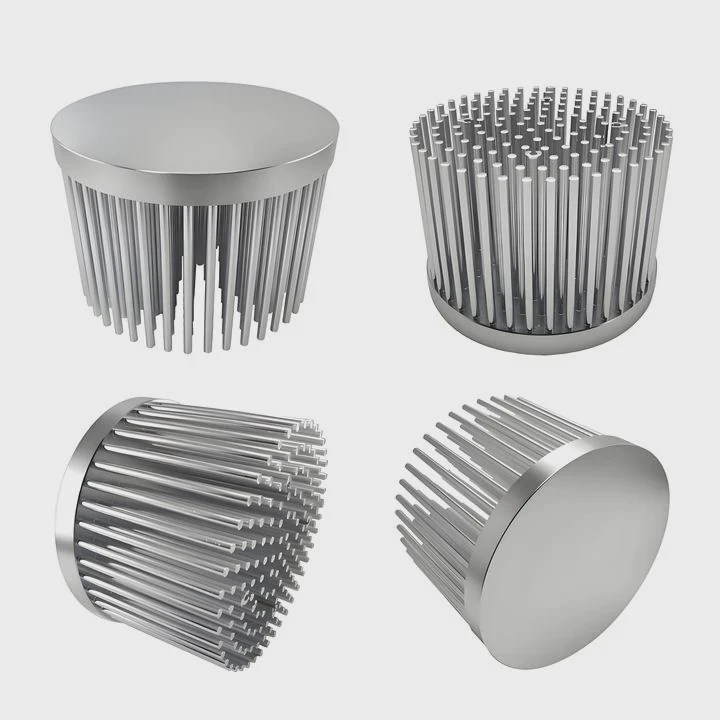
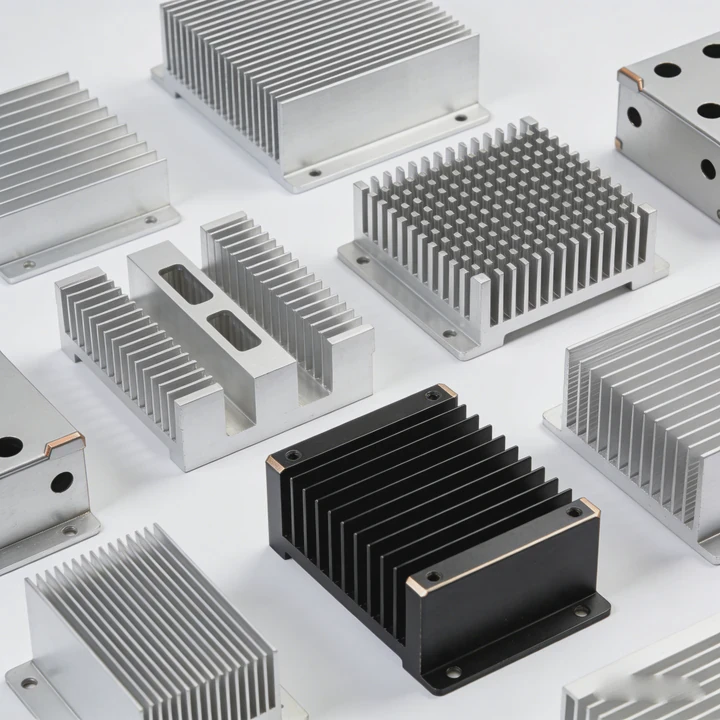
Heat sinks work by transferring heat from a hot component to a cooler metal surface. Metals like aluminum or copper are common because they conduct heat well. When attached directly to CPUs, GPUs, or other hot parts, they absorb the heat. The fins on the heat sink increase surface area, allowing more heat to dissipate into the air. Many setups add fans to push air across the fins. This combination reduces the temperature much faster than passive cooling alone.
Types of Heat Sinks for Gaming PCs
| Type | Material | Best Use |
|---|---|---|
| Air-cooled | Aluminum | Standard gaming PCs |
| Copper | Copper | High-performance CPUs/GPUs |
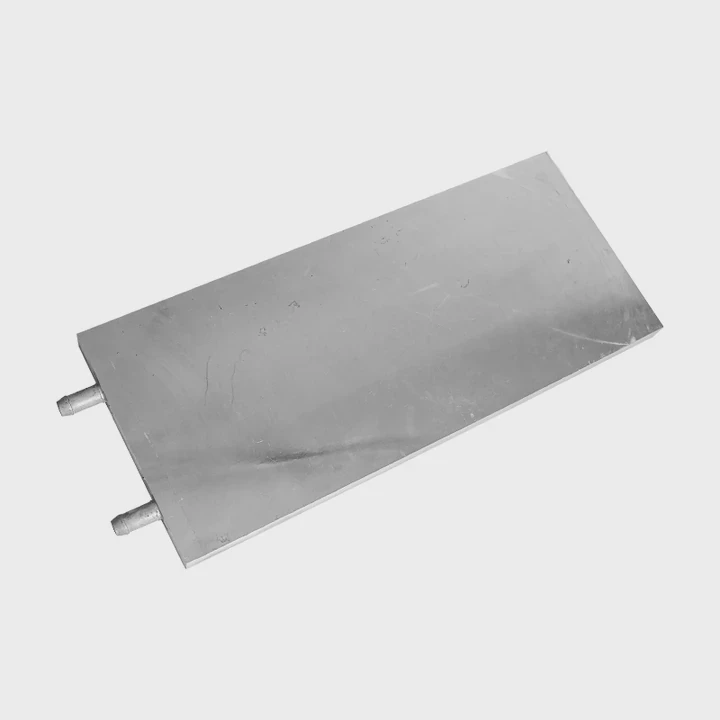
| Liquid-cooled | Aluminum + liquid | Extreme overclocking |
| Hybrid | Copper + fan | Balanced performance |
Benefits Beyond Cooling
- Prevents thermal throttling
- Extends component lifespan
- Reduces fan noise if properly designed
- Keeps system stable under heavy load
A well-chosen heat sink makes a noticeable difference. Even small gains in heat management can allow higher frame rates and stable performance during long gaming sessions.
Why do gaming PCs generate more heat?
Gaming PCs use high-end CPUs and GPUs. These components draw a lot of power and produce heat rapidly.
High-performance parts and constant heavy load cause gaming PCs to generate more heat than regular systems.
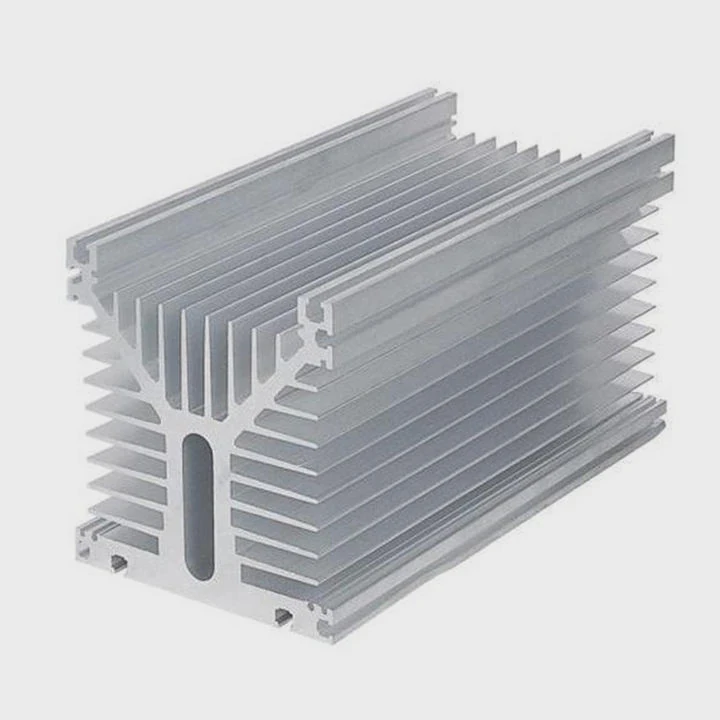
The main reason gaming PCs heat up is energy consumption. Modern GPUs can consume 250W or more, and CPUs often reach 150W under load. Every watt of power becomes heat, so intense gaming creates hotspots in the system. Overclocking makes it worse, increasing voltage and speed, generating even more heat. Compact cases reduce airflow, which also raises temperatures. Poor airflow combined with high-power components can lead to sudden shutdowns or long-term damage.
Key Factors in Gaming PC Heat
| Factor | Description | Impact |
|---|---|---|
| CPU load | Games stress CPU cores | High heat in CPU socket |
| GPU load | Graphics-intensive tasks | Heat near GPU slot |
| Overclocking | Higher speed than default | More heat overall |
| Case airflow | Poor ventilation | Hot air trapped inside |
| Ambient temperature | Room heat | Higher baseline temperature |
Understanding these factors helps in choosing the right heat sink type and placement. Airflow and fan design complement the heat sink, preventing hotspots and keeping performance stable.
Where should heat sinks be installed in gaming PCs?
Choosing the right location for heat sinks is critical. Improper placement reduces effectiveness.
Heat sinks should be installed on CPUs, GPUs, VRMs, and sometimes RAM to manage localized heat and prevent performance drops.
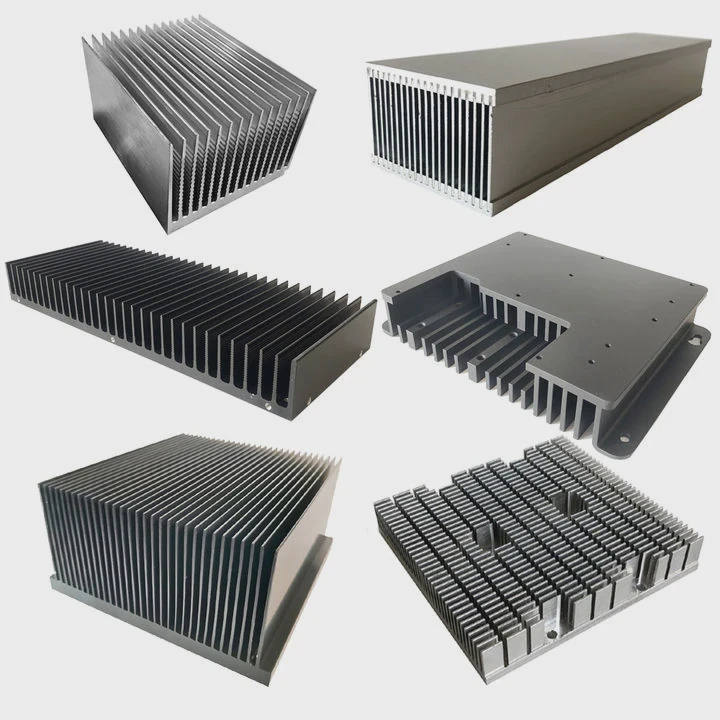
The CPU is usually the hottest component and always gets a heat sink. GPUs also generate a lot of heat, so dedicated GPU heat sinks or hybrid coolers are common. Motherboard VRMs (Voltage Regulator Modules) may require small heat sinks to avoid voltage instability. Even RAM and SSDs can benefit from passive or active cooling in high-performance builds. Positioning heat sinks near airflow paths is key. Fans should direct cool air over them and remove hot air efficiently. Placement affects heat transfer, so design matters.
Typical Heat Sink Locations
| Component | Heat Sink Type | Notes |
|---|---|---|
| CPU | Air or liquid | Always necessary |
| GPU | Air, liquid, or hybrid | Depends on GPU TDP |
| VRM | Small aluminum | Optional but recommended |
| RAM | Passive | High-speed memory |
| SSD | Small aluminum | NVMe SSDs may throttle |
Tips for Installation
- Ensure direct contact with thermal paste
- Align fins with airflow direction
- Avoid blocking other components
- Check compatibility with RAM or tall heatsink models
Correct installation prevents hotspots and ensures your PC can run high-demand games without thermal throttling.
Which components need heat sinks in gaming PCs?
Not all parts need heavy-duty heat sinks, but some critical ones require proper cooling.
CPUs, GPUs, VRMs, and sometimes RAM or SSDs need heat sinks to maintain performance and longevity.
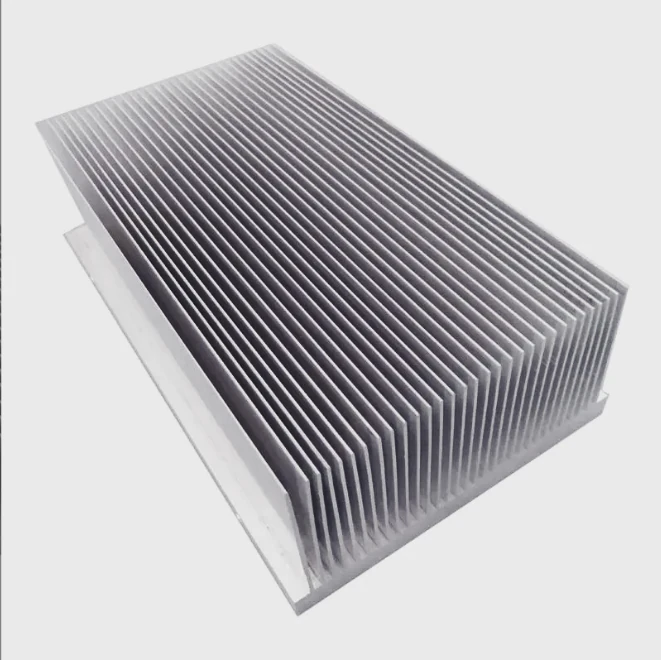
The CPU and GPU are primary heat producers. VRMs support stable power, so cooling them prevents voltage fluctuations. High-performance RAM modules can generate heat during overclocking, and NVMe SSDs may throttle if overheated. In some cases, chipset and M.2 slots also benefit from small heat sinks. Using heat sinks properly balances temperature distribution. This prevents one part from overheating while others remain cool. For example, a high-end graphics card with no VRM cooling might fail even if the GPU heat sink is sufficient.
Components and Heat Sink Needs
| Component | Recommended Cooling | Reason |
|---|---|---|
| CPU | Air, copper, or liquid | Main heat source |
| GPU | Air, liquid, or hybrid | High TDP graphics |
| VRM | Aluminum | Power stability |
| RAM | Passive | Overclocking protection |
| SSD | Aluminum pad | Prevent throttling |
| Chipset | Small aluminum | Optional for high-end boards |
Additional Considerations
- Thermal paste quality is crucial for heat transfer.
- Using fans or liquid loops improves efficiency.
- Modular heat sinks allow easier upgrades and maintenance.
- Monitor temperatures regularly to adjust cooling strategies.
A well-cooled gaming PC performs better, stays stable, and avoids hardware damage over time. Heat sinks are the first line of defense against overheating, and choosing the right type and location matters as much as the component itself.
Conclusion
Heat sinks are vital for gaming PCs. They reduce heat from CPUs, GPUs, and other components, prevent throttling, and improve system stability for better gaming performance.
- Pre Heat Sink for Arduino?
- Next: Heat Sink for Laptop?