
Best Heat Sink for CPU?
- Yongxing
- 24 Apr ,2026
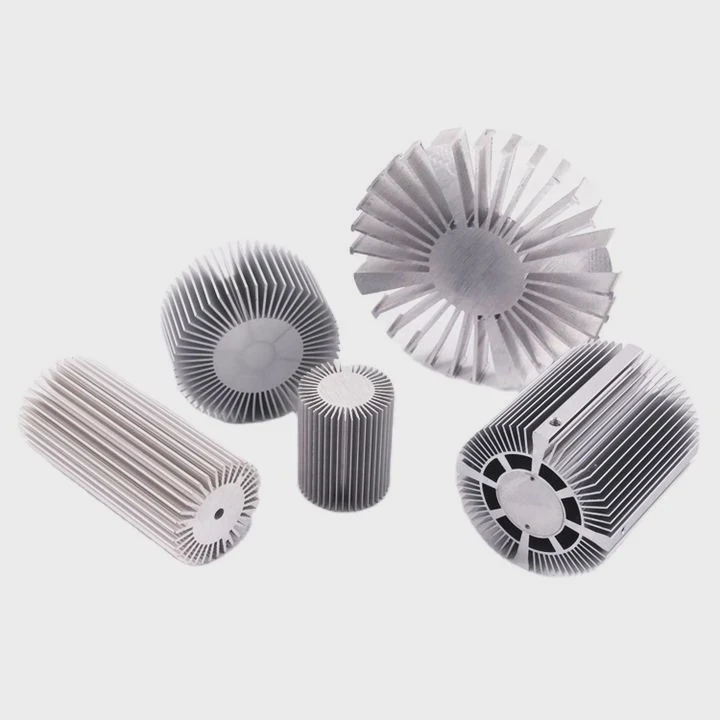
CPUs overheat quickly under heavy use. Without the right cooling, your computer may slow down or get damaged.
Choosing the best heat sink keeps your CPU safe and efficient, ensuring stable performance even under heavy workloads. A good heat sink balances size, airflow, and thermal conductivity.
Understanding CPU cooling options helps you prevent thermal throttling and maintain system longevity.
How to choose the best CPU heat sink?
Finding the right CPU heat sink can be tricky. Many options confuse even experienced builders.
The best heat sink matches your CPU’s power output, your case size, and your cooling needs. Material, airflow, and installation method all matter.
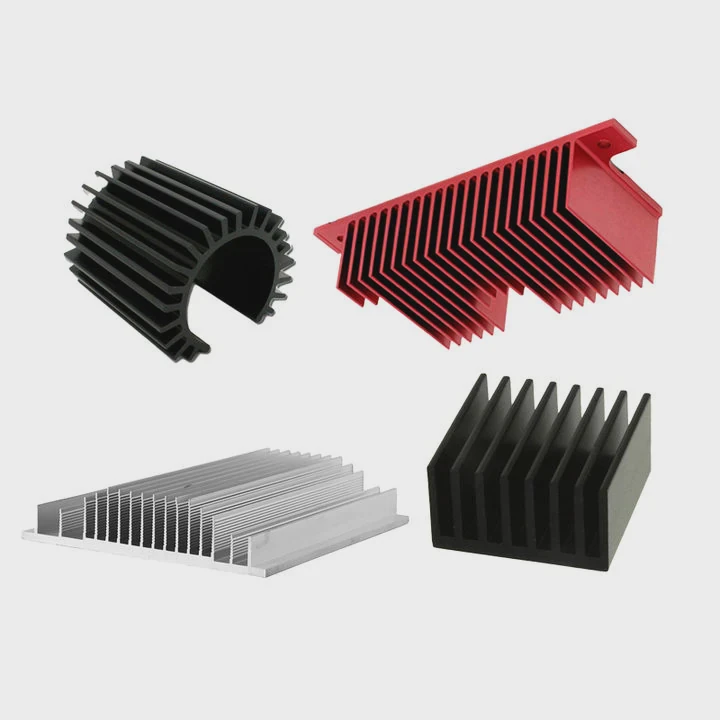
When selecting a heat sink, start with the CPU’s TDP (Thermal Design Power). This tells you how much heat the CPU produces under full load. Heat sinks have different capacities, measured in watts, so choose one that exceeds the CPU’s TDP. Next, consider the material. Aluminum is lightweight and affordable, while copper offers better thermal conductivity. Many heat sinks combine aluminum fins with copper bases or heat pipes for efficiency.
Airflow and fan placement
Airflow is crucial. Heat sinks work best when paired with a fan that pushes air through the fins. Check your case size and fan mounting options. Some large tower coolers require tall cases or specific motherboard layouts. Low-profile coolers are better for compact builds but may offer less cooling power.
Noise and RPM
Fan noise can be distracting. Look for heat sinks with PWM fans that adjust speed based on CPU temperature. This keeps the system quiet at idle but ramps up under load.
| Factor | Recommendation |
|---|---|
| TDP | Heat sink rating ≥ CPU TDP |
| Material | Copper or aluminum-copper combination |
| Size | Fit inside case without blocking RAM or PCIe slots |
| Noise | PWM fan or quiet fan design |
Installation type
Most heat sinks use spring-loaded screws or clips. Make sure the mounting system fits your CPU socket type. Also, consider ease of installation. Some large coolers are heavy and hard to attach without support.
Cooling performance
Compare performance tests online. Look at temperature drops under load, not just fan speed. A slightly larger heat sink may reduce CPU temperatures by several degrees, which is critical for high-performance CPUs.
Why do high-performance CPUs need better cooling?
High-performance CPUs generate much more heat than standard CPUs, especially when overclocked.
Better cooling prevents thermal throttling, prolongs CPU life, and maintains consistent performance during heavy workloads.
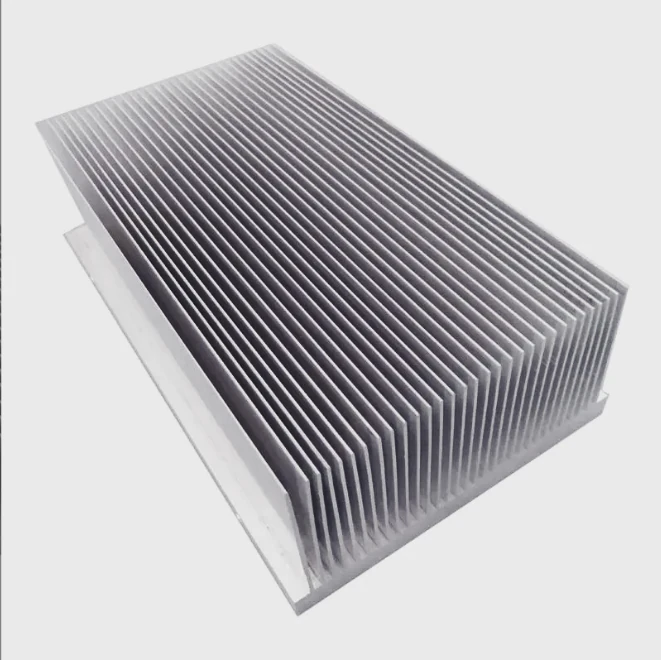
High-performance CPUs push billions of transistors and consume more power. This power turns into heat. If the CPU gets too hot, it slows itself down to prevent damage. This is called thermal throttling. Overheating can also shorten the CPU’s lifespan and affect nearby components.
How heat affects performance
When CPU temperature rises, the clock speed drops. For gamers or professionals running video editing software, this can lead to lower frame rates or slower rendering. Efficient heat sinks and cooling solutions keep the CPU at stable temperatures, allowing it to run at full potential.
Cooling methods for high-performance CPUs
- Large air coolers – Multiple heat pipes and large fins dissipate heat efficiently.
- Liquid cooling – Uses water or coolant to transfer heat to a radiator, suitable for overclocked CPUs.
- Hybrid solutions – Combine heat pipes with liquid loops for extreme performance.
| CPU Type | Recommended Cooling |
|---|---|
| Standard | Stock air cooler or mid-size tower cooler |
| High-end | Large air cooler or AIO liquid cooler |
| Overclocked | High-performance liquid cooling or custom loop |
Benefits beyond CPU
Better cooling also helps motherboard VRMs, memory, and nearby components. Stable temperatures reduce overall system failure risks. High-quality heat sinks with optimized airflow can improve overall PC longevity and reliability.
Where should a CPU heat sink fit?
Incorrect placement can reduce cooling efficiency and cause overheating.
A CPU heat sink should be positioned to align with airflow, avoid blocking RAM or GPU, and fit securely on the CPU.
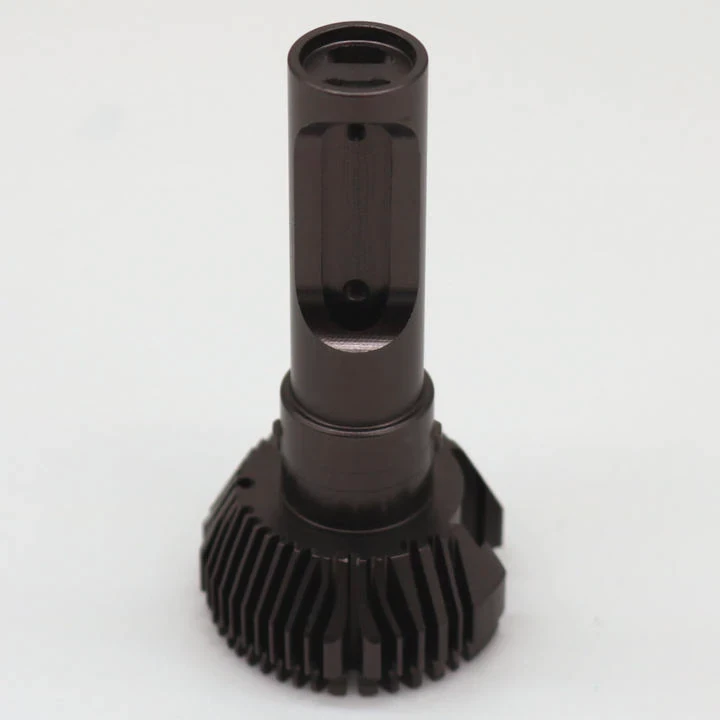
Most PC cases direct airflow from front to back or bottom to top. Place the heat sink so the fan blows hot air toward the case exhaust. This prevents heat from recirculating around the CPU. Also, ensure the heat sink does not interfere with RAM modules or graphics cards. Some tower coolers can block tall RAM or long GPUs, requiring careful planning.
Height and clearance
Check the height of the heat sink relative to your case. Measure from the CPU socket to the side panel to ensure clearance. Low-profile coolers are best for small form-factor cases, while high towers suit standard mid-towers and full towers.
Socket compatibility
Heat sinks must match your CPU socket. Most manufacturers list compatible sockets. Check your motherboard’s manual to avoid purchasing a cooler that won’t fit.
Orientation and airflow
Orient the cooler to match case airflow. Front-to-back airflow is standard. Some coolers allow rotation for optimal positioning. Correct orientation can reduce CPU temperatures by 2–5°C.
| Parameter | Guideline |
|---|---|
| Clearance | Ensure cooler fits inside case |
| Orientation | Align fan with case airflow |
| Socket | Check CPU socket compatibility |
| Interference | Avoid blocking RAM or GPU |
Securing the heat sink
Use screws, brackets, or clips according to the manufacturer. Proper mounting ensures heat pipes contact the CPU surface for maximum thermal transfer. Apply thermal paste evenly before installation.
Which types suit gaming CPUs best?
Gaming CPUs require cooling solutions that handle high loads and overclocking.
Tower air coolers with multiple heat pipes and liquid cooling systems are ideal for gaming CPUs, ensuring low temperatures under long gaming sessions.
Air coolers for gaming
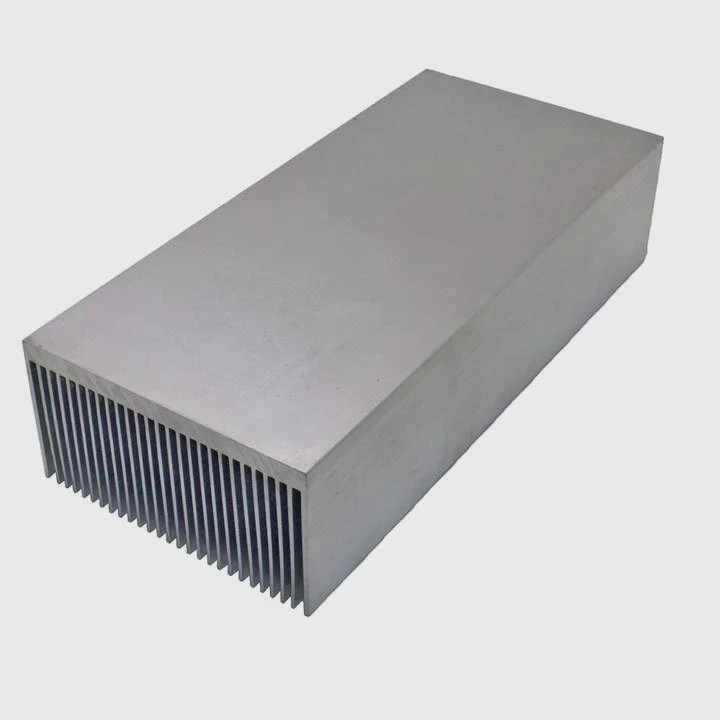
Tower air coolers are popular. They have large fins and multiple heat pipes. Fans push air through the fins to dissipate heat. Look for coolers with 120mm or larger fans. Some models include dual fans for extra airflow. Air coolers are reliable, easy to maintain, and perform well for most gaming CPUs.
Liquid cooling for gaming
All-in-one (AIO) liquid coolers transfer heat from the CPU to a radiator mounted in the case. Fans on the radiator push hot air out. AIO coolers can handle higher heat loads and allow more space around RAM and GPU. Custom loops provide the best performance but require more maintenance and experience.
Noise considerations
Gaming heat sinks must balance cooling with noise. Air coolers with large fans can spin slower and stay quiet. Liquid coolers allow higher RPM on the radiator fans while keeping CPU temperatures low.
Comparing cooling types
| Type | Pros | Cons |
|---|---|---|
| Air Cooler | Reliable, easy maintenance, cheaper | Large size may block components |
| AIO Liquid Cooler | High cooling performance, saves space | More expensive, requires maintenance |
| Custom Loop | Best cooling, highly customizable | Complex installation, high cost |
Future-proofing your build
Choose a cooler that can handle potential CPU upgrades. Gaming CPUs may be upgraded to faster models with higher TDPs. Installing a high-performance cooler now avoids replacing it later.
Additional tips
- Monitor CPU temperature with software tools.
- Clean dust from fins and fans regularly.
- Apply high-quality thermal paste for maximum heat transfer.
- Consider adding extra case fans to improve airflow.
Conclusion
The best CPU heat sink depends on your CPU type, workload, and case size. High-performance and gaming CPUs need robust cooling to maintain performance, reduce noise, and extend lifespan. Proper selection ensures efficient, reliable computing.




