
Best Heat Sink for M.2?
- Yongxing
- 24 Apr ,2026
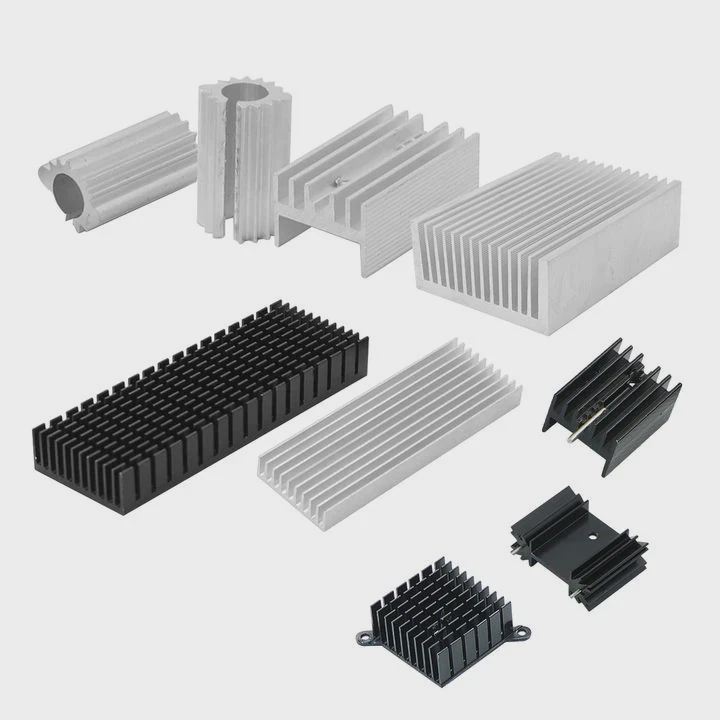
M.2 drives can overheat, slowing performance or reducing lifespan. Without proper cooling, data transfer suffers and reliability drops.
The best M.2 heat sink keeps NVMe drives cool, maintains high-speed performance, and extends drive life.
Choosing the right heat sink prevents throttling and ensures your drive runs at peak efficiency. Let’s explore how to pick and install the best solution.
How to Select the Best M.2 Heat Sink?
Many users buy any M.2 heat sink, but selection matters for real performance.
Look for thermal conductivity, size compatibility, airflow design, and mounting method when selecting an M.2 heat sink.
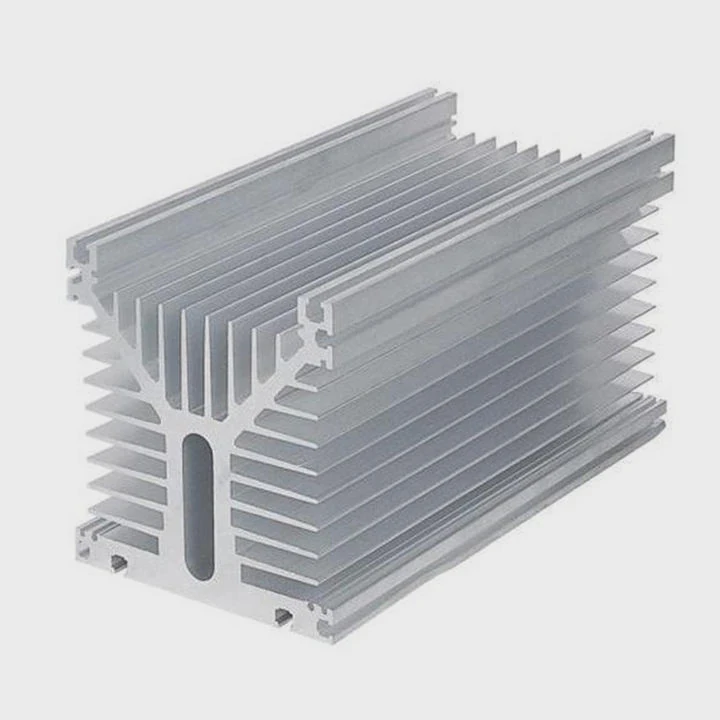
Selecting an M.2 heat sink starts with size. The drive may be 2280, 22110, or other lengths, and the heat sink must match. Thermal conductivity of materials is crucial. Aluminum is lightweight and dissipates heat well; copper is better but heavier. Airflow is important too. Heat sinks with fins or ridges allow more heat to escape, especially in cramped cases. Some come with thermal pads or pre-applied thermal paste. Mounting style affects performance and ease of installation. Push-pins, screws, or adhesive pads each have pros and cons. Clearance matters. A tall heat sink may interfere with other components or GPU clearance. Some users prefer slim designs for compact builds. Aesthetics can be a factor; many heat sinks include RGB or brushed metal finishes. Ultimately, the heat sink must keep the drive temperature under throttling limits, usually below 70–80°C under full load. A combination of good material, proper design, and correct installation ensures optimal cooling.
Selection Factors Table
| Factor | Description | Recommended |
|---|---|---|
| Material | Thermal conductivity | Aluminum, Copper |
| Size | M.2 length compatibility | 2242, 2260, 2280, 22110 |
| Airflow Design | Fins, ridges, surface area | Maximized for passive or active cooling |
| Mounting | Screws, adhesive, clips | Secure but not damaging |
| Clearance | Fit in PC or laptop | Avoid interference |
| Aesthetics | Optional | RGB or brushed finish |
Understanding these factors ensures you select a heat sink that balances performance, size, and design.
Why Do NVMe Drives Run Hotter?
Many users notice NVMe drives get hot quickly. Understanding why helps in cooling.
NVMe drives run hot due to high-speed data transfer, dense circuits, and power-hungry memory chips.
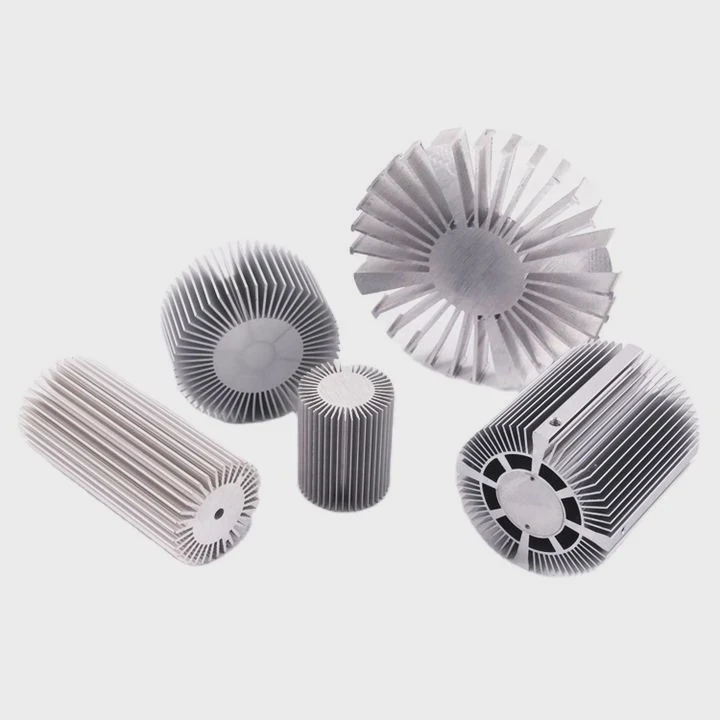
NVMe drives operate much faster than SATA SSDs. High transfer rates generate heat in the controller and NAND chips. Compact design worsens this; multiple chips are closely packed on a small PCB. Power consumption varies depending on read/write intensity. Heavy workloads like gaming, video editing, or benchmarking increase heat rapidly. Thermal throttling occurs when drives exceed temperature limits, slowing down performance to prevent damage. Ambient temperature in PC cases also affects drive temperature. Cases with limited airflow can increase NVMe drive temperatures. Some drives include built-in thermal pads, but a proper heat sink improves heat spread and lowers overall temperature. Heat can accumulate during prolonged use, especially in laptops or small form-factor PCs. Monitoring tools can track drive temperature in real-time, helping identify if additional cooling is needed. Efficient heat sinks combined with good case airflow prevent throttling and prolong the drive’s lifespan.
Heat Generation Table
| Cause | Effect | Notes |
|---|---|---|
| High-Speed Transfers | Rapid heat buildup | NVMe controllers heat up |
| Dense PCB Layout | Localized hot spots | Chips packed tightly |
| Power Consumption | More energy = more heat | Heavy workloads increase temperature |
| Limited Case Airflow | Drives get hotter | Proper ventilation needed |
| Continuous Usage | Thermal throttling | Performance slows to cool down |
Recognizing the heat sources allows for smarter heat sink choices and effective cooling strategies.
Where Should M.2 Heat Sinks Be Installed?
Placement is key for cooling efficiency. Poor positioning reduces effectiveness.
Install M.2 heat sinks directly over the drive’s controller and NAND chips to maximize thermal contact.
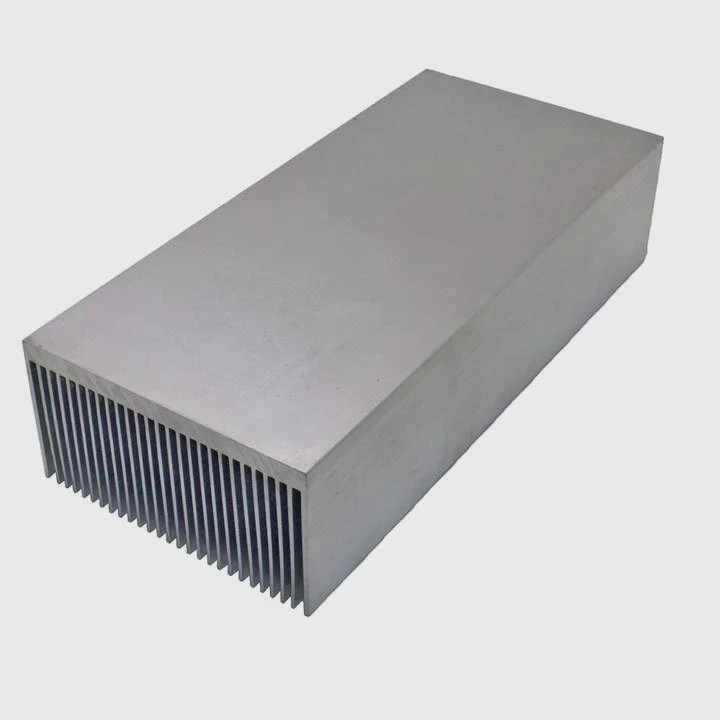
Direct contact is critical. The heat sink should sit on top of the main heat-generating components. Thermal pads improve contact and reduce resistance. Ensure screws or clips apply even pressure without bending the PCB. In compact builds, make sure the heat sink does not touch other components like graphics cards. Vertical orientation of fins can aid natural convection, while active cooling may involve small fans or case airflow. Spacing matters if multiple M.2 drives are installed nearby. Too close together and airflow is blocked, reducing cooling efficiency. In laptops or mini PCs, space constraints make heat sinks even more important, as internal airflow is often limited. Some heat sinks include extended fins to guide heat toward airflow paths. Combining correct placement, good thermal pads, and sufficient airflow ensures the drive operates within safe temperature limits, avoiding throttling or performance drops.
Which Features Define a Good M.2 Heat Sink?
Not all heat sinks are equal. Choosing one with the right features matters for performance and reliability.
A good M.2 heat sink offers high thermal conductivity, optimal airflow design, secure mounting, and adequate size for your drive.
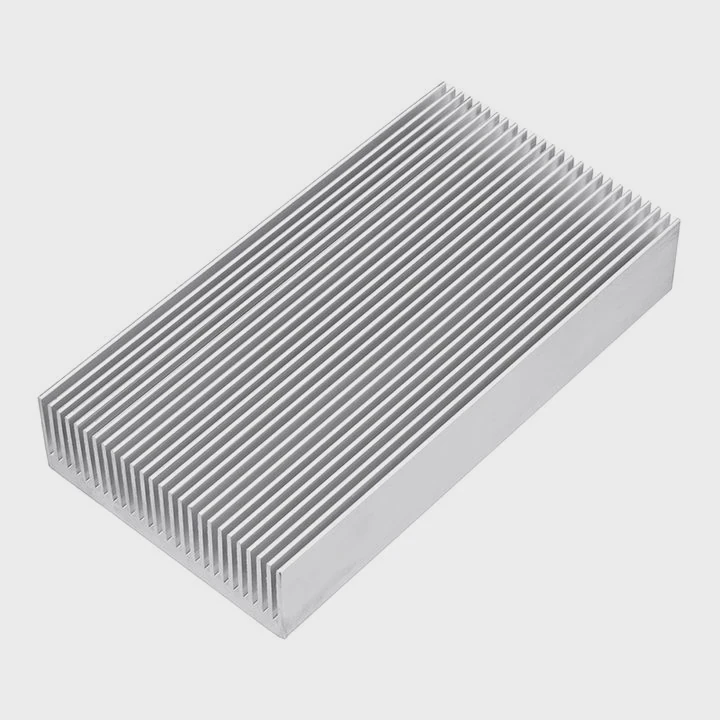
Material choice is the foundation. Aluminum provides light and effective cooling; copper offers superior thermal performance but is heavier. Fin design matters. More fins or surface area improves passive cooling, especially under natural convection. Thermal pads or pre-applied paste reduce contact resistance. Secure mounting prevents gaps that trap heat. Size must match the drive without interfering with other components. Some heat sinks offer hybrid designs with active airflow or integrated fans. Low-profile designs suit laptops, while larger PC builds can use bigger heat sinks for maximum cooling. Aesthetic options like RGB lighting or brushed finishes add style without affecting performance. Durability is important; the heat sink must withstand repeated installation and removal without warping. Compatibility with case airflow ensures heat is effectively removed, not trapped near other components.
Features Table
| Feature | Importance | Notes |
|---|---|---|
| Material | High | Aluminum or Copper |
| Fin Design | Medium | More surface area = better cooling |
| Thermal Pads | High | Reduces contact resistance |
| Mounting | High | Secure and stable |
| Size | Medium | Fits M.2 drive and case constraints |
| Active Cooling | Optional | Small fan or airflow channels |
| Durability | Medium | Can handle repeated use |
| Aesthetic | Low | Optional RGB or design |
Selecting a heat sink with these features ensures maximum cooling efficiency and longer NVMe drive life.
Conclusion
The best M.2 heat sink combines good material, proper placement, and airflow design. Correct selection and installation prevent overheating, maintain performance, and extend the life of your NVMe drive.




