
Best Heat Sink for SSD?
- Yongxing
- 24 Apr ,2026
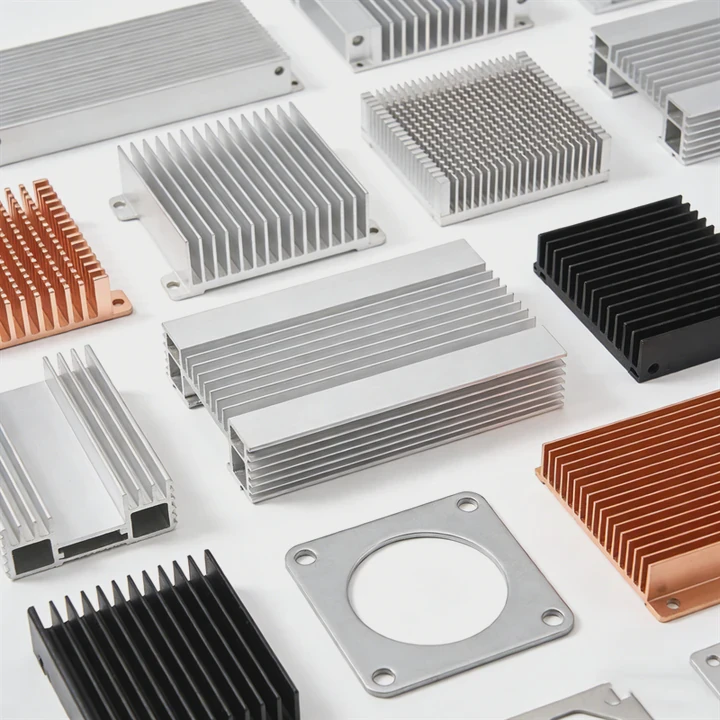
Overheating SSDs can slow down devices. Choosing the right heat sink keeps performance high and prevents damage.
A good SSD heat sink absorbs heat, spreads it evenly, and keeps the drive running smoothly even under heavy load.
When looking for an SSD heat sink, understanding how they work and which drives need them most is key. The right choice improves speed and longevity.
How to choose the best SSD heat sink?
Many SSDs claim to be fast, but they overheat. Picking the wrong heat sink can limit performance and risk drive life.
Choose a heat sink based on material, size, compatibility, and airflow. Aluminum or copper usually works best.
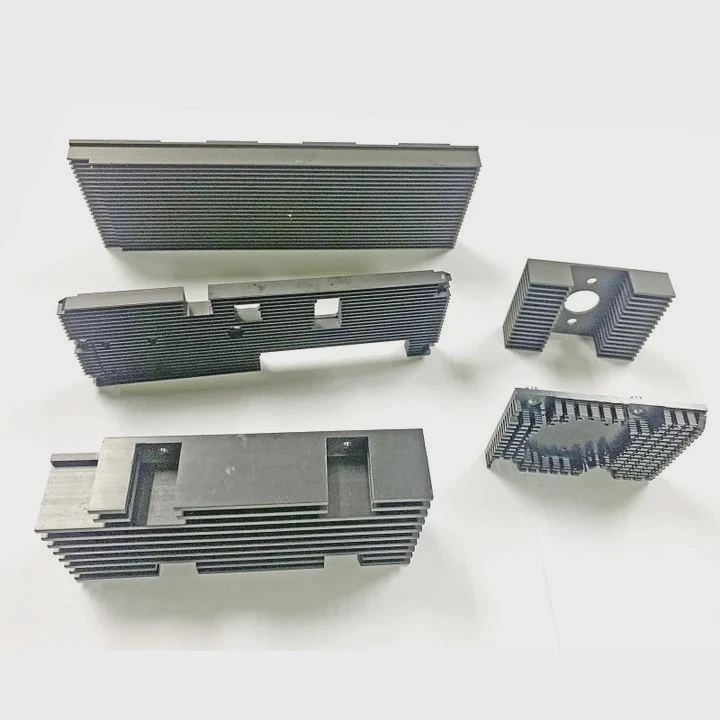
Choosing the right SSD heat sink requires attention to several factors. First, the material matters. Aluminum is light, spreads heat quickly, and is easy to mount. Copper is heavier but conducts heat better, ideal for high-performance drives. Some heat sinks combine both for balance. Next, size is important. A large heat sink covers more surface area but may not fit inside some laptops or small cases. Always check dimensions and clearance in your device. Compatibility is another factor. Some M.2 SSDs have different lengths like 2280, 22110, or 2230. A heat sink must match the SSD size exactly. Airflow matters too. If your PC has poor airflow, a heat sink may help, but fan-assisted solutions could be better. Thermal pads are also key. They transfer heat from SSD chips to the heat sink. High-quality pads improve performance. Lastly, aesthetics can matter for desktop users. Some heat sinks come with RGB lighting, while others are plain metal. This does not affect performance but can match your build style.
Comparison Table of Popular SSD Heat Sink Materials
| Material | Thermal Conductivity | Weight | Pros | Cons |
|---|---|---|---|---|
| Aluminum | 205 W/m·K | Light | Affordable, easy to mount | Lower thermal performance than copper |
| Copper | 400 W/m·K | Heavy | High thermal efficiency | More expensive, may bend |
| Aluminum + Copper | 250-300 W/m·K | Medium | Balanced performance | Slightly expensive |
Steps to Choose the Best Heat Sink
- Measure your SSD and case space.
- Check SSD chip layout.
- Choose material based on heat needs.
- Ensure airflow is sufficient.
- Consider thermal pad quality.
- Look for mounting method and clearance.
- Decide if aesthetics matter.
Why do SSDs benefit from heat sinks?
SSDs generate heat under heavy workloads. Too much heat reduces speed and lifespan, causing frustration and delays.
Heat sinks help SSDs stay cool, maintain performance, and last longer by dissipating excess heat effectively.
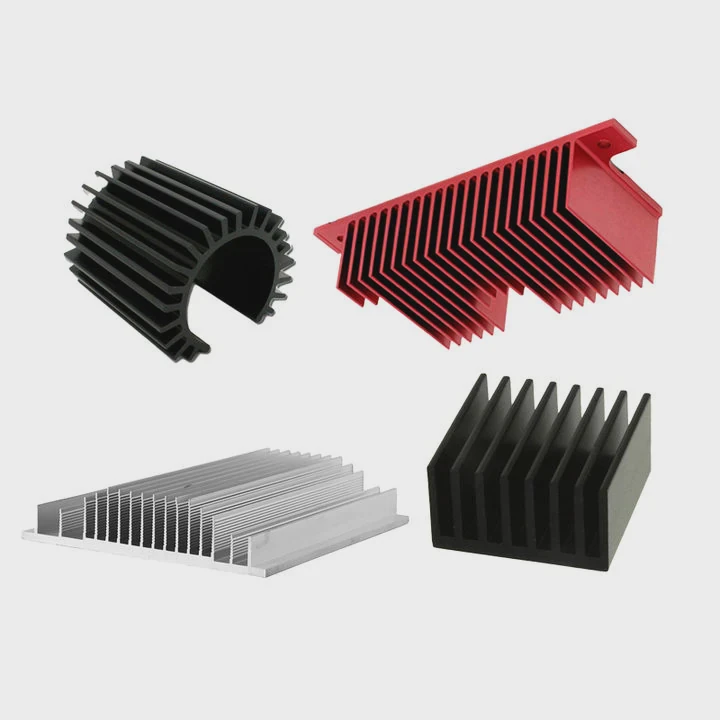
SSDs, especially NVMe drives, can get very hot during read/write tasks. Heat slows down performance because SSDs throttle speed to prevent damage. Installing a heat sink spreads the heat across a larger surface, helping the SSD avoid throttling. When an SSD throttles, read/write speeds drop, affecting gaming, video editing, or large file transfers. Heat sinks also protect sensitive NAND chips and controllers. In desktop PCs with high airflow, a heat sink may still help under heavy workloads. In laptops, where space is tight, heat sinks prevent local hotspots and keep internal temperatures safe. Over time, lower heat levels mean longer SSD lifespan, fewer errors, and stable operation.
How Heat Sinks Affect SSD Performance
| SSD Type | Max Temperature | Throttling Temp | Heat Sink Benefit |
|---|---|---|---|
| NVMe Gen 4 | 70°C+ | 80°C | Reduces throttling |
| NVMe Gen 3 | 65°C+ | 70°C | Improves stability |
| SATA SSD | 50°C+ | 60°C | Minor but useful |
Where is a heat sink installed on SSD?
Installing a heat sink incorrectly won’t help. Many users waste money by mounting it wrong.
Heat sinks sit directly on the SSD chips, usually on top of the NAND and controller, using thermal pads for contact.
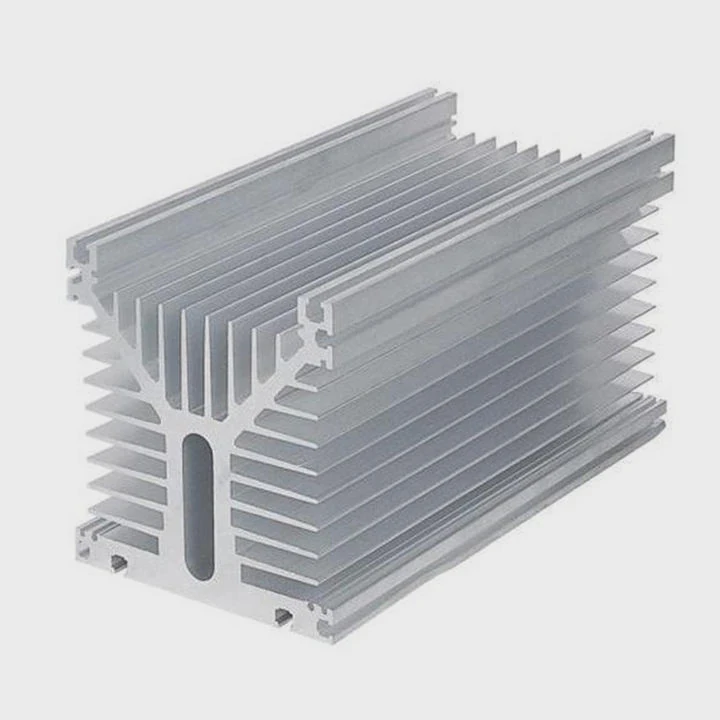
Most SSD heat sinks are designed to cover the top of the drive where NAND chips and the controller are located. Thermal pads help transfer heat from the chips to the metal heat sink. Proper installation involves cleaning the SSD surface, placing the thermal pad, and attaching the heat sink without gaps. For M.2 drives, the heat sink may snap on or use screws if the motherboard has standoffs. In desktops, make sure it does not block other components or airflow. In laptops, verify the height fits under the cover. Misalignment or poor contact can reduce heat transfer. Also, remember to check if your motherboard has built-in heatsinks or shields; adding another may be unnecessary. Some SSDs come with pre-applied thermal pads, which can be removed and replaced with higher-quality ones for better cooling. Maintenance matters too. Dust can reduce heat dissipation over time, so occasional cleaning is beneficial.
Heat Sink Placement Tips
- Ensure full contact with chips.
- Use high-quality thermal pads.
- Avoid bending or twisting the SSD.
- Check clearance in your case or laptop.
- Do not cover connectors or slots.
Which SSDs need heat sinks most?
Not all SSDs need heat sinks. Many perform well without one, while others overheat quickly and throttle.
High-speed NVMe SSDs, especially Gen 4 and PCIe 5.0 drives, benefit most from heat sinks for stable performance.
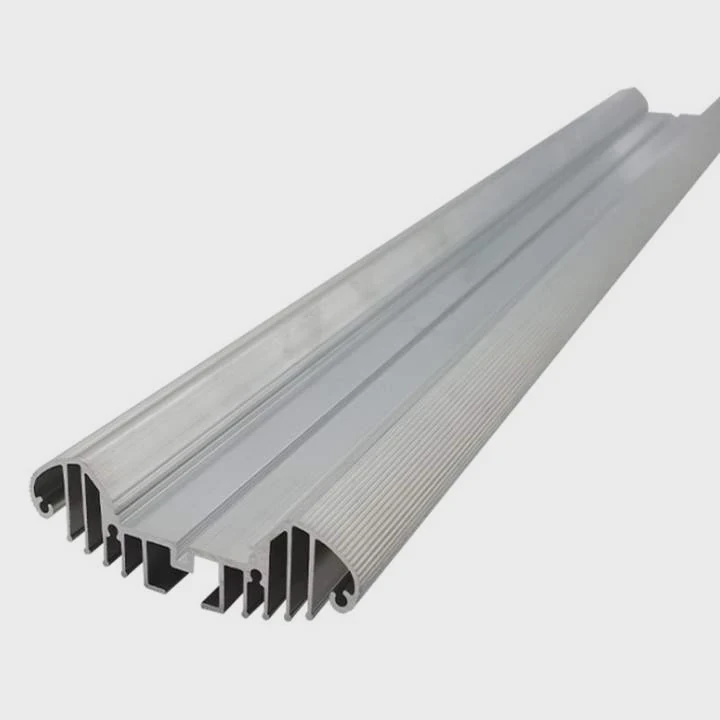
Heat sinks are most useful for high-performance SSDs. NVMe drives with Gen 4 or Gen 5 interfaces generate more heat due to faster read/write speeds. Consumer drives like the Samsung 980 Pro or WD Black SN850 are examples. Large-capacity SSDs with multiple NAND chips also create hotspots. SATA SSDs rarely need heat sinks because their speed and heat output are lower. Servers, workstations, and gaming PCs with sustained heavy loads benefit from heat sinks. Laptops may require low-profile heat sinks to fit within slim chassis. Remember, adding a heat sink does not increase speed but prevents throttling, which keeps speed consistent over time. Choosing the right drive and cooling solution depends on workload. Continuous video editing, heavy gaming, and data-intensive applications will stress the SSD more than normal office tasks.
SSDs That Benefit Most from Heat Sinks
| SSD Model | Interface | Max Speed | Heat Sink Need |
|---|---|---|---|
| Samsung 980 Pro | NVMe Gen 4 | 7000 MB/s | High |
| WD Black SN850 | NVMe Gen 4 | 7000 MB/s | High |
| Crucial P5 Plus | NVMe Gen 4 | 6600 MB/s | Medium |
| Samsung 870 EVO | SATA | 560 MB/s | Low |
Quick Tips
- Check SSD type and interface.
- Consider your workload intensity.
- Large-capacity drives heat more.
- High-speed drives throttle without cooling.
- Use thermal pads for best contact.
Conclusion
Choosing the right SSD heat sink improves performance, prevents throttling, and extends lifespan. High-speed NVMe drives benefit the most, while installation and material quality make a big difference.




