
Can You Add Extra Heat Sink Fan?
- Yongxing
- 16 Mar ,2026
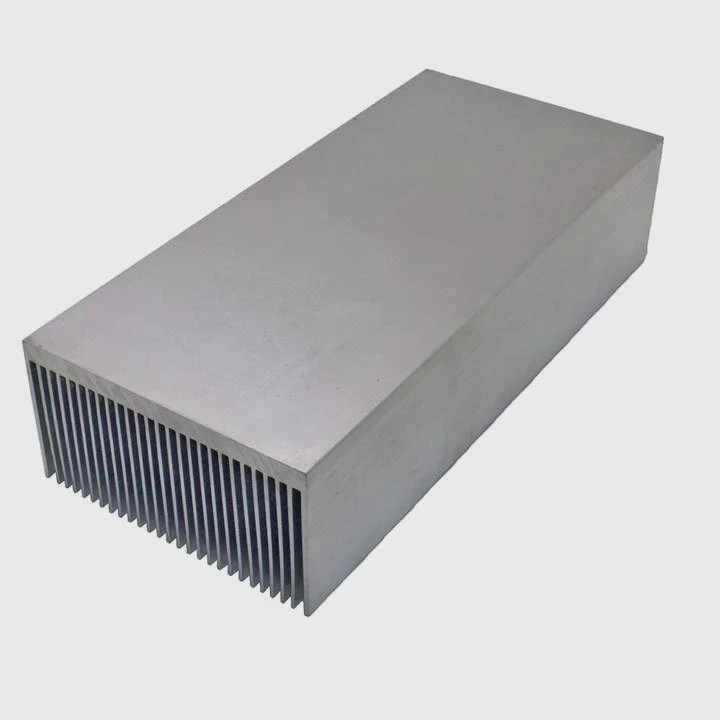
Many devices run hotter as power increases. Heat builds up fast. Poor cooling reduces performance and shortens hardware life.
Yes, an extra fan can improve heat sink cooling. A fan increases airflow across the heat sink surface. This airflow removes heat faster, lowers temperature, and improves thermal stability in high-power electronics.
Many engineers ask this question when devices begin to overheat during testing or long operating cycles. The answer depends on airflow design, heat load, and system layout. Understanding how airflow interacts with heat sinks helps avoid trial-and-error solutions.
How does a fan improve heat sink performance?
A heat sink alone relies on natural airflow. When heat rises slowly, cooling becomes weak. Temperatures increase and performance drops.
A fan improves heat sink performance by forcing air through the fins. This increases convective heat transfer and removes heat from the metal surface much faster than passive airflow.
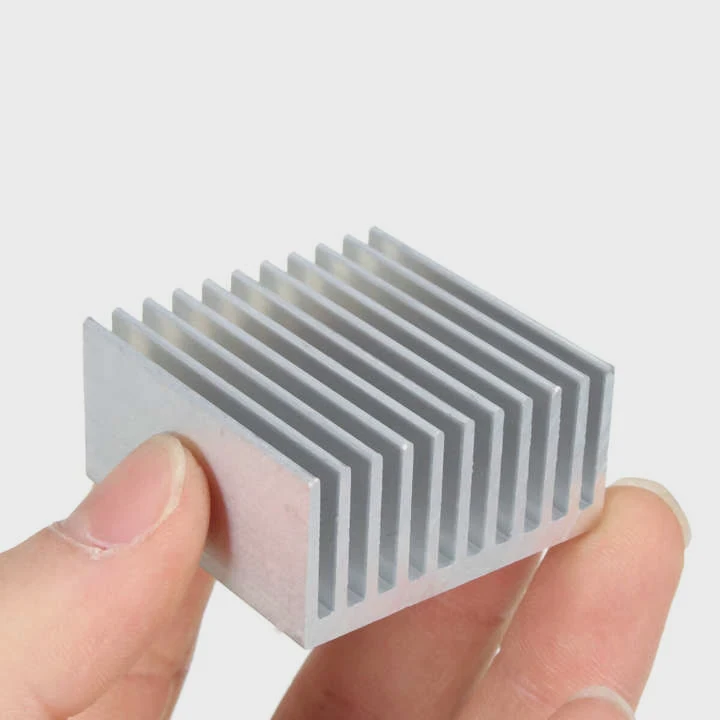
Natural Cooling vs Forced Cooling
A heat sink works by spreading heat away from the heat source. The metal, often aluminum or copper, transfers heat to its fins. These fins increase surface area so the heat can escape into the surrounding air.
However, passive cooling depends on natural convection. Warm air rises slowly. Cool air replaces it slowly. This process works for low power electronics but becomes inefficient as power increases.
A fan changes this situation.
The fan pushes air directly through the fin channels. The moving air continuously replaces hot air with cooler air. This process greatly improves the heat transfer rate.
Heat Transfer Mechanism
Heat sink cooling mainly depends on three steps:
| Heat Transfer Step | Description |
|---|---|
| Conduction | Heat moves from chip to heat sink base |
| Spreading | Heat spreads across fins |
| Convection | Air carries heat away from the fins |
The fan improves the third step.
Higher airflow increases the convective heat transfer coefficient, which means heat leaves the metal surface faster.
Example Temperature Difference
| Cooling Method | Typical Thermal Resistance |
|---|---|
| Passive heat sink | 1.5 – 3.0 °C/W |
| Fan-assisted heat sink | 0.3 – 1.2 °C/W |
Even a small fan can reduce device temperature by 10–30°C, depending on power load.
Why Fin Design Matters
Not all heat sinks benefit equally from fans.
If fin spacing is too narrow, airflow resistance increases. Air cannot move smoothly. If spacing is too wide, surface area decreases.
A good fan-assisted heat sink design considers:
- fin spacing
- fin height
- airflow direction
- base thickness
- airflow resistance
When these factors match the fan characteristics, cooling performance increases significantly.
Why combine active cooling with heat sinks?
Many systems generate more heat than passive cooling can handle. Heat sinks alone cannot keep temperatures within safe limits.
Active cooling combines a fan with a heat sink to increase heat removal efficiency. The fan forces air across the fins, while the heat sink spreads heat away from the device. Together they provide stable thermal control.
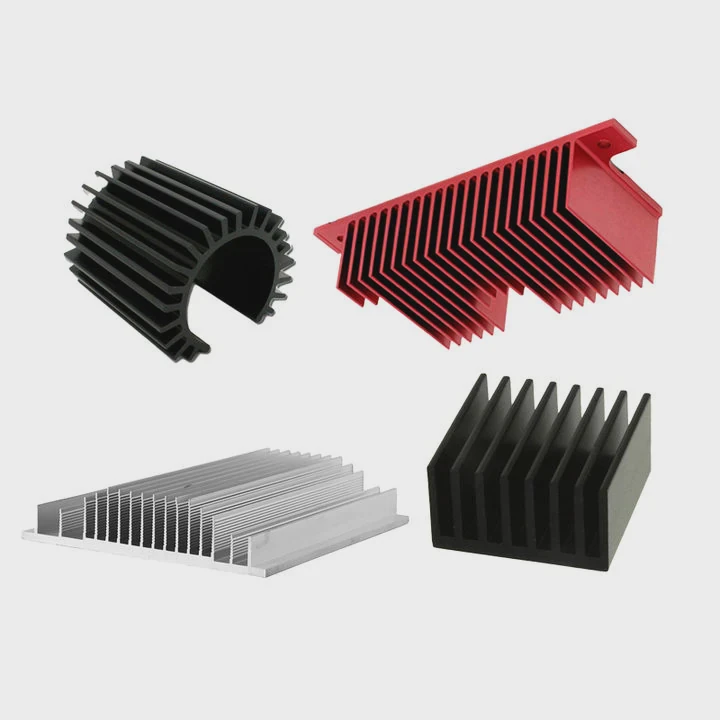
Passive Cooling Limits
Passive cooling works well in low power systems.
Examples include:
- small sensors
- low-power processors
- LED lighting modules
But modern electronics produce much higher heat density. Devices such as power modules or AI processors generate large amounts of heat in a small area.
The heat sink spreads the heat, but without airflow the heat remains trapped around the fins.
Active Cooling Solves This Problem
Active cooling introduces forced airflow.
The fan creates constant air movement. This airflow carries heat away quickly and prevents hot air accumulation around the heat sink.
Passive vs Active Cooling Comparison
| Feature | Passive Cooling | Active Cooling |
|---|---|---|
| Airflow | Natural convection | Forced airflow |
| Cooling capacity | Low to medium | Medium to high |
| Noise | Silent | Fan noise possible |
| Power use | None | Requires electrical power |
| Typical applications | Small electronics | High-power devices |
Thermal Stability
Another reason to combine fans with heat sinks is temperature stability.
Passive cooling often causes temperature fluctuations. When heat load increases, temperature rises slowly until equilibrium forms.
Active cooling responds faster.
The airflow immediately removes excess heat. This helps maintain stable operating temperature, which protects sensitive components.
Practical Engineering Experience
In many thermal design projects, engineers first test passive heat sinks. When temperatures exceed limits during long operating cycles, the next step is often adding airflow.
A simple fan sometimes reduces temperature enough to avoid redesigning the entire heat sink.
This is why many high-power systems combine both cooling methods from the start.
Where should an additional fan be mounted?
Adding a fan helps cooling, but placement matters. Poor positioning can reduce airflow efficiency.
An additional fan should be mounted to push or pull air directly through the heat sink fins. Proper alignment with the airflow path ensures maximum cooling efficiency.
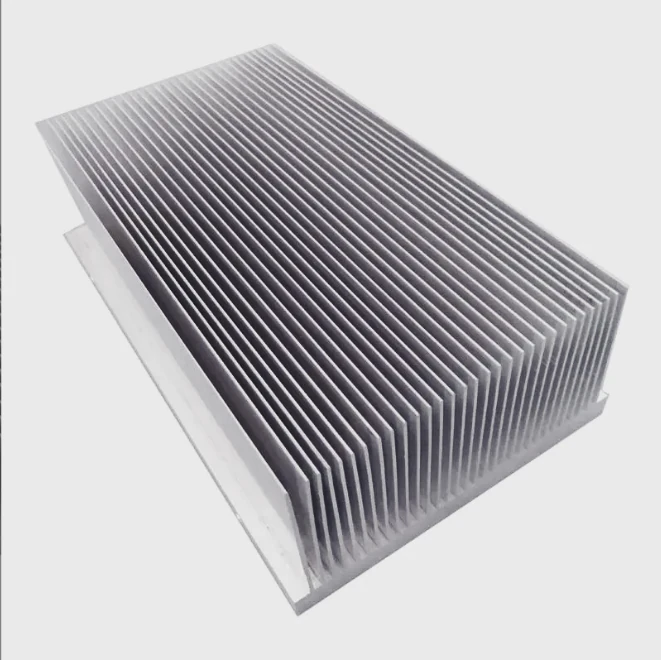
Two Common Fan Positions
Fans are usually mounted in two ways.
| Configuration | Description |
|---|---|
| Push configuration | Fan pushes air into heat sink |
| Pull configuration | Fan pulls air through heat sink |
Both methods can work well.
The best option depends on system layout and airflow resistance.
Push Configuration
In this setup, the fan blows air directly toward the heat sink.
Advantages include:
- strong airflow into fin channels
- better cooling at heat source
- easier mounting
This configuration is common in CPU coolers.
Pull Configuration
In pull mode, the fan is mounted after the heat sink. It draws air through the fins.
Benefits include:
- smoother airflow distribution
- reduced turbulence
- quieter operation in some cases
Airflow Direction in System Design
Fan placement must also consider overall system airflow.
Good airflow follows a clear path:
cool air intake → heat sink → hot air exhaust
If the fan blows against the system airflow, hot air may circulate back into the heat sink.
Example Airflow Layout
A typical electronics enclosure uses:
- front intake fans
- internal heat sink fan
- rear exhaust fans
This layout creates continuous airflow through the device.
Avoiding Common Mistakes
Many overheating issues come from poor airflow planning.
Common mistakes include:
- fan blowing toward a closed panel
- blocked intake vents
- airflow recirculation
- too many fans fighting each other
Proper fan placement ensures the airflow actually reaches the heat sink fins.
Which systems benefit from extra cooling fans?
Some systems operate safely with passive heat sinks. Others require active airflow to manage heat.
High-power electronics, dense computing systems, and industrial equipment benefit the most from extra cooling fans because they generate large heat loads in limited space.
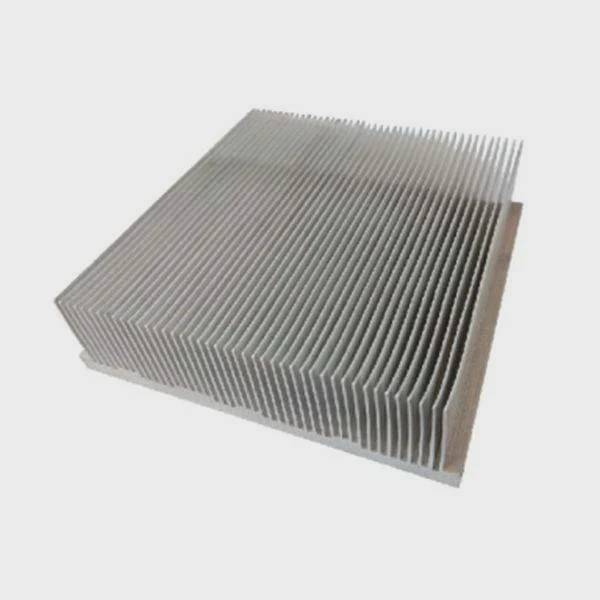
High Power Electronics
Devices with high electrical power produce significant heat.
Examples include:
- power converters
- motor drives
- inverters
- battery systems
These systems often use aluminum heat sinks with forced airflow.
Data Processing Hardware
Modern computing hardware produces extreme heat density.
Typical examples:
- GPUs
- AI processors
- high-performance CPUs
- server racks
These systems almost always combine heat sinks with multiple fans.
Communication Equipment
Telecommunication hardware often runs continuously.
Examples include:
- 5G base stations
- signal processing modules
- network switches
Long operating hours require reliable cooling systems.
Transportation Electronics
Rail systems, electric vehicles, and aerospace electronics contain high-power components.
These applications require thermal stability and long life cycles.
Industrial Equipment
Industrial electronics operate in demanding environments.
Typical equipment includes:
- laser machines
- medical imaging devices
- industrial control systems
These systems generate heat for long periods and need robust cooling.
Systems That Usually Need Extra Fans
| Application | Reason for Extra Cooling |
|---|---|
| Servers | High processor power density |
| Power electronics | Large heat generation |
| AI hardware | Continuous heavy computing |
| EV electronics | High current operation |
| Industrial drives | Long duty cycles |
In many cases, thermal design combines several cooling techniques:
- heat sinks
- vapor chambers
- liquid cooling plates
- forced airflow
This layered approach improves reliability and ensures stable performance even under heavy workloads.
Conclusion
Adding an extra fan to a heat sink is often a simple and effective way to improve cooling. Forced airflow increases heat transfer, lowers device temperature, and helps maintain stable performance in high-power electronic systems.




