
What Is Heat Sink on SSD?
- Yongxing
- 16 Mar ,2026
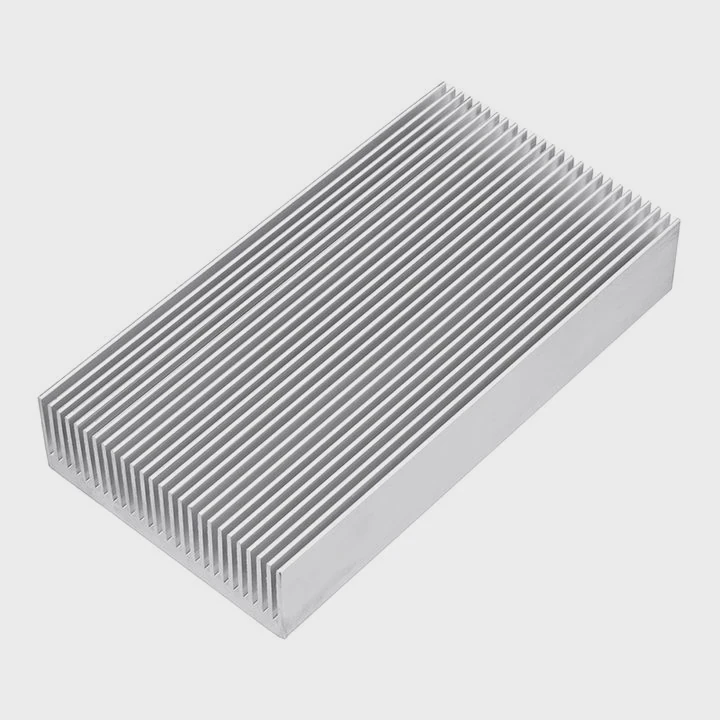
Modern SSDs run fast. Fast speed creates heat. Many users ignore this problem until performance suddenly drops or the drive slows down during heavy tasks.
An SSD heat sink is a metal cooling component, usually made of aluminum or copper, attached to the SSD to absorb and dissipate heat. It keeps the SSD temperature stable and prevents performance throttling during heavy workloads.
SSDs continue to become faster every year. NVMe drives now reach several gigabytes per second in data transfer speed. This performance creates more heat than many people expect. Because of this, heat sinks are now common in many modern SSD designs.
How does an SSD heat sink prevent overheating?
A fast SSD can quickly become hot during gaming, video editing, or data transfer. Excess heat reduces performance and shortens the lifespan of electronic components.
An SSD heat sink prevents overheating by absorbing heat from the SSD controller and NAND chips, then spreading and releasing that heat into the surrounding air through thermal conduction and surface area expansion.
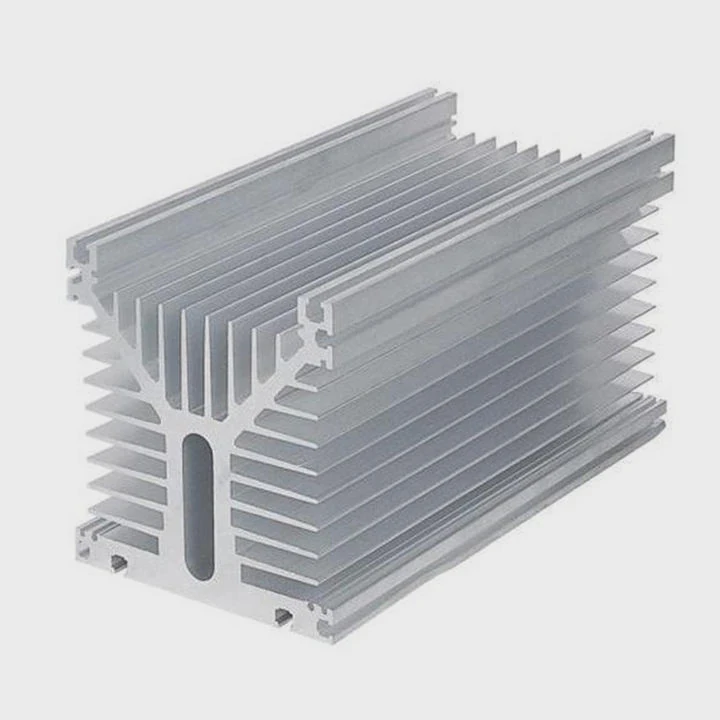
Why SSDs generate heat
An SSD contains several components that generate heat during operation. The main heat source is the controller chip. This chip manages data transfer, error correction, and communication with the motherboard.
High-speed NVMe drives process huge amounts of data every second. This creates electrical resistance and power consumption. Heat becomes a natural byproduct.
Common heat sources inside an SSD include:
| SSD Component | Heat Generation Reason |
|---|---|
| Controller Chip | Handles data management and high-speed communication |
| NAND Flash Memory | Performs constant read and write operations |
| DRAM Cache | Supports high-speed data buffering |
| Power Regulation Circuits | Convert and stabilize electrical power |
When these components work together at high speed, temperatures can easily reach 70°C or higher.
How a heat sink removes heat
A heat sink works through a simple but effective physical process. The metal material pulls heat away from the SSD chips and spreads it across a larger surface area.
Three main steps happen during this cooling process.
1. Heat conduction
Heat moves from the SSD controller to the heat sink through a thermal pad or thermal adhesive. Aluminum and copper conduct heat quickly.
2. Heat spreading
The heat sink spreads the heat across a larger metal surface. More surface area allows faster cooling.
3. Heat dissipation
Air inside the computer case carries heat away from the heat sink surface.
Why heat sinks improve SSD stability
Without cooling, SSD controllers may activate a protection feature called thermal throttling. This reduces the drive speed to prevent damage.
The difference can be significant.
| Condition | SSD Performance |
|---|---|
| Without heat sink | Speed drops after sustained workloads |
| With heat sink | Speed remains stable for longer periods |
For systems running continuous workloads, such as gaming PCs, servers, or editing workstations, heat sinks greatly improve reliability and performance.
Why do NVMe SSDs often require heat sinks?
NVMe SSDs are extremely fast. However, higher speed means higher heat output. This is the main reason many NVMe drives require heat sinks.
NVMe SSDs often require heat sinks because their high-speed PCIe interface and powerful controllers generate more heat than traditional SATA SSDs, which can trigger thermal throttling without proper cooling.
NVMe speed vs SATA speed
Traditional SATA SSDs operate through the SATA interface. This interface has limited bandwidth.
NVMe SSDs use the PCIe interface. PCIe provides much higher data transfer speeds.
The speed difference explains the heat difference.
| SSD Type | Interface | Typical Speed | Heat Level |
|---|---|---|---|
| SATA SSD | SATA III | ~550 MB/s | Low |
| NVMe SSD (PCIe 3.0) | PCIe | 3,000–3,500 MB/s | Medium |
| NVMe SSD (PCIe 4.0) | PCIe | 5,000–7,000 MB/s | High |
| NVMe SSD (PCIe 5.0) | PCIe | 10,000+ MB/s | Very High |
Higher bandwidth requires stronger controllers and higher power consumption.
NVMe controller chips produce significant heat
The NVMe controller acts like the brain of the SSD. It manages thousands of operations simultaneously.
This includes:
- Parallel NAND access
- Error correction algorithms
- Wear leveling
- PCIe communication
Because of these heavy computing tasks, controllers can reach temperatures above 90°C without cooling.
Thermal throttling problem
When the temperature exceeds safe limits, SSD firmware automatically reduces speed.
This process is called thermal throttling.
Symptoms include:
- Sudden drop in write speed
- Long file transfer times
- Slower game loading
- Reduced benchmark scores
A heat sink helps prevent this problem by lowering the controller temperature.
Motherboards now include SSD heat sinks
Many modern motherboards now include built-in M.2 heat sinks. This reflects how important SSD cooling has become.
Typical motherboard heat sink features include:
- Aluminum cooling plates
- Thermal pads
- Fin structures for airflow
These features help maintain stable SSD performance during long workloads.
Where is the SSD heat sink installed?
Many people are unsure where the heat sink sits on the SSD. The installation location is simple but important.
An SSD heat sink is installed directly on top of the SSD controller and NAND chips, usually attached to the M.2 SSD module through a thermal pad or mounting bracket.
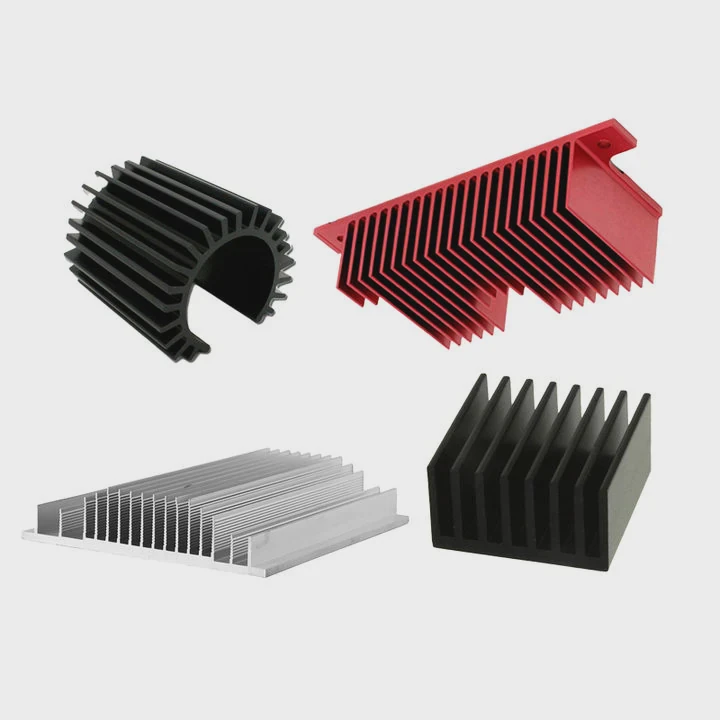
Typical installation position
Most modern SSD heat sinks are designed for M.2 drives. The heat sink sits on top of the drive surface.
The basic structure looks like this:
| Layer | Component |
|---|---|
| Top | Aluminum or copper heat sink |
| Middle | Thermal pad |
| Bottom | SSD controller and NAND chips |
| Base | M.2 PCB board |
The thermal pad fills small gaps between the heat sink and the chips. This ensures efficient heat transfer.
Common installation methods
Different manufacturers use different mounting methods.
1. Clip-on heat sinks
Some heat sinks use metal clips or brackets to hold the heat sink onto the SSD.
Advantages:
- Easy installation
- Reusable design
2. Adhesive heat sinks
Small consumer SSD heat sinks may use thermal adhesive.
Advantages:
- Very simple installation
- Low cost
Disadvantages:
- Harder to remove later.
3. Motherboard integrated heat sinks
High-end motherboards often include an M.2 cover with a built-in heat sink.
This solution is common in gaming and workstation boards.
Why proper contact is important
Poor contact between the heat sink and SSD chips reduces cooling performance.
Key factors for effective cooling include:
- Flat heat sink surface
- High-quality thermal pads
- Correct mounting pressure
Even small air gaps can significantly reduce heat transfer efficiency.
Which SSD types commonly include heat sinks?
Not every SSD includes a heat sink. The need for cooling depends on the interface speed and power consumption.
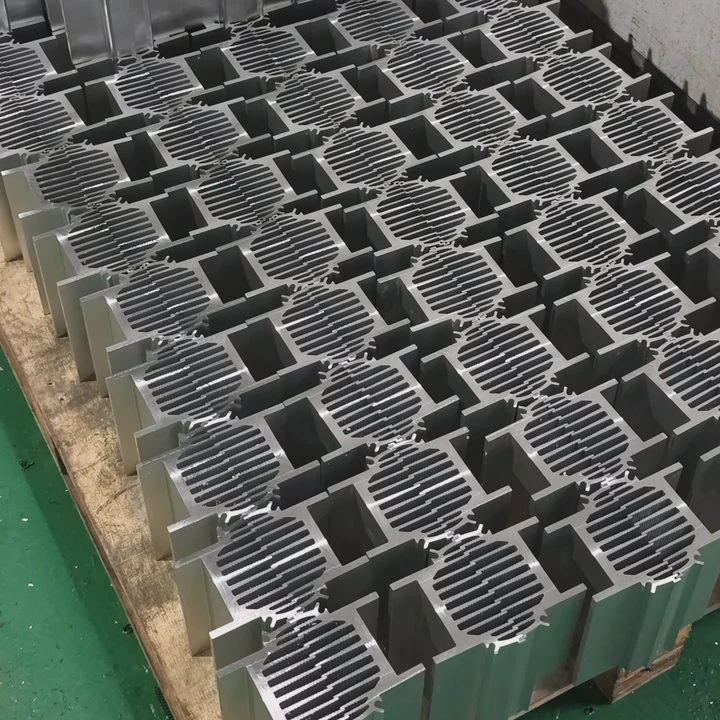
SSD heat sinks are most commonly included with high-performance NVMe drives, enterprise SSDs, gaming SSDs, and PCIe Gen4 or Gen5 storage devices that generate higher levels of heat.
Consumer SSD categories
Different SSD types have different cooling needs.
| SSD Type | Heat Sink Requirement |
|---|---|
| SATA 2.5” SSD | Usually not required |
| M.2 SATA SSD | Rarely required |
| NVMe PCIe 3.0 SSD | Sometimes included |
| NVMe PCIe 4.0 SSD | Often included |
| NVMe PCIe 5.0 SSD | Almost always required |
As SSD speed increases, heat sinks become more important.
Gaming SSDs
Gaming SSDs often include stylish heat sinks. These heat sinks sometimes include RGB lighting or unique designs.
Gaming workloads involve:
- Continuous loading of large game assets
- Frequent file reads
- High sustained speeds
Because of this, stable cooling improves game loading performance.
Enterprise and workstation SSDs
Professional storage devices handle heavier workloads.
Common enterprise use cases include:
- Data centers
- AI training systems
- Video rendering servers
- High-performance computing
These systems run continuously and produce sustained heat.
Enterprise SSD heat sinks are usually larger and more robust than consumer designs.
Emerging cooling technologies
As SSD speed continues to increase, traditional heat sinks may not be enough.
New cooling approaches are already appearing in advanced systems.
Examples include:
- Vapor chamber SSD cooling
- Active fan cooling
- Liquid cooling plates for storage systems
These technologies are similar to the cooling solutions used in high-power electronics.
Conclusion
SSD heat sinks play an important role in modern storage systems. They absorb and dissipate heat from high-speed SSD controllers. This prevents thermal throttling, protects hardware reliability, and ensures stable performance during heavy workloads.




