Do I Need a Heat Sink for M.2 SSD?
- Yongxing
- 19 May ,2026
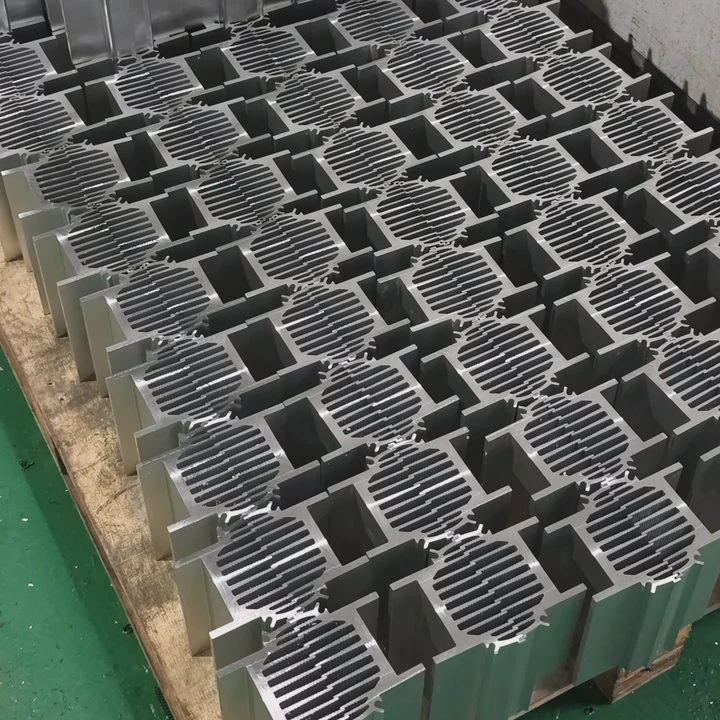
M.2 SSDs are tiny but fast, and speed generates heat. Without proper cooling, performance can drop and lifespan may shorten.
A heat sink keeps M.2 SSDs cooler, reducing thermal throttling and extending drive longevity, ensuring consistent high-speed performance.
Understanding M.2 cooling helps prevent sudden slowdowns and protects your investment.
How does cooling benefit M.2 SSD longevity?
M.2 SSDs have high-density NAND chips and controllers that produce heat during heavy workloads. Cooling prevents them from reaching unsafe temperatures, which slows wear and keeps data safe.
Cooling benefits M.2 SSDs by lowering temperature peaks, reducing stress on NAND cells, and maintaining peak performance for longer.
Heat and NAND lifespan
High temperatures accelerate wear in NAND flash memory. Each write/erase cycle adds stress, and heat increases the rate of cell degradation. Cooling slows this process and preserves drive life.
Thermal throttling
M.2 SSDs have built-in temperature limits. When they get too hot, the controller slows down the drive to prevent damage. A heat sink reduces this throttling, maintaining steady read/write speeds.
Material and airflow
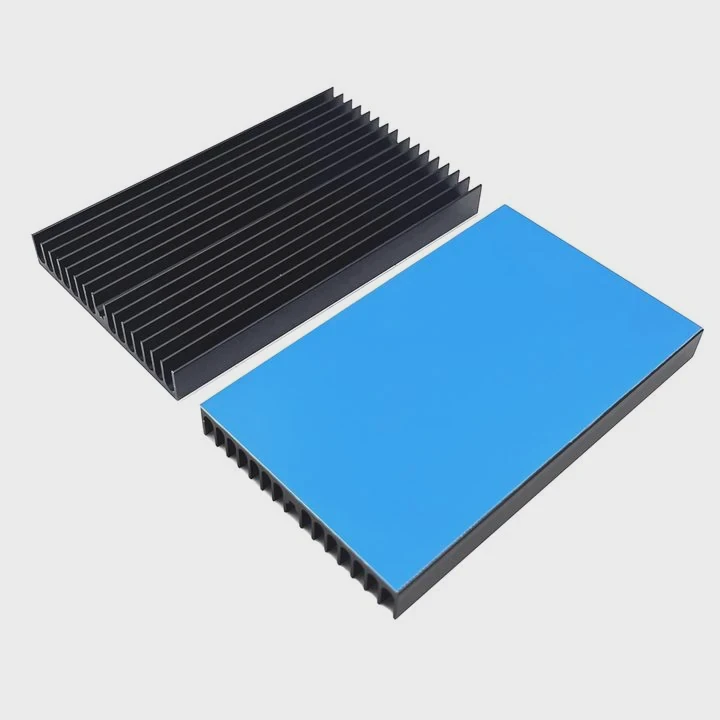
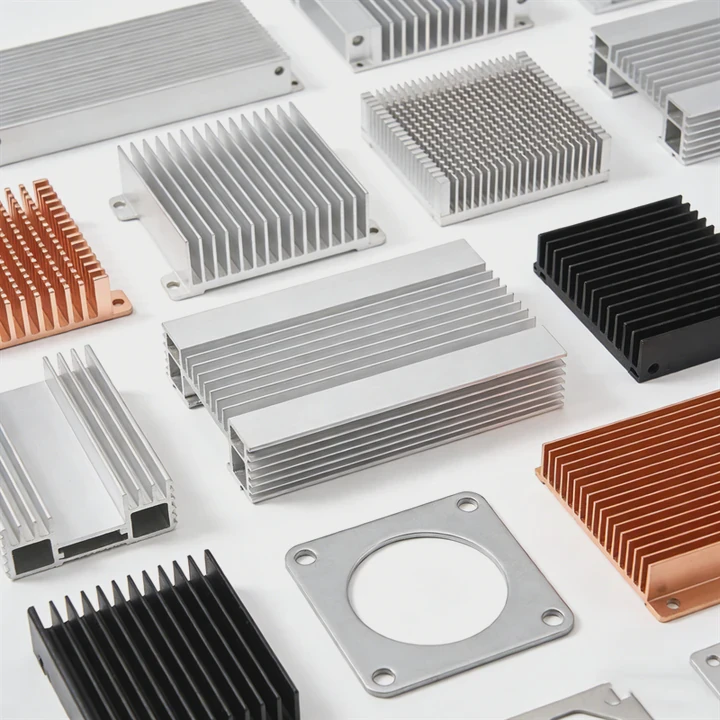
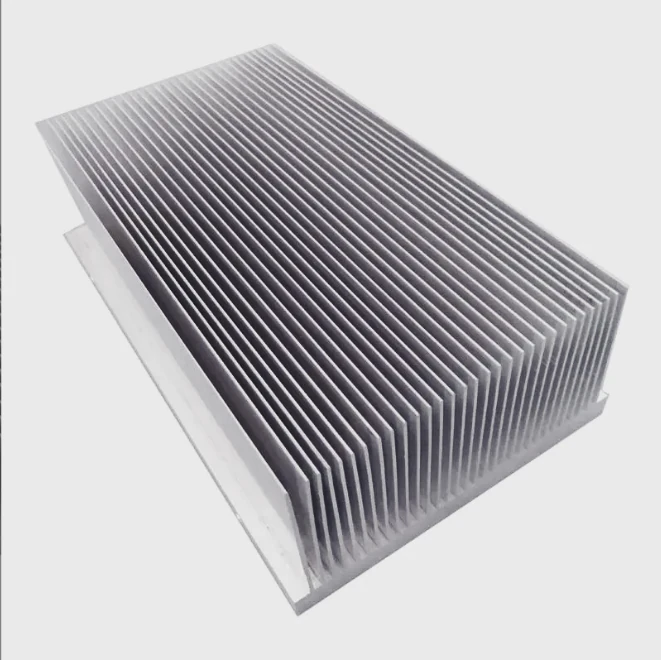
Aluminum heat sinks are common because they are light and conduct heat efficiently. Thermal pads or grease improve contact between the SSD and the heat sink. Proper airflow inside the case further enhances cooling.
Example comparison
| SSD Type | Max Temp (°C) | Heat Sink Impact |
|---|---|---|
| Bare M.2 SSD | 80-85 | Throttling likely |
| SSD with small aluminum heat sink | 65-70 | Throttling reduced |
| SSD with large finned heat sink | 55-60 | Stable full speed |
This shows that adding cooling can prevent throttling and extend lifespan significantly.
Why do NVMe drives run hotter?
NVMe drives are much faster than SATA SSDs, using PCIe lanes to transfer huge amounts of data. High-speed controllers and dense NAND chips produce more heat than standard drives.
NVMe drives run hotter because their high-speed operation generates significant heat from the controller and NAND flash, especially under heavy loads.
Factors causing heat
- Controller power - High-performance controllers switch rapidly, creating heat.
- NAND density - Smaller, tightly packed chips concentrate heat.
- PCIe interface - Faster data transfer increases energy consumption and heat.
- Workload type - Continuous writes or large file transfers spike temperature quickly.
Thermal limits
NVMe drives often include thermal sensors. When a drive exceeds about 70-80°C, throttling activates. Heavy gaming, video editing, or data center operations push drives toward these limits.
Cooling considerations
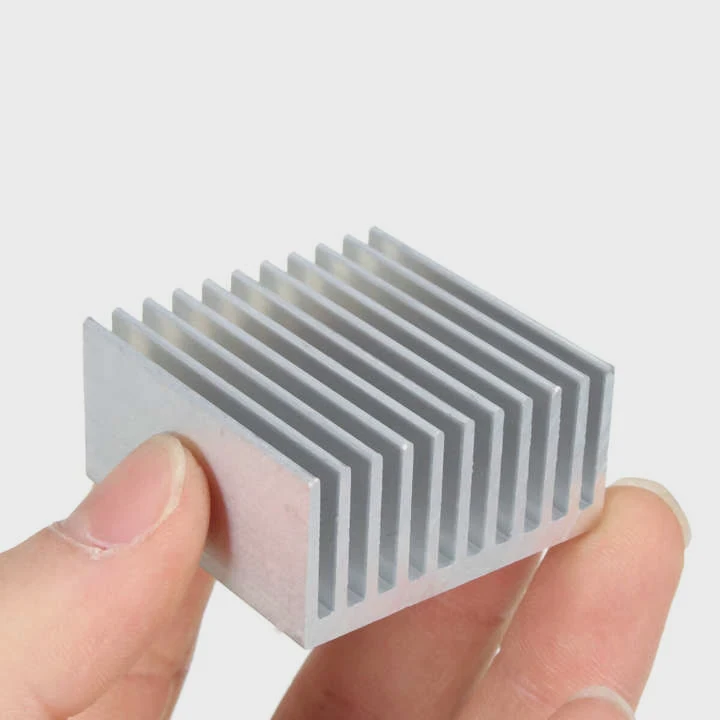
Even a small aluminum heat sink can drop temperature by 10-20°C. In high-performance setups, multiple NVMe drives benefit from additional airflow or even active cooling solutions.
Where is a heat sink mounted on M.2 SSD?
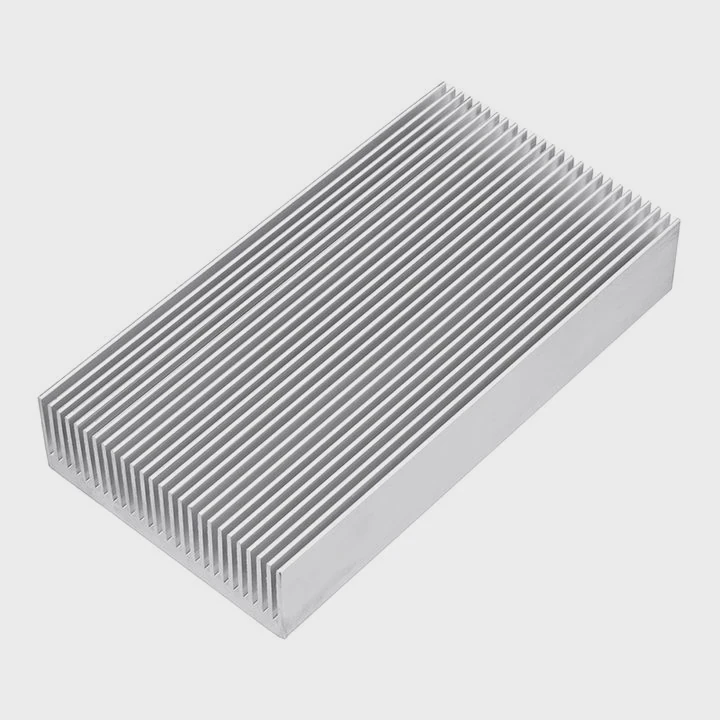
The heat sink sits directly on top of the SSD, covering the controller and NAND chips. A thermal pad or paste improves conduction, moving heat from the SSD to the aluminum or copper heat sink.
Mounting a heat sink on the top surface of the M.2 SSD ensures effective heat transfer and reduces the risk of throttling.
Installation tips
- Direct contact - Ensure the heat sink fully touches the controller and NAND chips.
- Thermal interface material - Use thermal pad or paste to fill microscopic gaps.
- Secure fit - Screws, clips, or adhesive keep the heat sink stable.
Orientation and airflow
- Vertical mounting may improve airflow in certain PC cases.
- Horizontal placement works if the case has proper fan setup.
Board and chassis impact
Motherboard M.2 slots sometimes include integrated heat sinks. Additional case airflow enhances cooling. For multiple M.2 drives, staggered airflow can prevent hotspots.
| Mounting Method | Pros | Cons |
|---|---|---|
| Direct clip-on | Simple installation | Limited surface area |
| Adhesive aluminum | Light, full coverage | Hard to remove |
| Screw-mounted fins | Maximum thermal contact | Requires case space |
This table highlights different mounting methods and trade-offs for performance and installation.
Which scenarios require M.2 heat sinks?
Not every M.2 SSD needs a heat sink. Low-usage drives, like boot drives for light computing, usually stay cool. High-speed NVMe drives under heavy workloads often benefit from additional cooling.
Scenarios requiring M.2 heat sinks include gaming PCs, content creation, data servers, or any system performing sustained high-speed read/write operations.
High-performance usage
- Gaming - Continuous load from textures and game assets generates heat.
- Video editing - Large video files stress both NAND and controller.
- Data servers - Multiple NVMe drives working together can overheat.
- Benchmarking / synthetic workloads - Maxing out speed triggers throttling without cooling.
Factors to consider
- Drive speed - PCIe Gen4 and Gen5 drives produce more heat than older versions.
- Case airflow - Small cases with poor ventilation increase temperature.
- Number of drives - Two or more closely spaced M.2 SSDs may overheat.
Power and temperature table
| Workload Type | Average Temp (°C) | Heat Sink Recommended? |
|---|---|---|
| Office tasks | 35-45 | No |
| Gaming | 55-70 | Yes |
| 4K video editing | 65-75 | Yes |
| NVMe RAID / server use | 70-85 | Strongly recommended |
Adding a heat sink in these cases keeps SSDs fast and reliable.
Final advice
Even modest cooling improves drive stability. For high-speed NVMe drives, passive or active heat sinks prevent throttling, reduce wear, and help maintain performance during heavy workloads.
Conclusion
Heat sinks for M.2 SSDs prevent overheating, reduce throttling, and extend lifespan. Heavy workloads, high-speed NVMe drives, and poor airflow setups especially benefit. Proper placement and thermal interface materials maximize the cooling effect.