Are Heat Sinks Necessary for PC Builds?
- Yongxing
- 18 May ,2026
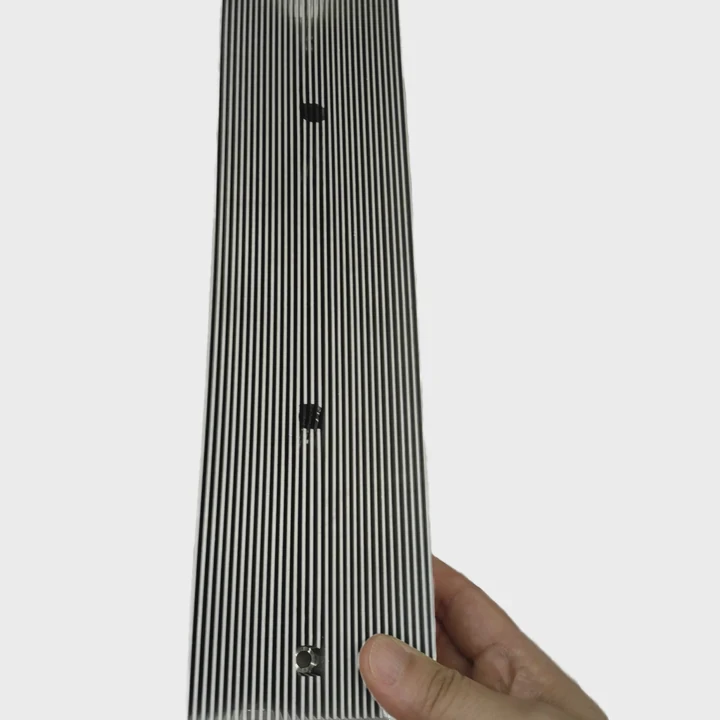
PC components generate heat during operation. Heat sinks help manage this heat and maintain stable performance.
Heat sinks impact PC performance by dissipating excess heat, preventing thermal throttling, and allowing processors, graphics cards, and other components to run at their full potential.
Understanding heat sink usage is essential for building efficient, stable, and long-lasting PCs.
How do heat sinks impact PC performance?
High-performance PC components produce significant heat. Without proper cooling, thermal throttling reduces speed and efficiency.
Heat sinks impact PC performance by keeping CPU, GPU, and other chips cooler, which ensures maximum clock speeds and prevents automatic slowdowns caused by overheating.
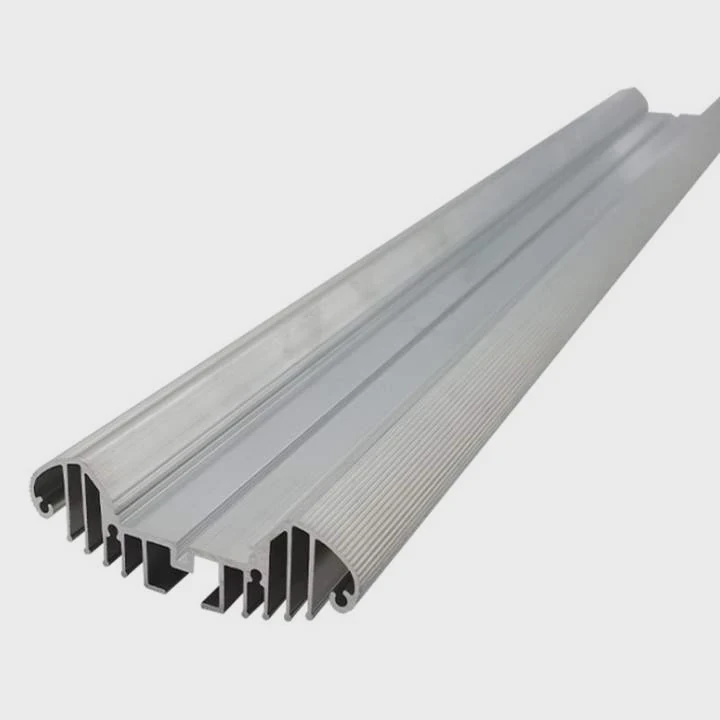
Modern CPUs and GPUs can produce tens to hundreds of watts of heat under load. When components get too hot, they reduce speed to protect themselves, known as thermal throttling. Heat sinks remove heat from the component, allowing consistent operation at full speed.
How heat sinks work
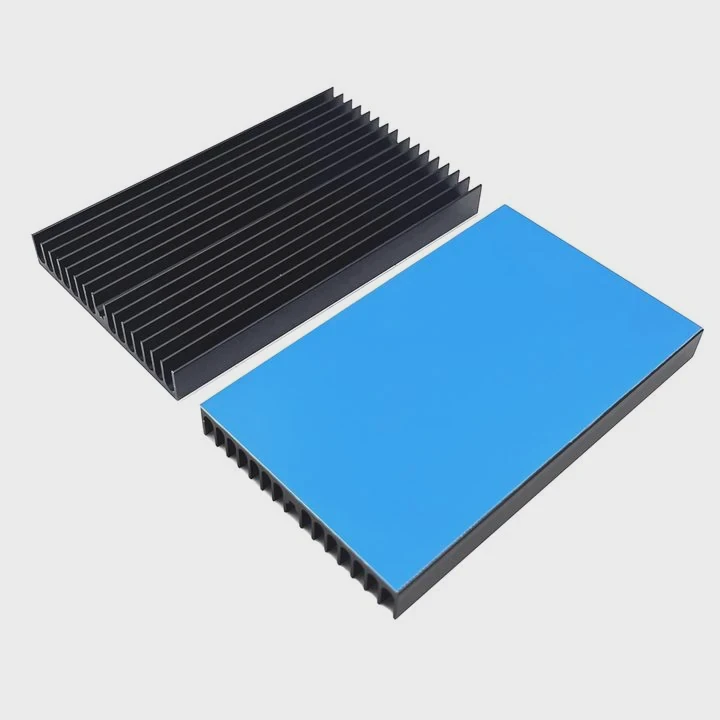
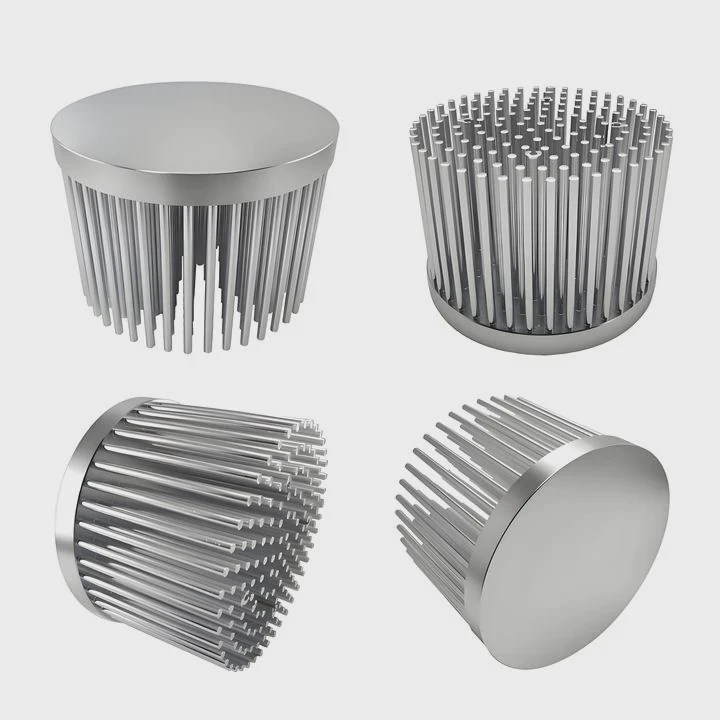
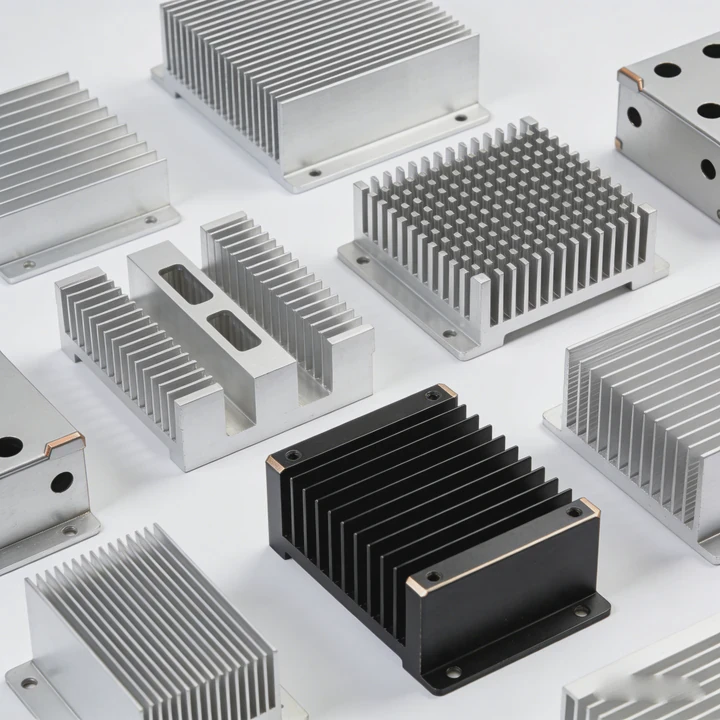
Heat sinks use metal, often aluminum or copper, to transfer heat from the chip to a larger surface area. Fins or plates increase the contact with air, improving heat removal. Thermal paste or pads improve contact between the component and the heat sink. Active designs use fans to push air across the fins for faster cooling.
Performance benefits
Effective heat sinks prevent throttling, reduce fan noise by requiring less aggressive cooling, and allow higher overclocks on CPU and RAM. Stable temperature improves performance in gaming, content creation, and scientific computing.
Table: Heat Sink Performance Effects
| Effect | Benefit |
|---|---|
| Reduced thermal throttling | Maintains full component speeds |
| Stable operation | Avoids unexpected slowdowns |
| Better overclocking | Allows safe higher clock frequencies |
| Longer lifespan | Reduces stress from prolonged heat exposure |
Heat sinks are especially critical for high-end builds where components operate near maximum load for long periods.
Why are heat sinks included in modern builds?
Modern builds include heat sinks because components are more powerful and generate more heat than older hardware.
Heat sinks are included in modern builds to prevent overheating, improve stability, and maintain efficient performance across CPUs, GPUs, and memory modules.
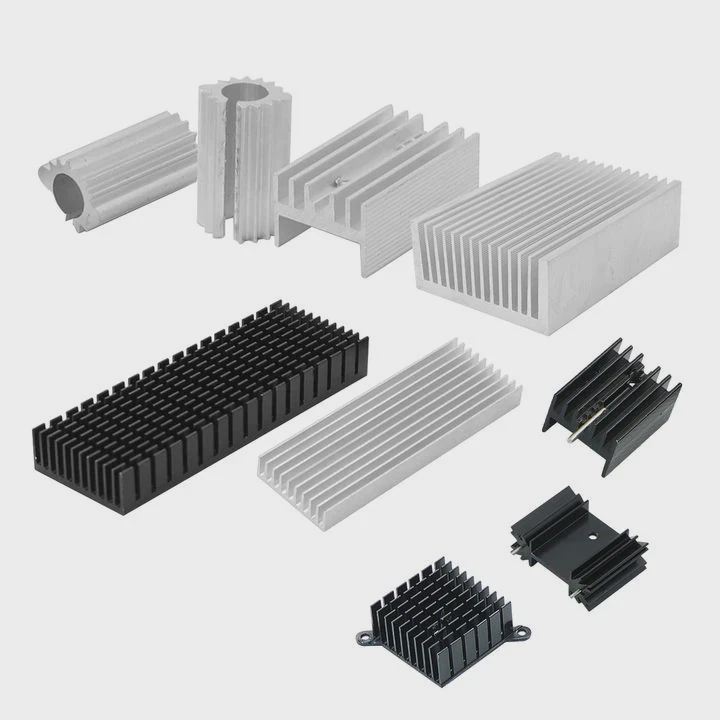
CPUs and GPUs today operate at high power densities. Even mid-range processors can reach temperatures above 70-80°C under load. Heat sinks help keep temperatures within safe limits, protecting the silicon and preventing performance drops. Many CPUs and GPUs ship with pre-installed heat sinks or integrated cooling solutions.
Reasons for inclusion
- Thermal protection - Prevents components from reaching dangerous temperatures.
- Stability - Maintains consistent performance under heavy load.
- Overclocking support - Enables higher frequencies safely.
- Noise reduction - Efficient heat sinks reduce the need for loud fans.
Heat sinks are now standard in PC builds, even in office or home systems, because safe temperature control improves overall reliability.
Where are heat sinks placed in PCs?
Heat sinks are mounted directly on components that generate the most heat to maximize cooling efficiency.
Heat sinks are placed on CPUs, GPUs, RAM, voltage regulators, and sometimes chipsets, ensuring direct contact with the hottest areas of each component.
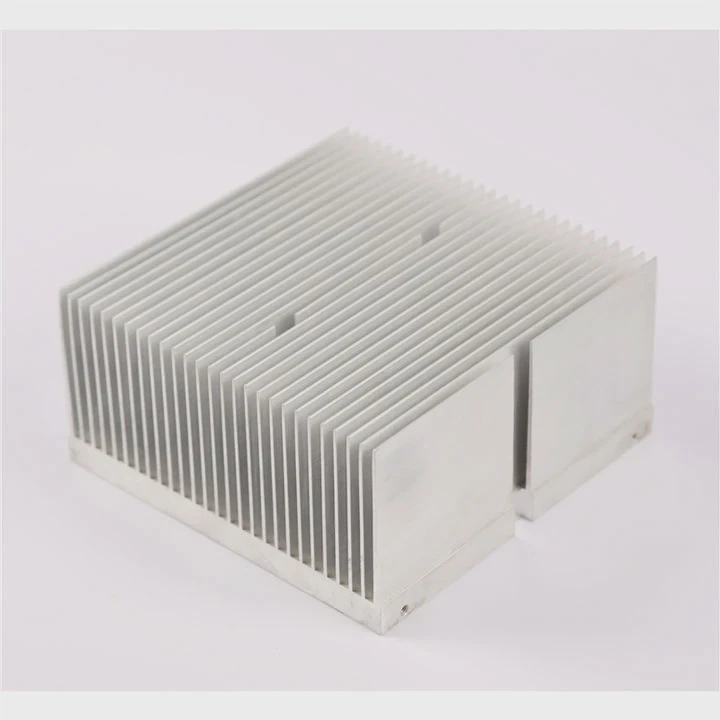
CPU heat sinks typically sit on top of the processor, with thermal paste applied between the IHS (Integrated Heat Spreader) and the heat sink base. GPU heat sinks cover the GPU die and sometimes VRAM modules. RAM modules may include heat spreaders, and motherboards often feature small heatsinks on VRMs and chipsets.
Placement considerations
- Ensure thermal paste or pads are used to maximize contact.
- Avoid airflow blockage; fans should move air efficiently across heat sinks.
- Some compact builds require low-profile heat sinks to fit under other components.
Table: Heat Sink Placement
| Component | Placement Tip |
|---|---|
| CPU | Full contact with baseplate, thermal paste applied |
| GPU | Cover GPU die and VRAM chips, fans for airflow |
| RAM | Clip or adhesive on DRAM ICs |
| Motherboard VRMs | Direct contact with small heatsinks, airflow from case fans |
| Chipsets | Low-profile heatsinks or airflow from case |
Proper placement ensures heat is removed quickly, preventing hotspots and maintaining consistent performance.
Which components must have heat sinks?
Not all components need heat sinks. Critical components that generate heat under load should always have them.
CPUs, GPUs, high-speed RAM, voltage regulators, and power management ICs must have heat sinks to ensure safe operation and prevent thermal throttling or failure.
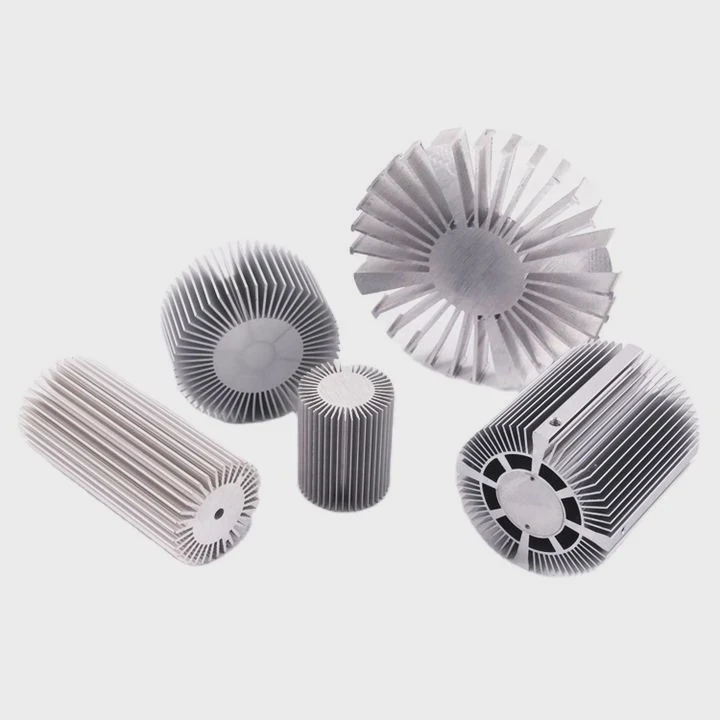
Some low-power components like standard storage drives or basic network cards usually run cool without additional heat sinks. High-power parts, however, require cooling to maintain stability. Even modern SSDs, especially NVMe drives, benefit from small heat sinks or integrated thermal pads in compact builds.
Components needing heat sinks
- CPUs in all but the lowest power builds
- GPUs, especially dedicated graphics cards
- High-speed RAM modules
- Voltage regulators and VRMs on motherboards
- NVMe SSDs in high-speed or heavy-use systems
Table: Heat Sink Requirement by Component
| Component | Heat Sink Need |
|---|---|
| CPU | High |
| GPU | High |
| RAM (high-speed/overclocked) | Moderate to High |
| Motherboard VRMs | Moderate |
| NVMe SSD | Moderate |
| Storage drives (HDD/standard SSD) | Low |
Installing heat sinks on the right components ensures the PC operates reliably under load, prolongs lifespan, and allows for safe overclocking or intensive workloads.
Conclusion
Heat sinks are essential in PC builds to manage heat, maintain performance, and protect components. Proper placement on CPUs, GPUs, RAM, VRMs, and NVMe SSDs ensures stability, longevity, and efficient operation, making them a critical part of modern PC design.