Do I Need a Heat Sink for Raspberry Pi?
- Yongxing
- 19 May ,2026
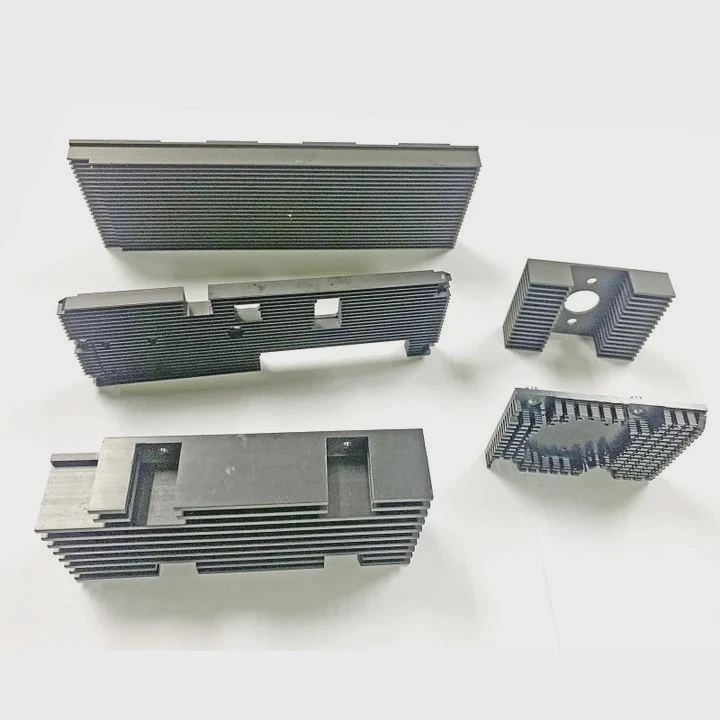
Raspberry Pi can get hot quickly when running multiple tasks. Using a heat sink can prevent crashes and slowdowns during long sessions.
A heat sink helps Raspberry Pi stay cool by drawing heat from its CPU and GPU, spreading it over a larger surface area to reduce temperature and maintain consistent performance.
Understanding the benefits of a heat sink is key to keeping your Raspberry Pi safe, stable, and reliable during intensive projects.
How does a heat sink help Raspberry Pi cooling?
When your Raspberry Pi heats up, performance can drop, and the device may throttle speed. Heat sinks address this problem effectively.
A heat sink cools Raspberry Pi by transferring heat away from critical chips and spreading it across a larger area, where airflow can carry it off, lowering overall temperature.
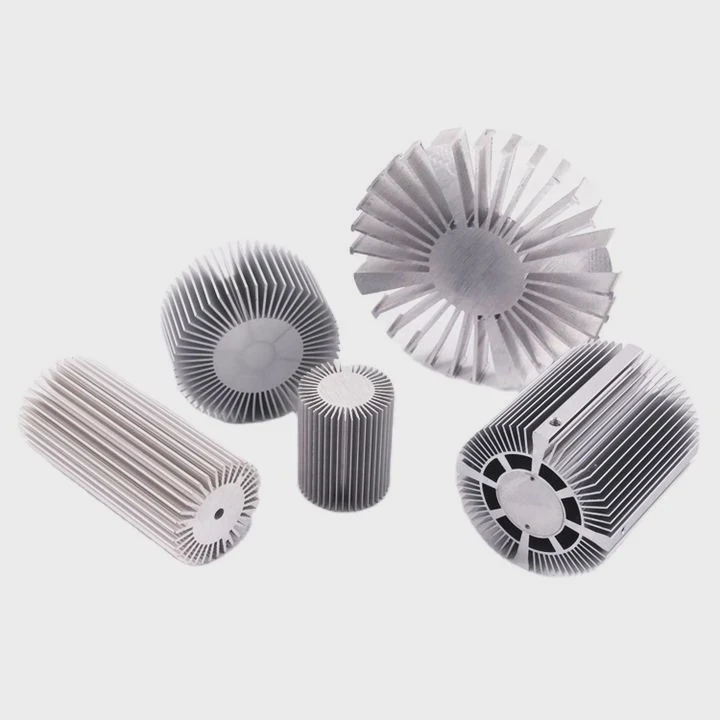
Heat Transfer Basics
Heat sinks work by conduction. Metals like aluminum and copper have high thermal conductivity. When placed on the CPU or GPU, heat moves from the chip into the metal. Fins or flat surfaces allow heat to disperse further.
Convection Cooling
Once heat is in the metal, surrounding air removes it. Larger surface area increases the contact between air and metal. Adding a fan speeds up this process.
Material Options
- Aluminum: Lightweight, affordable, suitable for moderate heat.
- Copper: Excellent conductivity, heavier, better for heavy loads.
Example Table: Heat Sink Material Comparison
| Material | Thermal Conductivity (W/m·K) | Weight | Cost |
|---|---|---|---|
| Aluminum | 200 | Light | Low |
| Copper | 400 | Heavy | High |
Choosing the right material depends on tasks. Simple projects can use aluminum; complex or high-load tasks benefit from copper.
Installation Tips
Attach heat sinks with thermal adhesive or pads. Ensure full contact with chip surfaces. Clean the area before installation to remove oils or dust for best heat transfer.
Why does Raspberry Pi overheat under load?
Raspberry Pi can handle many tasks but small size means heat builds up quickly under stress. Without cooling, the board can overheat.
Raspberry Pi overheats under load because its small form factor concentrates heat in limited space, while high-performance tasks generate more heat than the casing can dissipate naturally.
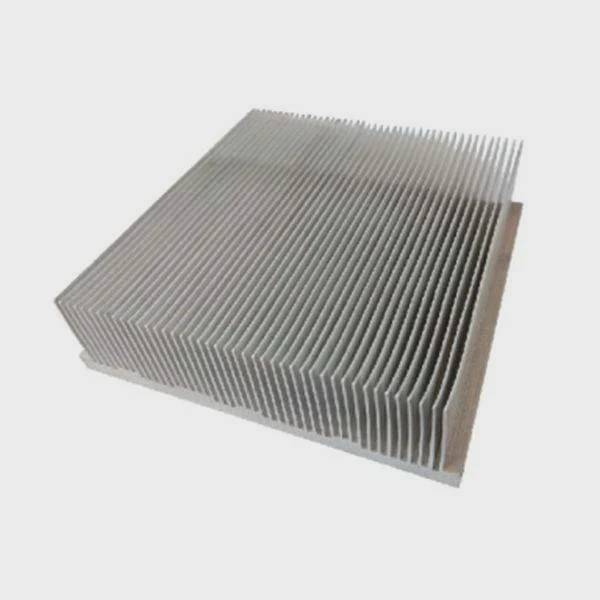
CPU and GPU Heat
The processor generates heat during computation, and GPU heats up with graphics tasks. Extended gaming, video processing, or running servers increases temperature rapidly.
Thermal Throttling
High temperature triggers Raspberry Pi to reduce CPU speed to prevent damage. This slows performance and can cause lag or stuttering.
Environment Effects
Ambient temperature, airflow, and enclosure design affect overheating. Closed or poorly ventilated cases accelerate heat buildup.
Example Table: Typical Raspberry Pi Temps
| Task | CPU Temp Without Heat Sink | CPU Temp With Heat Sink |
|---|---|---|
| Idle | 50°C | 45°C |
| Video Streaming | 65°C | 55°C |
| Gaming / Heavy Compute | 85°C | 65°C |
Monitoring temperature helps decide if a heat sink is necessary. Temperatures over 80°C indicate cooling is needed.
Where should heat sinks be attached on Raspberry Pi?
Correct placement maximizes cooling effectiveness. Misplaced heat sinks reduce their efficiency.
Heat sinks should be attached to the CPU, GPU, and optionally RAM chips to ensure efficient heat transfer and keep components within safe operating temperatures.
Key Components to Cool
- CPU: Main processor generates the most heat.
- GPU: Graphics processor heats during video or gaming tasks.
- RAM: Optional, useful under high load or overclocking.
Placement Guidelines
- Clean surfaces before attachment.
- Ensure thermal pad or adhesive covers full contact area.
- Avoid blocking connectors or other components.
- Consider airflow direction in case design.
Extra Cooling
Combine heat sinks with fans or passive airflow to maintain lower temperatures for intensive workloads. This method is especially useful for overclocked boards.
Diagram Reference
Visualize Raspberry Pi board with rectangles marking CPU, GPU, and RAM. Placing heat sinks here ensures heat spreads into air effectively.
Which Raspberry Pi models need heat sinks?
Different models generate different amounts of heat. High-performance boards benefit more from cooling solutions.
Models like Raspberry Pi 4 and Raspberry Pi 400 need heat sinks because they have more powerful CPUs and GPUs, producing higher heat under intensive tasks.
Older Models
Raspberry Pi 1, 2, and 3 usually run cooler. Heat sinks are optional but improve reliability during extended workloads.
High-Performance Boards
- Raspberry Pi 4: Quad-core CPU, high RAM, generates significant heat.
- Raspberry Pi 400: Integrated keyboard limits airflow, making heat sinks crucial.
Example Table: Cooling Recommendation by Model
| Model | Recommended Cooling | Reason |
|---|---|---|
| Raspberry Pi 1/2/3 | Optional small HS | Low heat generation |
| Raspberry Pi 4 | Full HS + fan | High heat under load |
| Raspberry Pi 400 | Full HS + fan | Limited airflow inside keyboard |
| Raspberry Pi Zero | Optional | Low power CPU |
Benefits
Adding heat sinks prevents thermal throttling, maintains CPU speed, and improves longevity. Overclocked models particularly benefit from effective cooling solutions.
Conclusion
Heat sinks keep Raspberry Pi cool, prevent throttling, and maintain performance. Correct placement and material choice ensure stability and extend the device’s life during high-load tasks.