do i need a heat sink for ssd?
- Yongxing
- 20 May ,2026
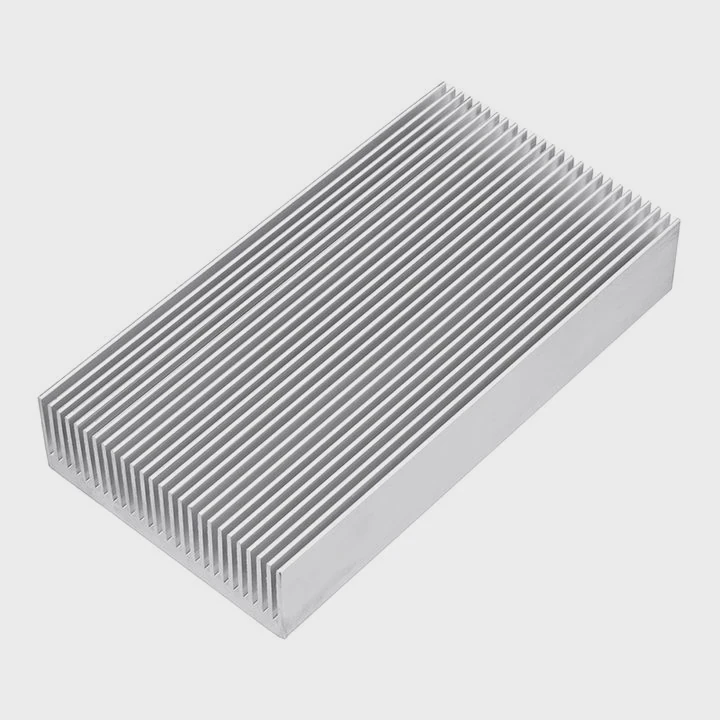
Many users push their SSDs hard. Data transfers are fast, but the device can overheat and throttle performance unexpectedly.
A heat sink helps an SSD maintain consistent speeds by dissipating heat, preventing thermal throttling, and extending the device’s lifespan under heavy workloads.
SSD cooling is often overlooked, yet it is crucial for long-term reliability and optimal performance.
How does a heat sink affect SSD performance?
SSDs generate heat during read/write operations. Without proper cooling, performance can drop dramatically.
A heat sink affects SSD performance by keeping NAND chips and controllers cool, allowing continuous high-speed operations without thermal throttling.
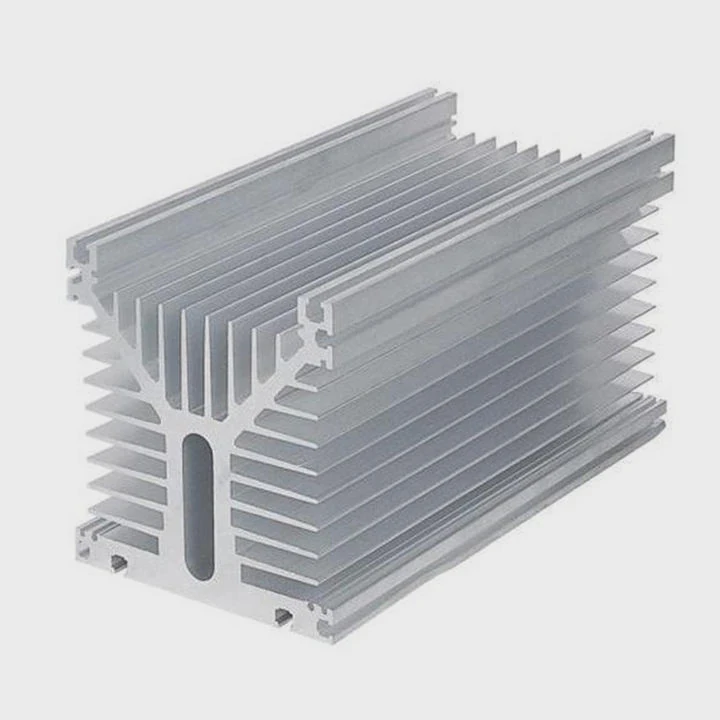
Heat is the silent speed killer. When SSDs get too hot, the controller slows down to protect the drive, reducing transfer rates.
How heat influences SSD speed
SSDs have temperature limits. When exceeded:
- Controller reduces clock speed
- NAND read/write slows
- Transfer spikes drop dramatically
A heat sink keeps temperature below this limit.
Benefits of adding a heat sink
- Consistent transfer speeds - avoids sudden slowdowns during large file operations.
- Longer lifespan - high heat accelerates wear on NAND cells.
- System stability - reduces errors during intensive tasks.
Real-world impact
For gamers or video editors, SSDs often transfer dozens of GB in minutes. Without cooling, throttling occurs, which is noticeable in software like video editing timelines or game load times.
Thermal design in SSDs
Some SSDs come with built-in heat spreaders. Others rely on motherboard M.2 heatsinks. Thermal design is key to performance.
| SSD Component | Heat Sensitivity | Heat Sink Effect |
|---|---|---|
| Controller | High | Keeps clock stable |
| NAND Chips | Medium | Reduces wear |
| DRAM Cache | Low | Slight benefit |
A heat sink is most effective when placed to cool the controller and main NAND modules.
Why might an SSD overheat without cooling?
SSDs are small but powerful. High-speed transfers generate significant heat in a compact area. Without heat dissipation, components reach unsafe temperatures.
An SSD might overheat without cooling because high-speed data transfer generates heat that exceeds the device’s thermal tolerance, causing throttling or potential damage.
Factors contributing to overheating
- High data throughput - Continuous large file operations raise temperature quickly.
- Small form factor - M.2 SSDs have limited surface area for natural cooling.
- Enclosure and airflow - Tight PC cases reduce air circulation.
- Ambient temperature - Hot room or limited ventilation worsens heating.
Symptoms of SSD overheating
- Sudden slowdown in read/write speeds
- Errors during file transfers
- Warning messages from software monitoring SSD health
Understanding thermal throttling
Modern SSDs automatically slow performance to protect themselves. While safe, this reduces productivity and can frustrate users.
Material and cooling design
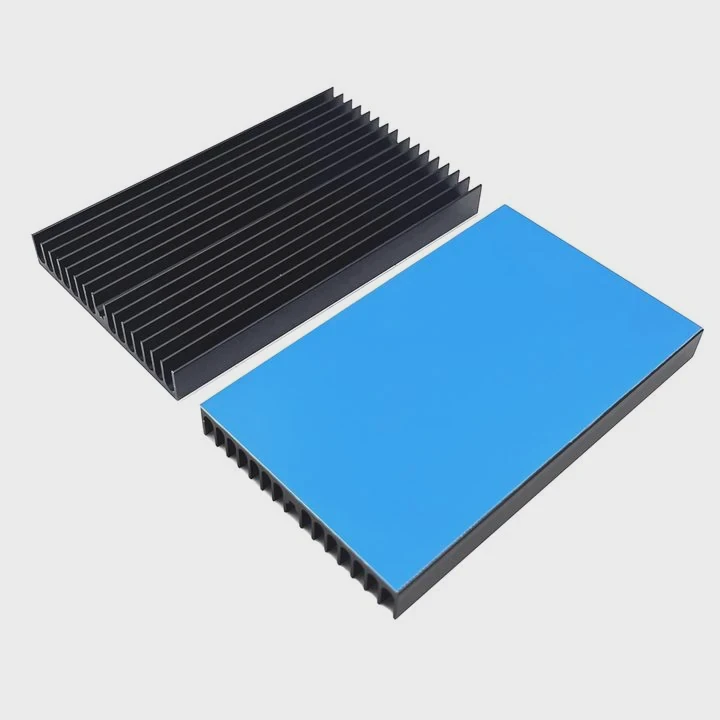
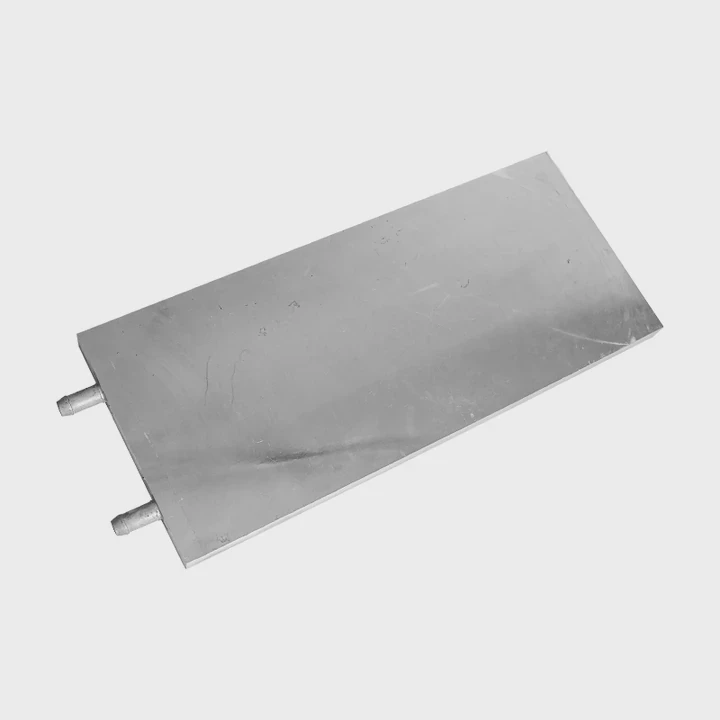
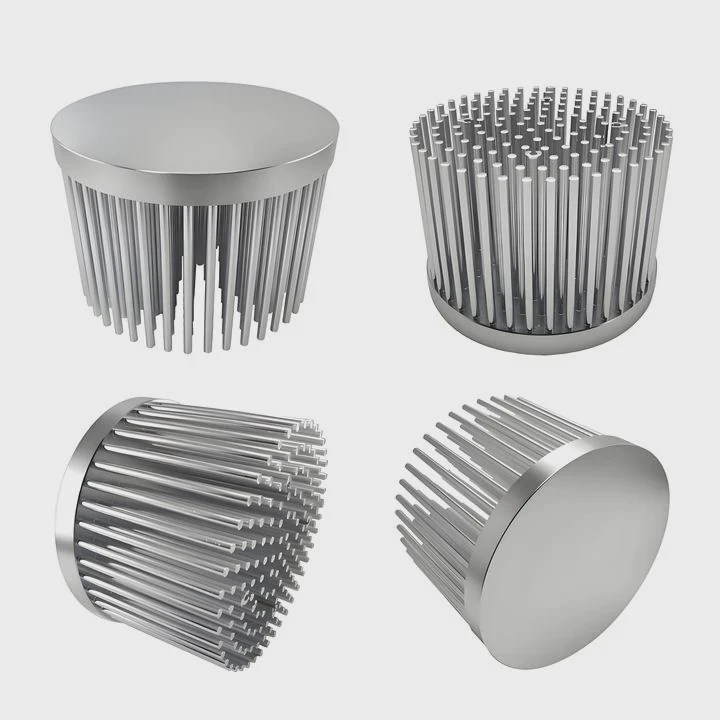
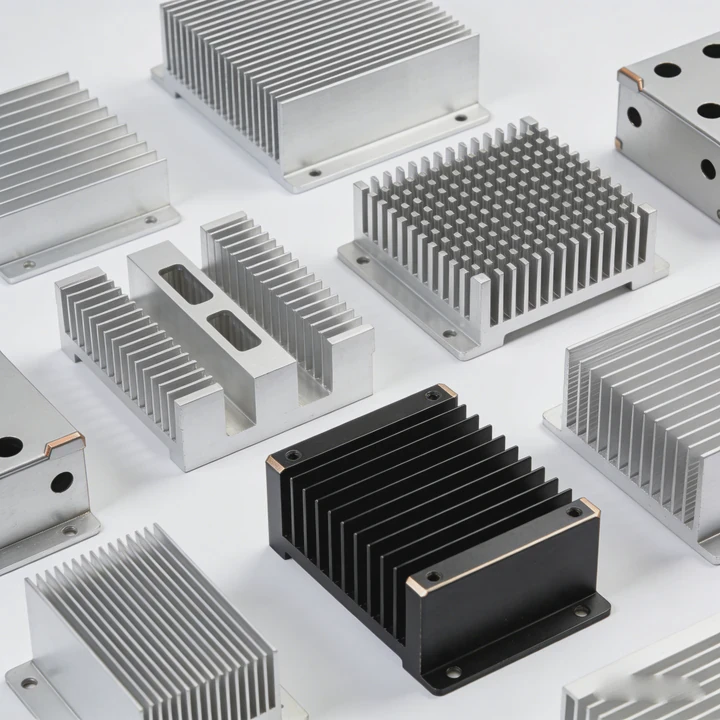
Metal heat sinks and thermal pads improve heat transfer. Aluminum is common for its lightweight and conductivity. Copper may be used in high-end solutions.
| Heat Source | Typical Temperature | Without Cooling | With Heat Sink |
|---|---|---|---|
| Controller | 70-90°C | Throttling | Stable < 70°C |
| NAND Chips | 60-80°C | Slower writes | Stable < 65°C |
Practical example
During a 4K video export, an NVMe SSD reached 85°C without a heat sink. Performance dropped from 3500 MB/s to 1500 MB/s. Adding an aluminum heat sink kept temperatures under 65°C and maintained max speed.
Where should a heat sink be added to SSD?
Correct placement ensures effective cooling. Wrong installation reduces efficiency or may even block airflow.
A heat sink should be added directly over the SSD’s controller and NAND chips, using thermal pads or adhesives to ensure maximum heat transfer.
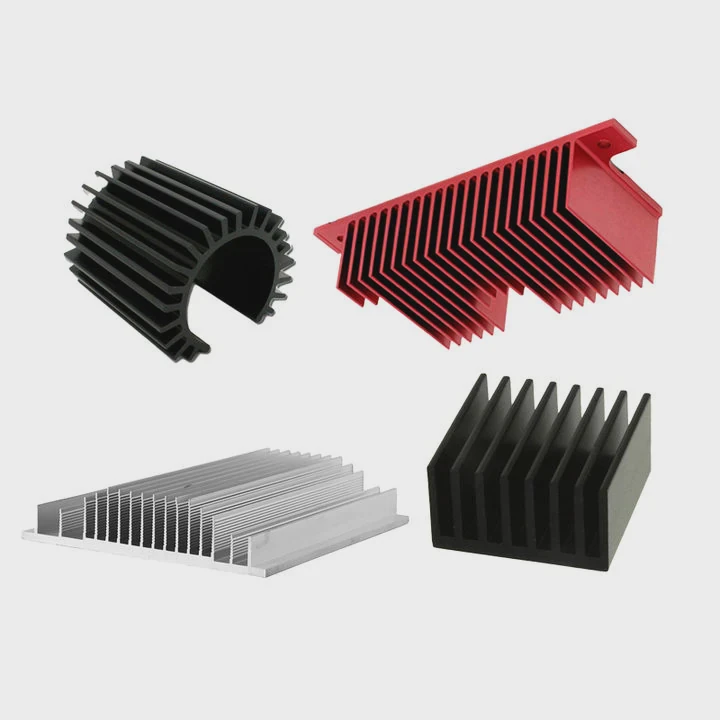
Common SSD heat sink placements
- Full M.2 module coverage - Covers both controller and NAND.
- Partial coverage - Focuses on the controller; less effective for NAND.
- Motherboard-integrated heatsinks - Some motherboards offer pre-installed M.2 cooling brackets.
Thermal interface considerations
- Thermal pads: Fill gaps, transfer heat efficiently.
- Thermal paste: Provides best conductivity but can be messy.
- Pressure contact: Screws or clips ensure tight mounting.
Mounting tips
- Avoid tilting or uneven pressure
- Ensure no airflow blockage
- Keep dust away from thermal surface
Mounting comparison
| Mount Type | Pros | Cons |
|---|---|---|
| Clip-on | Easy install | Pressure may vary |
| Screw | Strong contact | Requires tools |
| Adhesive | Simple | Hard to remove |
Real-world insight
In a small form factor PC, adding a motherboard M.2 heatsink improved sustained SSD write speeds by 40% during 30-minute video rendering sessions.
Additional considerations
Airflow above the SSD matters. Even with a heat sink, stagnant air reduces cooling efficiency. Fans or open-air case designs improve performance further.
Which SSD types need heat sinks most?
Not every SSD benefits equally. High-speed, high-power drives are more vulnerable to heat.
SSD types that need heat sinks most include NVMe PCIe Gen3 and Gen4 M.2 SSDs, especially those used for gaming, video editing, or server workloads with sustained high-speed transfers.
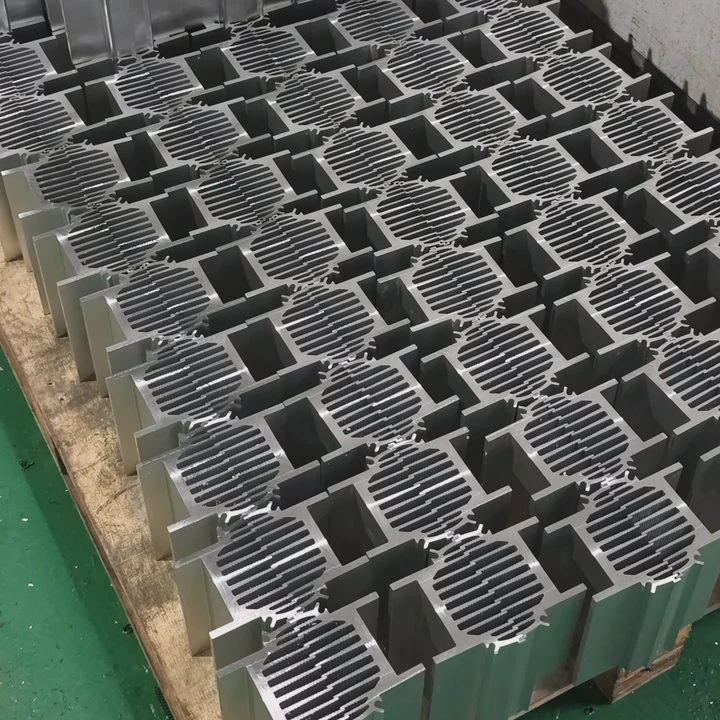
SSD categories and heat sensitivity
- SATA SSDs - Low heat, generally do not need heat sinks.
- NVMe Gen3 M.2 SSDs - Moderate heat; heat sinks recommended for continuous heavy workloads.
- NVMe Gen4 M.2 SSDs - High heat; heat sinks often necessary to avoid throttling.
- Enterprise/High-power SSDs - Always benefit from active or passive cooling solutions.
Quick selection guide
| SSD Type | Heat Sink Recommended? |
|---|---|
| SATA 2.5” | No |
| NVMe Gen3 | Yes if heavy use |
| NVMe Gen4 | Yes |
| Enterprise NVMe | Yes, often required |
Usage scenarios
- Gaming PCs with long sessions
- Video editing or rendering rigs
- Data center servers with constant load
Additional insights
Even in short bursts, heat can accumulate. Heat sinks provide extra safety margin for reliability.
Practical recommendation
Check the manufacturer’s temperature specs. If typical operating temperatures exceed 60-70°C under load, a heat sink is advisable.
Personal observation
Adding a heat sink to a Gen4 NVMe drive in a compact gaming PC prevented noticeable thermal throttling. Speeds remained consistent across long game installations and large file transfers.
Cost-benefit analysis
- Heat sinks are inexpensive
- They prevent performance drops
- They improve SSD longevity
The value far outweighs the minimal cost in most high-performance setups.
Conclusion
High-speed SSDs generate significant heat. Adding a heat sink maintains peak performance, prevents throttling, and extends lifespan. For NVMe Gen3/Gen4 and enterprise drives, cooling is often necessary for reliable, consistent operation.