Do RAM Need Heat Sinks?
- Yongxing
- 20 May ,2026
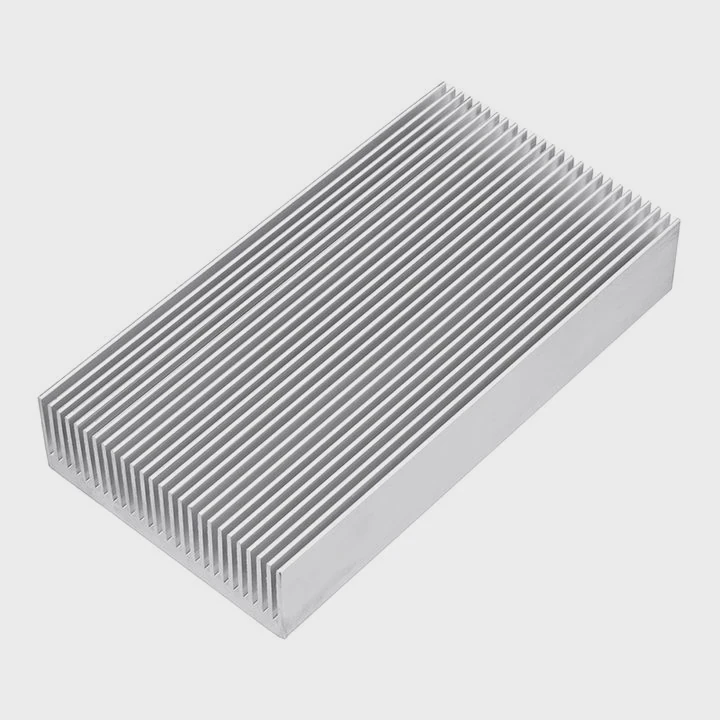
RAM modules can run hot under heavy load. Heat sinks help keep temperatures down and maintain performance.
Heat sinks affect RAM performance by improving heat dissipation, reducing thermal throttling, and ensuring stable operation during intense computing tasks like gaming or video rendering.
Knowing when and how to use heat sinks on RAM can prevent instability and prolong the module’s lifespan.
How do heat sinks affect RAM performance?
RAM can generate heat when operating at high frequencies or under heavy multitasking. Excess heat may reduce stability or cause errors.
Heat sinks improve RAM performance by lowering operating temperatures, allowing higher speeds, better stability, and longer module lifespan.
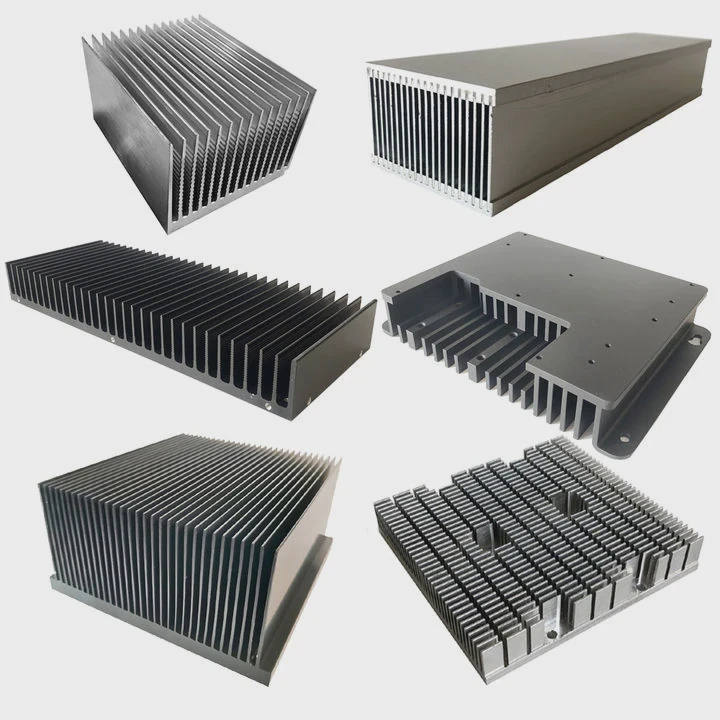
High-speed RAM modules can heat up during extended use. Without a heat sink, the memory chips may experience thermal throttling or errors. A heat sink absorbs heat from the RAM chips and spreads it over a larger surface, which is then cooled by case airflow.
How heat sinks help
Heat sinks are usually aluminum or copper and attach to the RAM modules with clips or adhesive. They increase surface area and improve airflow over the chips. Some modules use thermal pads to ensure efficient heat transfer from the DRAM IC to the heat sink.
Effects on performance
Lower temperatures allow RAM to maintain its rated speed and timing, especially when overclocked. Heat sinks can also make memory more reliable during prolonged stress testing or demanding applications like 3D rendering or gaming.
Table: Benefits of RAM Heat Sinks
| Benefit | Description |
|---|---|
| Stable operation | Reduces memory errors under load |
| Improved overclocking | Maintains higher frequencies safely |
| Extended lifespan | Lowers thermal stress on DRAM chips |
| Better airflow utilization | Works with case fans for cooling efficiency |
Heat sinks are particularly useful for high-frequency modules or setups with limited airflow.
Why do some RAM modules include heat spreaders?
Manufacturers include heat spreaders to improve cooling, prevent throttling, and allow safe overclocking. They also add aesthetic appeal to gaming and high-end builds.
RAM modules include heat spreaders because they help dissipate heat, ensure stable performance, and protect the memory during high-intensity operations.
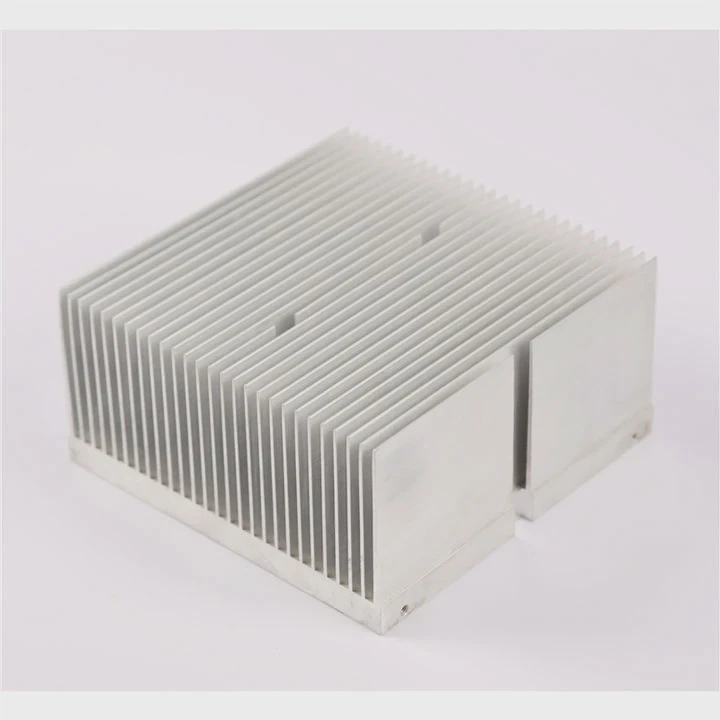
Heat spreaders cover the DRAM chips with metal plates or fins, transferring heat away from each chip. They may also improve mechanical protection for the module. For RGB or high-end gaming RAM, heat spreaders often serve both functional and visual purposes.
Reasons for heat spreaders
- Thermal management - Distributes heat from high-speed memory chips.
- Overclocking support - Keeps memory stable at higher frequencies.
- Physical protection - Shields chips from accidental contact or impact.
- Aesthetic design - Many gamers prefer visually appealing RGB modules with integrated spreaders.
Table: Heat Spreader Functions
| Function | Benefit |
|---|---|
| Heat dissipation | Prevents thermal throttling and instability |
| Overclocking support | Maintains rated or higher frequency reliably |
| Chip protection | Reduces risk of physical damage |
| Aesthetic design | Enhances visual appeal of system |
Even if not overclocking, heat spreaders can improve long-term reliability, especially in densely packed or poorly ventilated systems.
Where are heat sinks placed on RAM?
Heat sinks are positioned directly over the memory chips. Correct placement maximizes heat transfer and airflow.
Heat sinks are placed on the DRAM ICs and sometimes the controller, ensuring direct contact and efficient cooling of the hottest parts of the RAM module.
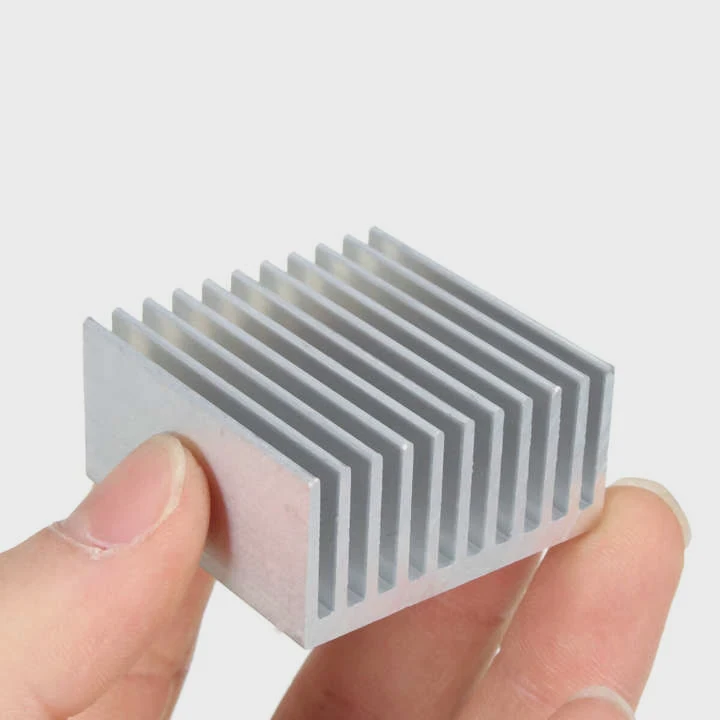
RAM modules usually have multiple DRAM chips on both sides of the PCB. Heat sinks attach using clips or adhesive pads that sit directly on the chips. Some designs include a full-length top plate that spans the module for uniform heat dissipation.
Installation considerations
- Ensure thermal pads are aligned with each DRAM chip for optimal heat transfer.
- Avoid interference with nearby components or CPU cooler.
- Make sure the module can fit under low-profile CPU coolers if needed.
- Proper airflow around the RAM is crucial to enhance heat sink effectiveness.
Diagram: Heat Sink Placement on RAM
| Component | Placement Tip |
|---|---|
| DRAM chips | Full contact with thermal pad under heat sink |
| Memory PCB | Heat spreader should not cover critical pins |
| Module top | Optional extended fins for airflow enhancement |
Good placement ensures heat moves efficiently to the heat sink and prevents hotspots on the DRAM chips.
Which RAM setups need heat sinks most?
Not all RAM requires heat sinks. Low-speed or standard modules usually run cool, but high-performance or overclocked RAM benefits the most.
High-speed and overclocked RAM modules, especially in gaming or workstation setups, need heat sinks most to prevent thermal throttling and maintain stability.
Standard DDR4 or DDR5 modules at stock speed often remain cool under normal loads. Heat sinks are most beneficial for:
- Overclocked modules running at or beyond rated frequencies
- High-density memory kits with multiple modules
- RAM used in small form-factor cases with limited airflow
- Gaming or workstation setups with extended heavy use
RAM setups benefiting from heat sinks
- High-frequency DDR4/DDR5 kits (3200 MHz and above)
- Multi-channel configurations with 32GB or more
- Systems with poor ventilation or compact builds
- Modules designed for gaming or content creation
Table: Heat Sink Requirement by RAM Type
| RAM Type | Heat Sink Need |
|---|---|
| Standard DDR4/DDR5 | Low |
| High-frequency DDR4/DDR5 | Moderate |
| Overclocked memory kits | High |
| RGB / gaming modules | High |
Using heat sinks in the right setup ensures reliable performance, stable overclocking, and long-term memory lifespan.
Conclusion
RAM heat sinks improve stability, prevent thermal throttling, and allow high-speed operation. High-frequency, overclocked, or densely packed memory benefits the most. Proper placement and airflow maximize cooling efficiency and long-term reliability.