Does a CPU Need a Heat Sink?
- Yongxing
- 21 May ,2026
Opening paragraph:
CPUs generate significant heat during operation. Without proper cooling, they can slow down or become damaged.
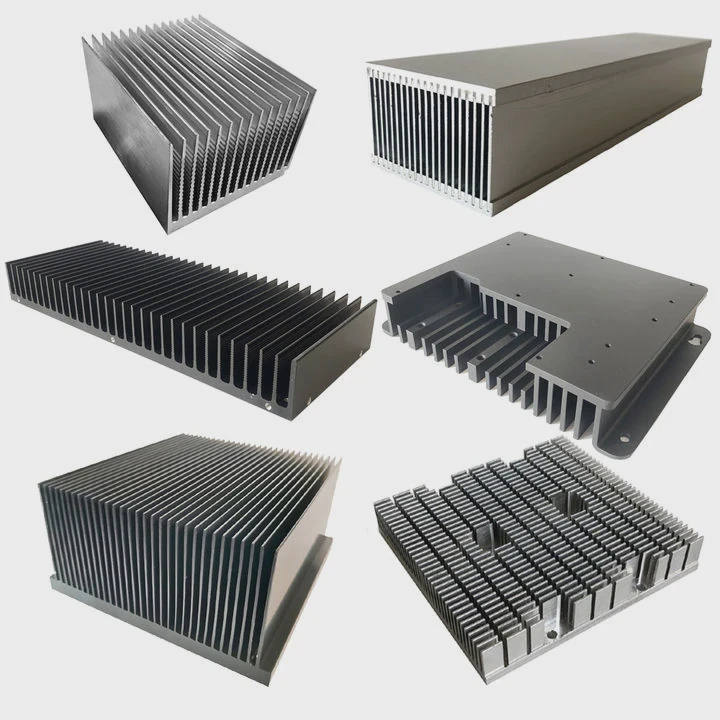
A CPU heat sink prevents overheating by absorbing heat from the processor and spreading it to the surrounding air, ensuring stable performance and reliability.
Understanding heat management helps maintain CPU efficiency and extends its lifespan.
How does a CPU heat sink prevent overheating?
Opening paragraph:
High-speed processing produces heat that can damage the CPU if not removed effectively.
A CPU heat sink prevents overheating by drawing heat away from the CPU die, spreading it across metal fins, and allowing airflow to remove heat from the system.
Heat Transfer Process
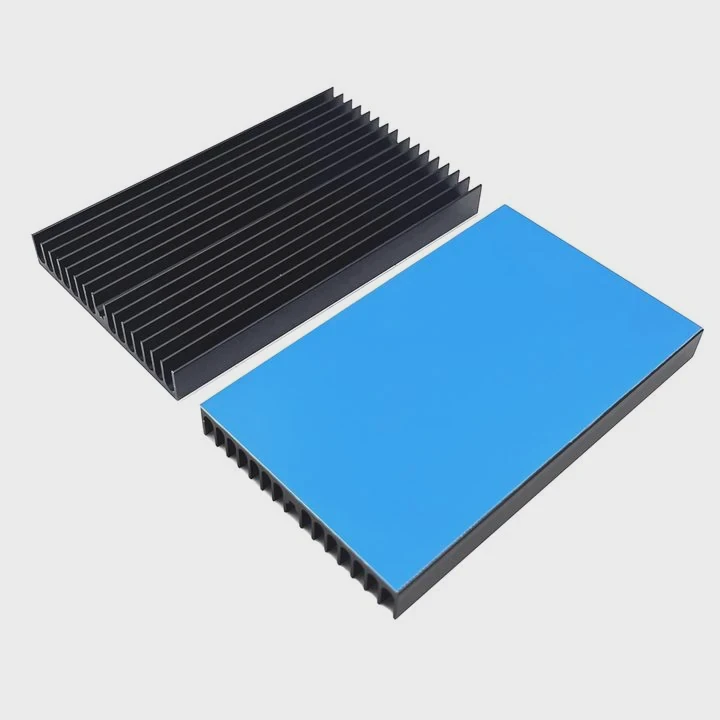
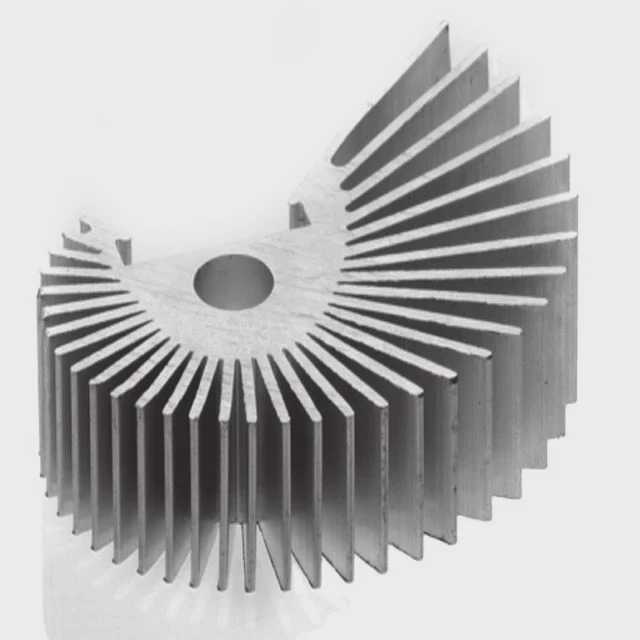
The heat sink is made of metals like aluminum or copper. Thermal paste or pads improve contact between the CPU and the heat sink, ensuring fast heat transfer.
Fins and Airflow
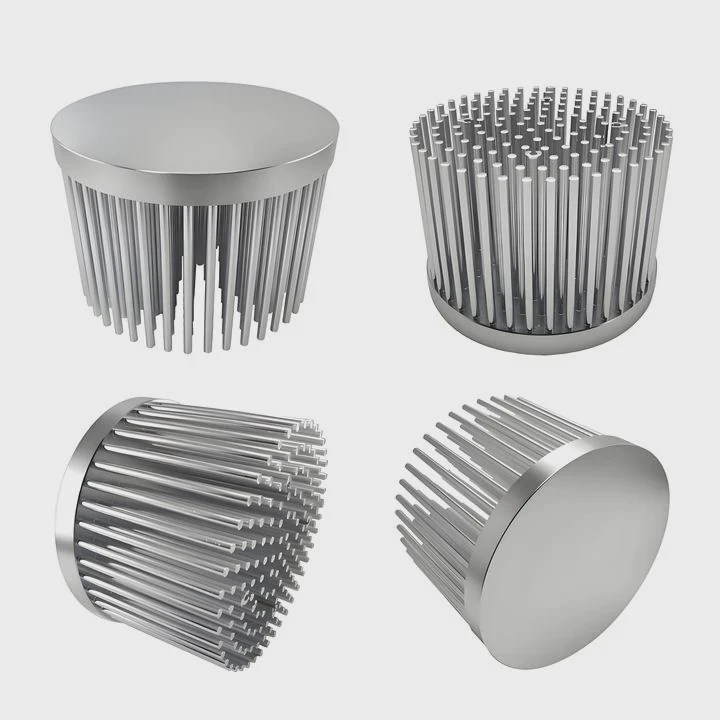
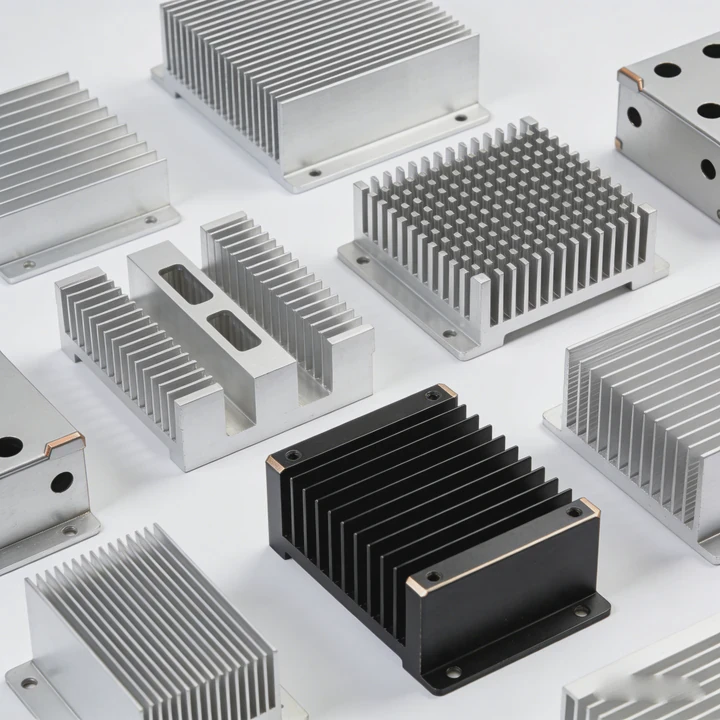
Heat sinks use fins to increase surface area. Fans move air over the fins to accelerate heat removal. This reduces CPU temperature even under heavy loads.
Key Components
| Component | Role |
|---|---|
| CPU die | Heat source |
| Heat sink base | Absorbs heat from CPU |
| Fins | Spread heat over larger area |
| Fan | Moves hot air away |
Maintenance Tips
- Check thermal paste and replace if needed.
- Keep fans clean to avoid reduced airflow.
- Ensure heat sink is properly seated on the CPU.
Regular maintenance ensures the CPU stays cool and prevents thermal throttling.
Why is cooling essential for CPU performance?
Opening paragraph:
Without cooling, a CPU will reduce speed to protect itself, lowering system performance.
Cooling is essential because high temperatures trigger thermal throttling, which reduces clock speed and slows down tasks, especially during intensive workloads.
Thermal Throttling
CPUs automatically lower clock speed when they overheat. While this prevents damage, it can cause noticeable performance drops in gaming, rendering, or computing tasks.
Performance and Longevity
Efficient cooling allows the CPU to run at higher speeds for longer periods. It also prolongs lifespan by preventing heat-related degradation.
Cooling Methods
| Cooling Type | Pros | Cons |
|---|---|---|
| Air cooling | Simple, low cost | Less effective under heavy load |
| Liquid cooling | High efficiency | More complex, higher cost |
| Hybrid systems | Balanced | Requires maintenance |
Environmental Factors
Ambient temperature and case airflow affect CPU cooling. Poor ventilation or high room temperatures reduce efficiency and can trigger throttling.
Where is the heat sink installed on CPU?
Opening paragraph:
Many users are unaware that proper installation is crucial for effective heat removal.
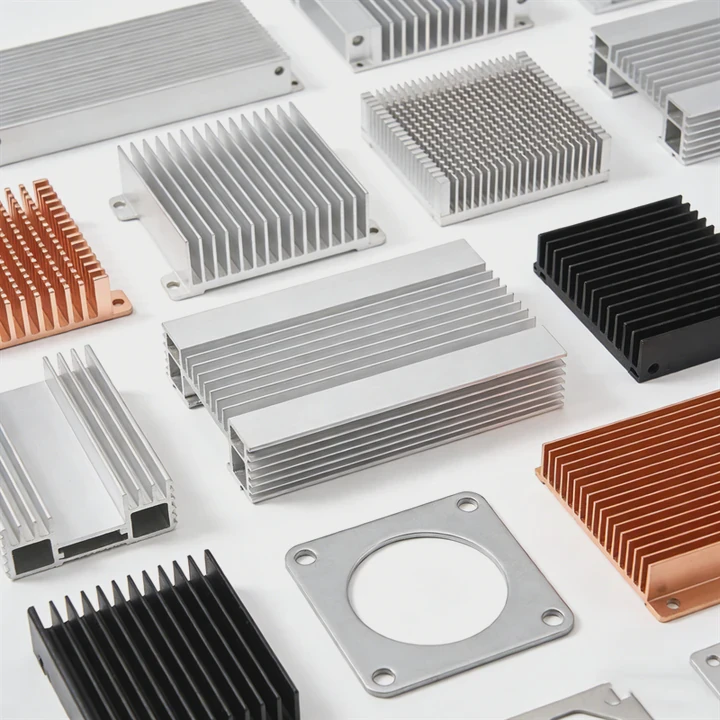
The heat sink is mounted directly on top of the CPU die. Thermal paste ensures good contact, and fans or liquid blocks move heat away to maintain stable operation.
Installation Details
- CPU sits in the socket on the motherboard.
- Heat sink is aligned above the CPU die.
- Screws, clips, or brackets secure the heat sink.
- Fans or liquid blocks help move heat from the fins.
Diagram of Components
| Component | Function |
|---|---|
| CPU die | Generates heat |
| Heat sink | Transfers heat away from CPU |
| Thermal paste | Improves contact and conduction |
| Fan / liquid block | Removes heat from system |
Tips for Users
- Ensure the heat sink is compatible with CPU socket type.
- Avoid over-tightening to prevent motherboard damage.
- Verify fan orientation for optimal airflow inside the case.
Correct placement ensures effective cooling and stable CPU operation.
Which CPUs require advanced cooling solutions?
Opening paragraph:
Not all CPUs need the same cooling. High-performance models generate much more heat than entry-level CPUs.
High-end CPUs, overclocked processors, and workstation chips require advanced cooling solutions such as larger air coolers or liquid cooling to handle higher heat output.
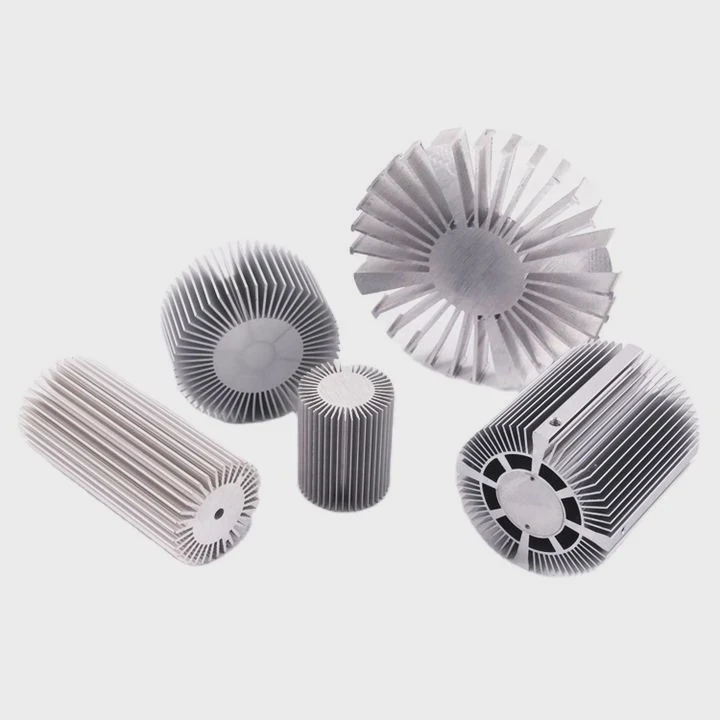
High-Performance CPUs
- Gaming CPUs with high clock speeds.
- Workstation CPUs performing heavy rendering or scientific calculations.
- Overclocked CPUs running beyond stock specifications.
Cooling Options
- Large air coolers: Bigger fins and fans for heat dispersion.
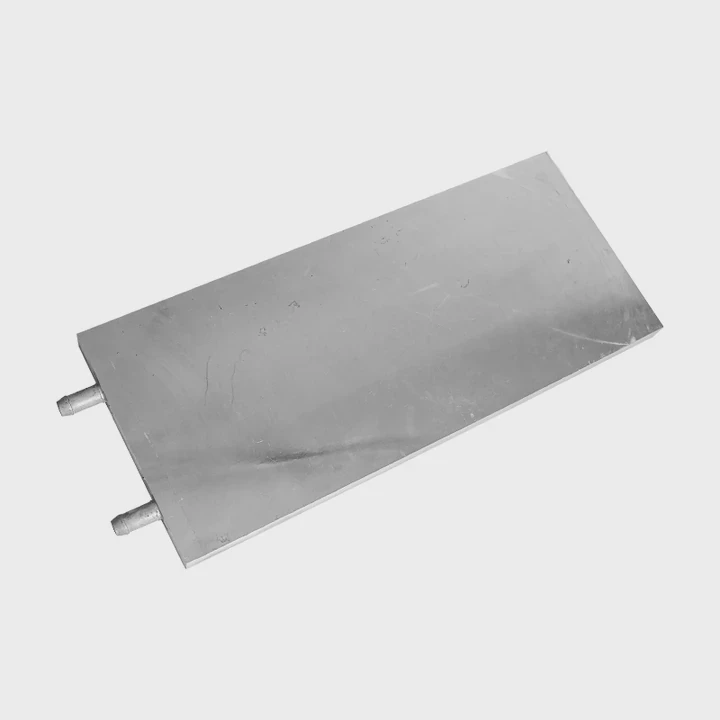
- Liquid cooling systems: Circulate coolant over CPU for fast heat removal.
- Hybrid setups: Combine air and liquid for maximum efficiency.
Comparison Table
| CPU Type | Cooling Requirement | Recommended Solution |
|---|---|---|
| Entry-level | Low | Stock air cooler |
| Mid-range | Medium | Standard air cooler or small liquid cooler |
| High-end gaming | High | Large air cooler or liquid cooling |
| Workstation / Overclocked | Extreme | Advanced liquid or hybrid cooling |
Practical Advice
Choosing proper cooling depends on CPU TDP, workload, and case airflow. Advanced solutions allow higher performance and reduce fan noise by spreading heat efficiently.
Conclusion
CPUs need heat sinks to maintain safe temperatures and optimal performance. Proper placement, thermal interface, and cooling choice ensure stability, prevent throttling, and extend CPU lifespan.