Does My Computer Need a Heat Sink?
- Yongxing
- 21 May ,2026
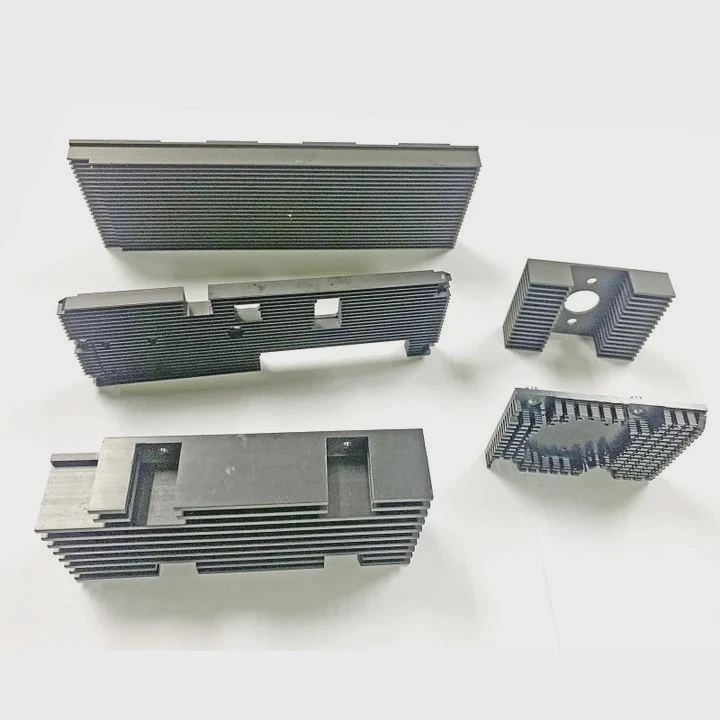
Computers generate heat constantly, which can cause slowdowns or damage. Heat sinks control temperature and keep systems running smoothly.
A heat sink improves system stability by moving heat away from critical components like CPUs, GPUs, and VRMs. This prevents overheating, throttling, and long-term damage.
Cooling is not optional. Proper heat sinks are essential for safe operation, efficient performance, and longer computer life.
How do heat sinks improve system stability?
Overheated components can throttle performance or shut down unexpectedly. Heat sinks prevent this by dissipating heat efficiently.
Heat sinks absorb heat from CPUs, GPUs, or voltage regulators and spread it across metal fins. Airflow carries the heat away, keeping parts within safe temperature ranges and avoiding crashes.
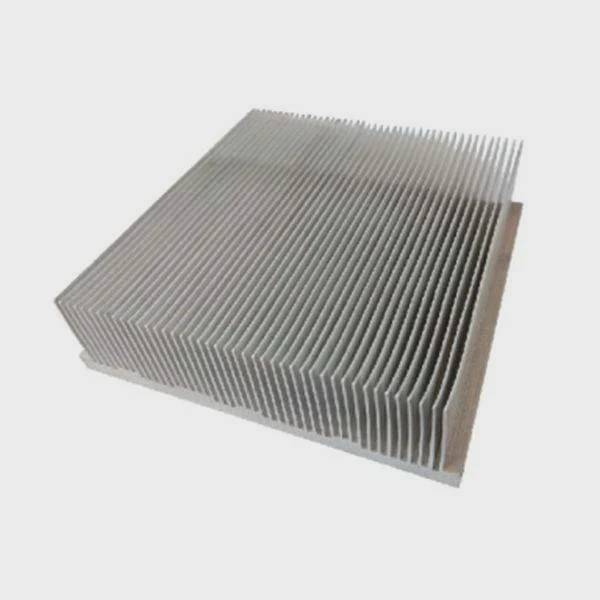
How heat sinks function
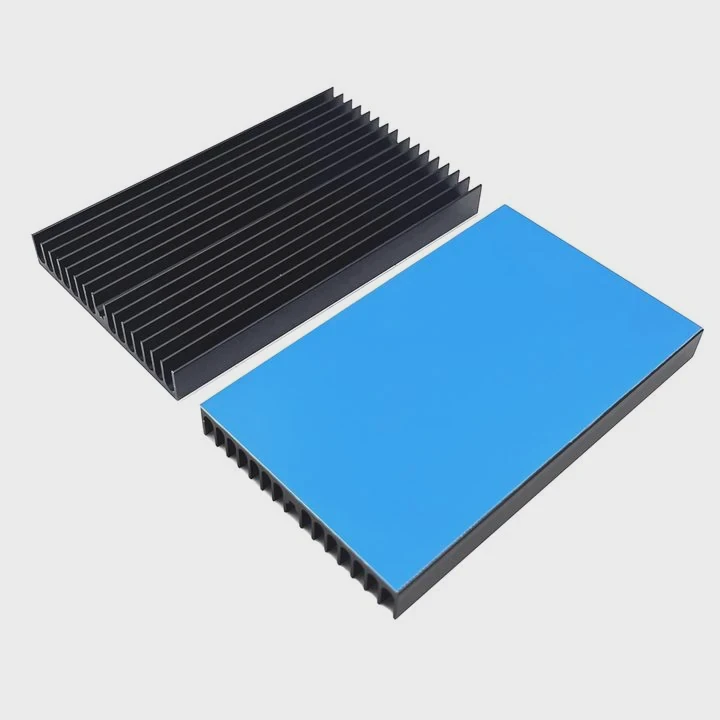
Heat sinks are made of aluminum or copper. Copper conducts heat faster, while aluminum is lighter and cheaper. Heat sinks are placed in direct contact with components using thermal paste for better conduction.
Key stability benefits
- Keeps CPU and GPU temperatures consistent
- Prevents thermal throttling during heavy tasks
- Extends lifespan of electronic components
- Reduces risk of system shutdown or crashes
Performance factors
- Size and fin design of heat sink
- Material choice (copper vs aluminum)
- Quality of airflow from fans
- Thermal paste or pad efficiency
| Component | Heat Sink Type | Benefit |
|---|---|---|
| CPU | Large aluminum/copper fin stack | Maintain stable speeds |
| GPU | Copper base with fins | Prevent overheating under load |
| VRM | Aluminum plate or heat pipe | Stable voltage delivery |
Proper heat sinks allow a computer to maintain performance during gaming, rendering, or multitasking without risking damage or instability.
Why do computers overheat without cooling?
Without heat sinks, CPUs, GPUs, and power circuits can exceed safe temperatures. Overheating causes slowdowns, errors, and potential hardware failure.
Heat buildup occurs because components generate electricity rapidly. Without a way to remove this energy, parts get hot and may fail permanently.
Common causes of overheating
- Poor airflow inside the case
- Inadequate or missing heat sinks
- Dust blocking vents or fans
- Overclocking without sufficient cooling
Symptoms of overheating
- Frequent system crashes
- Sudden shutdowns
- Fan running at maximum speed constantly
- Thermal throttling of CPU or GPU
Consequences of poor cooling
- Shortened component lifespan
- Damage to the motherboard or graphics card
- Reduced performance and unstable operation
| Cause | Effect | Prevention |
|---|---|---|
| Missing heat sink | CPU/GPU temperature spikes | Install proper heat sinks |
| Dust build-up | Reduced airflow | Clean fans and vents regularly |
| Overclocking | Higher heat output | Add stronger cooling solutions |
Heat sinks combined with good case airflow and fans prevent overheating, keeping computers reliable for long-term use.
Where are heat sinks used inside computers?
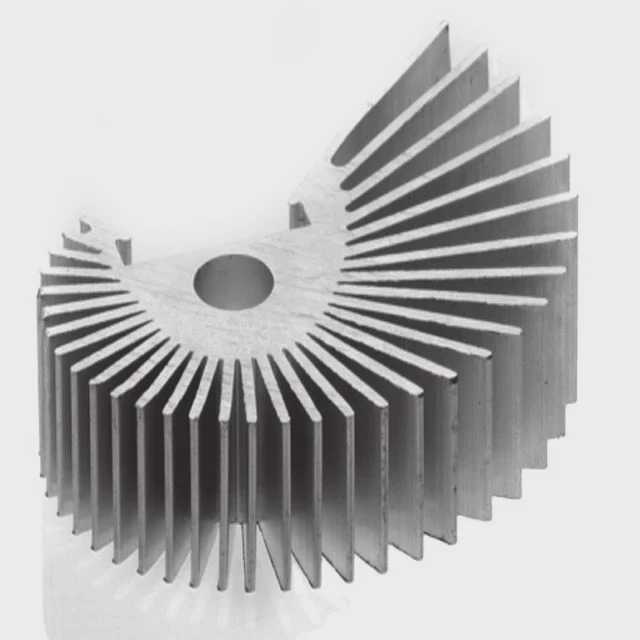
Heat sinks are used wherever components generate significant heat. They are usually found on CPUs, GPUs, VRMs, and high-power chips.
They can be passive or active, depending on how much heat the component produces and the airflow available.
CPU
The largest heat sink sits on the CPU, often combined with a fan. It dissipates heat from the processor core to prevent throttling or shutdown.
GPU
Graphics cards have copper or aluminum heat sinks with fins. Fans blow across the fins to remove heat produced during gaming or rendering.
VRMs and power delivery
Voltage regulator modules on motherboards use smaller aluminum or copper heat sinks. They stabilize power to CPUs and prevent overheating during high loads.
Other components
- Chipsets and controller ICs may have small heat sinks
- M.2 NVMe drives can use tiny aluminum plates to prevent thermal throttling
| Component | Heat Sink Type | Cooling Method |
|---|---|---|
| CPU | Large fin stack with fan | Active airflow |
| GPU | Copper/aluminum with fan | Active airflow |
| VRM | Aluminum plate | Passive or airflow-assisted |
| Chipset | Small aluminum | Passive |
| M.2 SSD | Tiny aluminum plate | Passive or fan-assisted |
Strategically placing heat sinks ensures each part runs at safe temperatures, which improves overall computer stability and performance.
Which components require heat sinks most?
Not every component needs a heat sink, but some are critical for safe operation and longevity.
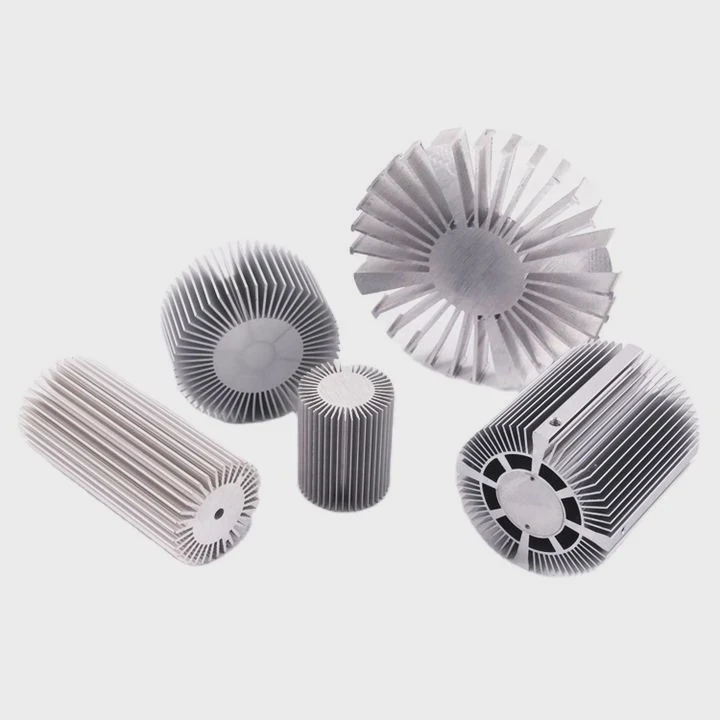
High-heat components like CPUs, GPUs, VRMs, and high-power chips require heat sinks. Secondary components, such as M.2 SSDs or chipset ICs, benefit from cooling but are less critical.
Critical components
- CPU: Main processing unit, high heat output
- GPU: Heavy graphics processing produces significant heat
- VRMs: Stabilize voltage to CPU and GPU
- MOSFETs on motherboard: Protect power circuits from overheating
Recommended secondary cooling
- M.2 NVMe SSDs: Prevent thermal throttling
- Chipsets and controllers: Maintain stable operation
- Power supply circuits: Avoid excessive heat under load
| Component | Heat Sink Requirement | Recommended Material |
|---|---|---|
| CPU | Essential | Aluminum/copper fin stack |
| GPU | Essential | Copper base with fins |
| VRM | Essential | Aluminum plate or heat pipe |
| M.2 SSD | Recommended | Small aluminum plate |
| Chipset | Recommended | Aluminum plate |
Using heat sinks on critical components ensures your computer runs reliably, prevents overheating, and extends the life of expensive hardware.
Conclusion
Heat sinks are essential for computers to maintain stability, prevent overheating, and protect hardware. CPUs, GPUs, and VRMs benefit most, while secondary components also gain from cooling. Proper heat sinks are necessary for performance and long-term reliability.