Does RAM Need Heat Sinks?
- Yongxing
- 22 May ,2026
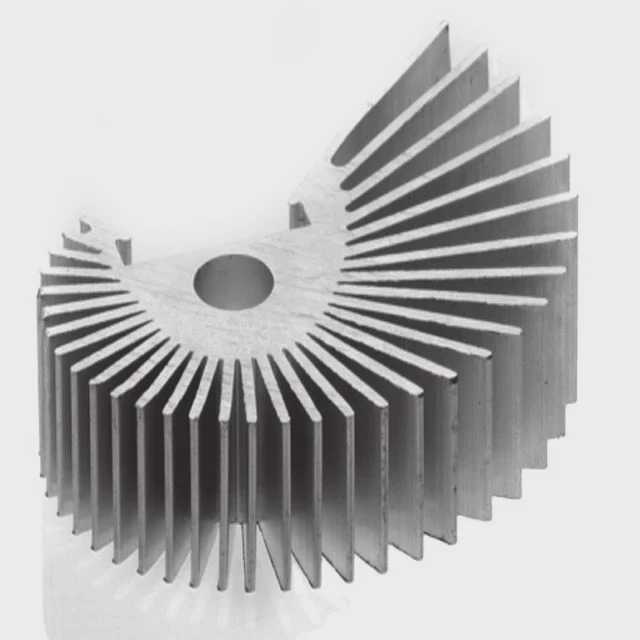
RAM can get hot under heavy workloads. Overheating can reduce performance or cause instability in your PC.
Heat sinks on RAM help remove excess heat, keeping memory modules cooler, stable, and performing at their best during high-speed or overclocked use.
Using RAM without cooling may work for basic tasks, but heat sinks become critical in gaming or professional setups.
How do heat sinks affect RAM temperatures?
RAM modules produce heat when running at high speeds or tight timings. Without cooling, this heat can accumulate and impact stability.
Heat sinks reduce RAM temperatures by drawing heat away from memory chips and spreading it over a larger surface for airflow to dissipate.
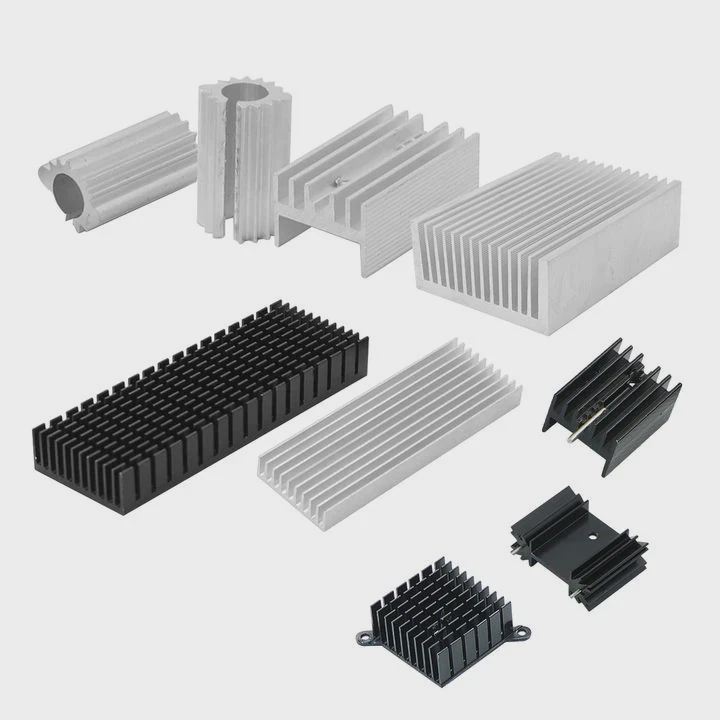
Heat sinks are usually made from aluminum or copper. They attach directly to the memory chips using thermal pads. The metal conducts heat from the RAM and spreads it along the surface area. Fans in the case or natural airflow then remove heat efficiently.
Benefits of RAM Heat Sinks
| Benefit | Description |
|---|---|
| Lower temperatures | Reduces risk of overheating under heavy workloads |
| Increased stability | Prevents crashes during high-speed operations |
| Overclocking support | Allows higher frequency and tighter timings |
| Longer lifespan | Less thermal stress on chips over time |
Even small drops in temperature can improve stability. Overclockers often see 5-10°C reductions, allowing for faster memory speeds without errors. Heat sinks also prevent thermal throttling, which can slow down memory access and affect system performance.
Key Points
- Thermal pads improve contact between chips and sink.
- Finned designs increase airflow and cooling efficiency.
- Copper sinks are more efficient but heavier.
- Aluminum sinks are lighter and sufficient for most RAM modules.
Why do some RAM modules include heat spreaders?
Not all RAM needs heat sinks, but high-performance modules often include them. Heat spreaders are built-in metal covers over the memory chips.
RAM modules include heat spreaders to improve heat dissipation, ensuring stable operation during high frequencies or overclocking.
Heat spreaders conduct heat away from the memory ICs and increase surface area exposed to airflow. Gaming RAM, server RAM, and overclocking kits often have heat spreaders. Low-power or standard memory for office PCs usually does not require them.
Types of Heat Spreaders
| Type | Description | Use Case |
|---|---|---|
| Standard aluminum | Simple metal plate | General cooling |
| Finned aluminum | Extended fins for airflow | Gaming and overclocking |
| RGB aluminum | Decorative with lights | Gaming aesthetics and cooling |
| Copper or hybrid | High conductivity | Extreme overclocking |
Besides cooling, heat spreaders help protect the modules from physical damage and improve visual aesthetics in gaming builds. Some include RGB lighting without affecting thermal performance.
Important Notes
Even with heat spreaders, airflow in the PC case matters. Modules without airflow may still run hot, so fans or case ventilation are important. Heat spreaders complement cooling but do not replace good system airflow.
Where are heat sinks placed on RAM sticks?
Heat sinks are installed directly on the memory chips, covering them fully. Thermal pads or adhesive are used to ensure proper contact.
Heat sinks are positioned on top of the RAM chips to absorb heat directly and allow it to dissipate efficiently into the surrounding air.
Most RAM sticks have heat sinks covering both sides or just the top. Overclocking modules often use full-length heat sinks to maximize surface area. Some thin sticks for laptops have low-profile sinks due to space limitations.
RAM Heat Sink Layout
| Component | Heat Sink Type | Purpose |
|---|---|---|
| Memory chips | Aluminum or copper plates | Direct heat transfer |
| PCB | Minimal or none | Support structure |
| Thermal pads | Soft conductive pads | Ensure contact between sink and chip |
Proper placement is crucial. If the sink is misaligned or contacts the wrong area, heat transfer is reduced, and cooling efficiency drops. Correct installation keeps temperatures consistent across all modules.
Installation Considerations
- Check clearance with CPU cooler or adjacent modules.
- Ensure thermal pads are properly aligned.
- Avoid bending the stick when installing heat sinks.
- Confirm that the module fits into the DIMM slot after installation.
Good heat sink placement ensures memory stability and supports higher speeds without thermal issues.
Which RAM setups benefit from heat sinks?
Not all RAM needs heat sinks. High-performance setups, overclocked systems, and servers benefit the most.
RAM with heat sinks is useful in gaming PCs, workstations, or overclocked rigs where memory runs at high speeds or under heavy workloads.
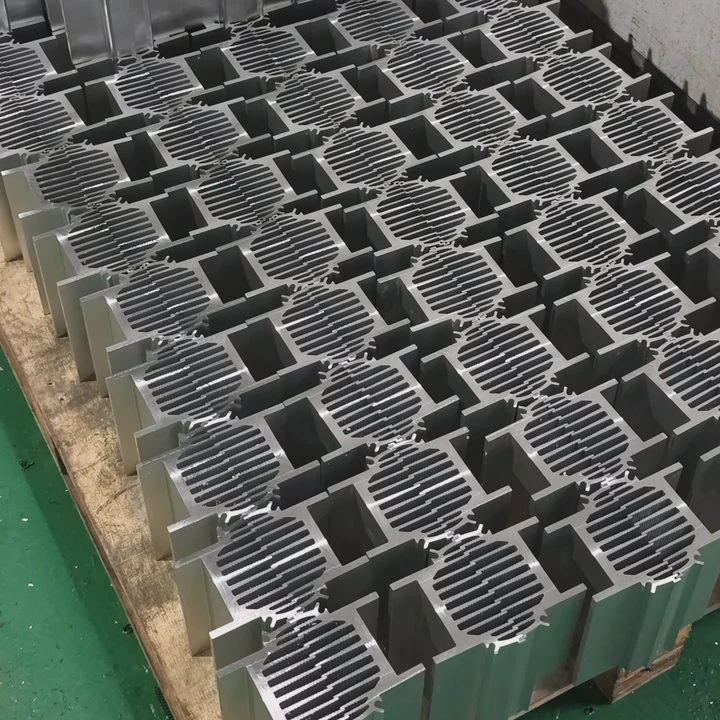
Overclocked DDR4 or DDR5 RAM can exceed standard thermal limits. Heat sinks prevent thermal throttling and crashes. Server RAM under continuous load also benefits, keeping temperatures low and increasing longevity.
RAM Use Case Table
| Setup | Recommended Cooling |
|---|---|
| Standard office PC | Optional |
| Gaming PC | Yes, medium to large heat sinks |
| Overclocked system | Yes, high-performance heat sinks |
| Workstation / Server | Yes, low-profile or active cooling |
Even in multi-module systems, heat sinks prevent hotspots. When multiple RAM sticks are closely packed, heat sinks help maintain balanced temperatures across all modules.
Additional Tips
- Ensure proper case airflow to complement heat sinks.
- For small form-factor PCs, low-profile sinks work best.
- Keep dust away from fins to maintain cooling efficiency.
- Consider modules with integrated RGB only if aesthetics are desired without compromising cooling.
Using heat sinks appropriately ensures memory reliability, stable performance, and longer lifespan, especially in demanding computing environments.
Conclusion
RAM heat sinks improve thermal management, stability, and overclocking potential. Proper placement and sufficient airflow keep memory modules cooler, prevent throttling, and ensure reliable performance for both gaming and professional workloads.