Does Raspberry Pi Need a Heat Sink?
- Yongxing
- 22 May ,2026
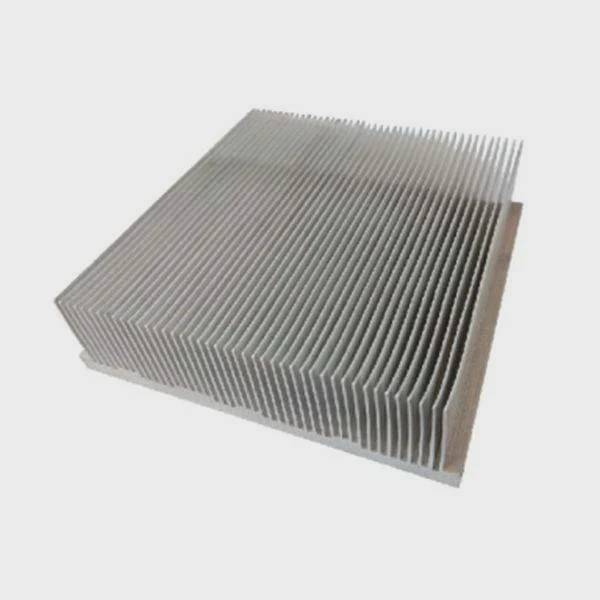
Raspberry Pi boards can run hot when performing demanding tasks, risking slower performance or component damage.
A heat sink helps the Raspberry Pi maintain stable temperatures, preventing throttling and ensuring reliable performance under heavy workloads.
Proper cooling keeps your Pi running efficiently and extends its lifespan.
How does cooling affect Raspberry Pi performance?
Raspberry Pi boards are compact but powerful. Without cooling, they can overheat during continuous operation.
Cooling improves performance by preventing the CPU and GPU from reducing speed, ensuring smooth operation even during intensive tasks.
Heat management basics
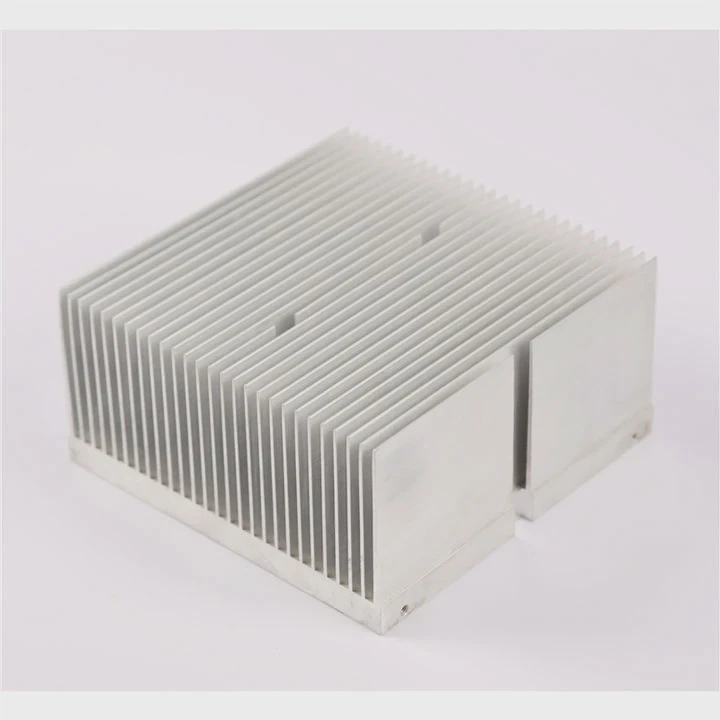
Raspberry Pi generates heat from its processor, GPU, and sometimes from USB and power circuits. Heat sinks absorb this energy and spread it over a larger area. Fans or airflow can then remove heat from the board.
Impact on processing
When the Pi overheats, the CPU reduces its clock speed to prevent damage, a process called thermal throttling. Cooling devices maintain higher clock speeds for longer, improving performance in applications like gaming, media streaming, or AI projects.
Cooling options
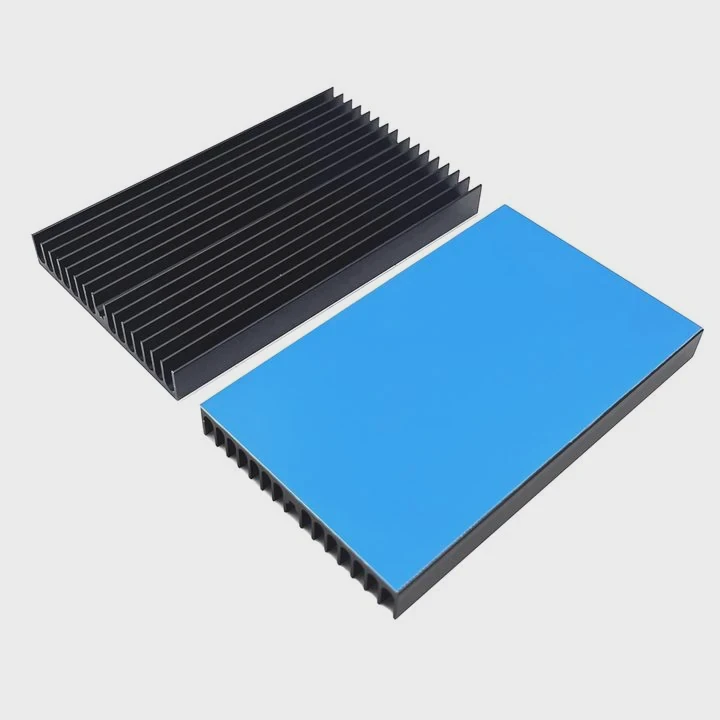
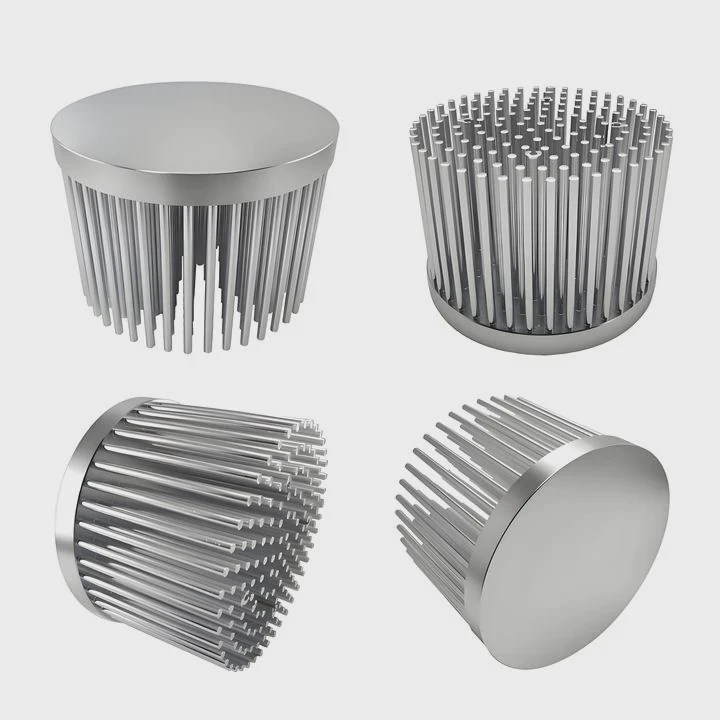
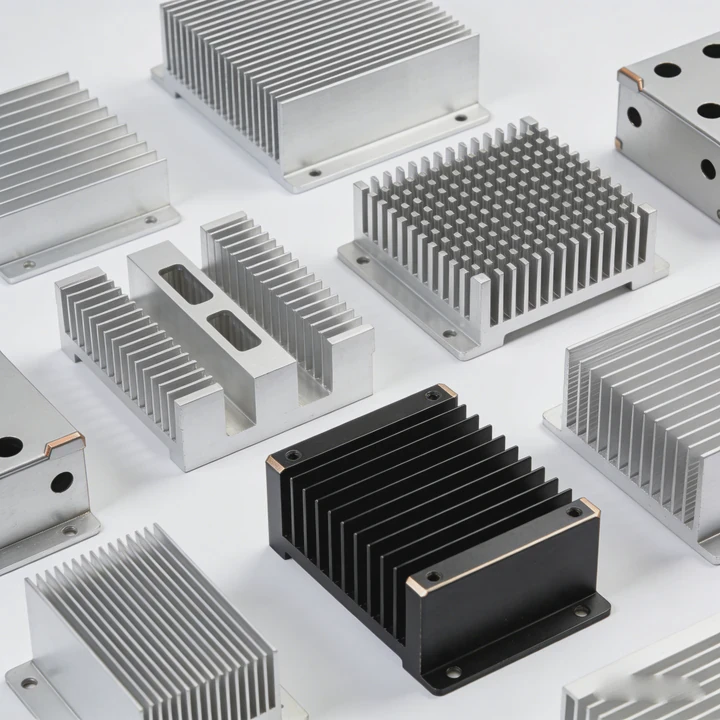
- Passive heat sinks: Small aluminum or copper pieces that attach to chips.
- Active cooling: Fans or mini coolers blow air across heat sinks.
- Cases with ventilation: Designed to channel airflow and dissipate heat efficiently.
Benefits summary
Good cooling keeps voltage regulators and chips stable, prevents throttling, and allows your Raspberry Pi to handle heavy computation, video processing, or network tasks consistently.
Why is thermal throttling common on Raspberry Pi?
Thermal throttling occurs when the processor reaches high temperatures. Many Raspberry Pi users notice reduced performance during demanding tasks.
Throttling is common because small boards have limited space for heat dissipation and often run in enclosed cases.
Causes of throttling
- Compact design: Chips are close together, increasing heat buildup.
- High workloads: Continuous video encoding, AI, or network servers push the CPU and GPU hard.
- Ambient temperature: Hot rooms or poor airflow worsen heat issues.
Detecting thermal throttling
Raspberry Pi reports CPU temperature through software tools. Users often notice sudden drops in speed when temperatures exceed 80°C. Monitoring tools alert you before throttling occurs, letting you add cooling solutions.
Reducing throttling
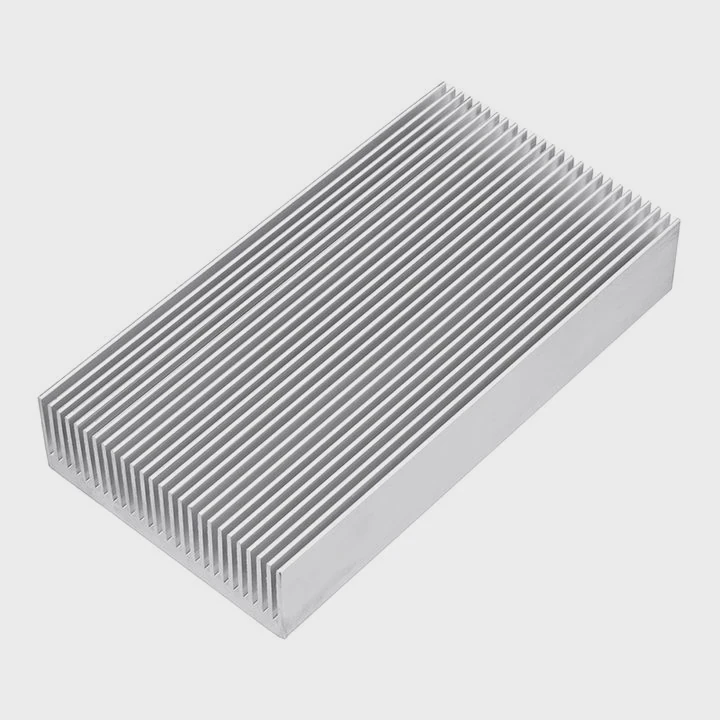
Adding heat sinks, fans, or vented cases lowers board temperature. Spreading heat with copper or aluminum heat sinks allows the processor to sustain higher speeds for longer, especially important in high-load applications.
Throttling effects
If throttling is frequent, the Pi runs slower, affecting tasks like video streaming, server hosting, or IoT data collection. Proper cooling ensures stable performance and avoids unexpected shutdowns or crashes.
Where is a heat sink placed on Raspberry Pi?
Proper placement ensures maximum cooling efficiency. Raspberry Pi has a few key components that get hot.
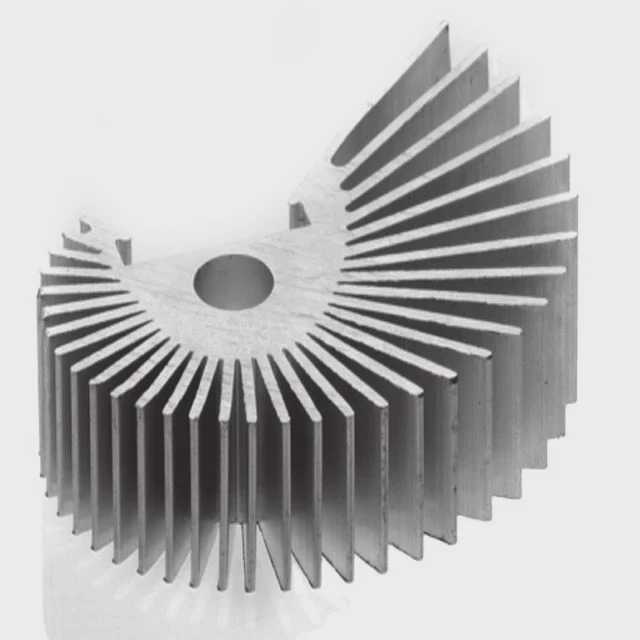
Heat sinks are placed on the CPU, GPU, and sometimes voltage regulators to transfer heat away from critical chips.
Common heat sink locations
- CPU: The main processor is the hottest component.
- GPU: On models with combined CPU/GPU chips, heat sinks cover the shared processor area.
- Voltage regulators: Optional for boards running high-power peripherals.
Attachment methods
- Thermal adhesive pads: Easy for small heat sinks.
- Screws or clips: For larger heat sinks or boards in fan-assisted cooling cases.
- Thermal paste: Improves heat transfer between chip and heat sink.
Example placement table
| Component | Heat Sink Type | Recommended Attachment |
|---|---|---|
| CPU/GPU | Aluminum fin | Clip-on or adhesive |
| Voltage regulator | Small aluminum pad | Thermal adhesive pad |
Airflow tips
Even small airflow helps passive heat sinks. Enclosed cases without vents may trap heat, reducing efficiency. Active cooling improves thermal management for high-load setups.
Which use cases require better cooling?
Not every Raspberry Pi project overheats. Simple tasks like running sensors or basic scripts usually stay cool.
Better cooling is needed for high-performance tasks like media servers, AI projects, overclocked boards, and continuous network services.
High-heat projects
- Media streaming or 4K video playback: Continuous GPU usage produces heat.
- Machine learning / AI projects: CPU and GPU compute heavily.
- Server or network applications: Boards running 24⁄7 may overheat without cooling.
- Overclocked boards: Pushing clock speeds increases thermal output.
Choosing the right cooling
Consider heat sink size, material, and whether a fan is required. Copper sinks conduct heat best but add weight, while aluminum is sufficient for most Pi projects. Fan-assisted setups allow the board to run cooler under extreme workloads.
Cooling requirement table
| Project Type | Workload Level | Cooling Needed |
|---|---|---|
| Sensor or basic script | Low | Passive heat sink optional |
| Media server | Medium-High | Passive + small fan |
| AI / ML processing | High | Active cooling + large heat sink |
| Overclocked Pi | Very high | Fan-assisted heat sink + thermal paste |
Maintenance tips
Keep heat sinks clean and ensure good contact with chips. Check temperatures with monitoring tools. Proper cooling prolongs board life and ensures stable performance for demanding tasks.
Conclusion
Raspberry Pi benefits from heat sinks in high-load applications. Proper placement and airflow prevent thermal throttling, improve performance, and extend board longevity.