Does SSD Need a Heat Sink?
- Yongxing
- 23 May ,2026
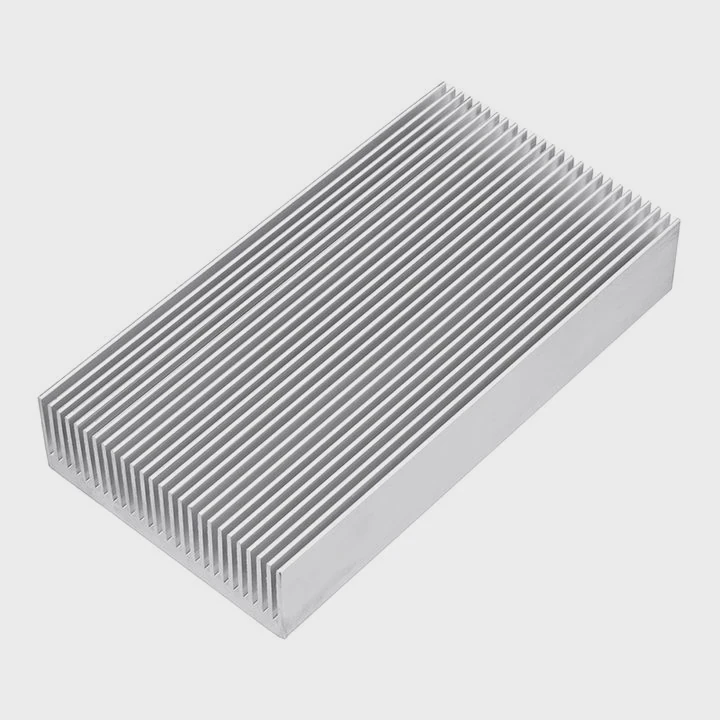
SSDs are fast and reliable, but heat can silently reduce their performance and lifespan. How can we manage this hidden issue effectively?
A heat sink helps regulate SSD temperature, preventing overheating, maintaining speed, and protecting components from damage. Without cooling, SSDs may throttle or wear out faster.
Understanding SSD heat and cooling options ensures you get consistent speed and long-term reliability.
How does temperature impact SSD lifespan?
SSDs use flash memory, which is sensitive to heat. Higher temperatures accelerate wear on memory cells and degrade the controller, reducing drive life.
Keeping SSDs cool preserves performance and reliability. Operating within safe temperature ranges prevents early failure and maintains consistent read/write speeds.
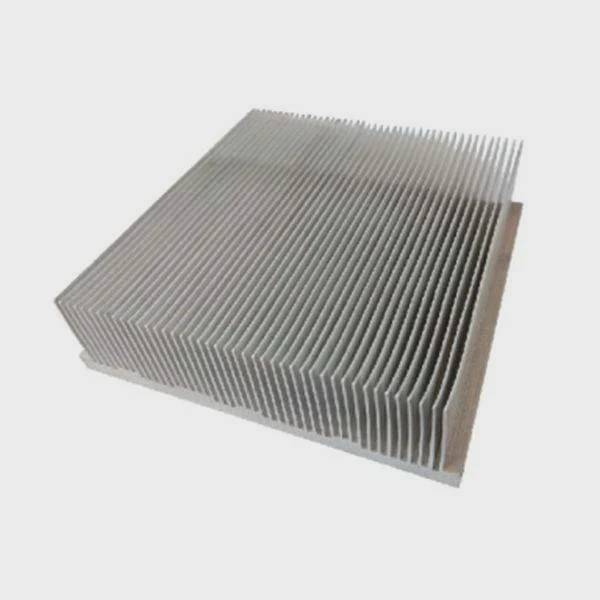
Effects of high temperature
- Memory cell degradation: Heat increases the rate of wear for NAND cells.
- Controller stress: Excess temperature can affect data processing.
- Firmware issues: Overheating can trigger errors or sudden shutdowns.
- Data retention: High temperature reduces how long data stays safe without power.
Safe temperature ranges
Most consumer SSDs operate best between 0°C-70°C. Enterprise drives may have wider ranges, but staying cool extends lifespan.
SSD temperature table
| SSD Type | Safe Temp (°C) | Max Temp (°C) | Notes |
|---|---|---|---|
| SATA consumer | 0-70 | 85 | Desktop and laptop drives |
| NVMe PCIe | 0-70 | 95 | High-speed drives, small form factor |
| Enterprise | 0-75 | 85 | Data centers, servers |
Using a heat sink or proper airflow can reduce junction temperatures by 5-15°C, directly improving SSD longevity and reliability.
Why is thermal throttling a concern?
SSDs generate heat during heavy read/write operations. If the temperature rises too high, controllers throttle speed to protect components. This reduces performance and responsiveness.
Thermal throttling ensures the SSD doesn’t overheat, but frequent throttling can disrupt workflows, gaming, or video editing.
How throttling works
- Controller monitors temperature: If too high, it reduces clock speed.
- Performance drops: Write and read speeds decrease temporarily.
- Recovery: Once cooled, SSD resumes full speed.
When throttling is noticeable
- Large file transfers
- Continuous gaming or rendering
- Multi-drive RAID arrays
Throttling comparison table
| SSD Model | Max Write (GB/s) | Throttle Temp (°C) | Throttled Speed (GB/s) |
|---|---|---|---|
| NVMe Gen4 1TB | 7 | 70 | 4.5 |
| NVMe Gen3 2TB | 3.5 | 70 | 2.5 |
| SATA 1TB | 0.55 | 70 | 0.4 |
Avoiding throttling ensures SSDs run at peak speeds consistently and prevents slowdowns during heavy workloads.
Where do SSDs release heat?
SSDs release heat mainly from the controller and NAND chips. The heat spreads through the PCB and dissipates into the surrounding air.
Most modern NVMe SSDs are compact, so heat builds quickly. Without a heat sink or good airflow, hot spots can form and affect performance.
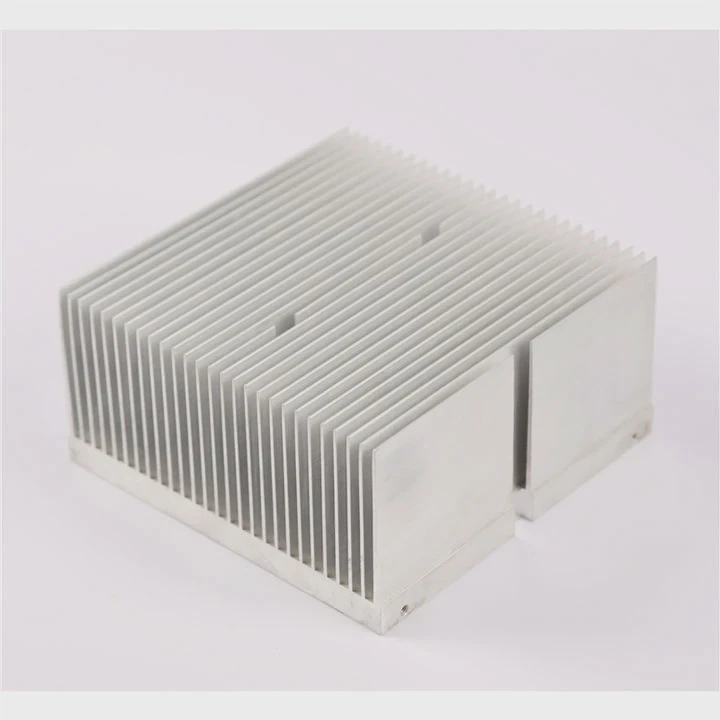
Heat sources
- Controller: Generates the most heat during data processing.
- NAND chips: Moderate heat during read/write cycles.
- PCB traces: Conducts heat across the board.
Cooling considerations
- SSDs with high-density chips may need a dedicated heat sink.
- Laptop NVMe slots may rely on chassis airflow rather than active cooling.
- Desktop drives can benefit from heat spreaders or airflow from nearby fans.
SSD heat distribution table
| Component | Heat Output | Cooling Requirement |
|---|---|---|
| Controller | High | Must cool |
| NAND flash | Medium | Optional cooling |
| PCB | Low | Passive cooling |
A heat sink attached to the controller and NAND improves heat dissipation and reduces thermal throttling risk.
Which SSDs benefit from cooling most?
High-performance NVMe SSDs, especially PCIe Gen4 and Gen5 drives, generate the most heat under heavy load. These drives gain the most from heat sinks or active cooling.
Even consumer drives running large game libraries or editing tasks benefit from passive or active cooling solutions.
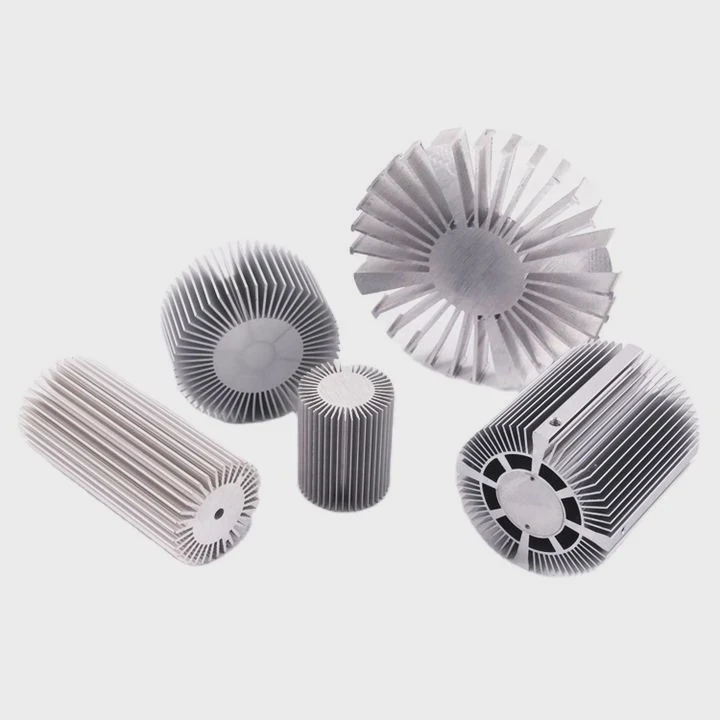
Scenarios that need cooling
- High-speed NVMe SSDs: Speeds above 5 GB/s often produce heat above safe ranges.
- M.2 slots with restricted airflow: Laptop or compact PC builds.
- Continuous workloads: Video editing, rendering, or large database operations.
- RAID arrays: Multiple SSDs in close proximity amplify heat.
Cooling options
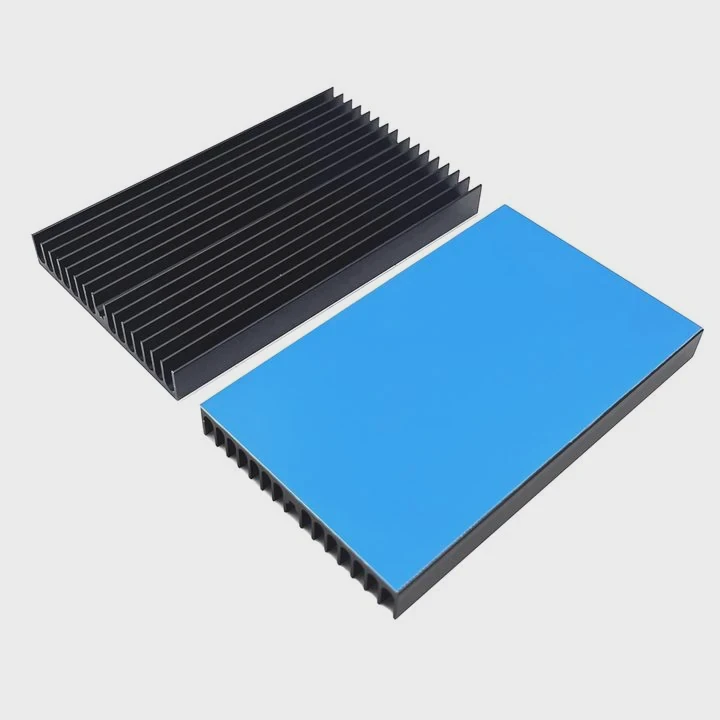
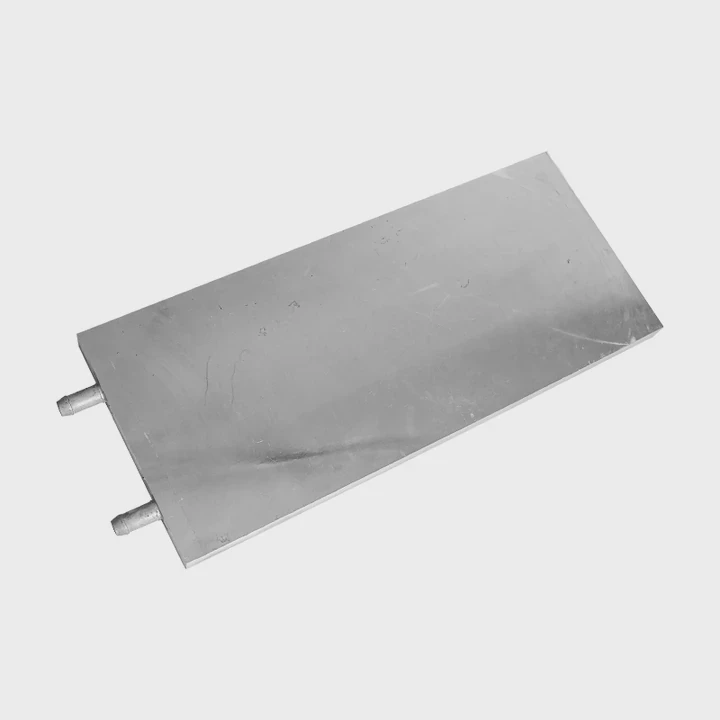
- Passive heat sinks: Aluminum plates or spreaders attached to the drive.
- Active cooling: Small fans for high-speed SSDs or densely packed servers.
- System airflow: Ensure adequate airflow around the SSD slot.
SSD cooling recommendation table
| SSD Type | Recommended Cooling | Reason |
|---|---|---|
| NVMe Gen4 1TB+ | Heat sink + airflow | High heat under load |
| SATA 2.5” | Optional airflow | Lower heat output |
| Compact NVMe laptops | Heat spreader only | Limited space, moderate heat |
| Enterprise SSDs | Active cooling | Continuous high workloads |
Proper cooling keeps SSD performance stable, prevents throttling, and extends the lifespan of both consumer and enterprise drives.
Conclusion
SSDs benefit from heat management, especially high-performance NVMe drives. Heat sinks, airflow, and thermal pads prevent throttling, maintain speed, and extend lifespan. Even small improvements in cooling can have a big effect on SSD reliability and performance.