Heat Sink for 3D Printer?
- Yongxing
- 23 May ,2026
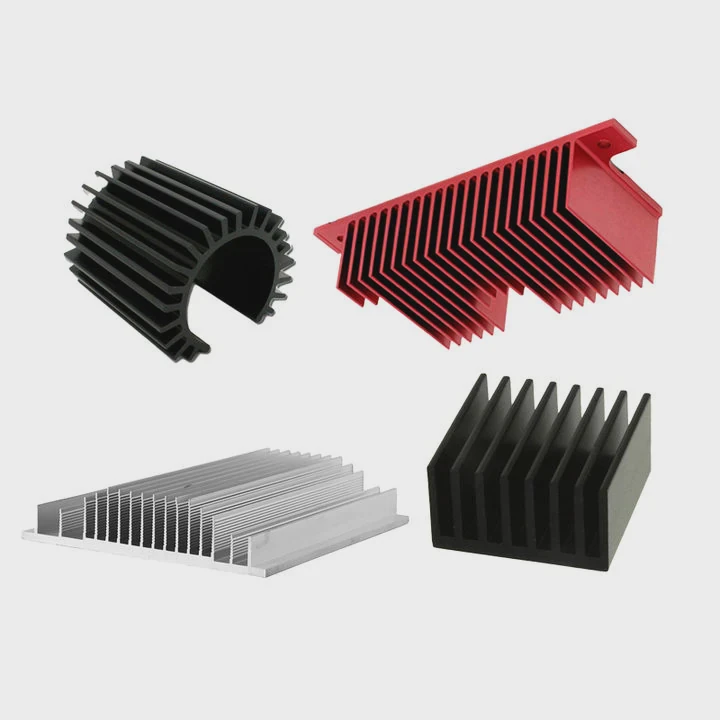
3D printers generate heat in many areas, which can harm performance. Heat sinks control temperatures and keep parts running smoothly.
A heat sink in a 3D printer removes heat from critical components, preventing jams, overheating, and filament issues. Proper cooling ensures precise prints and longer part life.
Cooling management in 3D printers is often overlooked, but it’s essential for high-quality prints. Let’s explore how heat sinks work and where they matter most.
How does a heat sink help 3D printer cooling?
3D printers have components that heat up quickly, causing deformation or thermal errors. Heat sinks prevent these problems.
Heat sinks pull heat away from hot spots and spread it over metal fins. Airflow then carries heat away, keeping parts like hotends, stepper motors, and boards within safe operating temperatures.
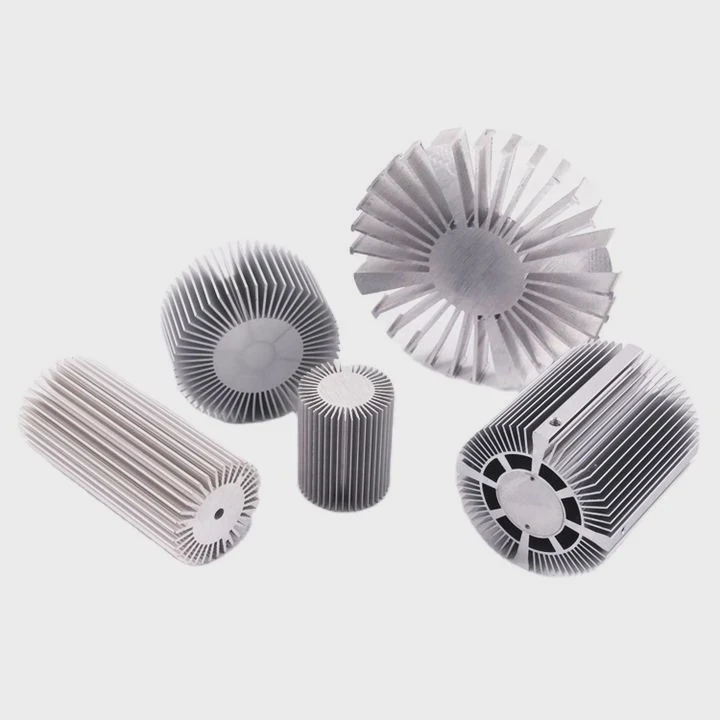
Heat sink operation
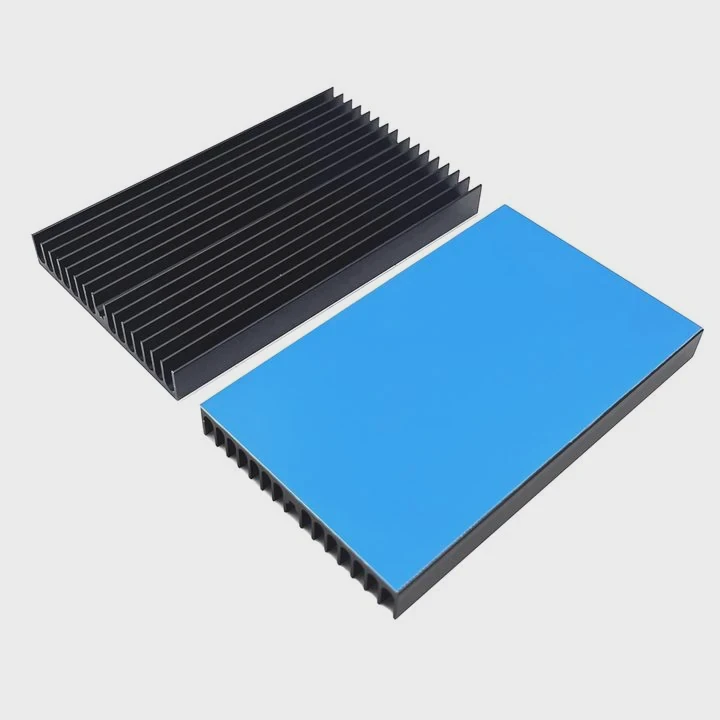
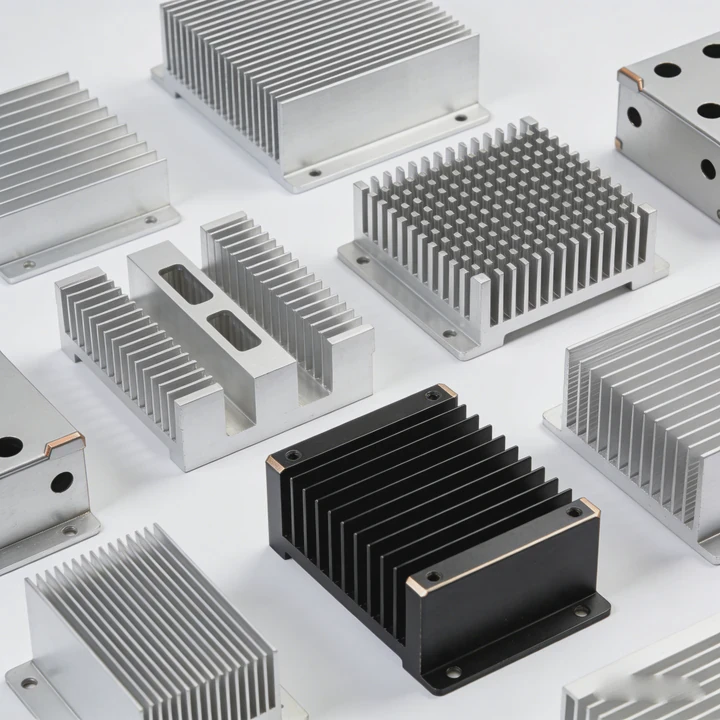
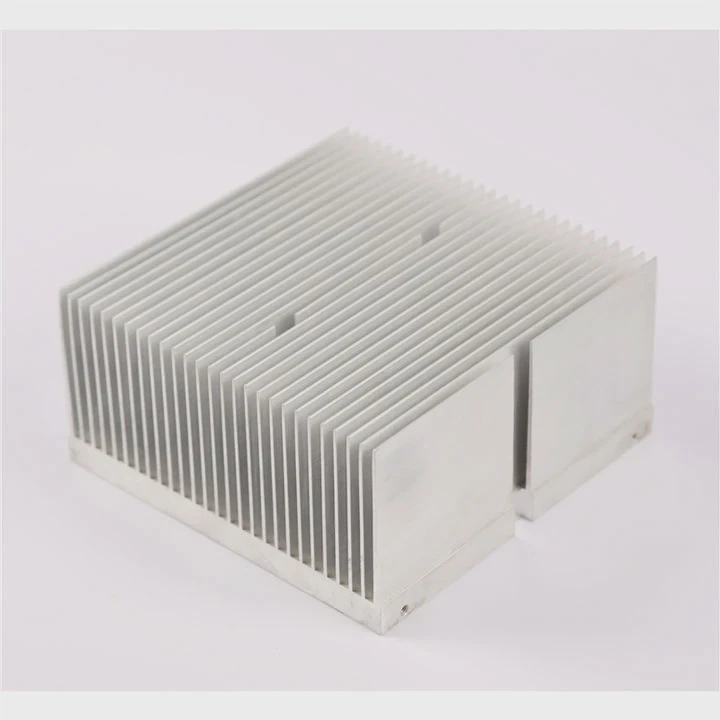
A 3D printer heat sink is usually aluminum or copper. Aluminum is lightweight and affordable, while copper conducts heat faster. Heat sinks attach directly to hot components or electronics. They increase surface area, which allows air to carry heat away efficiently. Fans often work with heat sinks to improve cooling further.
Key benefits
- Prevent filament jams in hotends
- Protect stepper drivers from overheating
- Stabilize board electronics for consistent prints
- Extend component life
Factors affecting cooling
- Metal type (aluminum vs. copper)
- Size and fin design
- Airflow speed
- Contact quality with thermal paste or pads
| Component | Heat Sink Type | Cooling Method |
|---|---|---|
| Hotend upper | Aluminum fins | Air from fan |
| Stepper drivers | Small aluminum block | Fan or natural airflow |
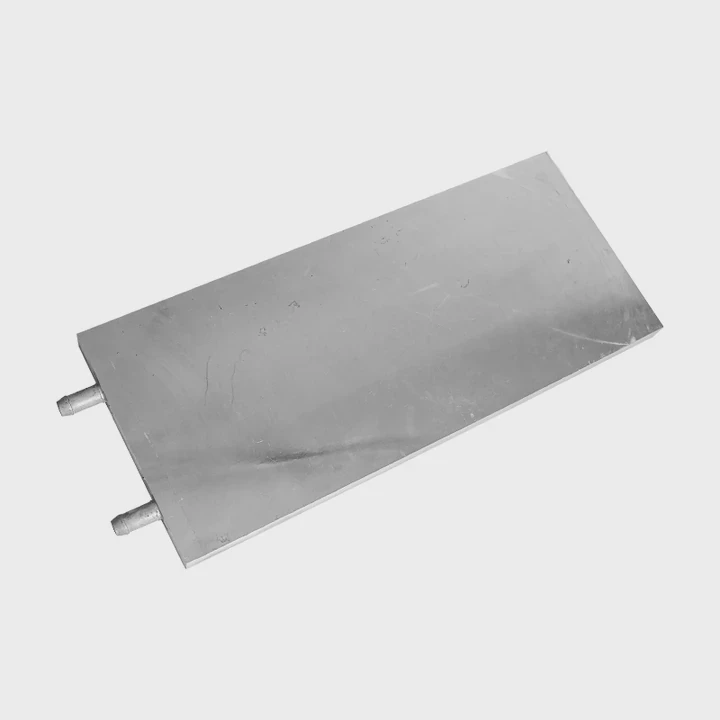
| Control board chips | Aluminum plate | Passive or fan-assisted |
Heat sinks allow 3D printers to run longer without overheating. By stabilizing temperatures, they reduce failed prints and maintain high precision.
Why do hotends require heat sinks?
Hotends melt filament at high temperatures. Without a heat sink, heat can travel upward and cause jams or clogs.
Heat sinks on hotends keep the upper portion cool while the nozzle melts filament. This separation prevents filament from softening too early, ensuring smooth extrusion.
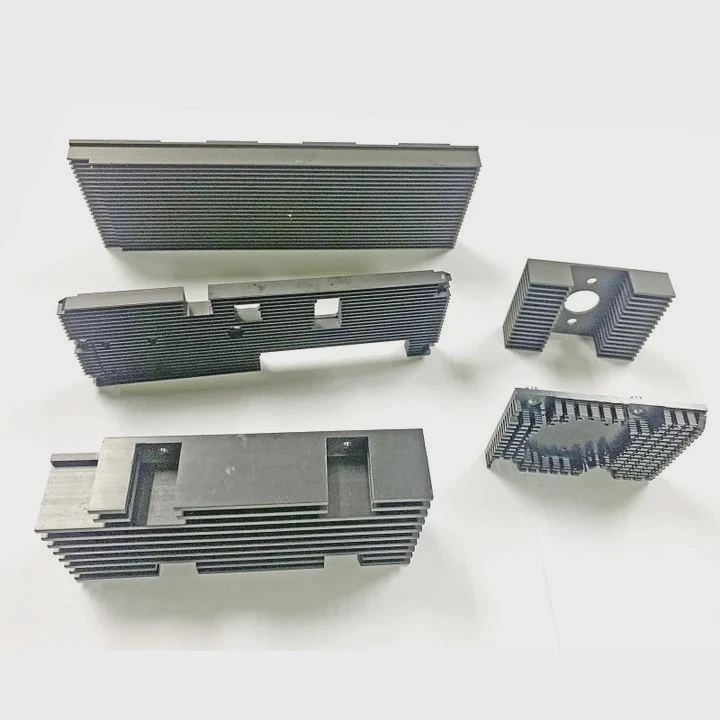
Hotend cooling zones
- Heater block: Melts filament for extrusion.
- Heat break: Narrow section separating hot and cold zones.
- Heat sink: Cools upper block to prevent heat creep.
Heat sink design
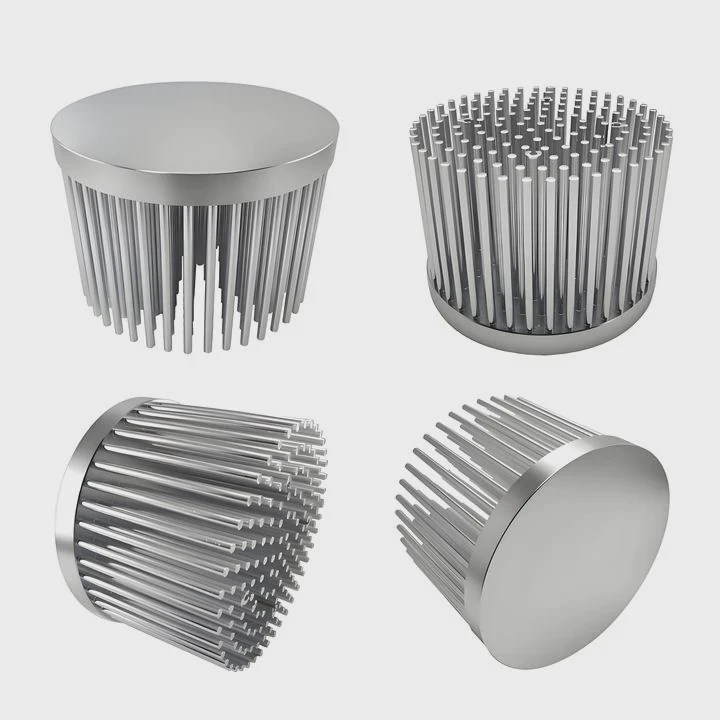
- Fins: Aluminum fins dissipate heat efficiently.
- Fan integration: A small fan directs airflow over the heat sink for active cooling.
- Direct attachment: Heat sinks attach to the heat break to maximize heat transfer.
| Hotend Part | Cooling Type | Purpose |
|---|---|---|
| Heat break | Aluminum fins + fan | Prevent heat creep |
| Upper nozzle block | Aluminum plate | Stabilize temperature |
| Cooling duct | Fan-directed airflow | Maintain consistent extrusion |
Without a heat sink, hotends overheat above the heat break, causing filament to expand and block the nozzle. For reliable printing, the heat sink is essential.
Where is a heat sink installed in 3D printers?
Heat sinks are installed where heat needs to be removed efficiently. Placement affects cooling performance directly.
Typical locations include hotends, stepper motors, and electronics boards. They can be passive or active depending on the heat generated and airflow available.
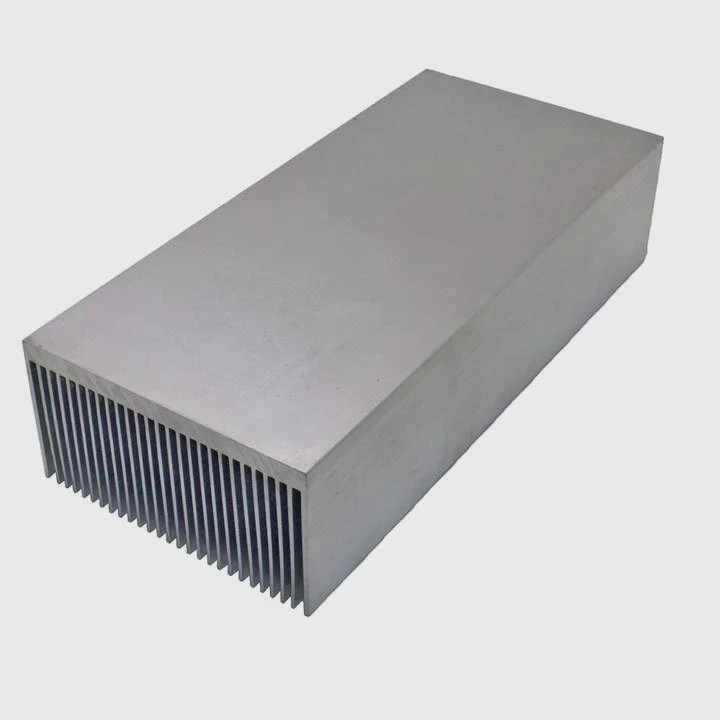
Hotend area
Heat sinks sit on the heat break just above the heater block. Fans blow air across the fins to stop heat from climbing into the filament path.
Stepper motors
Stepper motors that drive axes generate heat during long prints. Small aluminum blocks or plates remove excess heat. Fans can assist in cooling.
Electronics boards
Control boards and stepper driver chips produce heat during operation. Heat sinks help spread the heat and prevent thermal shutdown.
Optional areas
- Extruder stepper: Keeps filament drive smooth
- Power supply modules: Aluminum plates can help disperse heat
- Bed control electronics: Prevent overheating of MOSFETs or regulators
| Printer Area | Heat Sink Type | Cooling Approach |
|---|---|---|
| Hotend | Aluminum fins | Fan-assisted airflow |
| Stepper motors | Small block | Passive or fan-assisted |
| Control board | Aluminum plate | Passive or small fan |
| Extruder driver | Aluminum | Direct contact or airflow |
Correct placement ensures the printer runs without jams, reduces failed prints, and prolongs component life.
Which printer parts need heat sinks?
Not every component requires a heat sink, but some are critical for safe operation and performance.
Key parts include hotends, stepper driver chips, stepper motors, and control board regulators. Secondary areas like power supplies or extruder steppers may benefit from cooling as well.
Critical parts
- Hotend heat break: Stops heat creep
- Stepper driver chips: Avoid thermal shutdown
- Stepper motors: Maintain torque and prevent overheating
- MOSFETs on board: Ensure stable electronics
Secondary parts
- Extruder motor: Smooth filament feed
- Power supply electronics: Prevent overheating under load
- High-speed fans: Reduce fan motor temperature
| Component | Heat Sink Requirement | Recommended Material |
|---|---|---|
| Hotend | Essential | Aluminum fins |
| Stepper driver | Essential | Aluminum plate |
| Stepper motor | Recommended | Small aluminum block |
| Control board MOSFET | Essential | Aluminum or copper plate |
| Power supply | Optional | Aluminum plate |
Using heat sinks on the right components keeps the printer stable, prevents filament jams, and improves print quality. They are small investments that protect expensive electronics and ensure consistent operation.
Conclusion
Heat sinks are vital in 3D printers for hotends, stepper motors, and electronics. They prevent overheating, ensure consistent filament flow, and extend component life. Proper installation and quality materials improve reliability and printing performance.