
Do I Need a Heat Sink for My M.2 SSD?
- Yongxing
- 19 Mar ,2026
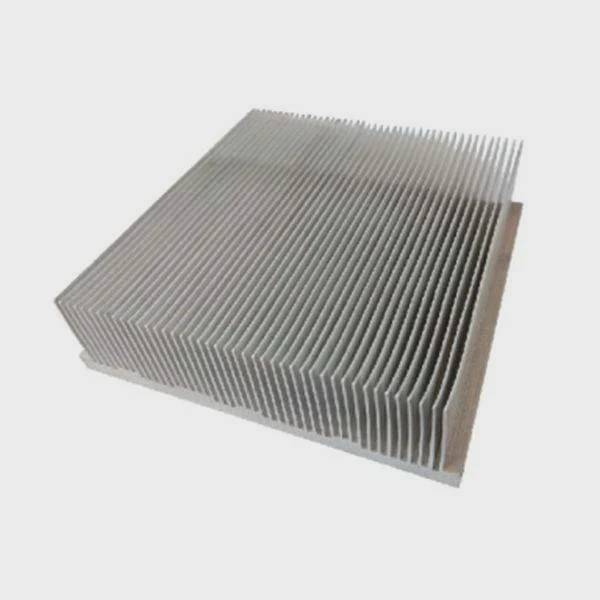
Fast SSDs promise speed, but heat quietly steals that performance. Many users ignore it until throttling hits. This gap creates confusion and lost efficiency.
Yes, most NVMe M.2 SSDs benefit from a heat sink. It helps control temperature, prevent throttling, and keep performance stable under load, especially in high-speed PCIe Gen3, Gen4, and Gen5 drives.
Heat management is not just a detail. It shapes real-world speed, stability, and lifespan. Understanding when and why a heat sink matters can help avoid hidden performance loss.
How does an M.2 heat sink improve performance?
Overheating slows down SSDs. Users often notice sudden drops in speed without knowing why. This issue grows worse in compact systems.
An M.2 heat sink improves performance by lowering SSD temperature, which prevents thermal throttling and keeps read/write speeds stable during sustained workloads.
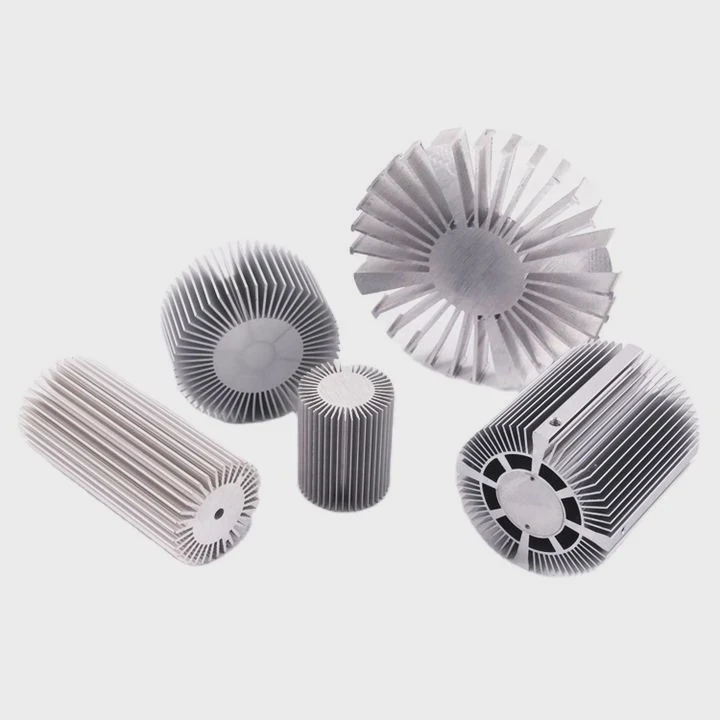
Heat sinks work by increasing the surface area that releases heat into the air. NVMe SSDs can reach temperatures above 70°C under load. At that point, the controller starts to limit speed. This is called thermal throttling.
Why throttling matters
When throttling begins, performance can drop sharply. A drive rated at 7000 MB/s may fall below 3000 MB/s. This drop is not temporary. It continues as long as the temperature stays high.
How heat sinks solve the problem
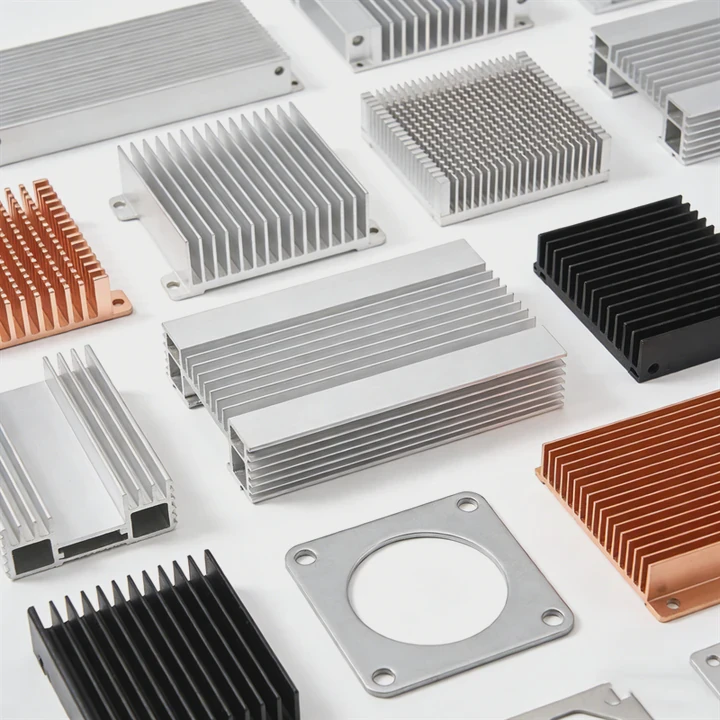
A heat sink spreads heat away from the controller and NAND chips. It uses materials like aluminum or copper. These materials have high thermal conductivity.
| Factor | Without Heat Sink | With Heat Sink |
|---|---|---|
| Peak Temperature | 75–90°C | 50–70°C |
| Sustained Speed | Drops quickly | Remains stable |
| Throttling Risk | High | Low |
| Lifespan Impact | Reduced | Improved |
Real-world scenario
During testing, large file transfers show clear differences. Without cooling, speed drops after 30–60 seconds. With a heat sink, the same transfer stays consistent.
Key takeaway
A heat sink does not increase peak speed. Instead, it protects sustained performance. This is critical for workloads like video editing, gaming installs, and data transfers.
Why do NVMe M.2 drives run hot?
Many users expect SSDs to stay cool because they have no moving parts. However, modern NVMe drives generate significant heat.
NVMe M.2 drives run hot because they process large amounts of data at high speeds, which increases power consumption and heat generation in the controller and NAND chips.
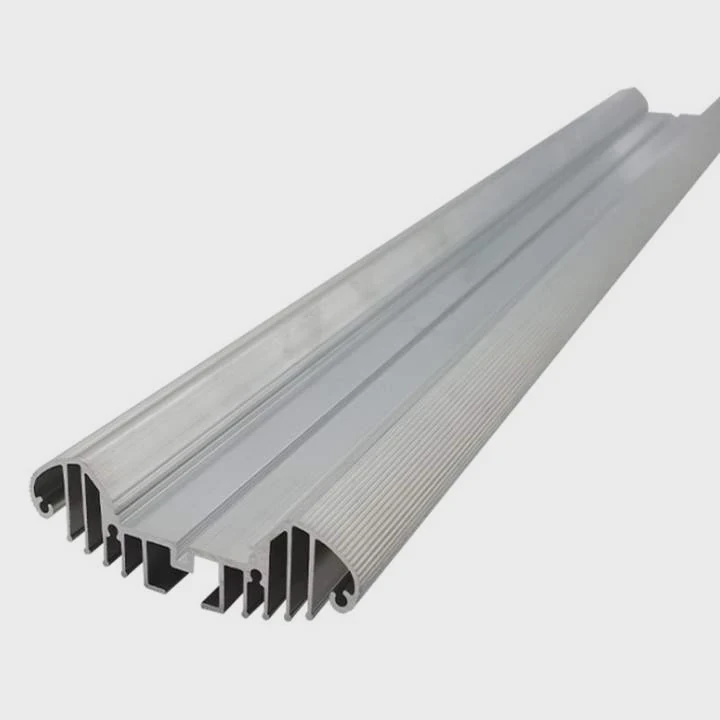
NVMe drives use PCIe lanes to achieve very high bandwidth. This speed requires more power. More power leads directly to more heat.
Main heat sources
There are two main components that generate heat:
- Controller chip: This is the brain of the SSD. It handles data flow and wear leveling.
- NAND flash memory: Stores data and also produces heat during read/write cycles.
PCIe generation impact
Each new PCIe generation increases speed. This also increases heat.
| PCIe Generation | Typical Speed | Heat Output |
|---|---|---|
| Gen3 | ~3500 MB/s | Moderate |
| Gen4 | ~7000 MB/s | High |
| Gen5 | ~12000 MB/s+ | Very High |
Form factor limitation
The M.2 form factor is small and compact. There is limited space for airflow. Unlike larger components, SSDs do not have built-in fans.
System design factors
Heat also depends on system layout:
- Poor airflow in small cases traps heat
- GPUs near the SSD can increase ambient temperature
- Laptop designs often lack active cooling for SSDs
Critical insight
Heat is not a flaw. It is a result of high performance. As speed increases, cooling becomes necessary, not optional.
Where should an M.2 heat sink be installed?
Improper installation reduces effectiveness. Many users install heat sinks without understanding placement.
An M.2 heat sink should be installed directly on top of the SSD controller and NAND chips, ensuring full contact with thermal pads for efficient heat transfer.
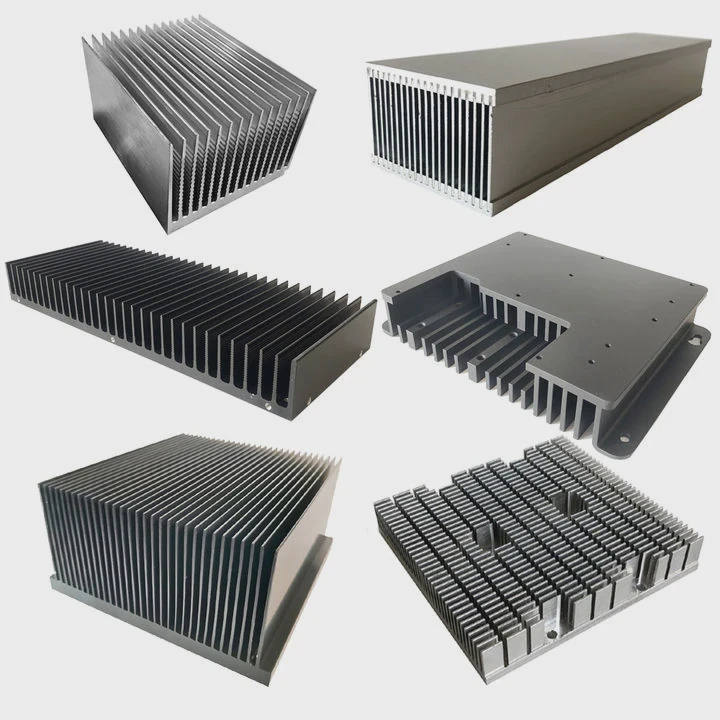
Correct placement ensures that heat moves efficiently from the SSD into the heat sink.
Key installation steps
- Clean the SSD surface
- Apply thermal pad evenly
- Align heat sink with controller
- Secure with clips or screws
Focus on the controller
The controller is the hottest component. It must have direct contact with the thermal pad.
Motherboard heat sinks
Many modern motherboards include built-in M.2 heat sinks. These are often sufficient for most users.
Single-sided vs double-sided SSDs
- Single-sided SSDs: Components on one side only
- Double-sided SSDs: Components on both sides
Double-sided SSDs may require heat sinks that cool both sides.
Installation mistakes to avoid
- Uneven thermal pad contact
- Loose mounting pressure
- Misaligned heat sink
Placement comparison
| Installation Quality | Result |
|---|---|
| Proper contact | Efficient cooling |
| Partial contact | Reduced performance |
| Loose mounting | Minimal effect |
Practical insight
A poorly installed heat sink can perform worse than no heat sink. Proper contact is more important than size.
Which workloads require M.2 cooling?
Not all users need aggressive cooling. The need depends on workload type.
M.2 cooling is required for workloads that involve sustained data transfer, such as gaming, video editing, 3D rendering, and server applications.
Light usage does not generate much heat. However, heavy workloads quickly push SSDs to thermal limits.
Low-intensity workloads
These usually do not require a heat sink:
- Web browsing
- Office tasks
- Light file storage
High-intensity workloads
These benefit strongly from cooling:
- 4K/8K video editing
- Large game installations
- Data backup and transfer
- Virtual machines
- AI and data processing
Workload vs cooling need
| Workload Type | Cooling Needed |
|---|---|
| Basic use | No |
| Gaming | Recommended |
| Content creation | Required |
| Enterprise/server | Critical |
Burst vs sustained load
Short bursts of activity generate less heat. Sustained workloads build up heat over time.
Example scenario
A gaming PC installs a 100GB game. Without cooling, the SSD slows halfway through. With a heat sink, installation completes faster and more consistently.
Key understanding
Cooling is not about average use. It is about peak and sustained demand. If the system handles heavy data, cooling becomes essential.
Conclusion
Heat sinks help NVMe SSDs maintain speed, stability, and lifespan. For high-performance systems, they are not optional but necessary for reliable operation.




