
Do I Need a Heat Sink for My SSD PS5?
- Yongxing
- 23 Mar ,2026
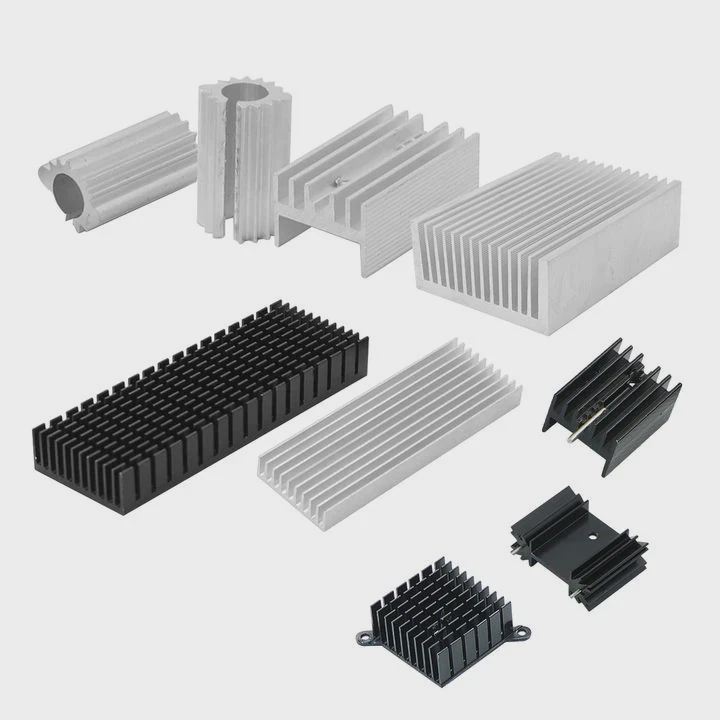
Modern PS5 users often worry about overheating SSDs. Heat builds fast. Performance drops. Hardware life shortens. This problem makes many users unsure about adding a heat sink.
Yes, a heat sink is required for PS5 SSD upgrades. It helps control temperature, prevents performance throttling, and ensures stable long-term operation under heavy gaming loads.
Many users skip this detail at first. Later, they face slow load times or system warnings. So it is important to understand how cooling works before installing an SSD.
Why does the PS5 require an SSD heat sink?
Many people install an SSD and expect perfect performance. But heat builds quickly inside the PS5. This creates hidden risks that users often ignore.
The PS5 requires an SSD heat sink because high-speed NVMe drives generate significant heat, and without proper cooling, they can throttle performance or even cause system instability.
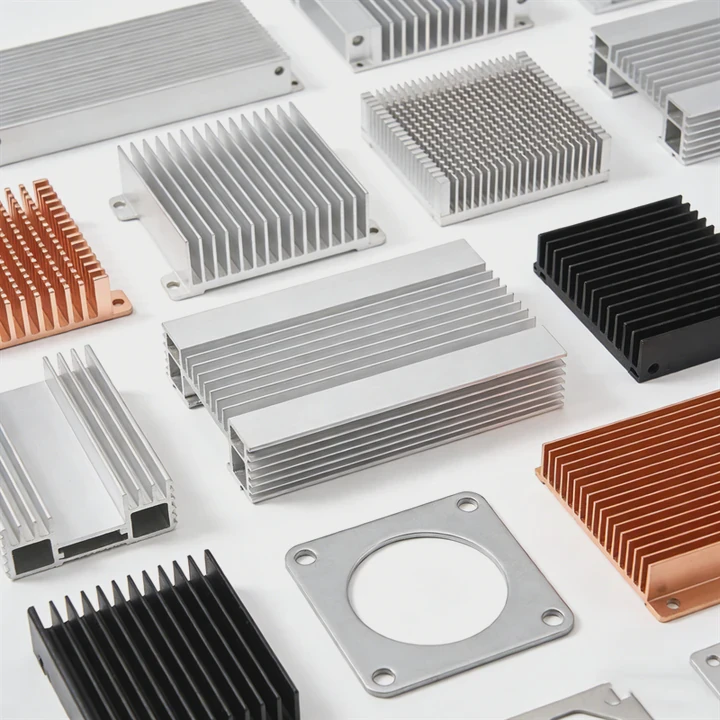
The PS5 uses very fast PCIe 4.0 NVMe SSDs. These drives run at high speeds. High speed always means more heat. When the temperature rises too much, the SSD protects itself. It slows down. This is called thermal throttling.
Why heat becomes a serious issue
Inside the PS5, space is limited. Airflow is controlled but not designed for bare SSD modules. The expansion slot has a metal cover, but this alone is not enough.
Here are key reasons heat becomes a problem:
- High read/write speeds generate heat quickly
- Long gaming sessions increase sustained load
- Limited airflow around the SSD slot
- Compact console design traps heat
What happens without a heat sink?
Without a heat sink, several issues may occur:
| Problem | Result |
|---|---|
| Thermal throttling | Slower game loading |
| Overheating | System warnings or shutdown |
| Reduced lifespan | SSD wears out faster |
| Data instability | Risk of performance errors |
Real-world observation
During long gaming sessions, especially with large open-world games, SSD temperature can exceed safe levels. Many users only notice the issue after performance drops.
A heat sink acts as a passive cooling solution. It spreads heat across a larger surface. Then airflow removes that heat more efficiently.
Why Sony recommends it
Sony clearly states that an SSD used in PS5 must include a heat dissipation structure. This is not optional. It is part of the hardware requirement.
So the question is not whether it is useful. The real question is how effective your heat sink is.
How does a heat sink improve PS5 SSD cooling?
Many users think a heat sink is just a piece of metal. But its role is much more important than that.
A heat sink improves PS5 SSD cooling by absorbing heat from the SSD controller and NAND chips, then spreading and releasing it into the surrounding air to maintain stable operating temperatures.
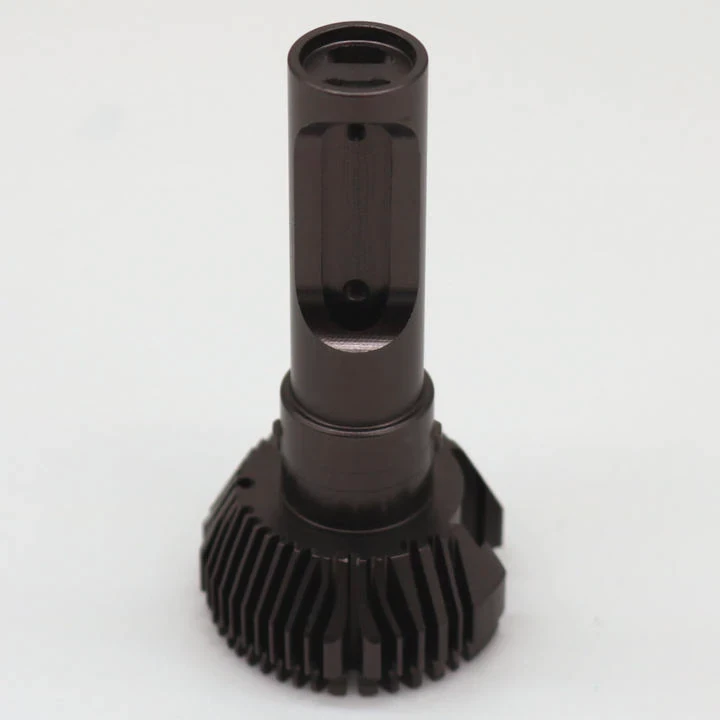
The basic working principle
A heat sink works through three simple steps:
- Absorb heat from the SSD
- Spread heat across its surface
- Release heat into airflow
This process reduces peak temperature and keeps performance stable.
Key materials used
Different heat sinks use different materials. Each has its own benefit:
| Material | Advantage | Limitation |
|---|---|---|
| Aluminum | Lightweight, cost-effective | Lower conductivity than copper |
| Copper | Excellent heat transfer | Heavier, more expensive |
| Vapor chamber | Extremely efficient | Higher cost |
Contact is everything
A heat sink only works well if it has good contact with the SSD. Thermal pads are used between the SSD and the heat sink.
If contact is poor:
- Heat transfer becomes inefficient
- Hot spots appear
- Cooling performance drops
Heat distribution effect
Without a heat sink, heat stays concentrated on the controller chip. This chip is the hottest part of the SSD.
With a heat sink:
- Heat spreads across a larger area
- Peak temperature drops
- Thermal spikes are reduced
Airflow interaction
The PS5 has built-in airflow. A heat sink helps by increasing the surface area that air can cool.
Think of it this way:
- No heat sink → small surface → slow cooling
- With heat sink → large surface → faster cooling
Practical insight
In testing, SSDs with heat sinks maintain more stable speeds during long sessions. Without one, performance may drop after just 10–15 minutes of heavy load.
This is why even a simple aluminum heat sink can make a big difference.
Where should the heat sink be installed on PS5 SSD?
Many users get confused during installation. They are unsure about the correct position or orientation.
The heat sink should be installed directly on top of the SSD module, covering the controller and memory chips, and the entire assembly must fit within the PS5 expansion slot dimensions.
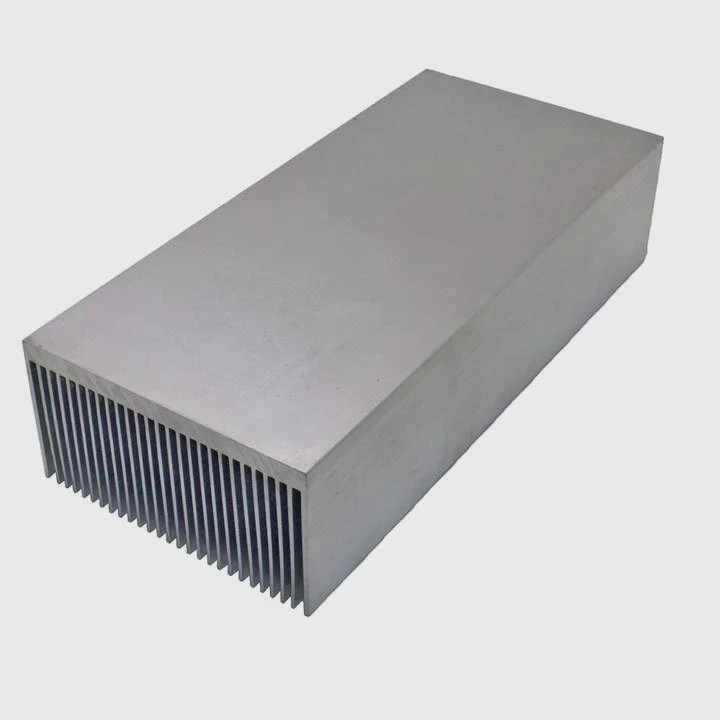
Correct installation position
The heat sink must sit on the SSD itself. It should cover:
- Controller chip (main heat source)
- NAND flash memory chips
- Both sides if dual-sided SSD
PS5 slot size limitation
The PS5 expansion slot has strict size limits. This is critical.
Here is a simplified guideline:
| Dimension | Limit |
|---|---|
| Width | Up to 25 mm |
| Height (total with SSD) | Around 11.25 mm |
| Length | Depends on SSD (2230–2280) |
If the heat sink is too large:
- The cover will not close
- Airflow may be blocked
Single-sided vs double-sided cooling
Some SSDs have chips on both sides.
- Single-sided SSD → heat sink on top is enough
- Double-sided SSD → may need dual-sided cooling
Thermal pad placement
Thermal pads must be placed carefully:
- Between SSD and heat sink
- Cover all key components
- Avoid air gaps
Common mistakes
Many users make these errors:
- Using thick heat sinks that do not fit
- Poor alignment of thermal pads
- Leaving protective film on pads
- Installing heat sink loosely
These mistakes reduce cooling efficiency.
Installation tip from experience
During installation, apply gentle pressure when attaching the heat sink. This ensures full contact. But avoid excessive force.
After installation:
- Close the metal cover properly
- Ensure no movement inside the slot
A properly installed heat sink becomes part of the cooling system.
Which SSD models for PS5 include heat sinks?
Choosing the right SSD can save time and effort. Many models now come with built-in heat sinks.
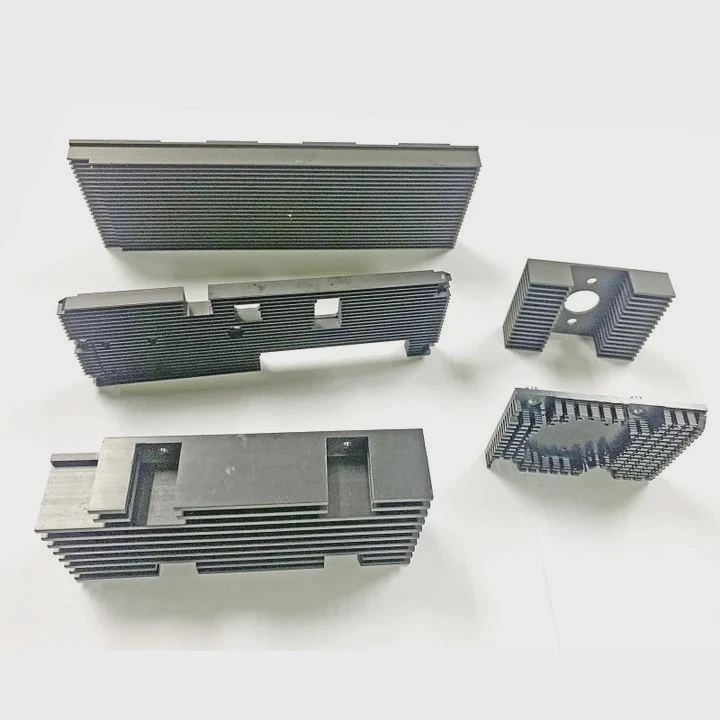
Several PS5-compatible SSDs include pre-installed heat sinks, ensuring they meet Sony’s thermal requirements without additional modifications.
Popular SSD options with heat sinks
Here are some commonly used models:
| Model | Key Feature | Notes |
|---|---|---|
| WD Black SN850X (Heatsink) | High performance | Designed for PS5 |
| Samsung 980 PRO with Heatsink | Reliable, stable | Widely trusted |
| Seagate FireCuda 530 (Heatsink) | Excellent endurance | Strong cooling design |
| Corsair MP600 Pro LPX | Compact heat sink | Fits PS5 perfectly |
Why choose built-in heat sink models?
There are clear advantages:
- No need for manual installation
- Guaranteed fit for PS5 slot
- Optimized thermal design
- Reduced risk of installation errors
When to choose a custom heat sink
Sometimes, users choose bare SSDs and add their own heat sinks. This works well when:
- Custom thermal performance is needed
- Cost optimization is important
- Specific size constraints apply
Built-in vs custom solution
Here is a simple comparison:
| Type | Advantage | Disadvantage |
|---|---|---|
| Built-in heat sink | Easy, reliable | Slightly higher cost |
| Custom heat sink | Flexible design | Requires installation skill |
Real buyer consideration
From experience, many professional buyers prefer pre-installed heat sink SSDs. It reduces risk and saves time.
However, system integrators often prefer custom solutions. They want better control over thermal design.
Final selection advice
When choosing an SSD:
- Check PS5 compatibility
- Verify heat sink dimensions
- Ensure read speed meets requirement (≥ 5500 MB/s)
This ensures both performance and safety.
Conclusion
A heat sink is not optional for PS5 SSDs. It ensures stable performance, protects hardware, and supports long gaming sessions. Choosing the right cooling solution makes a clear difference in reliability and user experience.




