
Do I Need a Heat Sink for My SSD?
- Yongxing
- 14 Mar ,2026
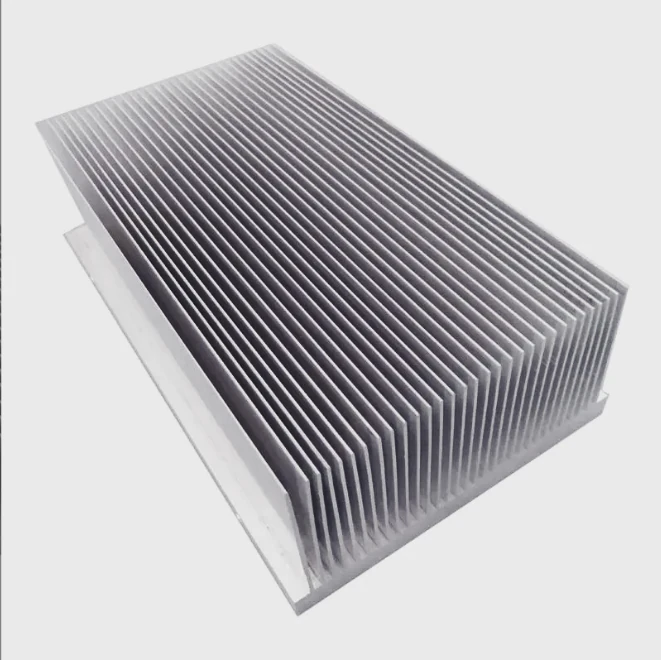
Modern SSDs deliver incredible speed. Yet many users notice heat during heavy workloads. Excess temperature can reduce performance and lifespan. That raises a simple question.
Yes, many modern SSDs benefit from a heat sink, especially high-speed NVMe drives. A heat sink spreads and releases heat, helping maintain stable speeds, preventing thermal throttling, and protecting long-term reliability during heavy workloads.
SSD technology continues to evolve. Performance improves each year, and so does power density. Higher performance often means higher heat. Because of this, understanding SSD cooling becomes important for system builders, engineers, and device manufacturers alike.
How does a heat sink help SSD cooling?
A heat sink helps SSD cooling by absorbing heat from the controller and NAND chips, spreading that heat across a larger surface area, and releasing it into surrounding air. This process lowers operating temperature and prevents thermal throttling.
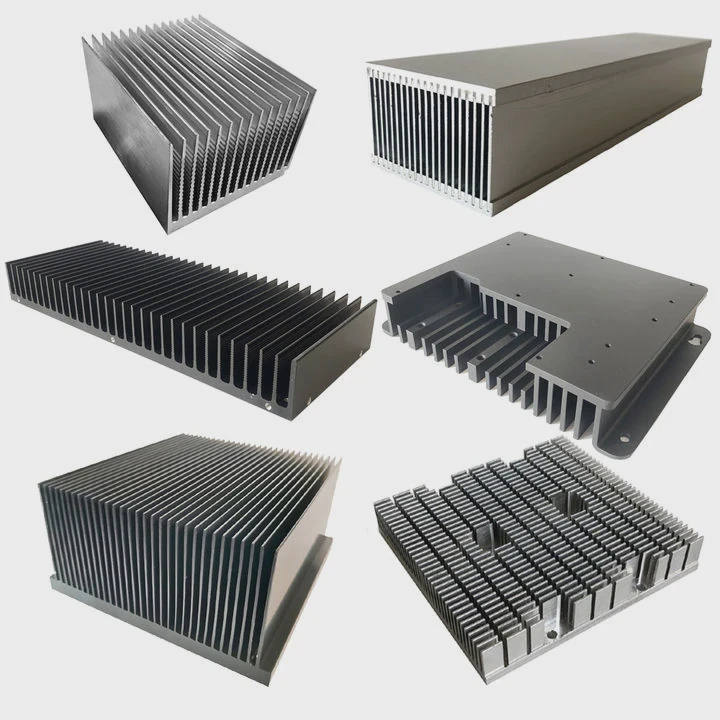
Heat is the natural result of electrical activity. When an SSD processes data, the controller and NAND flash chips generate heat. Without a path to release that heat, temperature rises quickly.
A heat sink solves this problem through thermal conduction and heat spreading.
How SSD heat sinks work
An SSD heat sink is typically made from aluminum or copper. These materials conduct heat well. The heat moves from the hot component into the heat sink body.
Then the heat spreads across a larger surface. Airflow removes the heat from that surface.
The cooling process follows three basic steps:
| Step | Process | Result |
|---|---|---|
| Heat transfer | Heat moves from SSD controller to heat sink | Temperature drops at chip level |
| Heat spreading | Heat distributes across fins or plates | Larger cooling surface |
| Heat dissipation | Airflow removes heat from metal surface | System stays stable |
Why SSD controllers need cooling
The SSD controller is the main heat source. It manages:
- data reading and writing
- error correction
- wear leveling
- communication with the motherboard
High-speed PCIe interfaces require strong processing power. This creates more heat.
Many modern SSDs use PCIe Gen4 or PCIe Gen5 interfaces. These controllers can easily reach 70°C or higher during heavy workloads.
What happens without a heat sink
When temperature rises too much, SSDs activate a protection mechanism called thermal throttling.
Thermal throttling means the SSD slows down on purpose. The drive reduces speed to protect internal components.
This often causes:
- sudden drop in read/write speed
- unstable performance during long transfers
- reduced efficiency in heavy workloads
Real-world example
During a large file transfer or video rendering task, an NVMe SSD may start at full speed. After several minutes, the temperature rises.
Without cooling, the drive can throttle.
With a heat sink, the temperature stays lower. Performance remains stable.
For many high-performance systems, a heat sink becomes a simple but effective solution.
Why do some SSDs run hotter than others?
Some SSDs run hotter because of faster interfaces, powerful controllers, higher NAND density, and heavy workloads. High-performance NVMe drives often generate significantly more heat than slower SATA SSDs.
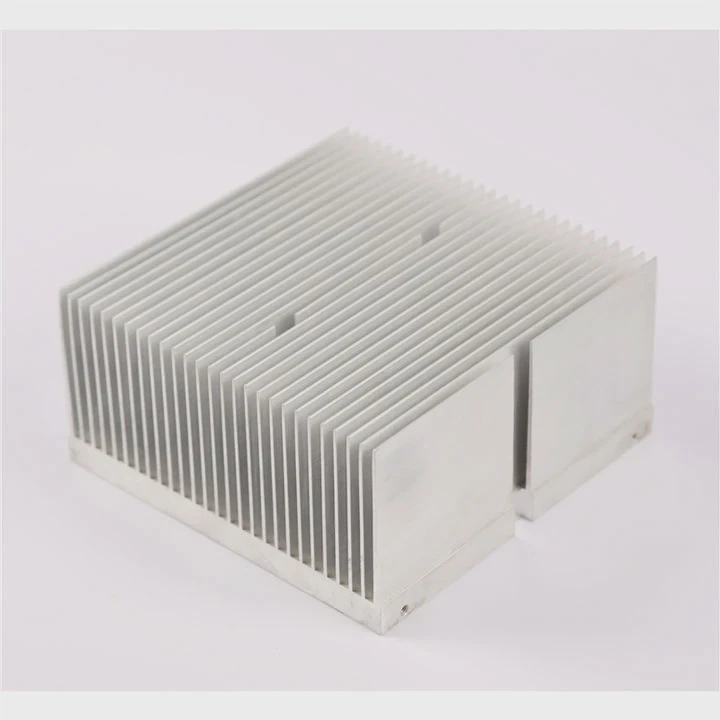
Not all SSDs behave the same way. Two drives may look similar but produce very different temperatures.
Several factors determine how hot an SSD becomes.
Interface speed matters
The first factor is interface bandwidth.
Faster interfaces require more controller processing power.
| Interface | Typical Speed | Heat Generation |
|---|---|---|
| SATA SSD | ~550 MB/s | Low |
| PCIe Gen3 NVMe | ~3500 MB/s | Medium |
| PCIe Gen4 NVMe | ~7000 MB/s | High |
| PCIe Gen5 NVMe | 10,000+ MB/s | Very High |
A faster interface means more data movement. That creates more electrical activity and therefore more heat.
Controller architecture
The SSD controller chip is the primary heat source.
Some controllers are designed for extreme performance. These chips use multiple CPU cores, advanced caching algorithms, and complex data management.
More computing power means more heat.
NAND flash density
Modern SSDs pack more storage into smaller spaces.
High-capacity drives often include many NAND chips. When many chips operate together, the heat output increases.
However, the controller still remains the hottest component.
Workload intensity
Another key factor is how the SSD is used.
Different workloads generate different amounts of heat.
| Workload | Heat Level |
|---|---|
| Web browsing | Low |
| Office work | Low |
| Gaming | Medium |
| Large file transfers | High |
| Video editing | High |
| AI data processing | Very High |
Device environment
Temperature also depends on the system environment.
Several factors influence SSD heat:
- case airflow
- motherboard layout
- GPU proximity
- ambient temperature
For example, an SSD placed under a powerful GPU may receive warm airflow from the graphics card. This increases drive temperature significantly.
Why compact devices run hotter
Small devices often have limited airflow.
Examples include:
- laptops
- mini PCs
- embedded systems
- industrial computers
In these environments, thermal management becomes more critical.
Heat sinks, thermal pads, and heat spreaders help maintain stable performance.
Where should an SSD heat sink be installed?
An SSD heat sink should be installed directly on top of the SSD controller and NAND chips, usually on the M.2 module surface, using a thermal pad to transfer heat efficiently.
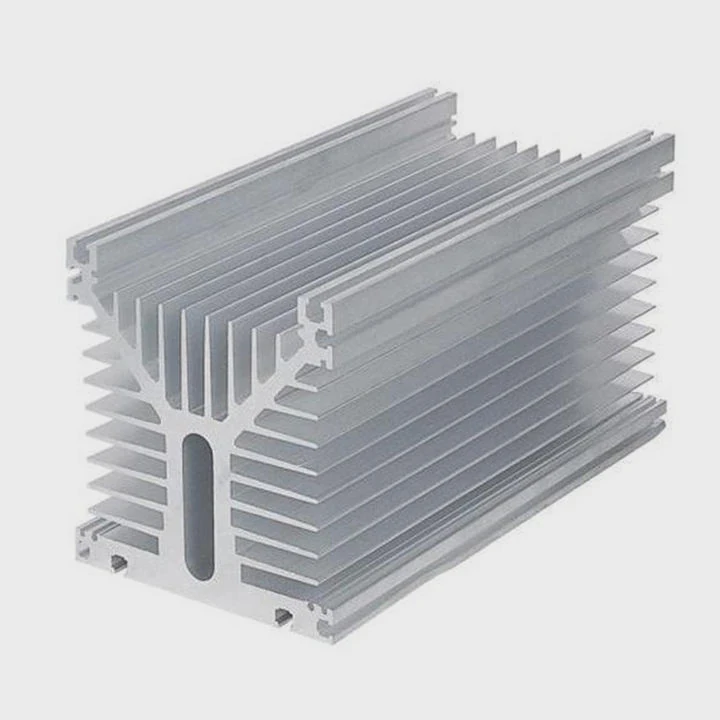
Correct installation is essential. Even a good heat sink cannot work properly if installed incorrectly.
Most SSD heat sinks are designed for M.2 NVMe drives.
Standard installation location
The heat sink should sit on the top surface of the SSD.
This surface contains the main components:
- SSD controller
- DRAM cache (if present)
- NAND flash memory
A thermal pad sits between the heat sink and the components. This pad fills small air gaps and improves heat transfer.
Typical installation structure
A common SSD heat sink assembly includes:
| Component | Function |
|---|---|
| Aluminum heat sink | Dissipates heat |
| Thermal pad | Transfers heat from chip to sink |
| Mounting clip or screws | Secures the heat sink |
The thermal pad plays an important role. Without it, the heat sink may not touch the chip surfaces evenly.
Motherboard integrated heat sinks
Many modern motherboards include built-in M.2 heat spreaders.
These covers often use:
- aluminum plates
- thermal pads
- screw mounting systems
They provide basic cooling for standard workloads.
Double-sided SSDs
Some SSDs have chips on both sides of the PCB.
In this case, cooling design may require:
- thicker heat sinks
- dual-side cooling plates
- thermal pads on both sides
Common installation mistakes
Several mistakes reduce cooling efficiency.
Examples include:
- forgetting the thermal pad
- installing the heat sink upside down
- using pads that are too thick
- blocking airflow with cables
Even small installation errors can reduce cooling performance.
Why proper contact matters
Thermal conduction requires good contact.
Air is a poor heat conductor. If gaps exist between the heat sink and chip surface, heat cannot transfer efficiently.
A correctly installed heat sink can reduce SSD temperature by 10°C to 25°C depending on workload.
Which SSD workloads benefit from heat sinks?
SSD heat sinks benefit workloads that involve long periods of heavy data transfer, such as video editing, data analysis, gaming installs, server tasks, and AI processing. These workloads generate sustained heat that can trigger thermal throttling.
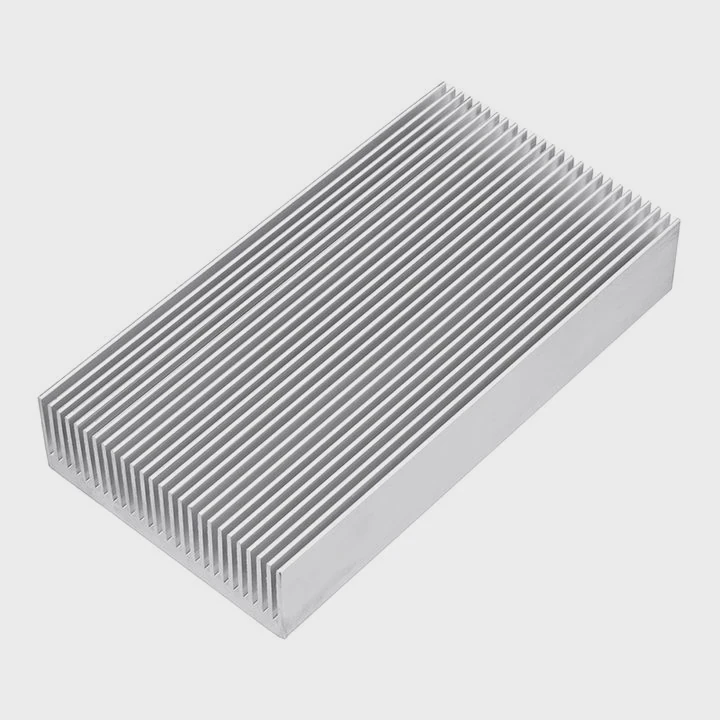
Many everyday computer tasks do not stress SSDs heavily. However, some workloads create continuous high activity.
Under these conditions, SSD cooling becomes very important.
Continuous data transfer
Large file operations generate significant heat.
Examples include:
- transferring hundreds of gigabytes
- system backups
- database migrations
- media archiving
These operations keep the controller active for long periods.
Without cooling, temperature rises quickly.
Professional content creation
Creative workloads often push SSDs to their limits.
Common examples include:
- 4K video editing
- 8K video production
- raw photo processing
- animation rendering
These tasks read and write massive files repeatedly.
Data centers and servers
Enterprise environments rely heavily on SSD performance.
Typical workloads include:
| Workload | Data Intensity |
|---|---|
| cloud storage | high |
| virtualization | high |
| AI training | very high |
| database systems | high |
Servers often run 24 hours per day, which means heat accumulation becomes a major design concern.
Gaming and game installations
Gaming itself may not always stress SSDs continuously. However, game installation and updates can.
Modern games can exceed 100GB in size. Installing or updating them produces long write bursts.
Engineering and AI computing
Advanced computing systems create extremely high storage workloads.
Examples include:
- machine learning datasets
- simulation data processing
- scientific computing
These tasks often use NVMe SSD arrays with high throughput.
When a heat sink may not be necessary
Some systems do not require additional cooling.
Examples include:
- SATA SSDs with low bandwidth
- light office workloads
- systems with strong airflow
However, high-speed NVMe drives increasingly benefit from thermal solutions.
As SSD performance continues to rise, thermal management becomes part of system design rather than an optional accessory.
Conclusion
High-speed SSDs generate heat during heavy workloads. A heat sink spreads and releases that heat, helping maintain stable performance and preventing thermal throttling. For modern NVMe drives, proper thermal management is often a simple and effective upgrade.




