
Do You Need a Heat Sink for an M.2 SSD?
- Yongxing
- 23 Mar ,2026
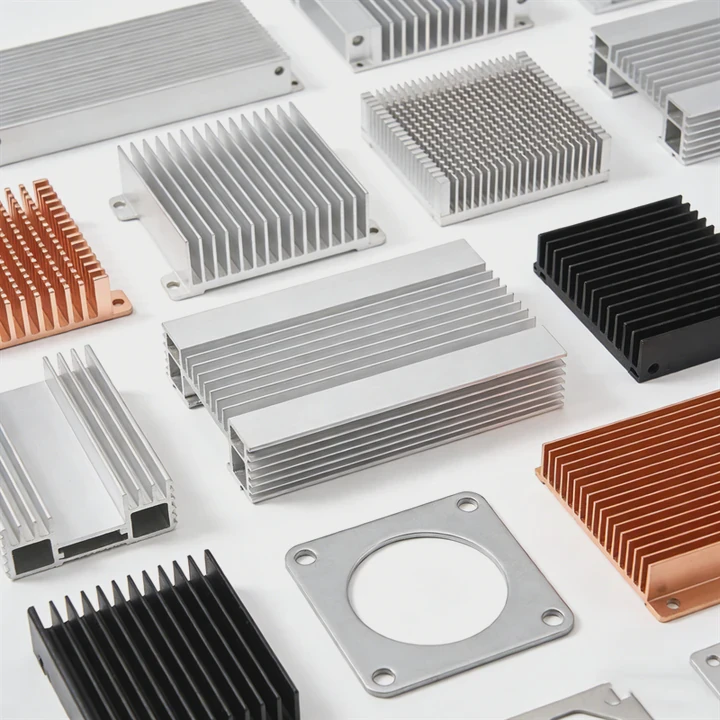
Modern SSDs run fast. But heat builds up quickly. Many users ignore this until performance drops. This hidden issue can slow down systems without warning.
Yes, many M.2 SSDs benefit from a heat sink because high-speed data transfer generates heat that can cause thermal throttling, reducing performance and lifespan. A heat sink helps maintain stable temperature and consistent speed.
Heat is not always visible, but it directly impacts performance. Understanding how and when to use a heat sink helps avoid costly slowdowns and improves system reliability.
Why do M.2 SSDs often require heat sinks?
Modern M.2 SSDs are compact. But this small size traps heat. High-speed operations make the problem worse.
M.2 SSDs require heat sinks because their compact design and high-speed data processing generate significant heat, which can lead to performance drops and long-term damage if not properly managed.
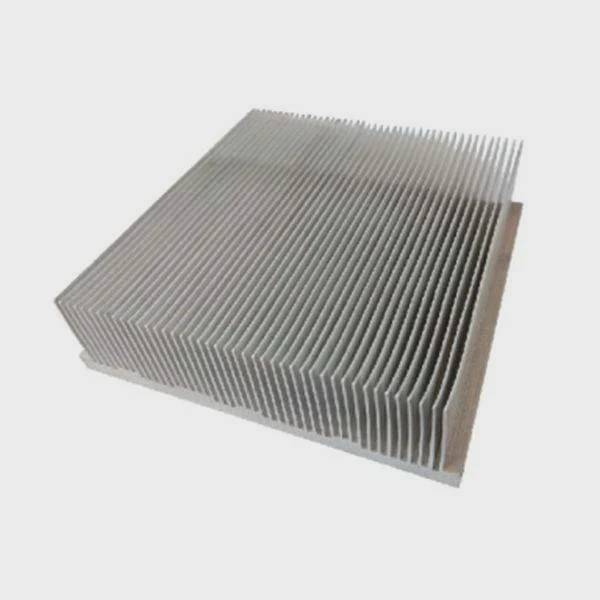
M.2 SSDs, especially NVMe drives, are designed for speed. They use PCIe lanes to transfer data much faster than traditional SATA SSDs. This high-speed transfer creates heat. Unlike larger drives, M.2 SSDs have very little surface area to release that heat.
Why heat builds up quickly
Several factors cause M.2 SSDs to run hot:
- High read/write speeds
- Dense NAND flash chips
- Continuous workloads like gaming or data processing
- Poor airflow inside compact systems
Common temperature ranges
| Condition | Temperature Range |
|---|---|
| Idle | 30°C – 45°C |
| Normal load | 50°C – 70°C |
| Heavy load | 70°C – 90°C |
| Throttling threshold | ~70°C – 85°C |
When temperature crosses a limit, the SSD firmware reduces speed. This is called thermal throttling.
Real-world problem
In one project, a system used high-speed SSDs for continuous data logging. Performance dropped after 20 minutes. The root cause was heat buildup. After adding a heat sink, the speed stayed stable.
Why manufacturers add heat sinks
Many high-end SSDs now come with built-in heat spreaders or heat sinks. This shows that thermal management is not optional anymore.
Key takeaway
Heat is not just a side effect. It is a limiting factor. Without proper cooling, the full speed of an M.2 SSD cannot be maintained.
How does a heat sink prevent M.2 throttling?
Throttling reduces speed. It protects the SSD. But it also reduces performance.
A heat sink prevents M.2 throttling by absorbing and dissipating heat away from the SSD controller and NAND chips, keeping temperatures below critical thresholds for stable performance.
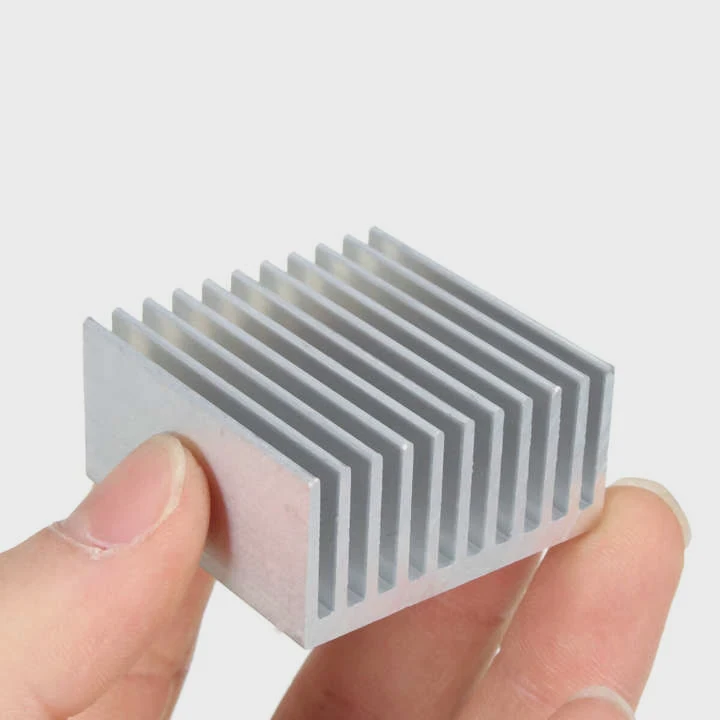
A heat sink works by increasing the surface area. This allows heat to spread and dissipate into the surrounding air more efficiently.
How throttling happens
The SSD controller monitors temperature. When it reaches a set limit, it reduces performance. This lowers heat generation.
Heat sink working principle
A typical heat sink uses:
- High thermal conductivity materials (usually aluminum or copper)
- Thermal pads to transfer heat from chips to the heat sink
- Fins or grooves to increase airflow contact
Heat transfer process
| Step | Process Description |
|---|---|
| 1 | Heat generated by controller |
| 2 | Thermal pad absorbs heat |
| 3 | Heat moves into heat sink |
| 4 | Heat dissipates into air |
Why the controller matters most
The controller chip is the hottest part of an SSD. If it overheats, throttling starts. A well-designed heat sink focuses on this area.
Passive vs active cooling
- Passive cooling: heat sinks only
- Active cooling: heat sinks + fans
Most systems use passive cooling because it is simple and reliable.
Practical observation
Without a heat sink, temperature spikes quickly under load. With a heat sink, the temperature curve becomes stable and gradual.
Key takeaway
A heat sink does not eliminate heat. It manages heat flow. This keeps the SSD running at full speed for longer periods.
Where should an M.2 heat sink be placed?
Placement is critical. Even a good heat sink fails if installed incorrectly.
An M.2 heat sink should be placed directly on top of the SSD controller and NAND chips, ensuring full contact with thermal pads to maximize heat transfer efficiency.
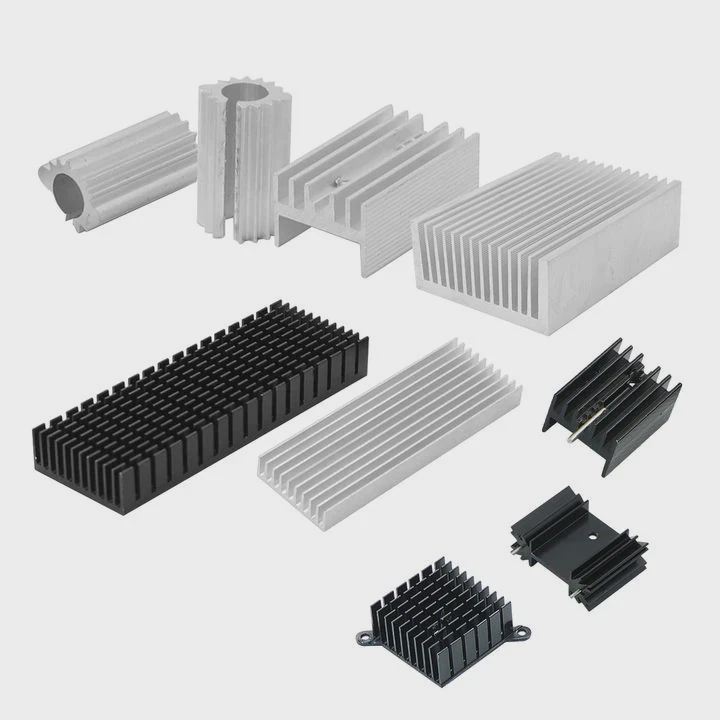
Correct placement ensures that heat moves efficiently from the SSD into the heat sink.
Key placement areas
The heat sink must cover:
- Controller chip (most important)
- NAND flash chips
- DRAM (if present)
Common mistakes
- Misaligned thermal pad
- Uneven pressure
- Partial contact with components
- Installing on only one side when both sides generate heat
Single-sided vs double-sided SSDs
| SSD Type | Cooling Requirement |
|---|---|
| Single-sided | Top heat sink usually enough |
| Double-sided | May need dual-side cooling |
Motherboard heat sinks
Many motherboards include built-in M.2 heat shields. These are often sufficient for moderate use. But for heavy workloads, aftermarket solutions perform better.
Airflow matters
Even the best heat sink needs airflow. Without airflow, heat accumulates around the sink.
Installation steps
- Clean SSD surface
- Apply thermal pad evenly
- Align heat sink properly
- Secure with correct pressure
Real-world insight
In compact systems like mini PCs, airflow is limited. In these cases, heat sink placement becomes even more important.
Key takeaway
A heat sink only works if it touches the right components with proper pressure and alignment.
Which M.2 SSDs benefit from additional cooling?
Not all SSDs need extra cooling. But high-performance models often do.
High-performance NVMe SSDs, especially PCIe Gen4 and Gen5 models, benefit the most from additional cooling because they generate more heat during intensive operations.
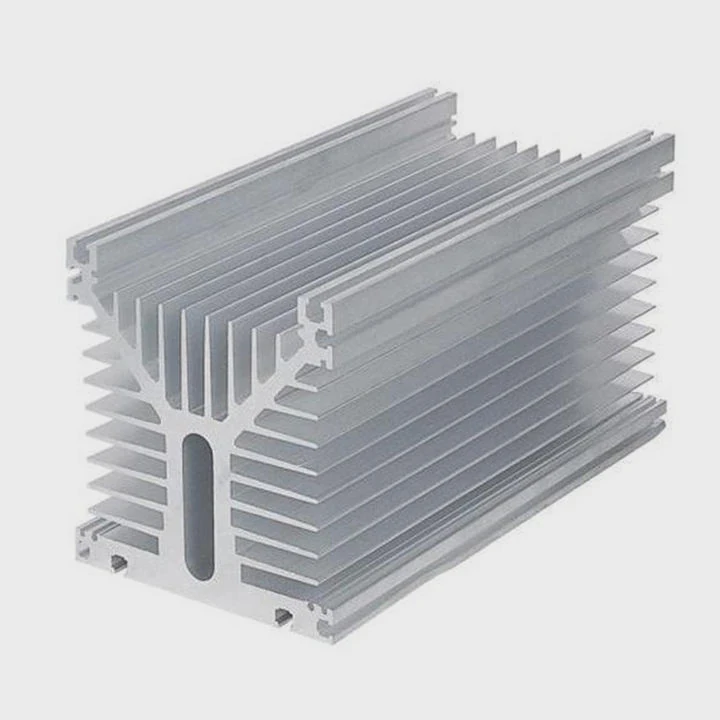
Understanding which SSDs need cooling helps avoid unnecessary cost or performance issues.
SSD categories
| SSD Type | Cooling Need |
|---|---|
| SATA M.2 | Low |
| PCIe Gen3 NVMe | Moderate |
| PCIe Gen4 NVMe | High |
| PCIe Gen5 NVMe | Very High |
Workload impact
Cooling need depends on usage:
- Light use (office work): minimal heat
- Gaming: moderate heat
- Video editing: high heat
- Data servers: very high heat
Signs you need a heat sink
- SSD temperature exceeds 70°C
- Performance drops during long tasks
- System logs show thermal throttling
Industry trend
New SSD generations push higher speeds. But power consumption also increases. This makes heat sinks more necessary over time.
My observation from projects
In high-power systems, adding a custom heat sink improved performance stability by over 20% during sustained workloads. This was not about peak speed, but consistent speed.
When you may not need one
- Low-speed SSD
- Short burst workloads
- Systems with strong airflow
When you definitely need one
- PCIe Gen4/Gen5 SSDs
- Continuous data transfer systems
- Enclosed or compact systems
Key takeaway
Cooling is not about luxury. It is about matching thermal design with performance demand.
Conclusion
M.2 SSDs run fast but generate heat. A heat sink helps control temperature, prevent throttling, and keep performance stable. Choosing the right cooling solution depends on SSD type, workload, and system design.




