
Do You Need a Heat Sink for an SSD?
- Yongxing
- 16 Mar ,2026
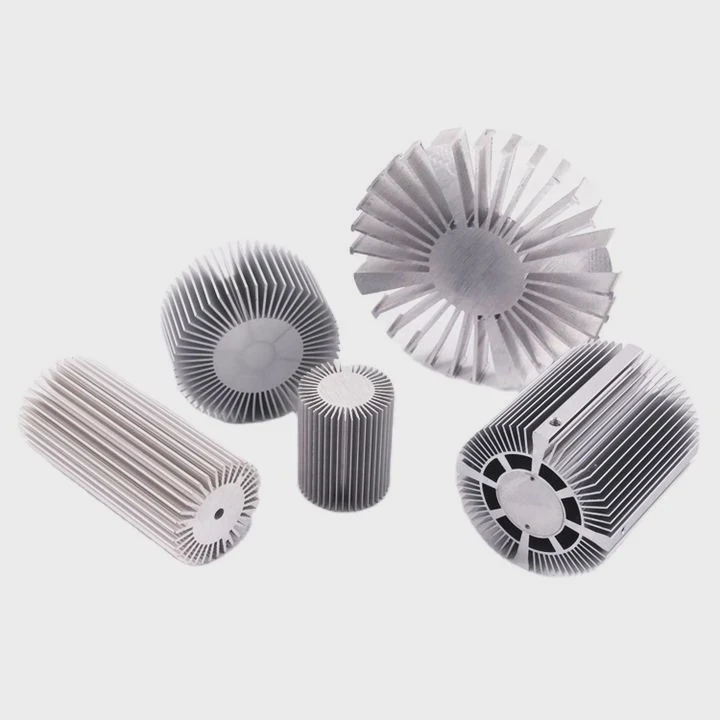
Modern SSDs promise extreme speed. Yet many users ignore a hidden problem. Heat slowly builds up during heavy data transfer and can reduce performance or shorten lifespan.
Yes, many modern SSDs benefit from a heat sink, especially high-speed NVMe drives. A heat sink helps reduce temperature, prevent thermal throttling, maintain stable speeds, and protect long-term reliability during heavy workloads.
Many people install an SSD and assume cooling is not important. However, high-performance storage devices now operate closer to their thermal limits. Understanding how heat affects SSDs helps prevent performance loss and unexpected hardware wear.
How does cooling affect SSD lifespan?
Excessive heat gradually reduces SSD lifespan because it accelerates electronic wear inside the NAND flash and controller. Proper cooling keeps temperatures stable, which protects data integrity and maintains consistent drive performance over time.
Heat is one of the most common silent threats to electronic hardware. SSDs are no exception. Even though SSDs have no moving parts, they still generate heat during operation. The controller chip and NAND memory work continuously when reading and writing data.
Why temperature matters for SSD components
Two main parts inside an SSD react strongly to heat:
- Controller chip
- NAND flash memory
The controller works like the brain of the drive. It manages data transfer, error correction, and wear leveling. During heavy workloads such as gaming, video editing, or large file transfers, the controller works very hard. This activity creates heat.
NAND flash cells also suffer when temperatures remain high for long periods. Heat increases electrical leakage inside the cells. Over time, this can reduce data retention reliability.
Typical SSD temperature ranges
Most manufacturers design SSDs to operate within specific thermal limits.
| Temperature Range | Impact on SSD |
|---|---|
| 0–50°C | Ideal operating temperature |
| 50–70°C | Safe but approaching thermal limits |
| 70–80°C | Thermal throttling may begin |
| 80°C+ | Long-term reliability risk |
When the temperature crosses certain limits, the SSD firmware automatically slows down the drive. This process is called thermal throttling.
How cooling extends lifespan
Stable temperatures provide three clear advantages:
Reduced controller stress
Lower temperatures help maintain consistent electronic signals.Improved NAND durability
Heat accelerates charge leakage in memory cells.More stable performance over years
In large data centers or high-performance workstations, engineers always design thermal solutions around storage components. The same logic applies to consumer PCs. A small heat sink can make a big difference in long-term drive health.
Why do high-speed SSDs generate more heat?
High-speed SSDs generate more heat because their controllers process massive amounts of data per second. Faster interfaces like PCIe Gen4 and Gen5 increase power consumption, which directly increases thermal output.
SSD speed has increased dramatically over the past decade. Early SATA SSDs delivered about 500 MB/s. Modern NVMe drives can exceed 10,000 MB/s.
Higher speed always means more power and more heat.
Interface generations and heat output
Each generation of PCIe storage increases bandwidth. This improvement also increases controller workload.
| SSD Interface | Typical Speed | Heat Level |
|---|---|---|
| SATA SSD | ~550 MB/s | Low |
| PCIe Gen3 NVMe | ~3500 MB/s | Moderate |
| PCIe Gen4 NVMe | ~7000 MB/s | High |
| PCIe Gen5 NVMe | 10000–14000 MB/s | Very High |
When the controller processes large amounts of data, it switches billions of electronic signals every second. These switching operations consume power.
Power consumption converts directly into heat.
Controller chips are the main heat source
In most SSDs, the controller chip produces the majority of heat. High-performance controllers can consume between 5W and 12W during heavy workloads.
For such a small device, this power density is very high.
Without cooling, temperatures can rise quickly during:
- Large file transfers
- Game installations
- 4K or 8K video editing
- Continuous benchmarking
- Database operations
Thermal throttling in modern SSDs
Manufacturers implement thermal protection systems. When temperature reaches a critical level, the SSD automatically reduces speed.
This protects the hardware but also creates sudden performance drops.
Users often notice this when a fast SSD suddenly slows down during long file transfers.
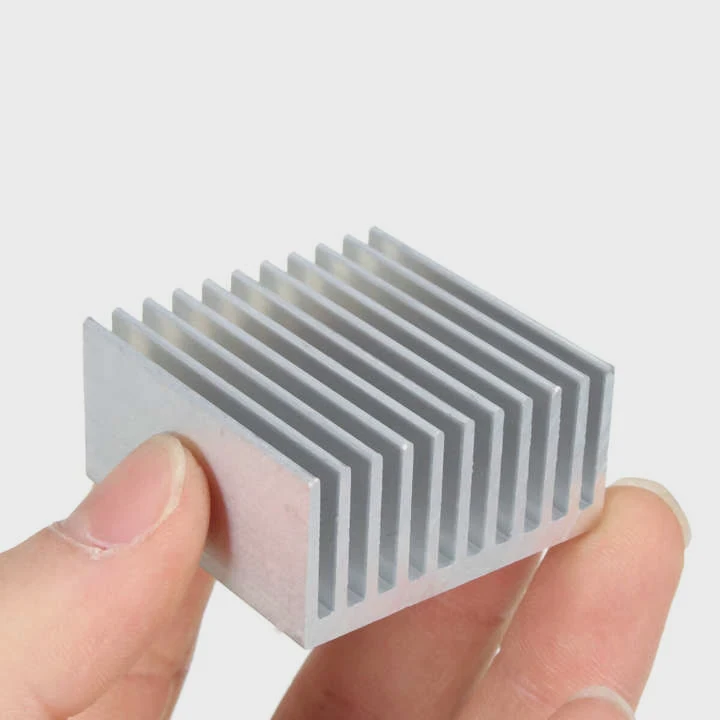
A simple aluminum heat sink spreads the heat across a larger surface area. This helps airflow remove the heat more effectively.
Where should SSD cooling solutions be placed?
SSD cooling solutions should be placed directly above the SSD controller and NAND chips. Proper placement ensures heat transfers efficiently from the drive to the heat sink and into surrounding airflow.
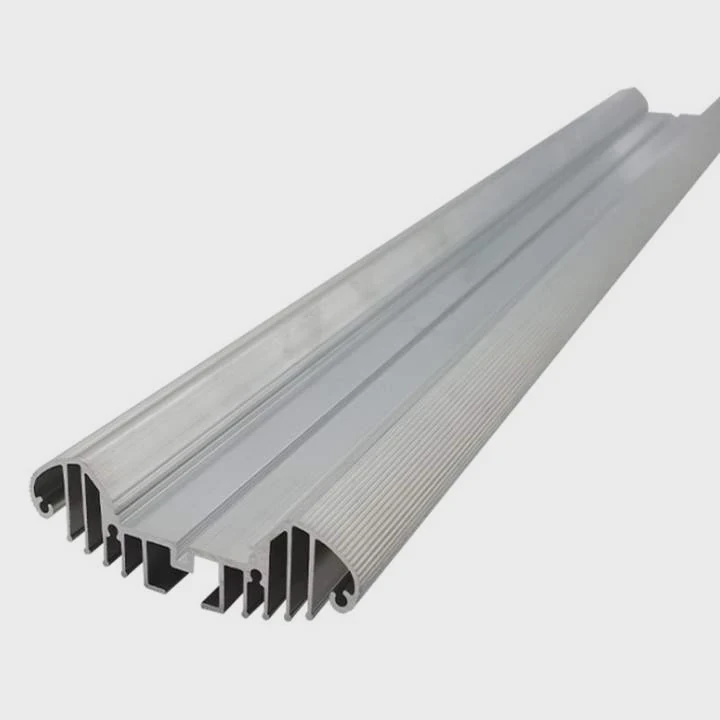
Heat sinks work by spreading heat across a larger surface area. For this reason, placement matters as much as the material.
Correct heat sink placement on an M.2 SSD
Most M.2 SSDs follow a simple component layout:
- Controller chip near the connector
- DRAM cache in the center
- NAND flash chips across the board
The controller produces the most heat. Therefore, the heat sink must make firm contact with it.
Basic cooling structure
A typical SSD cooling setup includes:
| Cooling Component | Function |
|---|---|
| Thermal pad | Transfers heat from chips to heat sink |
| Aluminum heat sink | Spreads heat across surface |
| Airflow | Removes heat from heat sink |
The thermal pad fills microscopic air gaps between the chip surface and the heat sink.
Air gaps reduce heat transfer efficiency, so the pad plays an important role.
Motherboard integrated heat sinks
Many modern motherboards already include M.2 cooling plates. These integrated heat sinks often perform very well.
However, the effectiveness depends on:
- Thermal pad quality
- Contact pressure
- Case airflow
Airflow matters more than many people expect
A heat sink alone cannot remove heat permanently. It only spreads the heat.
Airflow from case fans removes the heat from the heat sink surface.
In compact systems like mini-ITX builds or laptops, airflow may be limited. In those cases, SSD temperatures may still rise under heavy workloads.
In high-power computing systems such as servers, AI hardware, or storage clusters, thermal design becomes even more important. Engineers often design custom heat sinks or even liquid cooling plates to maintain stable device temperatures.
Which SSD models benefit from heat sinks?
High-performance NVMe SSDs benefit the most from heat sinks, especially PCIe Gen4 and Gen5 models used for gaming, video editing, or professional workloads.
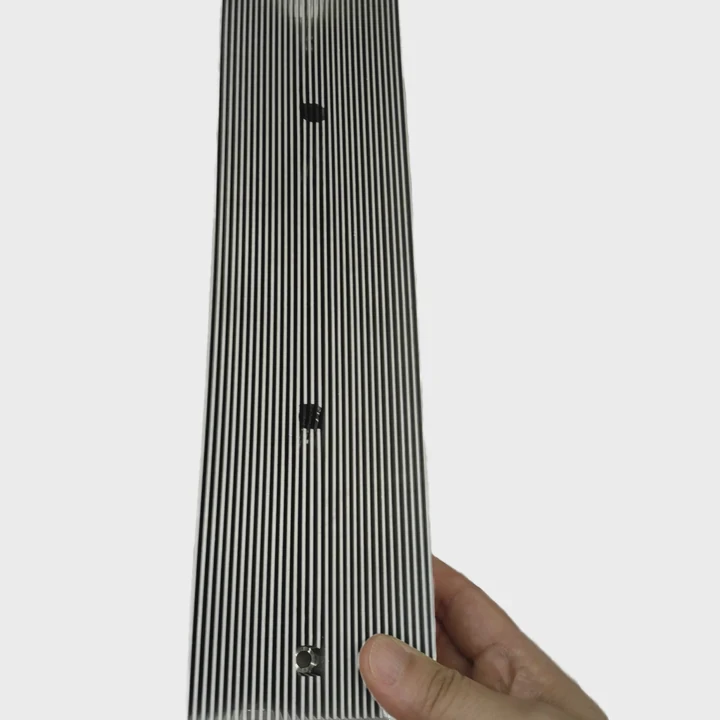
Not every SSD needs additional cooling. Low-power SATA drives usually operate within safe temperatures.
However, several categories of SSDs clearly benefit from heat sinks.
High-performance NVMe drives
Modern flagship drives generate the most heat.
Examples include:
- PCIe Gen4 gaming SSDs
- PCIe Gen5 workstation SSDs
- Enterprise NVMe storage
These drives often include heat sinks directly from the manufacturer.
Workload matters more than model
Even a fast SSD may stay cool under light workloads. But certain tasks generate sustained heat.
Common high-temperature scenarios include:
- Large game downloads
- Continuous video rendering
- Scientific computing
- AI training datasets
- Database servers
In these cases, sustained data transfer keeps the controller active for long periods.
SSD categories and cooling requirements
| SSD Category | Heat Sink Needed? | Typical Usage |
|---|---|---|
| SATA SSD | Usually No | Basic storage |
| PCIe Gen3 NVMe | Sometimes | Gaming / productivity |
| PCIe Gen4 NVMe | Recommended | Gaming / creative work |
| PCIe Gen5 NVMe | Strongly Recommended | Workstations / servers |
Real-world experience
In many system builds, installing a simple aluminum heat sink lowers SSD temperatures by 10–25°C during heavy workloads.
Lower temperature prevents thermal throttling. As a result, the drive maintains consistent speed during large data transfers.
From a thermal engineering point of view, this is a simple but effective solution. Storage performance continues to increase every year. Cooling design will become more important as SSD controllers grow more powerful.
Conclusion
Modern high-speed SSDs can generate significant heat. A heat sink helps maintain stable performance, prevents thermal throttling, and improves long-term reliability. For PCIe Gen4 and Gen5 drives, adding proper cooling is often a smart and simple upgrade.




