
What Does a Heat Sink Do for an SSD?
- Yongxing
- 16 Mar ,2026
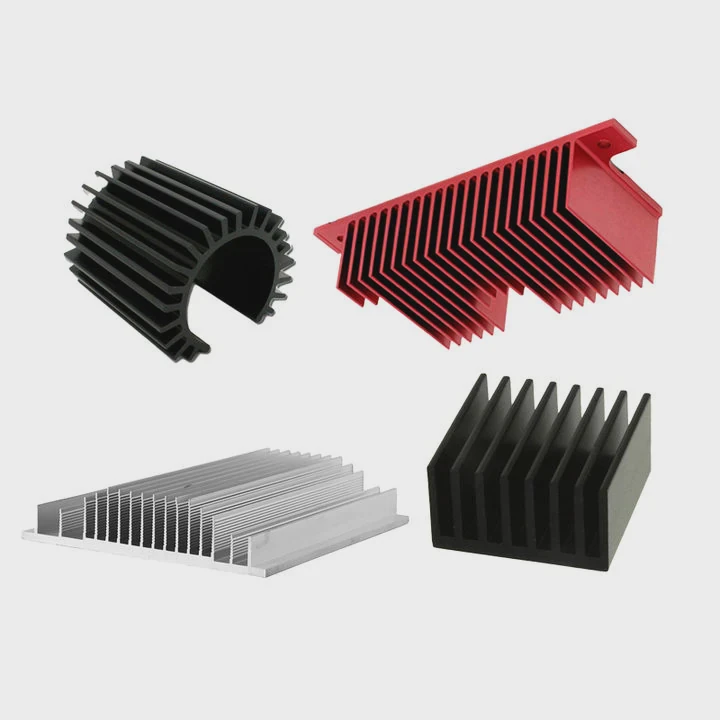
Modern SSDs are fast, but heat quickly becomes a hidden problem. When temperature rises, performance drops and lifespan may shorten. Many users ignore this until slowdowns appear during heavy workloads.
A heat sink for an SSD absorbs and spreads heat away from the controller and NAND chips. This keeps temperatures lower, prevents thermal throttling, and allows the SSD to maintain stable read and write speeds during demanding tasks.
Understanding how heat moves through an SSD explains why heat sinks matter. Once the workload increases, the small controller chip becomes a heat source. The following sections break down how overheating happens and how heat sinks help solve it.
How does a heat sink prevent SSD throttling?
Modern SSDs deliver extremely high speeds. Yet the small controller chip often becomes a thermal hotspot. When temperature rises beyond safe limits, performance drops suddenly.
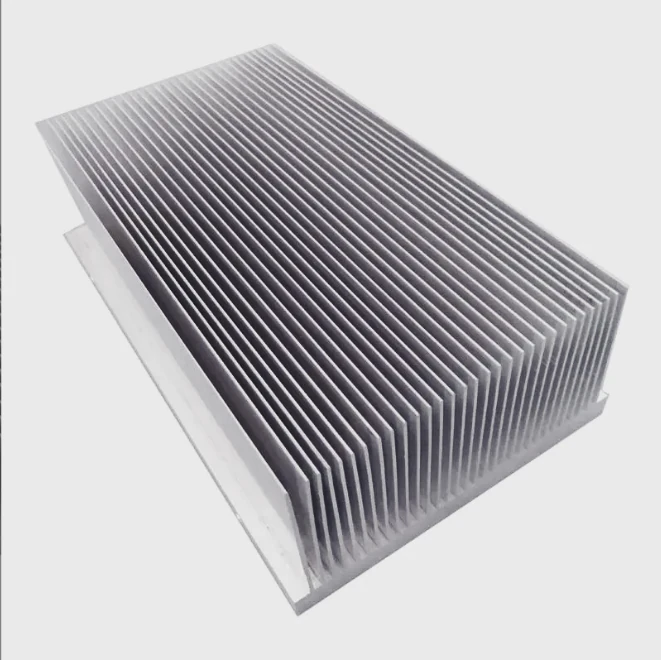
A heat sink prevents SSD throttling by absorbing heat from the controller and spreading it across a larger surface area. This lowers the chip temperature and allows the SSD to maintain its maximum read and write speeds.
What Is SSD Thermal Throttling?
Thermal throttling is a safety mechanism. SSD firmware monitors the controller temperature continuously. When it exceeds a threshold, the SSD reduces speed to protect internal components.
Typical temperature thresholds look like this:
| Temperature Range | SSD Behavior |
|---|---|
| 30–50°C | Normal operation |
| 50–70°C | High workload but stable |
| 70–80°C | Controller begins throttling |
| Above 80°C | Severe throttling to protect hardware |
The controller chip generates most of the heat. During large file transfers or heavy workloads, power consumption rises quickly. Because the controller is small, heat concentrates in a tiny area.
How Heat Sinks Solve the Problem
A heat sink changes how heat moves away from the SSD.
Instead of heat staying on the controller, the heat sink spreads it across a larger metal surface. Aluminum or copper materials conduct heat well, so heat quickly moves away from the hotspot.
Three physical processes happen:
- Heat conduction from the controller into the thermal pad
- Heat spreading across the heat sink fins
- Heat dissipation into surrounding air
Why Surface Area Matters
A bare SSD has very little surface area. Heat cannot escape quickly.
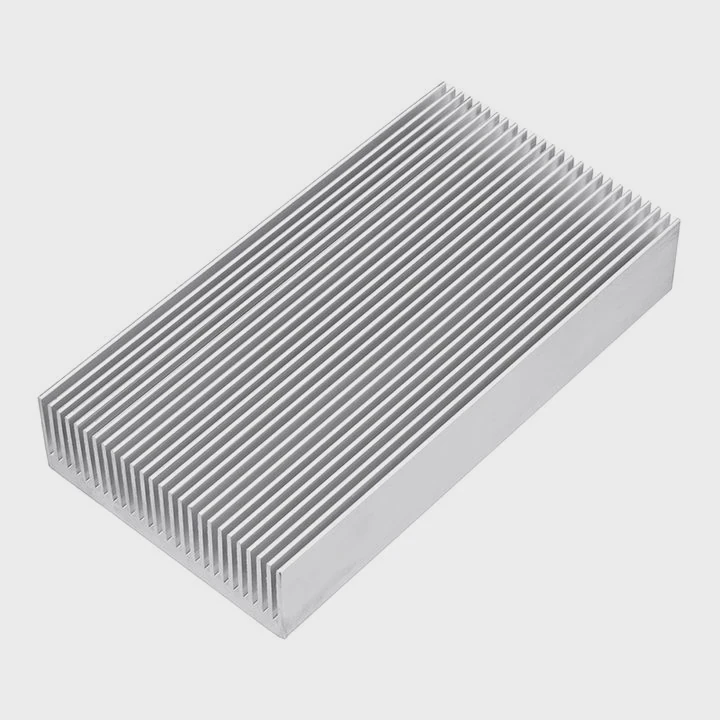
A heat sink adds extra metal mass and often includes fins. These fins increase the contact area with air. As a result, airflow inside the computer can remove heat more efficiently.
Real Performance Impact
Many high-speed PCIe 4.0 and PCIe 5.0 SSDs throttle quickly without cooling.
Testing often shows:
| Condition | Sequential Write Speed |
|---|---|
| Without heat sink | Speed drops after long writes |
| With heat sink | Sustained maximum performance |
This difference becomes clear during long workloads like video editing or data transfers.
In short, a heat sink keeps the controller within its safe operating range. Stable temperature means stable performance.
Why do SSD controllers overheat during workloads?
SSDs contain several components, but the controller is the main heat generator. When workloads increase, the controller must process huge amounts of data in real time.
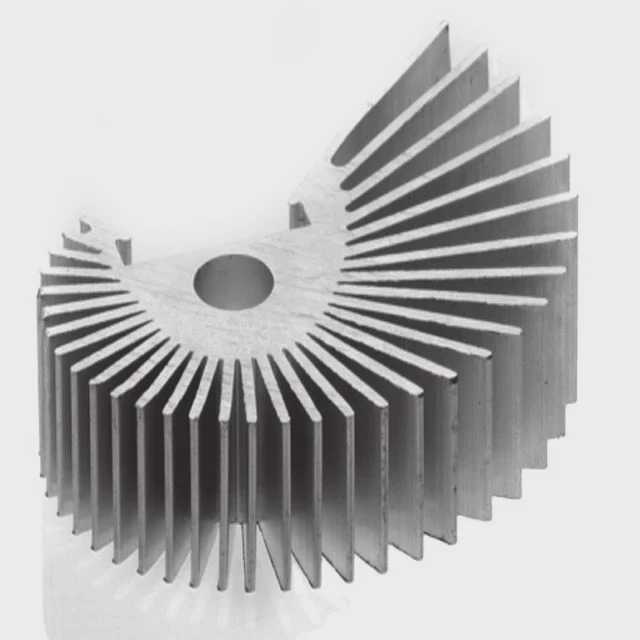
SSD controllers overheat because they handle intensive data processing tasks such as flash translation, error correction, and PCIe communication. These operations consume power and generate concentrated heat in a very small chip.
The SSD Controller: The Brain of the Drive
The controller manages almost every function inside an SSD.
It performs tasks such as:
- Data mapping
- Wear leveling
- Error correction
- PCIe communication
- Queue management
- NAND scheduling
These operations happen continuously when the SSD reads or writes data.
Unlike traditional hard drives, SSD controllers must process many parallel operations at the same time.
Why Workloads Increase Heat
Heavy workloads increase controller activity dramatically.
Examples include:
- Large file transfers
- Game installations
- 4K or 8K video editing
- Database workloads
- Operating system updates
During these tasks, the controller processes thousands of commands every second.
Each operation requires electrical switching inside the chip. Electrical switching produces heat due to power consumption.
NAND and Controller Communication
The controller also communicates constantly with NAND flash memory.
Each read or write requires multiple steps:
- Address translation
- Error correction
- Data verification
- Cache management
All of this processing happens inside a small semiconductor chip.
Power Density Problem
One key issue is power density.
The controller may consume several watts of power. However, the chip area is extremely small.
| Component | Typical Power | Heat Density |
|---|---|---|
| SSD controller | 3–8W | Very high |
| NAND flash | 1–3W | Moderate |
| DRAM cache | 1–2W | Moderate |
Because the controller has the highest heat density, it becomes the thermal bottleneck.
PCIe Speed Makes It Worse
Newer SSD generations move data faster.
| PCIe interface | Maximum Bandwidth |
|---|---|
| PCIe 3.0 | ~3.5 GB/s |
| PCIe 4.0 | ~7 GB/s |
| PCIe 5.0 | ~14 GB/s |
Higher bandwidth requires faster controllers. Faster controllers consume more power.
That extra power becomes heat.
Small Form Factor Challenge
The M.2 form factor limits cooling options.
The SSD board is thin and compact. There is little room for large cooling structures.
This is why many high-performance motherboards include built-in SSD heat sinks.
Without additional cooling, heat accumulates quickly around the controller chip.
Where does the SSD transfer heat?
Heat inside an SSD must move away from internal components. If the heat remains trapped, temperatures rise quickly and performance suffers.
An SSD transfers heat from the controller and memory chips through the PCB, thermal pads, and heat sink into surrounding air. Effective heat transfer requires good contact surfaces and sufficient airflow.
Heat Sources Inside an SSD
The main heat sources include:
- Controller chip
- NAND flash memory
- DRAM cache (if present)
- Power management circuitry
Among these, the controller generates the highest temperature.
Heat Transfer Path
Heat follows a physical path before it finally dissipates into air.
The typical thermal path looks like this:
| Step | Heat Movement |
|---|---|
| 1 | Controller generates heat |
| 2 | Heat spreads through chip package |
| 3 | Heat transfers into PCB |
| 4 | Thermal pad moves heat to heat sink |
| 5 | Heat sink spreads heat to air |
Each step affects cooling efficiency.
If one step fails, temperature rises quickly.
Role of Thermal Pads
Thermal pads connect the SSD components to the heat sink.
Without them, small air gaps appear between surfaces. Air is a poor conductor of heat.
Thermal pads solve this problem by filling the gap.
They allow heat to flow efficiently from the controller to the metal heat sink.
PCB as a Heat Spreader
The SSD PCB also helps distribute heat.
Copper layers inside the PCB spread thermal energy across the board. This prevents a single hotspot from becoming too hot.
However, PCB cooling alone is not enough for high-performance SSDs.
Heat Sink Function
A heat sink adds three major improvements:
- Higher thermal mass
- Large surface area
- Better airflow interaction
Metal heat sinks store and distribute heat more effectively than the thin SSD board.
Airflow Completes the System
Airflow inside the computer case removes heat from the heat sink surface.
Without airflow, even a good heat sink eventually becomes saturated with heat.
Good cooling often combines:
- SSD heat sink
- Case airflow
- CPU and GPU cooling circulation
When these systems work together, SSD temperature remains stable even during long workloads.
Which tasks cause SSDs to heat up most?
Not every task stresses an SSD equally. Some activities generate far more heat because they push the controller and NAND memory to their limits.
Tasks that cause SSDs to heat up most include large file transfers, sustained write workloads, game installations, high-resolution video editing, and database processing. These operations force the controller to run continuously at high speed.
Sustained Write Operations
Writing data generates more heat than reading data.
This happens because write operations involve multiple internal processes:
- Data programming
- Error correction
- Wear leveling
- Cache flushing
These steps require more controller activity.
For example, copying hundreds of gigabytes of data can raise SSD temperature rapidly.
Game Installations and Updates
Modern games are extremely large.
Many installations exceed 100 GB. During installation, the SSD writes massive amounts of compressed data.
This workload stresses both NAND flash and the controller.
As a result, temperature rises quickly.
High-Resolution Video Editing
Video editing workloads are another common heat source.
Tasks include:
- Rendering 4K or 8K video
- Exporting large media files
- Managing large project files
These operations require continuous high-speed reads and writes.
Professional Data Workloads
Servers and workstations often push SSDs harder than home systems.
Examples include:
| Workload Type | Heat Intensity |
|---|---|
| Database queries | High |
| AI data processing | High |
| Virtual machines | Moderate to high |
| Software compilation | Moderate |
These workloads keep the SSD active for long periods.
Benchmarks and Stress Tests
Synthetic benchmarks can generate even more heat.
Testing software pushes the SSD to maximum throughput for extended periods.
During these tests, SSD temperatures can reach throttling levels quickly without cooling.
Why Cooling Matters More for Modern SSDs
Older SATA SSDs produced less heat because speeds were lower.
However, PCIe 4.0 and PCIe 5.0 drives operate at extremely high bandwidth.
Higher speed requires higher power consumption.
More power means more heat.
That is why many modern motherboards include built-in SSD heat sinks.
Without proper cooling, high-performance SSDs may not deliver their advertised speeds during long workloads.
Conclusion
SSD heat sinks keep the controller temperature under control. By spreading heat and improving airflow interaction, they prevent throttling and maintain stable performance during heavy workloads. As SSD speeds continue to increase, effective thermal management becomes essential for reliable storage performance.




