
What Is a Heat Sink Computer?
- Yongxing
- 18 Mar ,2026
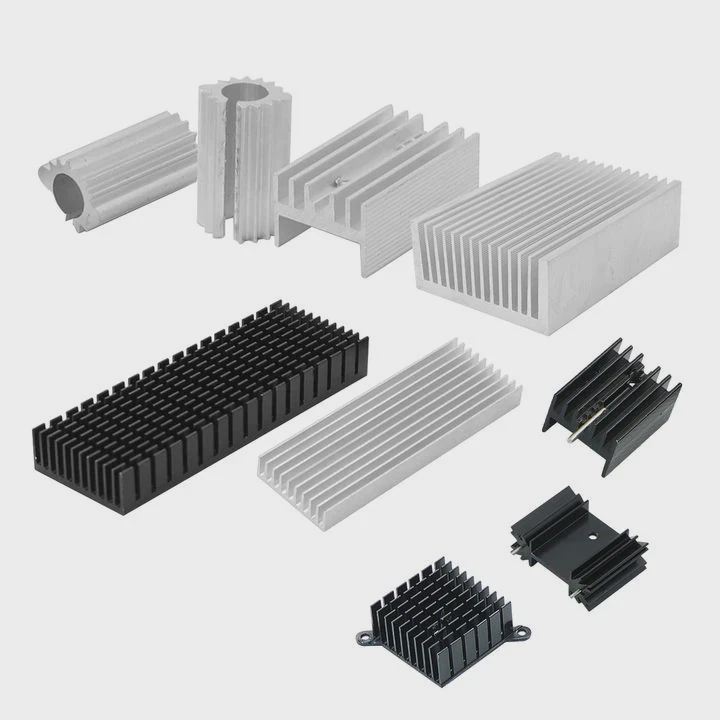
Computers slow down, crash, or even fail when heat builds up. Many users ignore this silent problem until damage happens.
A heat sink in a computer is a cooling component that absorbs and spreads heat away from critical parts like the CPU, keeping temperatures safe and performance stable.
Heat control is not optional. It is a core part of system design. Now, let’s break down how heat sinks work and why they matter so much.
How does a computer heat sink operate?
Heat builds up fast inside chips. Without control, temperatures rise in seconds and cause instability or failure.
A computer heat sink operates by absorbing heat from a component, spreading it across a larger surface, and releasing it into the air through conduction and convection.
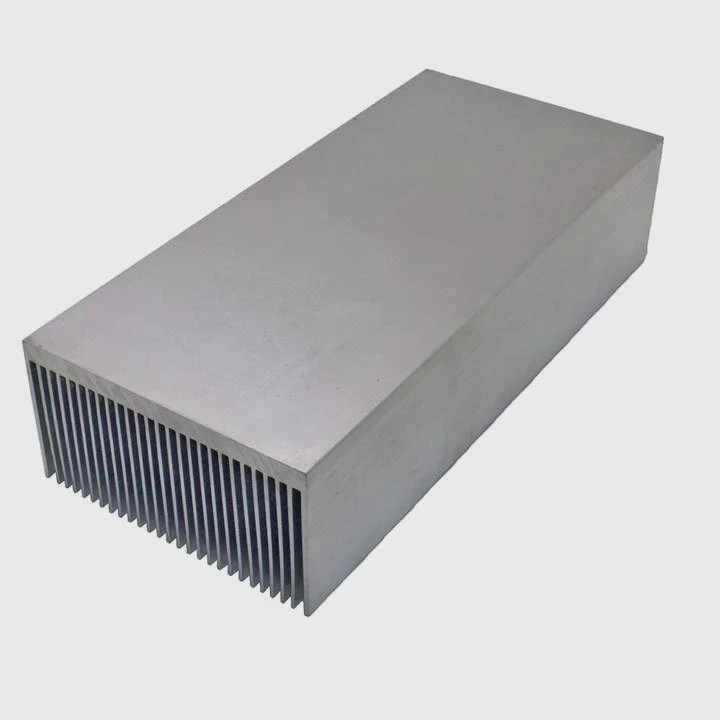
A heat sink works in a simple but effective way. It uses basic heat transfer principles. Still, the design details matter a lot.
Heat transfer process
The process has three main steps:
- Heat moves from the chip to the heat sink base
- Heat spreads across fins or plates
- Heat releases into air, often with a fan
Key mechanisms
1. Conduction
Heat moves from the CPU into the heat sink base. This happens through direct contact. A thermal interface material (TIM) fills tiny gaps. This improves contact and reduces resistance.
2. Spreading
Once heat enters the heat sink, it spreads across the material. Aluminum and copper are common choices. Copper has higher thermal conductivity. Aluminum is lighter and cheaper.
3. Convection
Air removes heat from the fins. This can happen naturally or with forced airflow using fans.
Common heat sink structures
| Type | Description | Use Case |
|---|---|---|
| Extruded | Simple aluminum fins | Low to mid power devices |
| Skived fin | Thin, dense fins | High performance CPUs |
| Bonded fin | Fins attached to base | Custom high-power systems |
| Vapor chamber | Uses phase change for heat transfer | High-end GPUs and servers |
Why fin design matters
More fins increase surface area. But too many fins can block airflow. So design must balance airflow and surface area.
Real-world design thinking
In many projects, heat sink design starts with thermal simulation. Engineers test airflow, heat load, and space limits. Then they choose materials and structure.
A poor design can cause hot spots. A good design spreads heat evenly.
Why do CPUs require heat sinks?
Modern CPUs generate intense heat. Without cooling, they fail quickly or reduce performance.
CPUs require heat sinks because they produce high heat during operation, and heat sinks prevent overheating, ensuring stable performance and longer lifespan.
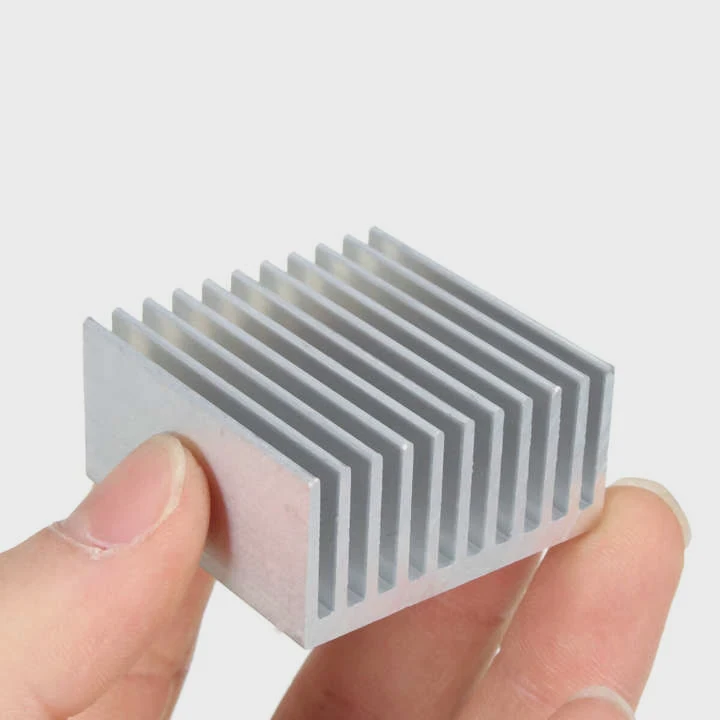
CPUs are the brain of a computer. They process billions of operations per second. This creates heat as a byproduct.
Heat generation in CPUs
Heat comes from electrical resistance. As current flows through transistors, energy converts into heat.
More cores and higher clock speeds mean more heat.
What happens without a heat sink?
Without cooling, several problems appear:
- Thermal throttling (performance drops)
- System crashes
- Permanent damage to silicon
- Reduced lifespan
CPU thermal limits
Each CPU has a maximum temperature limit. It is called the junction temperature (Tj max).
Once this limit is reached, the system slows down or shuts off.
Cooling vs performance
Higher performance CPUs need better cooling. This is why gaming PCs and servers use advanced heat sinks or liquid cooling.
Heat sink + fan combo
Most CPU cooling systems use:
- Heat sink (for spreading heat)
- Fan (for moving air)
This combination is called active cooling.
Thermal design power (TDP)
TDP shows how much heat a CPU produces. Heat sinks must match or exceed this value.
| CPU Type | Typical TDP | Cooling Requirement |
|---|---|---|
| Low-power CPU | 15–35W | Small heat sink |
| Desktop CPU | 65–125W | Medium heat sink + fan |
| High-end CPU | 150W+ | Advanced or liquid cooling |
Practical insight
In real applications, engineers do not just match TDP. They also consider ambient temperature, airflow, and enclosure space.
A margin is always needed. This ensures stable operation even in tough conditions.
Where are heat sinks located inside PCs?
Heat sinks are not only on the CPU. They appear in many areas inside a computer.
Heat sinks are located on heat-generating components such as CPUs, GPUs, voltage regulators, and storage devices inside a PC.
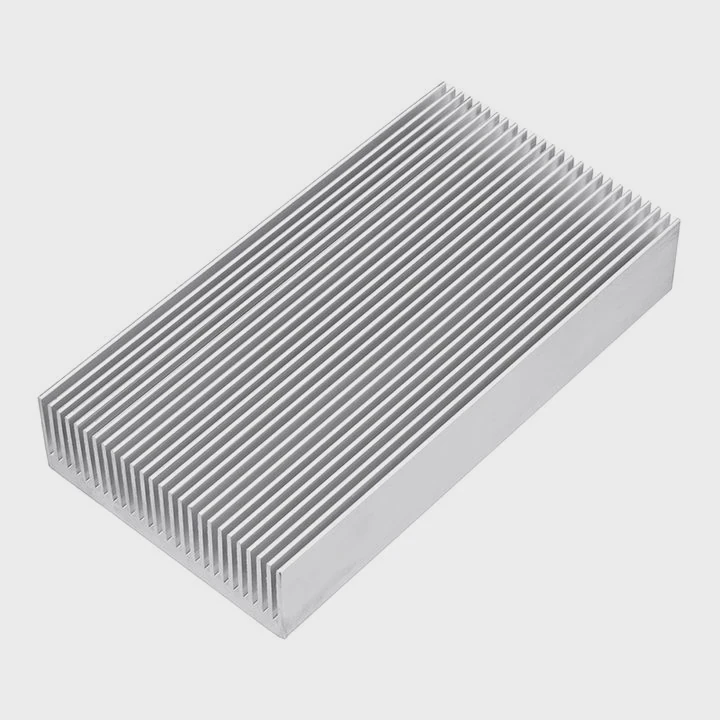
When opening a PC, several heat sinks can be seen. Each serves a specific purpose.
Common locations
1. CPU heat sink
This is the largest and most visible one. It sits directly on the processor.
2. GPU heat sink
Graphics cards have their own cooling system. These often include large heat sinks and multiple fans.
3. VRM heat sinks
Voltage Regulator Modules (VRMs) control power delivery. They generate heat and need cooling.
4. Chipset heat sinks
Motherboards include smaller heat sinks for chipsets. These manage communication between components.
5. SSD heat sinks
High-speed NVMe SSDs can overheat. Some systems include small heat sinks for them.
Layout considerations
Placement is not random. Engineers design airflow paths.
Air should move from intake to exhaust smoothly. Heat sinks are placed along this path.
Airflow design basics
- Front or bottom: cool air intake
- Rear or top: hot air exhaust
Heat sinks work best when airflow is direct and consistent.
Compact vs large systems
Small systems face more challenges. Limited space restricts heat sink size.
Large systems allow better airflow and larger cooling solutions.
Real project observation
In many custom systems, poor placement causes heat buildup. Even a good heat sink fails if airflow is blocked.
So placement and airflow matter as much as the heat sink itself.
Which computer parts rely on heat sinks?
Heat sinks are used in many parts beyond CPUs. Any component that generates heat can need one.
Computer parts that rely on heat sinks include CPUs, GPUs, power components, memory modules, and storage devices that produce significant heat during operation.
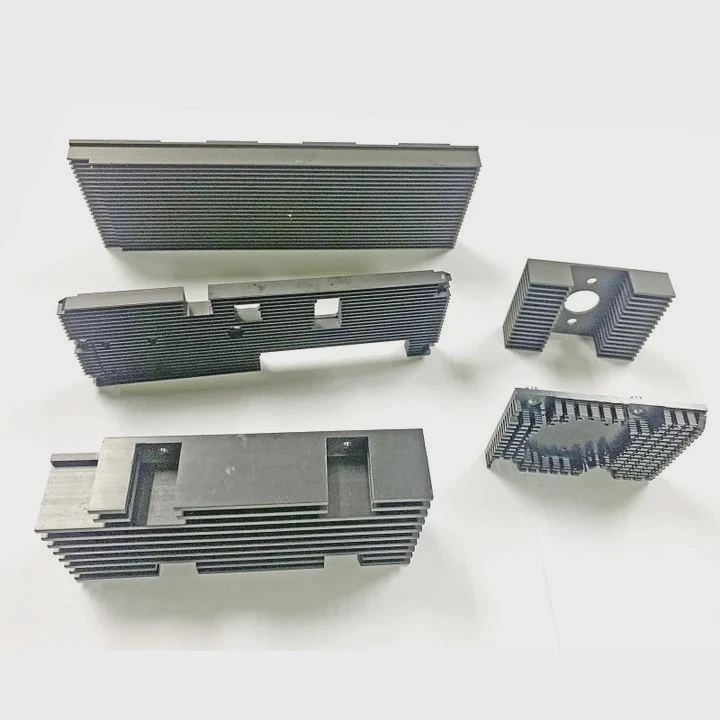
Heat management is a system-level task. It is not limited to one component.
Main components using heat sinks
1. CPU
The most critical component. Always requires a heat sink.
2. GPU
High-end GPUs generate even more heat than CPUs. They need advanced cooling.
3. Power electronics
Components like MOSFETs and VRMs handle power. They produce heat during voltage regulation.
4. Memory (RAM)
Some high-performance RAM modules include heat spreaders. These are simple heat sinks.
5. Storage devices
NVMe SSDs can throttle due to heat. Heat sinks help maintain speed.
Comparison of components
| Component | Heat Level | Cooling Type | Risk if Overheated |
|---|---|---|---|
| CPU | Very High | Active heat sink | System shutdown |
| GPU | Very High | Advanced cooling | Performance drop |
| VRM | High | Passive heat sink | Power instability |
| RAM | Medium | Heat spreader | Minor performance loss |
| SSD | Medium | Small heat sink | Speed throttling |
Passive vs active cooling
- Passive: heat sink only
- Active: heat sink + fan
Passive cooling works for low power. Active cooling is needed for high power.
System-level thinking
Heat from one component affects others. So cooling design must consider the whole system.
For example, a hot GPU can raise CPU temperature if airflow is poor.
Engineering perspective
In many industrial projects, heat sinks are customized. Standard designs may not meet requirements.
Factors include:
- Heat load
- Space constraints
- Environment (dust, humidity)
- Reliability needs
This is why custom heat sink solutions are often required in high-end systems.
Conclusion
Heat sinks are essential for computer stability. They control temperature, protect components, and support performance. Good design ensures long life and reliable operation across all systems.




