
Do You Need Heat Sink for SSD?
- Yongxing
- 24 Mar ,2026
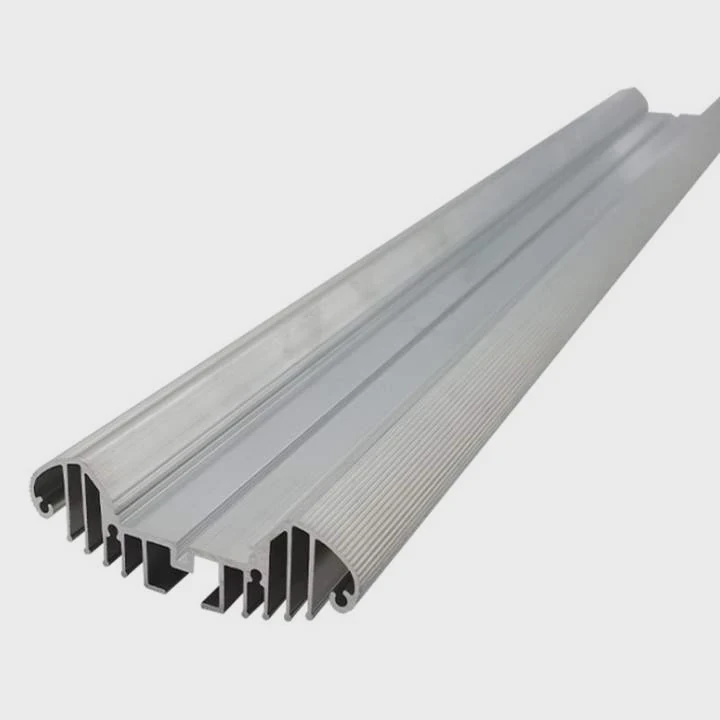
Many users install SSDs expecting fast speed, but suddenly face slow performance or system lag. Heat buildup often goes unnoticed until throttling starts. This creates confusion and frustration.
Yes, many modern SSDs benefit from a heat sink, especially high-speed NVMe drives. A heat sink helps control temperature, prevents thermal throttling, and keeps performance stable during heavy workloads or long data transfers.
SSDs are getting faster every year. At the same time, they also produce more heat. So the question is no longer optional for many users. It becomes a real design decision.
Why do modern SSDs sometimes overheat?
Modern SSDs promise extreme speed, but users often notice sudden drops in performance during large transfers. This happens because heat builds up quickly inside compact devices.
Modern SSDs overheat mainly due to higher data speeds, dense NAND chips, and controller workload. These factors generate heat faster than it can dissipate, especially in small or poorly ventilated spaces.
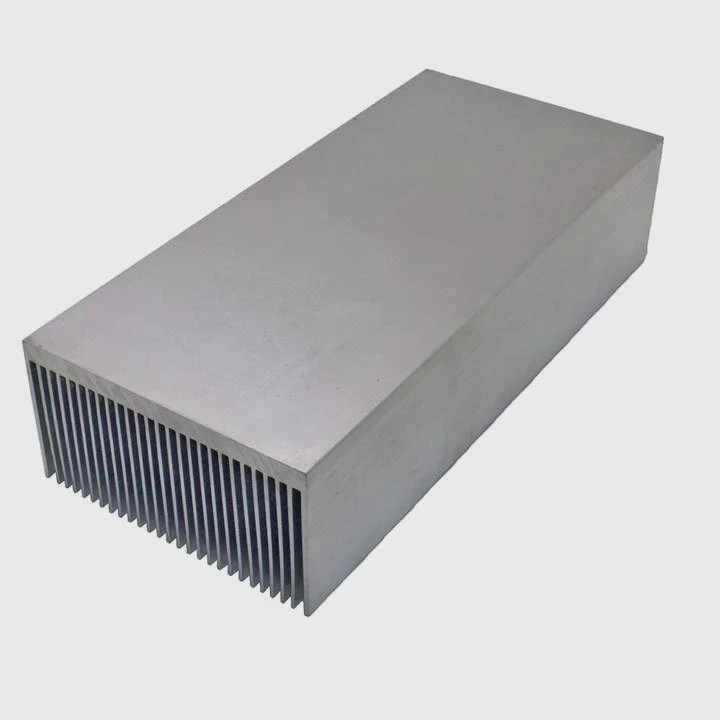
As SSD technology evolves, performance increases sharply. PCIe 4.0 and PCIe 5.0 SSDs deliver very high bandwidth. However, this speed comes at a cost: heat.
The core reasons behind SSD overheating
1. High-performance controllers
The SSD controller works like the brain. It manages data flow, error correction, and communication with the system. When speeds increase, the controller must work harder.
This leads to:
- Higher power consumption
- Increased heat generation
- Continuous thermal stress during workloads
2. Dense NAND architecture
Modern SSDs pack more storage into smaller spaces. NAND flash layers are stacked vertically.
This creates:
- Limited airflow between components
- Heat concentration in small areas
- Slower natural cooling
3. Continuous data operations
Heavy workloads push SSDs to their limits. Examples include:
- 4K video editing
- Large file transfers
- Gaming installations
- Server data processing
These tasks generate sustained heat rather than short bursts.
Temperature vs Performance
| Temperature Range | SSD Behavior |
|---|---|
| < 50°C | Optimal performance |
| 50–70°C | Stable but warming |
| 70–85°C | Thermal throttling begins |
| > 85°C | Performance drops significantly |
When temperature crosses a threshold, the SSD reduces speed automatically. This is called thermal throttling. It protects the hardware but affects user experience.
Real-world observation
In one project, a high-speed NVMe SSD showed strong performance at first. After a few minutes of continuous write operations, the speed dropped by nearly 40%. The root cause was simple: no thermal solution.
Why this matters for system design
Many systems today are compact:
- Laptops
- Mini PCs
- Embedded systems
- Industrial controllers
These environments often lack airflow. Without a heat sink, heat accumulates quickly.
So overheating is not a rare issue anymore. It is a predictable outcome of modern SSD design.
How does a heat sink prevent SSD throttling?
Users often notice that SSD speed drops suddenly under load. This is not a failure but a protective response. Heat sinks play a direct role in preventing this.
A heat sink prevents SSD throttling by absorbing and dissipating heat away from the controller and NAND chips, keeping temperatures below critical limits and maintaining stable performance.
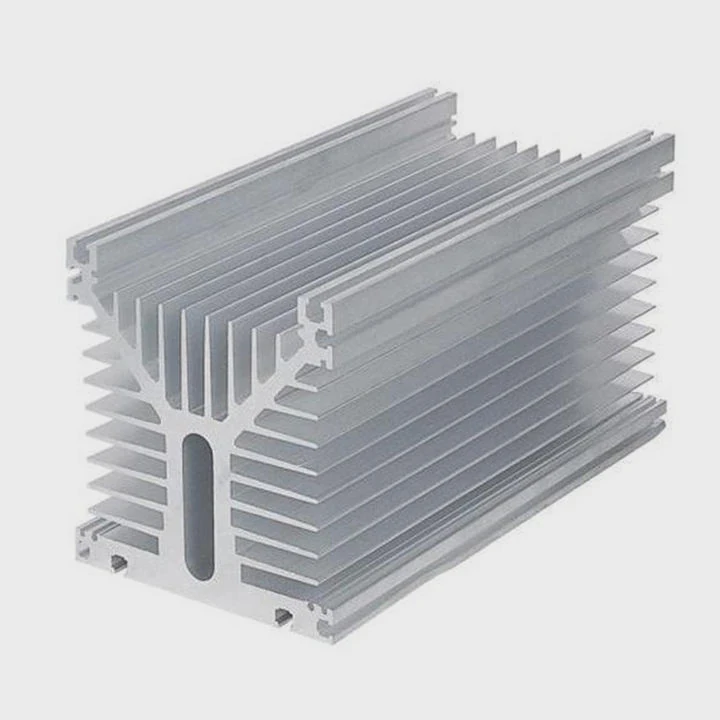
A heat sink works through basic thermal principles. It does not remove heat magically. Instead, it spreads and releases it efficiently.
How heat sinks actually work
1. Heat absorption
The heat sink makes direct contact with the SSD surface using a thermal pad.
This allows:
- Fast heat transfer from hot components
- Reduced temperature spikes
- Even heat distribution
2. Heat spreading
Once heat enters the heat sink, it spreads across a larger surface area.
This helps:
- Avoid hot spots
- Lower peak temperatures
- Improve overall thermal balance
3. Heat dissipation
The larger surface area allows heat to transfer to the surrounding air.
This process depends on:
- Airflow
- Surface design (fins, grooves)
- Material conductivity
Material comparison
| Material | Thermal Conductivity | Weight | Cost |
|---|---|---|---|
| Aluminum | Good | Light | Low |
| Copper | Excellent | Heavy | High |
Aluminum is widely used because it balances cost and performance. Copper performs better but increases weight and cost.
Impact on performance stability
Without a heat sink:
- SSD heats up quickly
- Throttling activates
- Speed drops
With a heat sink:
- Temperature rises slower
- Peak temperature is lower
- Performance stays consistent
Example scenario
A PCIe 4.0 SSD running continuous write tasks:
- Without heat sink: drops from 5000 MB/s to 3000 MB/s
- With heat sink: maintains above 4500 MB/s
This difference is critical in professional environments.
Design insight
Not all heat sinks are equal. A well-designed heat sink includes:
- Proper surface contact
- High-quality thermal interface materials
- Optimized fin structure
In advanced systems, heat sinks can be combined with:
- Heat pipes
- Vapor chambers
- Active cooling (fans or liquid cooling)
This is especially important in high-power applications.
Where can SSD heat sinks be installed?
Many users think heat sinks are only for desktop SSDs. In reality, installation options vary widely depending on the system design.
SSD heat sinks can be installed directly on M.2 drives, integrated into motherboards, or built into system-level cooling solutions in desktops, laptops, and industrial equipment.
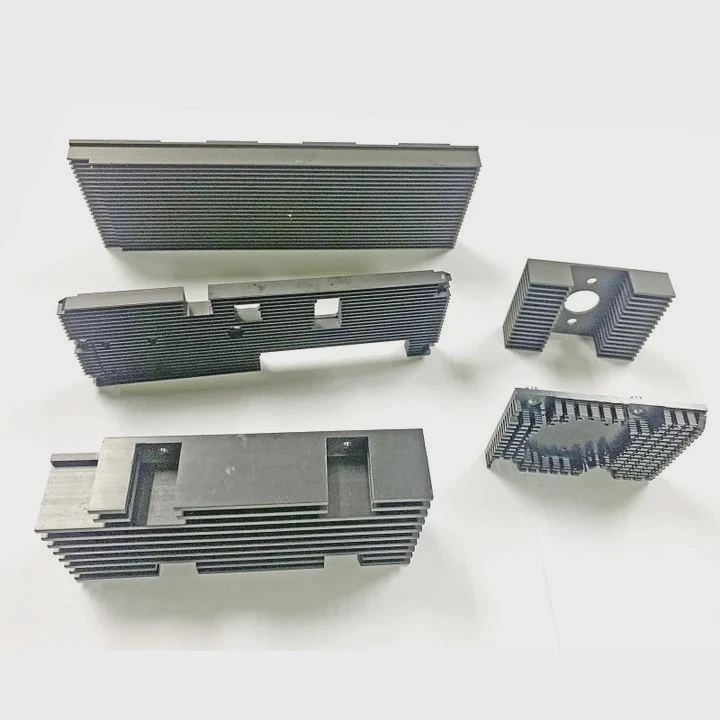
The installation location depends on both the SSD type and the system layout.
Common installation locations
1. On the SSD itself (M.2 heat sink)
This is the most common method.
Features:
- Compact design
- Direct contact with SSD
- Easy installation
Used in:
- Desktop PCs
- Gaming systems
- Workstations
2. Motherboard-integrated heat sinks
Many high-end motherboards include built-in M.2 heat sinks.
Advantages:
- Clean design
- Optimized fit
- Better airflow alignment
Limitations:
- Fixed size and shape
- Less flexibility
3. Add-on cooling modules
Some systems use external cooling solutions.
Examples:
- Clip-on heat sinks
- Fan-assisted modules
- PCIe expansion cards with cooling
These are used when:
- SSD runs extremely hot
- System airflow is limited
Installation considerations
Clearance space
In compact systems, space is limited. Heat sink height must fit within:
- Laptop chassis
- Small form factor PCs
- Embedded enclosures
Airflow direction
Heat sinks work best with airflow. Placement should align with:
- Case fans
- Natural convection paths
Thermal interface quality
A poor thermal pad reduces efficiency. Good contact is critical.
Special environments
Industrial systems
In industrial settings:
- Dust and sealed enclosures are common
- Passive cooling is preferred
Heat sinks must be:
- Reliable
- Maintenance-free
- Durable under vibration
Data centers
In servers:
- SSDs are densely packed
- Airflow is controlled
Heat sinks are often part of system-level thermal design.
Installation summary
| System Type | Typical Heat Sink Approach |
|---|---|
| Desktop PC | M.2 heat sink or motherboard cover |
| Laptop | Thin integrated thermal plate |
| Industrial | Custom passive heat sink |
| Server | Rack-level airflow + thermal modules |
Choosing the right installation method ensures that the heat sink actually works as intended.
Which SSD applications require cooling solutions?
Not every SSD needs a heat sink. However, some applications push SSDs to their limits. These cases require proper thermal management.
SSD cooling solutions are essential in high-performance, continuous workload, and high-density environments where heat buildup can affect speed, reliability, and lifespan.
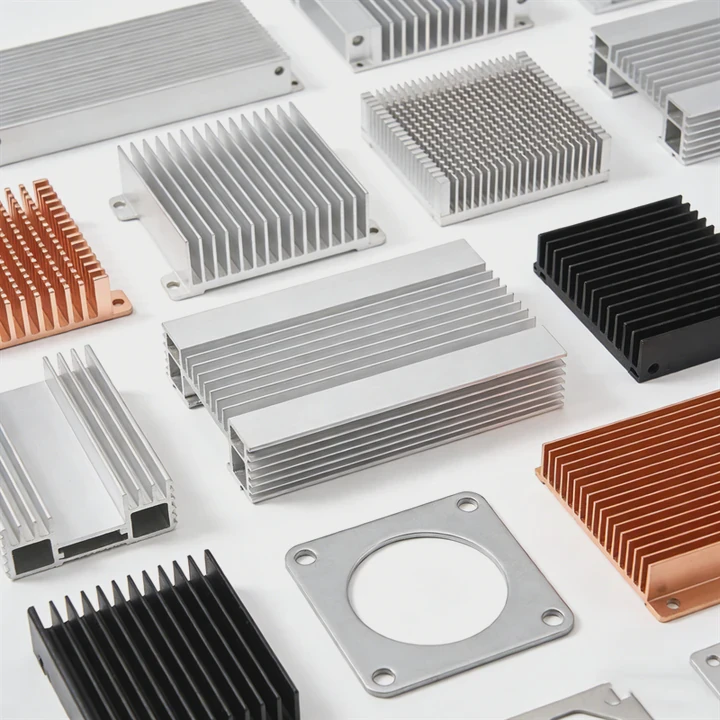
Understanding the application helps determine whether a heat sink is necessary.
Key application scenarios
1. High-performance computing
This includes:
- Gaming PCs
- AI workloads
- Simulation systems
These systems demand:
- Constant high-speed data access
- Long-duration workloads
Heat builds up quickly in these cases.
2. Content creation
Video editing and rendering require sustained write speeds.
Typical workloads:
- 4K / 8K video processing
- Large file exports
- Continuous caching
Without cooling:
- Speed drops
- Workflow slows down
3. Data centers and servers
Servers run 24⁄7. SSDs handle:
- Databases
- Cloud storage
- Virtual machines
Key challenges:
- High density
- Limited space
- Continuous operation
Cooling is not optional here.
4. Industrial and embedded systems
These systems often operate in:
- High ambient temperatures
- Enclosed environments
Examples:
- Railway systems
- Energy storage systems
- Medical devices
Heat sinks must be:
- Robust
- Passive
- Long-lasting
When you may not need a heat sink
Some light-use cases do not require additional cooling:
- Basic office tasks
- Light web browsing
- Low-speed SATA SSDs
However, even in these cases, good airflow still helps.
Decision guide
| Application Type | Need Heat Sink? |
|---|---|
| Gaming / PCIe 4.0+ | Yes |
| Video editing | Yes |
| Server / Data center | Yes |
| Industrial systems | Yes |
| Basic office use | Optional |
Practical insight
In many projects, skipping a heat sink seems like a small cost saving. However, it often leads to:
- Performance instability
- Reduced lifespan
- Customer complaints
Adding proper thermal design early avoids these issues.
System-level thinking
A heat sink is just one part of the solution. True thermal management includes:
- Material selection
- Structural design
- Airflow planning
- Testing and validation
This approach ensures long-term reliability.
Conclusion
SSDs are faster than ever, but heat is now a real limit. A proper heat sink keeps temperature under control, prevents throttling, and ensures stable performance across demanding applications.




