
do you need heat sink for ps5 ssd?
- Yongxing
- 24 Mar ,2026
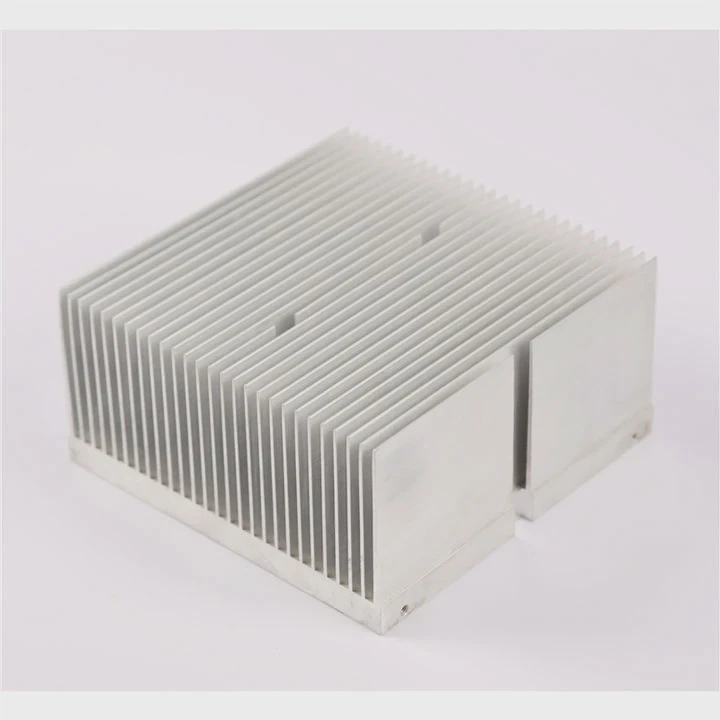
Struggling with PS5 storage upgrades overheating? Many users install SSDs but ignore cooling. That can quietly damage performance and reduce lifespan.
Yes, a heat sink is strongly recommended for a PS5 SSD. It keeps temperatures stable, prevents speed drops, and protects long-term performance. Without it, your SSD may overheat and throttle during gaming.
Upgrading a PS5 SSD looks simple. But heat management is often ignored. That small detail can decide whether your storage runs fast or fails early. Let’s break it down step by step.
Why does Sony recommend heat sinks for PS5 SSDs?
Many users focus on storage size and speed. But heat is the hidden problem. High-speed SSDs generate more heat than expected, especially in a closed console.
Sony recommends heat sinks because PS5 SSDs operate at high speeds and generate significant heat. A heat sink helps dissipate that heat, ensuring stable performance and preventing thermal throttling.
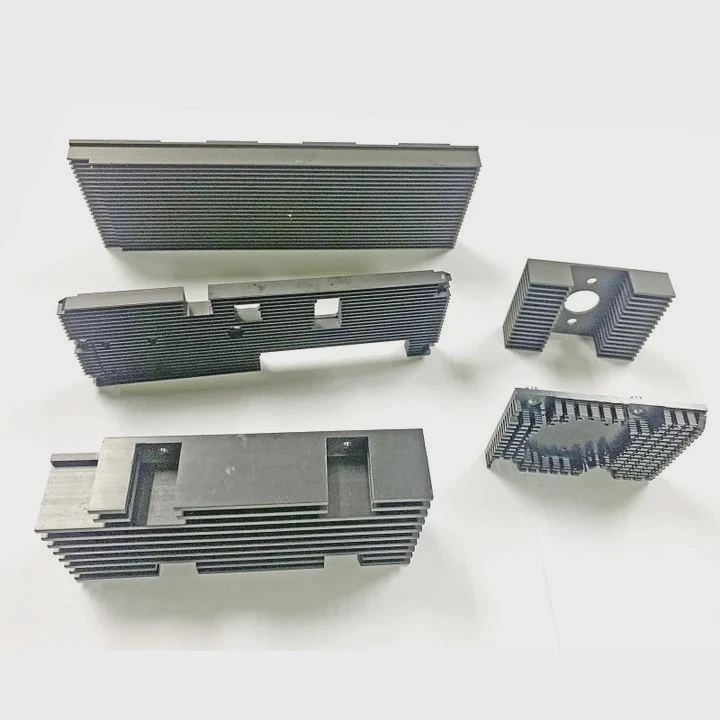
Modern PS5-compatible SSDs use PCIe 4.0 technology. These drives can reach speeds above 5,500 MB/s. That level of speed creates heat quickly.
Why heat becomes a problem
When an SSD works under heavy load, such as gaming or data transfer, its controller chip heats up fast. If the temperature rises too high, the SSD reduces its speed to protect itself. This is called thermal throttling.
Without a heat sink, this happens more often.
Sony’s design limitations
The PS5 has a compact internal space. Airflow is limited inside the SSD slot. This makes it harder for heat to escape naturally.
Sony clearly states that users should install an SSD with a heat sink or attach one manually. This is not optional advice. It is a design requirement based on real thermal testing.
Key reasons behind the recommendation
| Reason | Explanation |
|---|---|
| High-speed interface | PCIe 4.0 SSDs produce more heat |
| Limited airflow | PS5 internal design restricts cooling |
| Long gaming sessions | Continuous load increases temperature |
| Stability requirements | Games need consistent read speeds |
Real-world observation
In actual usage, many users notice frame drops or longer load times when SSDs overheat. After adding a heat sink, performance becomes stable again.
That is why ignoring a heat sink is not just a small mistake. It directly affects gaming experience.
How does a heat sink protect PS5 storage performance?
Many people think a heat sink only prevents damage. But its role is much deeper. It directly impacts how your SSD performs during gaming.
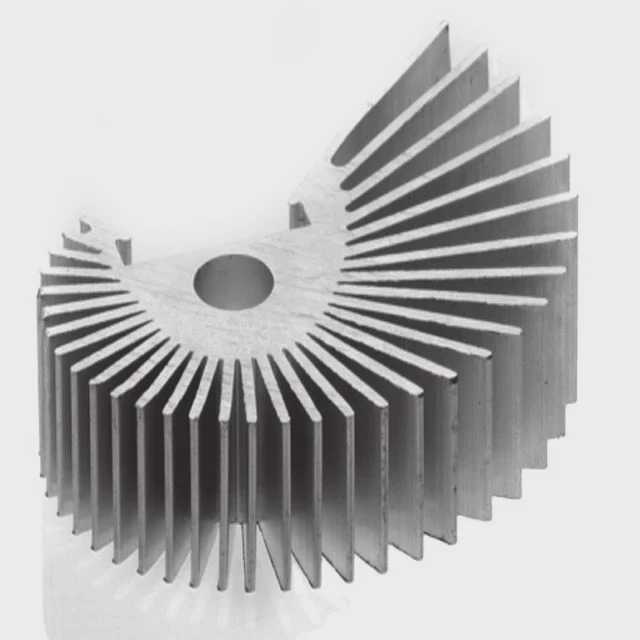
A heat sink protects PS5 SSD performance by absorbing and dissipating heat. It keeps the SSD controller within safe temperature limits, preventing speed reduction and ensuring consistent data transfer rates.
What happens without a heat sink
When an SSD overheats, it automatically reduces its speed. This is a built-in safety feature. But this protection comes at a cost.
You may experience:
- Slower game loading
- Texture delays
- Lag in open-world games
How a heat sink works
A heat sink is usually made of aluminum or copper. These materials have high thermal conductivity.
The process is simple:
- Heat transfers from the SSD to the heat sink
- The heat spreads across a larger surface
- Airflow carries the heat away
This reduces the temperature of key components.
Core components affected
The SSD controller is the most sensitive part. It handles data processing and generates the most heat.
Without cooling, it becomes a bottleneck.
Performance comparison
| Condition | Temperature | Performance |
|---|---|---|
| Without heat sink | 70–90°C | Throttling likely |
| With heat sink | 40–60°C | Stable speed |
Why stability matters more than peak speed
Many users focus on maximum speed numbers. But in real gaming, stable speed matters more.
A slightly slower but stable SSD performs better than a faster one that keeps slowing down due to heat.
Long-term protection
Heat also affects lifespan. Constant high temperatures can degrade components faster.
A heat sink reduces wear and extends the usable life of your SSD.
Where should the PS5 SSD heat sink fit?
Even if you buy the right heat sink, improper installation can reduce its effectiveness. Fit and size matter more than most people think.
The PS5 SSD heat sink must fit within the expansion slot dimensions and fully cover the SSD controller without blocking the slot cover. Proper fit ensures effective heat dissipation and safe installation.
PS5 slot size limitations
Sony provides strict size guidelines. The total height of the SSD plus heat sink must not exceed a specific limit.
Typical maximum dimensions:
- Width: 25 mm
- Length: 110 mm
- Height: about 11.25 mm (including both sides)
If the heat sink is too large, the cover will not close.
Single-sided vs double-sided heat sinks
There are two common designs:
| Type | Description |
|---|---|
| Single-sided | Heat sink on top only |
| Double-sided | Heat sinks on both sides |
Double-sided designs offer better cooling but must still fit within the height limit.
Key installation points
- The heat sink must touch the SSD controller
- Thermal pads must be properly aligned
- No gaps should exist between surfaces
Poor contact reduces heat transfer efficiency.
Common mistakes
Many users make simple errors:
- Using oversized heat sinks
- Forgetting thermal pads
- Installing loosely
These mistakes reduce cooling performance.
Airflow consideration
The PS5 SSD slot does not have active cooling. It depends on system airflow.
So the heat sink must maximize passive heat dissipation.
Practical advice
From experience, a well-fitted low-profile aluminum heat sink works best. It balances size and cooling efficiency.
Overly large designs do not always perform better if airflow is limited.
Which PS5 compatible SSDs include heat sinks?
Choosing the right SSD can save time and effort. Some models already come with built-in heat sinks designed for PS5.
Several PS5-compatible SSDs include pre-installed heat sinks, making installation easier and ensuring proper thermal performance without additional modifications.
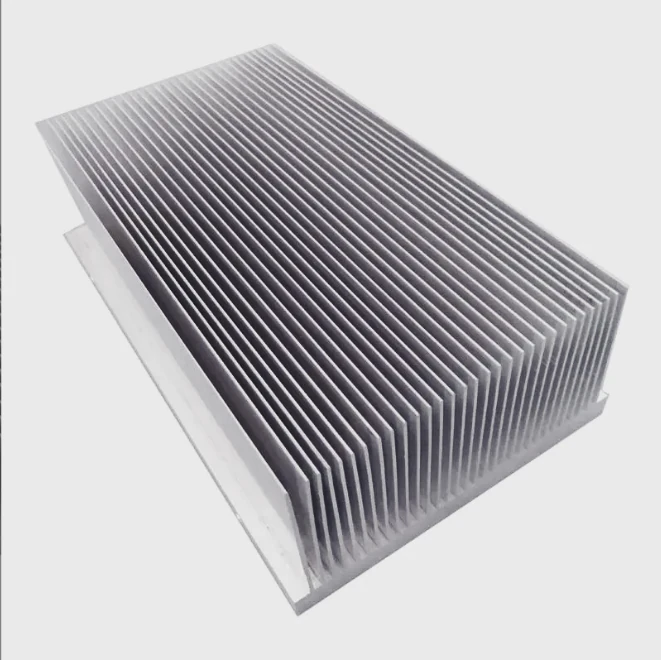
Popular SSDs with built-in heat sinks
Many major brands offer PS5-ready options.
Here are common examples:
| Brand | Model | Feature |
|---|---|---|
| WD | Black SN850X | Integrated heat sink version |
| Seagate | FireCuda 530 | PS5 certified heat sink design |
| Samsung | 980 PRO (heatsink) | Slim and efficient cooling |
| Kingston | KC3000 (heatsink version) | High performance with cooling |
Why choose built-in heat sink SSDs
Pre-installed heat sinks offer several benefits:
- Guaranteed fit for PS5 slot
- Optimized thermal design
- Easy installation
This removes guesswork.
When to choose custom heat sinks
Some users prefer buying SSDs without heat sinks and adding their own.
This works well if:
- Custom size is required
- Specific cooling design is needed
- Bulk procurement reduces cost
OEM and industrial perspective
In large-scale projects, such as energy systems or communication equipment, custom heat sink design becomes critical.
Standard consumer solutions may not meet:
- High power density
- Continuous operation requirements
- Strict thermal limits
Comparing options
| Option | Pros | Cons |
|---|---|---|
| Built-in heat sink SSD | Easy, reliable | Higher cost |
| Separate heat sink | Flexible, cost control | Requires installation |
Real-world selection approach
For most users, built-in heat sink SSDs are the safest choice.
For engineers or B2B buyers, custom thermal solutions provide better long-term value and control.
Conclusion
A PS5 SSD without a heat sink risks overheating, slower speeds, and shorter lifespan. Adding the right heat sink ensures stable performance, better reliability, and a smoother gaming experience. It is a small investment with a big impact.




