
does a heat sink come with the cpu?
- Yongxing
- 24 Mar ,2026
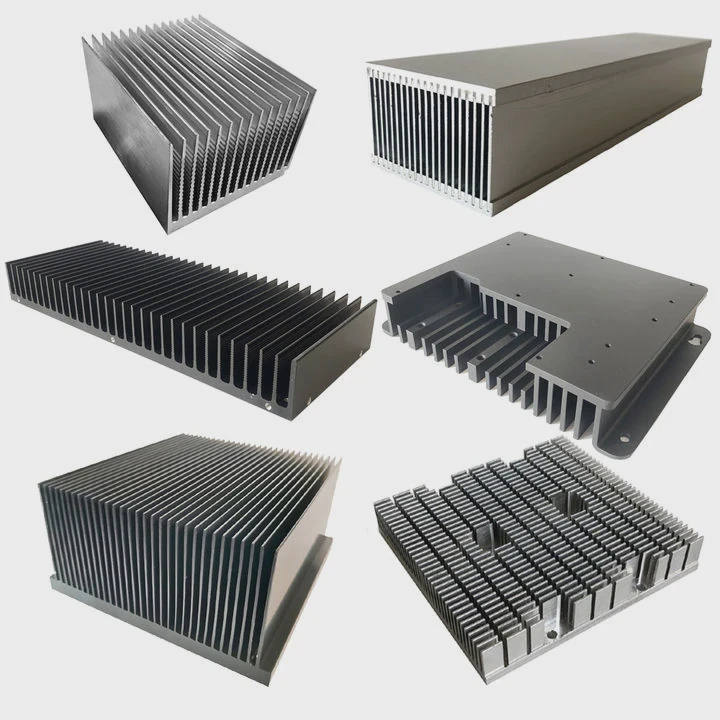
Many buyers feel confused when opening a CPU box. Some see a cooler included, some do not. This creates doubt and wrong expectations.
Not all CPUs come with a heat sink. Many entry and mid-range CPUs include a stock cooler, but high-performance or unlocked CPUs often require a separate cooling solution.
This topic matters more than it seems. Cooling affects performance, lifespan, and stability. Choosing the wrong setup can limit your entire system.
Why do some CPUs include stock heat sinks?
Some users expect every CPU to include cooling. When that does not happen, they feel misled or stuck during assembly.
Manufacturers include stock heat sinks mainly for convenience and basic thermal needs. These coolers are designed for standard usage, not for high performance or overclocking.
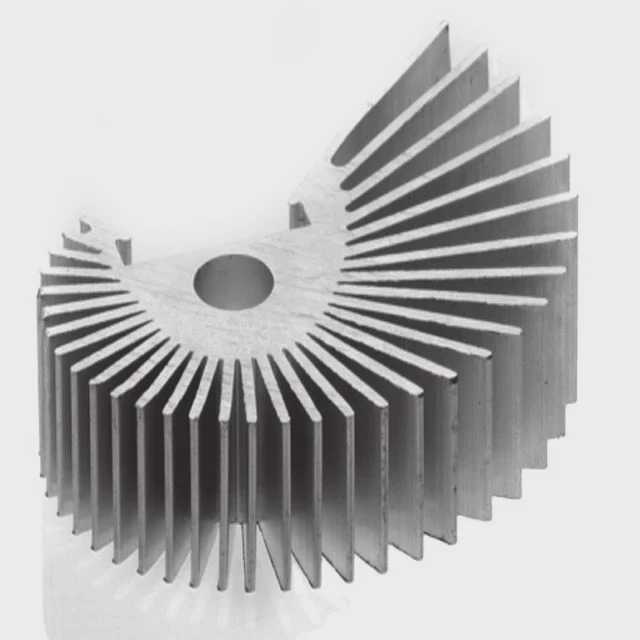
Stock heat sinks exist to simplify the buying process. Many users want a “plug-and-play” solution. A bundled cooler allows a system to run safely without extra cost or research.
The purpose of stock cooling
Stock coolers are made for:
- Basic office work
- Web browsing
- Light gaming
- Standard CPU frequency operation
They are not designed for:
- Heavy rendering
- High ambient temperatures
- Overclocking scenarios
Cost vs performance balance
CPU brands need to control cost. Adding a cooler increases packaging, logistics, and production cost. For entry-level CPUs, this cost is justified because the target users want simplicity.
For high-end CPUs, users often prefer custom cooling. Including a basic cooler would not match user expectations. It may even go unused.
Thermal design considerations
Each CPU has a TDP (Thermal Design Power). Stock heat sinks are designed to match that level under normal conditions.
| CPU Type | Stock Cooler Included | Target Usage | Cooling Capacity |
|---|---|---|---|
| Entry-level CPUs | Yes | Daily tasks | Low to medium |
| Mid-range CPUs | Sometimes | Gaming / mixed use | Medium |
| High-end CPUs | No | Performance / pro use | High |
User experience strategy
Brands also use stock coolers as a marketing tool. A quiet and decent-looking cooler can improve first impressions.
At the same time, removing the cooler from premium CPUs sends a signal. It tells users: this product is for advanced setups.
In many projects, there was a clear pattern. Clients who use standard CPUs rarely worry about cooling. But clients working on high-power systems always ask for custom thermal solutions. This difference shapes the market.
How does a CPU cooler differ from a heat sink?
Many people mix these two terms. This confusion leads to wrong purchases and poor thermal results.
A heat sink is a passive component that spreads heat, while a CPU cooler is a complete system that includes a heat sink plus active cooling like fans or liquid systems.
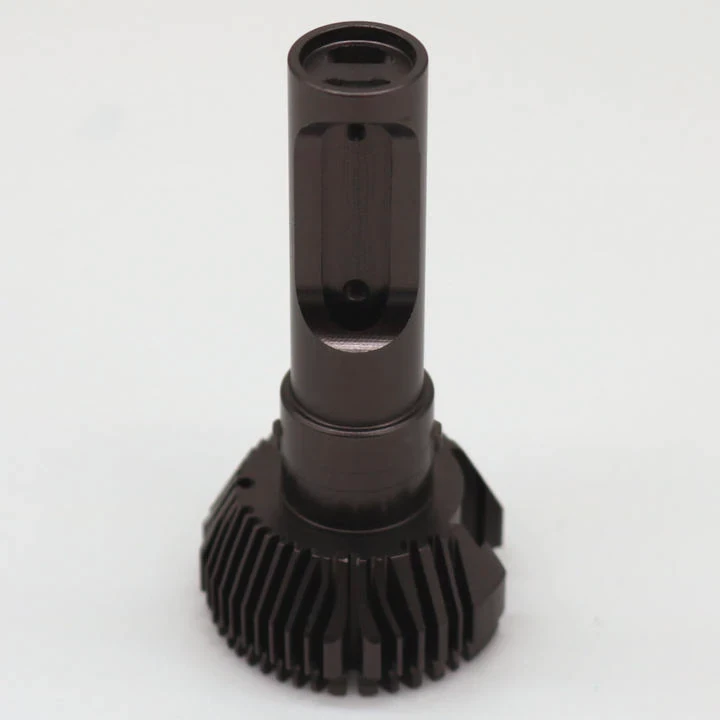
The difference is simple but important. A heat sink alone cannot always remove heat fast enough.
What is a heat sink?
A heat sink is usually made of:
- Aluminum
- Copper
- Or a combination of both
Its job is to:
- Absorb heat from the CPU
- Spread heat across fins
- Increase surface area for cooling
It works without power. This is why it is called passive cooling.
What is a CPU cooler?
A CPU cooler includes:
- Heat sink
- Fan or pump
- Mounting system
- Thermal interface material
It actively removes heat from the heat sink.
Air vs liquid cooling
There are two main types of CPU coolers:
| Type | Components | Pros | Cons |
|---|---|---|---|
| Air cooler | Heat sink + fan | Simple, low cost | Limited performance |
| Liquid cooler | Pump + radiator + liquid + block | High efficiency | Higher cost, complexity |
Why the distinction matters
Many industrial and high-power systems do not rely on simple heat sinks. They use advanced cooling modules.
In real-world applications like:
- 5G base stations
- Power electronics
- Rail systems
Passive heat sinks are often combined with:
- Heat pipes
- Vapor chambers
- Liquid cooling plates
This is because heat density is too high for simple solutions.
Common misunderstanding
Some users think: “Heat sink = cooler”
This is not correct.
A heat sink is only one part of the cooling system. Without airflow or fluid movement, heat removal is limited.
In thermal design work, this misunderstanding often leads to system overheating. Once clarified, better solutions become clear.
Where is the CPU heat sink installed?
New builders often hesitate at this step. Installing it incorrectly can damage the CPU or reduce cooling performance.
The CPU heat sink is installed directly on top of the CPU, mounted on the motherboard socket using a bracket or retention system.
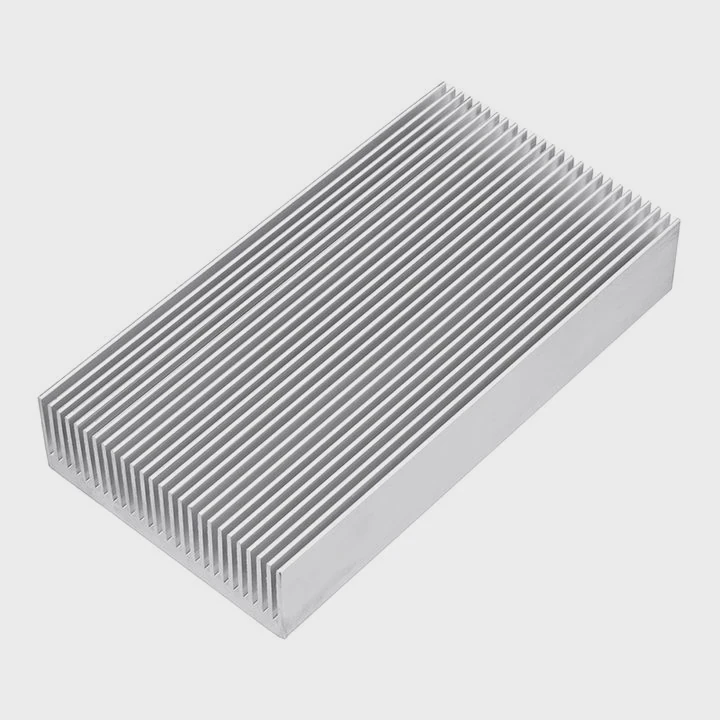
This location is critical because heat must transfer efficiently from the CPU to the cooling system.
Installation position
The correct placement is:
- Direct contact with CPU surface (IHS)
- Centered alignment
- Even pressure distribution
Between the CPU and heat sink, thermal paste is applied. This improves heat transfer by removing air gaps.
Mounting mechanisms
Different platforms use different mounting systems:
- Push pins (common in older designs)
- Screw-based brackets
- Backplate systems
Each method aims to ensure:
- Stable contact
- Uniform pressure
- Long-term reliability
Installation steps overview
- Clean CPU surface
- Apply thermal paste
- Place heat sink evenly
- Secure mounting system
- Connect fan cable (if applicable)
Common mistakes
Some common errors include:
- Too much or too little thermal paste
- Uneven mounting pressure
- Forgetting to remove protective film
- Loose screws
These mistakes can increase thermal resistance.
Industrial perspective
In high-performance environments, installation is more complex. Systems may use:
- Precision torque control
- Thermal simulation validation
- Custom mounting frames
For example, in power modules, even small gaps can cause major temperature rise.
In several projects, thermal issues were traced back not to design, but to installation quality. This shows how critical this step is.
Which CPUs require aftermarket cooling?
Some buyers assume stock cooling is always enough. This is not true for many modern CPUs.
High-performance, unlocked, and workstation CPUs usually require aftermarket cooling because they generate more heat than stock coolers can handle.
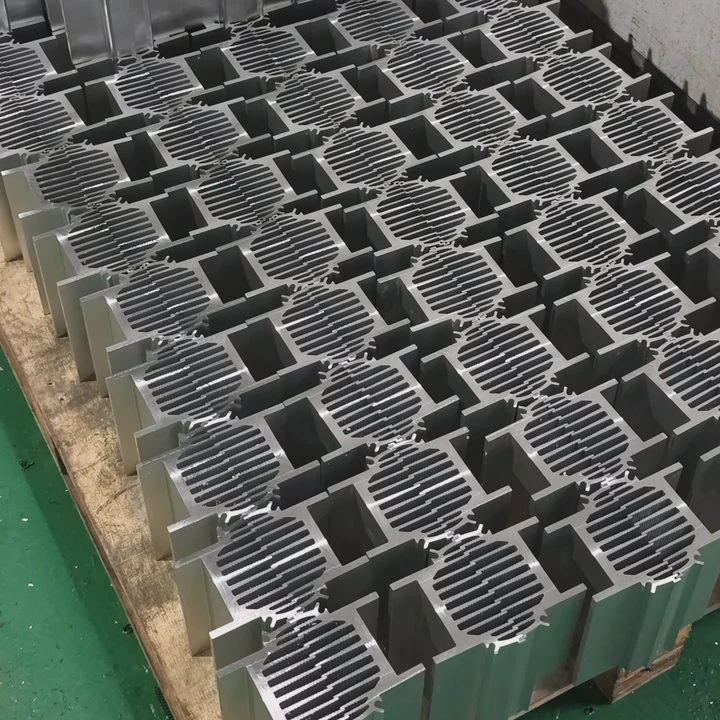
Understanding this helps avoid thermal throttling and system instability.
CPUs that typically need better cooling
These include:
- Unlocked CPUs (for overclocking)
- High core count processors
- Workstation-grade CPUs
- Server CPUs
Why stock cooling is not enough
These CPUs:
- Run at higher power levels
- Produce more heat per second
- Require sustained performance
Stock coolers cannot maintain safe temperatures under these loads.
Signs you need aftermarket cooling
- High CPU temperature (>85°C)
- Fan running at full speed constantly
- Performance drops under load
- System instability
Types of aftermarket solutions
Common options include:
- Tower air coolers
- All-in-one liquid coolers
- Custom liquid cooling loops
- Vapor chamber-based systems
Comparison of cooling needs
| CPU Category | Heat Output | Stock Cooler Suitability | Recommended Solution |
|---|---|---|---|
| Basic CPU | Low | Suitable | Stock cooler |
| Gaming CPU | Medium | Limited | Tower air cooler |
| High-end CPU | High | Not suitable | Liquid cooling |
| Industrial CPU | Very high | Not applicable | Custom thermal solution |
Real-world engineering view
In high-power electronics, cooling is never an afterthought. It is part of the system design from the beginning.
Advanced systems often use:
- Liquid cold plates
- Phase change modules
- Integrated heat spreaders
These solutions are not optional. They are required for safe operation.
Many clients face issues when scaling from prototype to mass production. A system that worked in testing may fail under continuous load. This is where proper thermal design becomes critical.
Conclusion
Not every CPU includes a heat sink. Entry models often do, but high-performance CPUs need custom cooling. Understanding this helps avoid overheating and ensures stable system performance.




