
Heat Sink for Motherboard?
- Yongxing
- 02 Jun ,2026
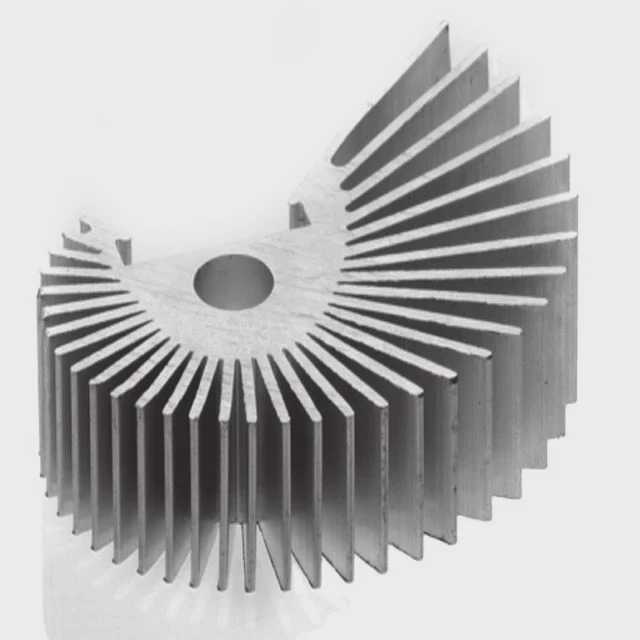
Overheating can damage your motherboard fast, but a heat sink can keep your system cool and stable.
Motherboard heat sinks protect components by drawing heat away from CPUs, VRMs, and chipsets. They reduce thermal stress, improve performance, and extend the lifespan of the board.
Heat sinks are more than metal blocks-they are essential for reliable PC operation. Let’s explore how they work and why they matter.
How do motherboard heat sinks protect components?
Without cooling, electronic parts can overheat, leading to crashes or permanent damage. Heat sinks stop that from happening.
Heat sinks protect components by absorbing heat and spreading it over a larger surface. This allows fans or airflow to carry heat away, keeping temperatures safe and performance stable.
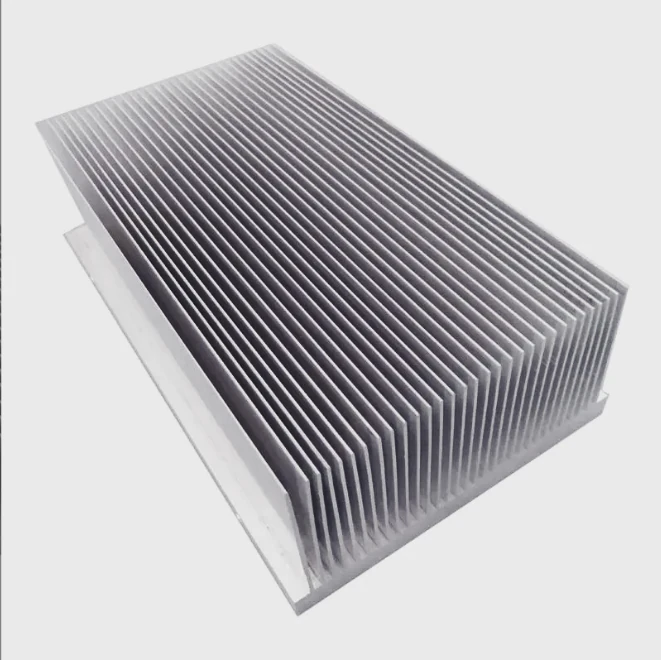
When a motherboard runs, chips like the CPU, GPU, and chipset generate heat. Excess heat can cause instability or shorten lifespan. A heat sink is a passive device that transfers heat from the hot component to the cooler metal fins. The larger surface area of fins increases airflow exposure. This lets fans or natural convection remove heat efficiently.
How heat sinks work
Heat sinks are usually made of aluminum or copper because these metals conduct heat well. Copper is better for fast heat transfer, while aluminum is lighter and cheaper. Some high-end boards combine both metals for optimized cooling.
Heat transfer methods
- Conduction: Heat moves directly from the chip to the heat sink base.
- Convection: Heat moves from the heat sink fins to surrounding air.
- Radiation: Minor heat loss to the environment through infrared energy.
Factors affecting performance
- Surface area of the fins
- Material used
- Airflow across the motherboard
- Contact quality with thermal paste
| Component | Recommended Heat Sink Material | Notes |
|---|---|---|
| CPU socket area | Copper base, aluminum fins | High heat load, often paired with fan |
| Chipset | Aluminum | Moderate heat, passive cooling is usually enough |
| VRM | Aluminum or copper | Protects voltage regulators during high load |
Using heat sinks helps prevent thermal throttling. Chips maintain speed longer, reducing system instability. A well-placed heat sink can make a difference between a quiet, stable PC and one prone to crashes.
Why are VRM heat sinks important?
Voltage regulator modules (VRMs) supply power to the CPU. If they overheat, the CPU can’t run correctly.
VRM heat sinks keep power delivery components cool. This ensures stable voltage to the CPU, prevents throttling, and increases motherboard reliability.
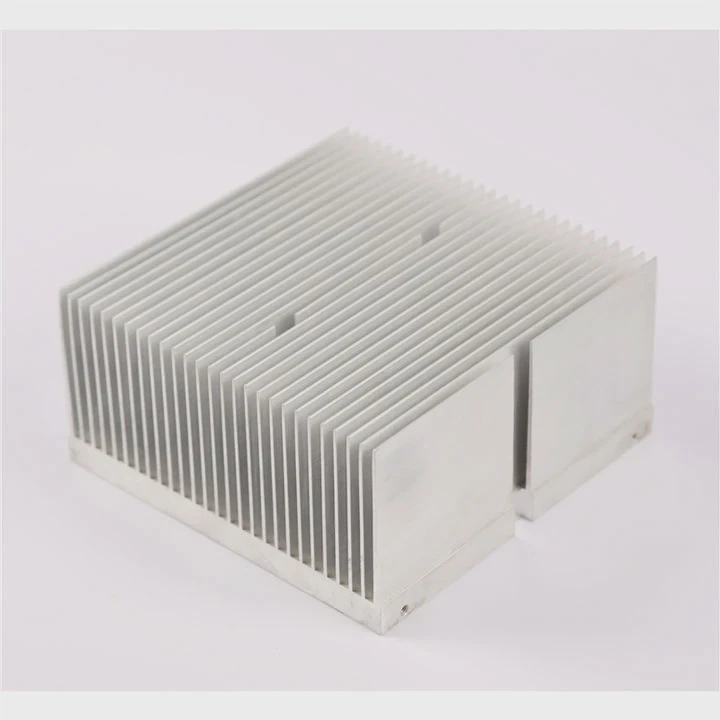
Voltage regulator modules convert the motherboard’s 12V input to the lower voltages the CPU needs. They can get very hot under heavy load, especially during gaming or overclocking. Without cooling, VRMs may overheat and cause CPU instability or damage.
VRM heat sink design
Most VRM heat sinks are flat metal plates with fins. Some boards use heat pipes to spread heat across multiple modules. Others combine passive and active cooling by placing fans near VRMs.
Why VRM cooling matters
- Stability: Keeps voltage steady even under peak CPU load.
- Overclocking: Hot VRMs limit safe overclocking potential.
- Longevity: Heat accelerates component wear; cooling extends lifespan.
| VRM Configuration | Recommended Cooling |
|---|---|
| 4+2 phase | Small aluminum fins |
| 8+2 phase | Aluminum with heat pipe |
| 12+2 phase | Copper base with active airflow |
Even if the CPU is well-cooled, VRMs without heat sinks can fail first. High-quality motherboards often use VRM heat sinks designed for heavy-duty operation. For anyone pushing their system, VRM cooling is not optional.
Where are heat sinks placed on motherboards?
Motherboard heat sinks aren’t randomly positioned. They sit where chips generate the most heat.
Heat sinks are usually located on the CPU socket, chipset, and VRMs. Some motherboards include extra coverage for M.2 SSDs and memory modules.
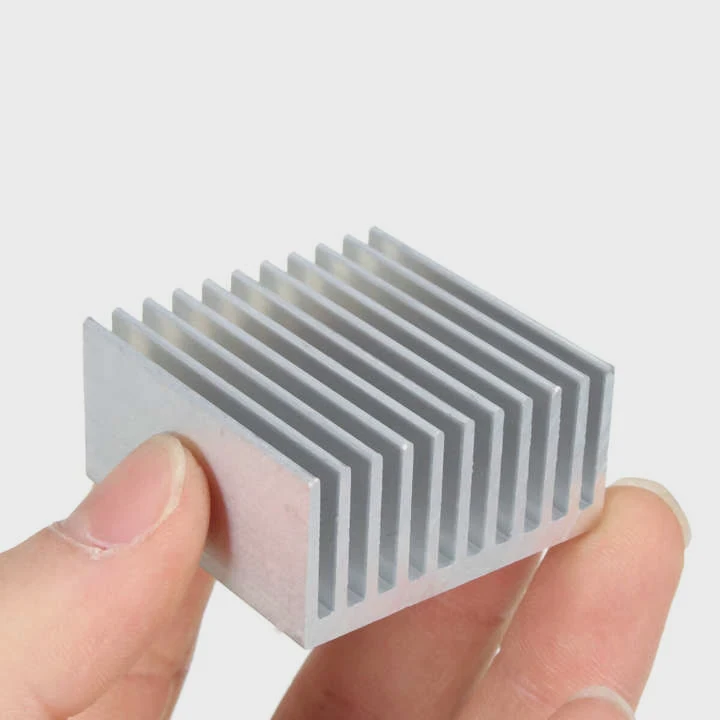
Most motherboards have three main heat sink areas:
- CPU socket: The biggest heat sink sits near or around the CPU. It handles the high heat output from the processor.
- Chipset area: Usually at the lower middle of the board. Passive aluminum fins keep the chipset at safe operating temperatures.
- VRMs: Typically near the top of the CPU socket. They stabilize voltage for the CPU and often use finned aluminum or copper plates.
Optional placements
- M.2 SSD slots: Some motherboards include small heat sinks to prevent thermal throttling of NVMe drives.
- Memory modules: High-performance RAM can include tiny heat spreaders.
- Southbridge or controller chips: Some boards add passive cooling for extra reliability.
Layout considerations
Board designers must balance heat sink size with clearance for GPUs, RAM, and expansion slots. Overly large heat sinks can block airflow or prevent installation of large components. Proper placement maximizes heat dissipation while keeping the board usable.
| Area | Typical Heat Sink Type | Cooling Method |
|---|---|---|
| CPU | Large aluminum/copper fin stack | Airflow from CPU cooler fan |
| VRM | Aluminum plate with fins | Passive + optional fan airflow |
| Chipset | Aluminum | Passive |
| M.2 SSD | Small aluminum plate | Passive, may use airflow from GPU fan |
Good heat sink placement ensures each component stays within safe temperatures, even during peak load. This reduces system crashes and improves hardware longevity.
Which motherboards include built-in heat sinks?
Not every motherboard includes full heat sinks. High-end boards come with them, while budget boards might skip some areas.
Most mid-range and premium motherboards include built-in heat sinks for CPU, VRMs, and chipsets. Budget boards may only have minimal coverage, increasing the risk of thermal throttling.
Motherboard models vary widely. Premium boards from brands like ASUS, MSI, and Gigabyte usually feature:
- Extensive VRM heat sinks with multiple phases
- Chipset heat sinks with thermal pads
- M.2 drive coverage
- Optional heat pipes connecting VRM and chipset areas
Built-in heat sink features
- Finned designs: Increase surface area to boost heat dissipation.
- Heat pipes: Transfer heat from hot spots to cooler zones.
- Integrated thermal pads: Improve heat contact with components.
- Modular options: Some boards allow additional heat sink kits.
Choosing the right motherboard
- Check the VRM cooling: Important for overclocking and CPU stability.
- Look at CPU socket coverage: Bigger heatsinks provide better cooling.
- Consider chipset cooling: Needed for high-speed storage or PCIe devices.
| Motherboard Tier | Typical Heat Sink Features | Target Use |
|---|---|---|
| Entry-level | Minimal chipset plate | Basic office PCs |
| Mid-range | VRM + chipset heatsinks | Gaming PCs, general use |
| High-end | VRM, chipset, M.2, heat pipes | Overclocked systems, high-performance builds |
Built-in heat sinks are not just aesthetic. They are functional, protecting your investment and ensuring your system runs reliably under load.
Conclusion
Motherboard heat sinks are essential for component protection, VRM stability, and overall performance. Proper placement and quality materials keep PCs reliable, extend lifespan, and prevent throttling. Choosing a board with adequate cooling safeguards your hardware from heat damage.




