
Heat Sink for Raspberry Pi?
- Yongxing
- 03 Jun ,2026
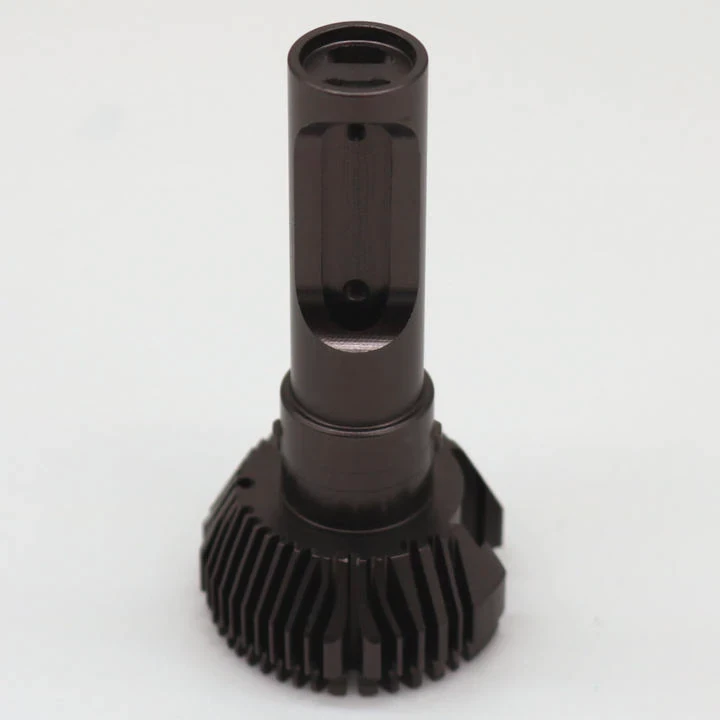
Opening your Raspberry Pi to high workloads often leads to overheating. A heat sink can be the key to keeping your device cool and stable.
A heat sink helps Raspberry Pi manage heat by transferring it from the processor to a larger surface area, reducing temperature and preventing thermal throttling.
Even small devices like Raspberry Pi can run hot, especially when performing intensive tasks. Understanding how heat sinks work is crucial for improving performance and extending hardware life.
How does a heat sink cool Raspberry Pi?
Overheating can slow down your Raspberry Pi or cause unexpected shutdowns, which is frustrating during projects or experiments.
A heat sink cools Raspberry Pi by conducting heat away from the CPU and spreading it across a larger area. This allows heat to dissipate into the surrounding air efficiently.
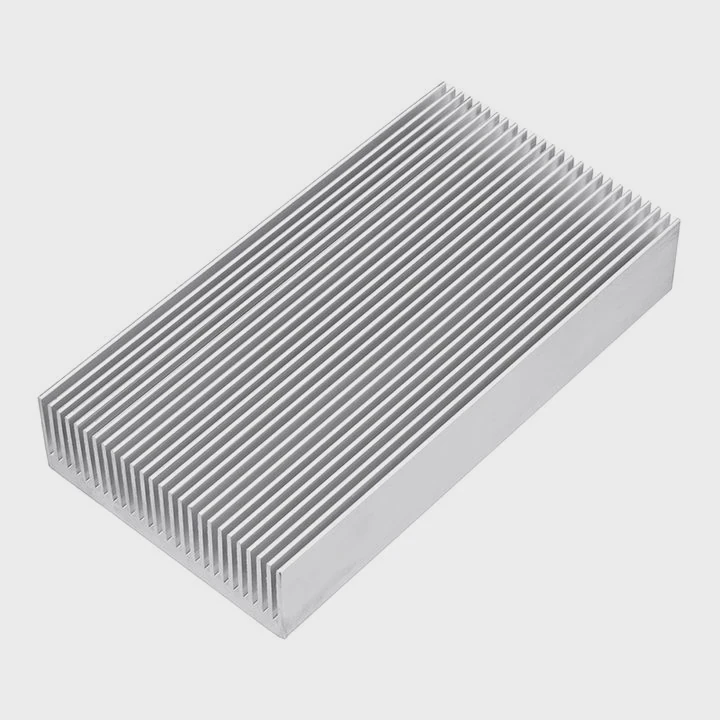
Heat Transfer Process
Heat sinks work on the principle of conduction. Metal, usually aluminum or copper, has high thermal conductivity. When attached to the CPU or GPU, heat moves from the chip into the metal. From there, it spreads across fins or flat surfaces.
Convection
Once heat is on the heat sink, natural airflow carries it away. Fins increase surface area, so air touches more metal, cooling it faster. In cases with fans, forced convection further speeds this process.
Material Choice
- Aluminum: Lightweight, cost-effective, decent conductivity.
- Copper: Higher conductivity, heavier, better for extreme heat.
Example Table: Heat Sink Materials Comparison
| Material | Thermal Conductivity (W/m·K) | Weight | Cost |
|---|---|---|---|
| Aluminum | 200 | Light | Low |
| Copper | 400 | Heavy | High |
Choosing the right material depends on your workload. Light tasks might only need aluminum, while heavy computational projects benefit from copper.
Installation Tips
Attach the heat sink directly to the CPU or GPU using thermal adhesive or pads. Proper contact ensures maximum heat transfer. Misalignment or air gaps reduce efficiency. Clean the surface before installation to remove dust or oils.
Why does Raspberry Pi overheat under load?
Raspberry Pi often handles many tasks at once. Without proper cooling, heat builds up quickly, causing performance issues.
Raspberry Pi overheats under load because its compact design concentrates heat in a small area, and high processing tasks generate more heat than the small metal casing can dissipate naturally.
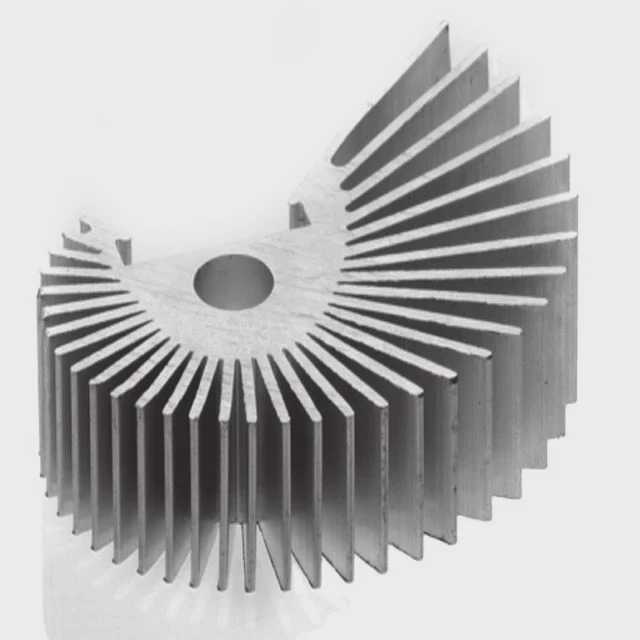
Processing Power vs. Heat
The CPU and GPU generate heat when running at full capacity. Intensive programs like gaming, video decoding, or server applications push Raspberry Pi to its limits. Without heat sinks or cooling fans, the temperature rises quickly.
Thermal Throttling
When the temperature passes certain thresholds, Raspberry Pi reduces CPU speed to prevent damage. This slows performance significantly, sometimes causing lag or crashes.
Environmental Factors
Room temperature, airflow, and enclosure design affect heat buildup. Raspberry Pi in closed cases or hot environments will overheat faster than one in a ventilated area.
Example Table: Typical CPU Temperatures
| Task | CPU Temp Without Heat Sink | CPU Temp With Heat Sink |
|---|---|---|
| Idle | 50°C | 45°C |
| Video Streaming | 65°C | 55°C |
| Gaming / Heavy Compute | 85°C | 65°C |
Monitoring temperature is easy with built-in commands. If temperatures consistently rise above 80°C, adding a heat sink or fan becomes necessary.
Where should heat sinks be attached on Raspberry Pi?
Placing a heat sink incorrectly reduces its cooling effect, even if it’s high quality.
Heat sinks should be attached to the main heat-generating components: the CPU, GPU, and sometimes the RAM chips, ensuring efficient heat transfer.
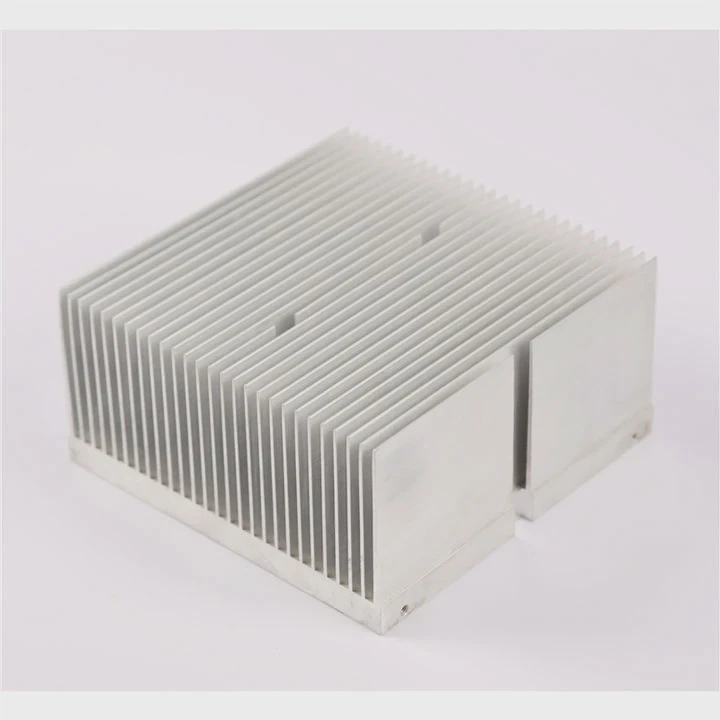
Main Components to Cool
- CPU: Central processing unit produces the most heat.
- GPU: Graphics processor heats up during video or graphics tasks.
- RAM / Power ICs: Optional, if running at high power or overclocked.
Placement Tips
- Clean surface before installation.
- Ensure full contact with thermal pad or adhesive.
- Avoid blocking GPIO pins or other components.
- Consider airflow direction in the case.
Diagram Reference
Imagine the board with small rectangles marking CPU, GPU, and RAM. Placing heat sinks here ensures heat spreads efficiently into air or case fans.
Extra Cooling
In high-performance projects, combine heat sinks with a fan or passive airflow to maintain lower temperatures consistently. This method is common in overclocked or server applications.
Which Raspberry Pi models benefit from heat sinks?
Not all Raspberry Pi models generate the same heat. Knowing which ones need cooling helps prioritize components for investment.
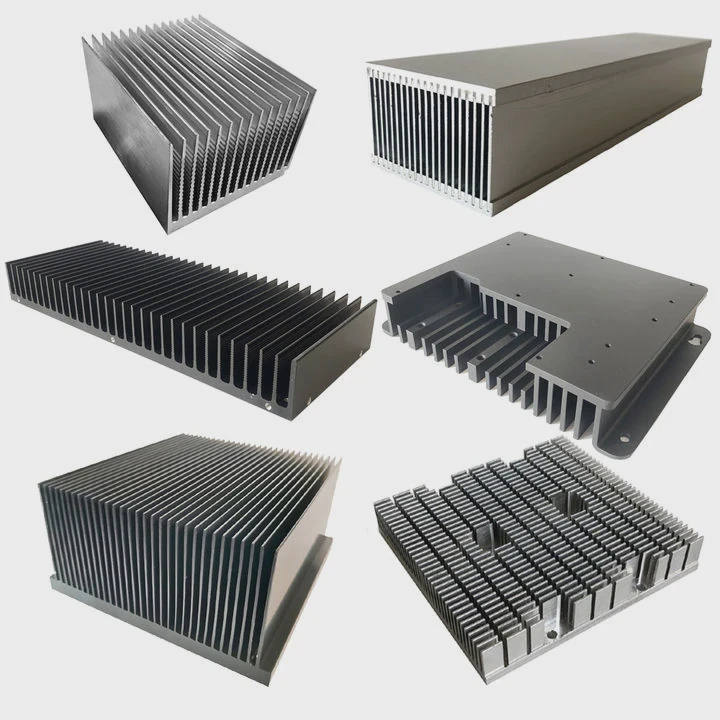
Models with higher processing power, such as Raspberry Pi 4 and Raspberry Pi 400, benefit the most from heat sinks due to increased CPU and GPU heat under load.
Older Models
Raspberry Pi 1, 2, and 3 generally run cooler. Light tasks rarely require heat sinks, but adding one improves stability.
High-Performance Models
- Raspberry Pi 4: Quad-core CPU, higher RAM, heats quickly under full load.
- Raspberry Pi 400: Integrated keyboard design limits airflow, making heat sinks necessary.
Example Table: Recommended Cooling by Model
| Model | Recommended Cooling | Reason |
|---|---|---|
| Raspberry Pi 1/2/3 | Optional small HS | Low heat generation |
| Raspberry Pi 4 | Full HS + fan | High heat under load |
| Raspberry Pi 400 | Full HS + fan | Limited airflow inside keyboard |
| Raspberry Pi Zero | Optional | Small CPU, low power |
Performance Gains
Adding heat sinks prevents thermal throttling, maintains consistent CPU speed, and extends the lifespan of the board. Overclocked models particularly benefit, as cooling allows higher stable frequencies without overheating.
DIY Tip
Combine aluminum heat sinks for CPU and RAM with a small fan. Use thermal adhesive to secure and maximize contact. This combination keeps the Raspberry Pi running stable even during long computational tasks.
Conclusion
Heat sinks are essential for maintaining Raspberry Pi performance. Proper placement, material choice, and model awareness prevent overheating, thermal throttling, and ensure long-term reliability.




