
Heat Sink for Xbox?
- Yongxing
- 04 Jun ,2026
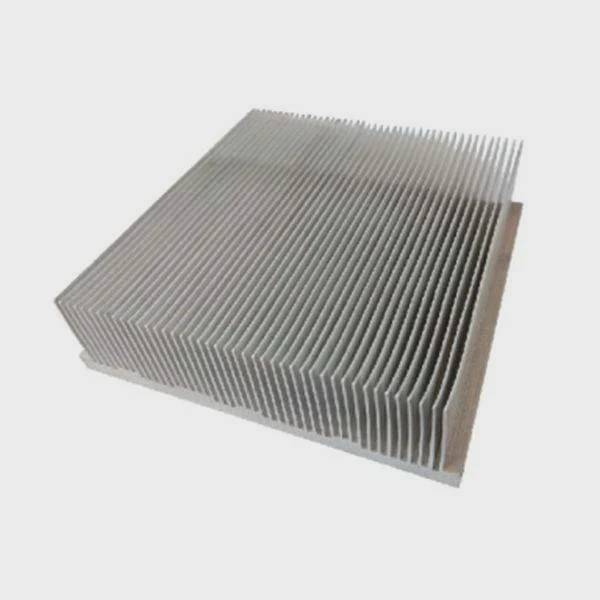
Gaming sessions often push your Xbox to its limits, causing heat buildup. A heat sink can protect your console from overheating and maintain smooth gameplay.
A heat sink cools an Xbox by transferring heat from internal chips to a larger metal surface, reducing temperature and keeping performance stable during heavy gaming.
Even high-end consoles can suffer from thermal throttling without proper cooling. Knowing how heat sinks work helps prevent crashes and extend your Xbox’s lifespan.
How does a heat sink cool Xbox systems?
Gamers often notice their console heating up during long sessions. Without cooling, performance can drop sharply.
A heat sink cools Xbox systems by conducting heat from the CPU and GPU into a large metal surface, allowing the heat to dissipate efficiently into the air.
Heat Transfer Basics
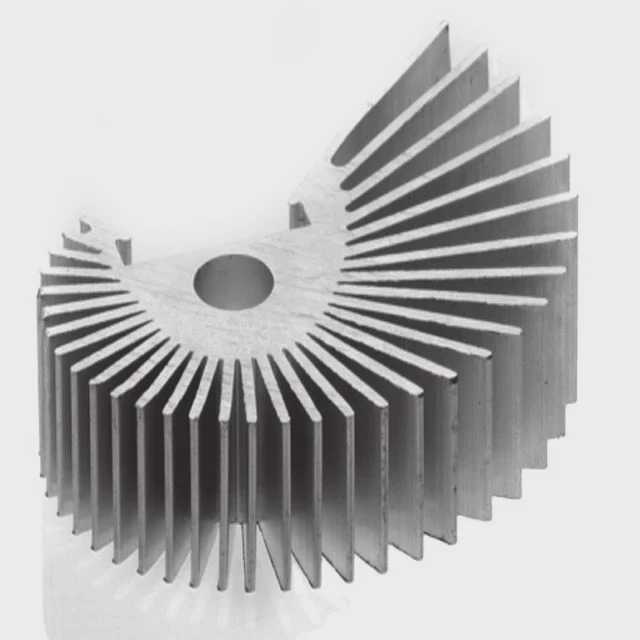
Heat sinks use conduction. Metal, like copper or aluminum, draws heat from hot chips. This heat spreads across the sink’s surface. Fins or ridges increase the surface area for airflow.
Convection Helps
Air around the heat sink carries heat away. Natural airflow or a fan inside the console improves cooling. More surface area means faster heat removal.
Material Considerations
- Aluminum: Light, affordable, sufficient for moderate heat.
- Copper: Excellent conductivity, heavier, ideal for high-performance consoles.
Example Table: Heat Sink Materials for Xbox
| Material | Thermal Conductivity (W/m·K) | Weight | Cost |
|---|---|---|---|
| Aluminum | 200 | Light | Low |
| Copper | 400 | Heavy | High |
Choosing the right material depends on your Xbox usage. Casual gaming may be fine with aluminum, while extended 4K gaming benefits from copper.
Installation Insight
Xbox heat sinks are factory-installed on CPUs and GPUs. Proper contact with thermal paste is crucial. Poor contact can cause overheating even with a high-quality sink.
Why do gaming consoles need heat sinks?
Gaming consoles push a lot of power through small boards. High performance generates heat, which can harm components if not managed.
Gaming consoles need heat sinks because their CPUs and GPUs produce large amounts of heat during gameplay, and heat sinks prevent thermal throttling and hardware damage.
CPU & GPU Heat
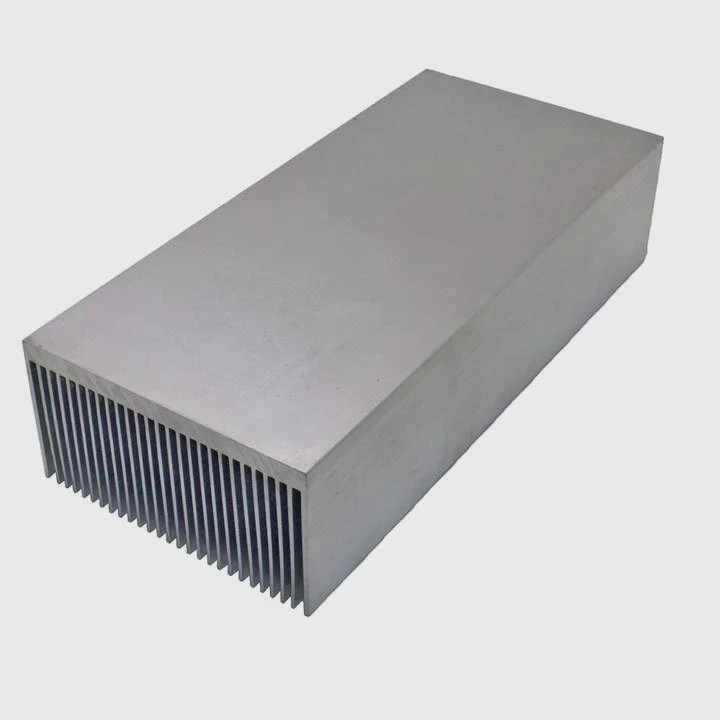
The main processors in Xbox generate heat when running games, especially 4K titles. Without heat sinks, temperatures rise fast.
Thermal Throttling
To prevent damage, the console may slow down performance, causing frame drops or lag.
Environmental Factors
Poor airflow in closed cabinets or hot rooms increases internal temperature. A heat sink combined with a fan ensures stable temperatures.
Example Table: Xbox Temperature Examples
| Scenario | CPU Temp Without Heat Sink | CPU Temp With Heat Sink |
|---|---|---|
| Idle | 45°C | 40°C |
| Gaming 1080p | 75°C | 60°C |
| Gaming 4K / High Load | 90°C | 70°C |
Proper cooling ensures smooth performance and extends the life of your console.
Where is the heat sink inside Xbox?
Locating the heat sink helps understand how cooling works and why airflow is critical.
The heat sink is attached directly to the CPU and GPU inside the Xbox, often accompanied by thermal paste and fans to ensure maximum heat transfer.
Main Cooling Components
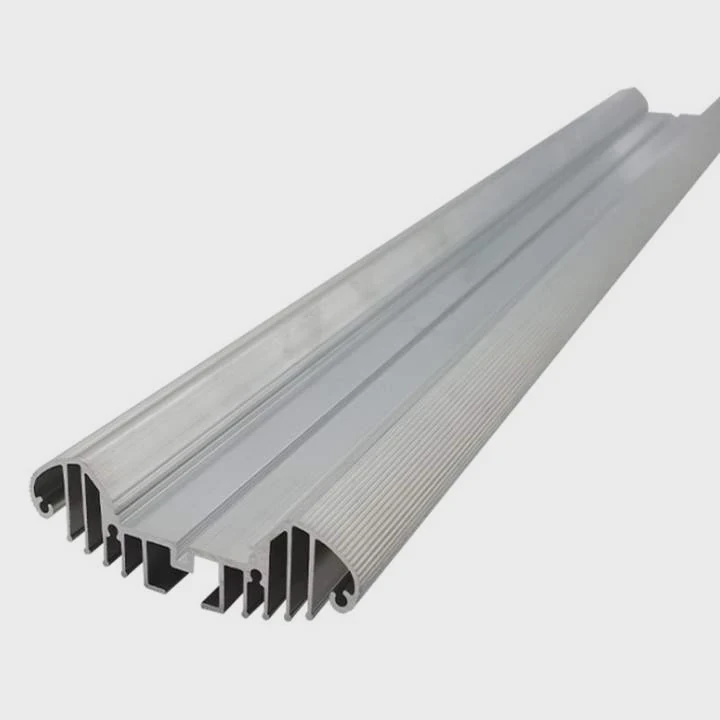
- CPU Heat Sink: Attached to the main processor, spreads heat across fins.
- GPU Heat Sink: Dedicated to graphics processing, handles gaming heat.
- Fan Assembly: Pushes air over heat sinks to remove heat efficiently.
Placement Tips
Heat sinks are usually metal blocks with fins directly over hot chips. Thermal paste ensures full contact. Fans help carry heat out of the console.
Diagram Reference
Visualize the motherboard with CPU and GPU each under a metal heat sink, with a fan above. Airflow moves heat away efficiently.
Cooling Enhancements
Advanced Xbox models use larger heat sinks or vapor chambers for heat distribution. Proper ventilation in your gaming area also improves cooling.
Which Xbox models use advanced heat sinks?
Not all Xbox consoles have the same cooling requirements. High-performance models need more advanced heat sinks to manage higher heat output.
Xbox Series X and Series S use advanced heat sinks, sometimes paired with vapor chambers and larger fan assemblies, to handle 4K gaming and high GPU workloads.
Standard vs. Advanced Models
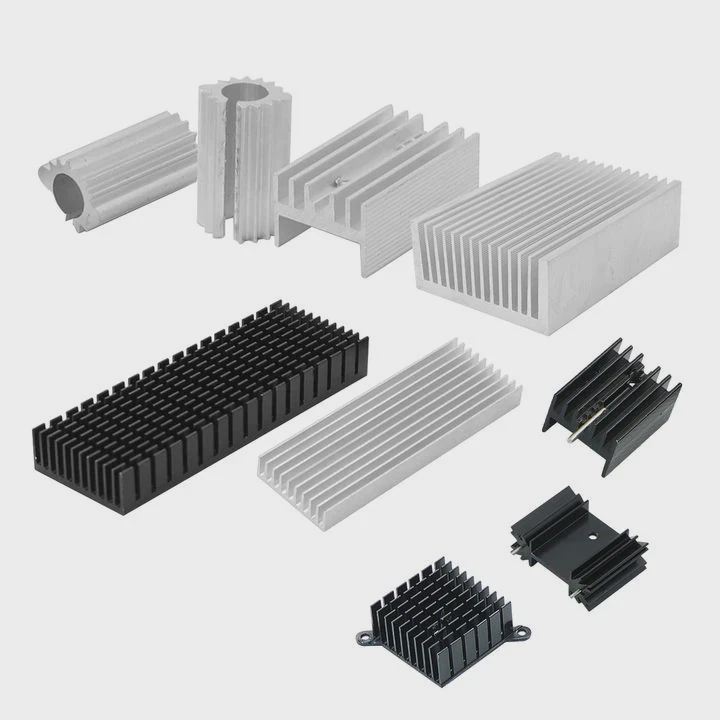
Older models like Xbox One or Xbox One S use simple aluminum heat sinks, adequate for 1080p gaming. High-end models require copper-based or vapor chamber heat sinks.
Example Table: Xbox Heat Sink Comparison
| Model | Heat Sink Type | Cooling Performance | Notes |
|---|---|---|---|
| Xbox One | Aluminum fins | Moderate | Suitable for 1080p gaming |
| Xbox One X | Copper + Aluminum | High | Handles 4K gaming |
| Xbox Series S | Vapor chamber + fins | Very High | Compact design, efficient cooling |
| Xbox Series X | Large vapor chamber + fan | Extreme | 4K/120Hz gaming, intensive workloads |
Performance Insights
Advanced heat sinks prevent throttling under long gaming sessions. They keep frame rates steady, reduce fan noise, and increase hardware longevity.
DIY Notes
Users cannot easily upgrade Xbox heat sinks due to design. Focus on external factors like keeping vents clear and ensuring good room airflow.
Conclusion
Heat sinks are vital for Xbox cooling. They transfer heat away from CPUs and GPUs, prevent throttling, and ensure long-lasting performance. Advanced models benefit from copper or vapor chamber solutions for high-end gaming.




