
How to Apply Thermal Paste?
- Yongxing
- 08 Jun ,2026
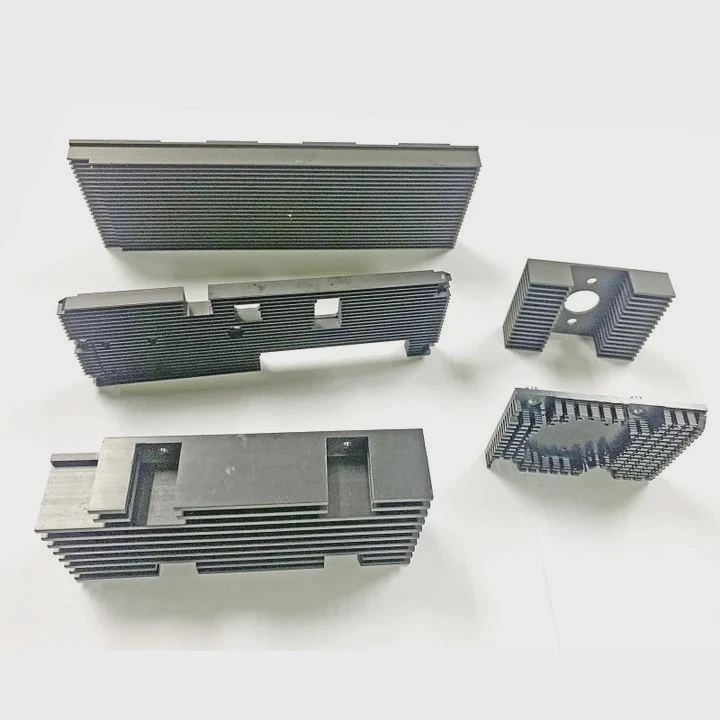
Incorrect thermal paste application can cause overheating and damage sensitive CPU components.
Thermal paste improves heat transfer between CPU and heat sink by filling microscopic gaps, ensuring stable temperatures and better system performance.
Learning proper techniques avoids common mistakes and keeps your computer running efficiently.
What techniques ensure even thermal paste spread?
Applying thermal paste unevenly reduces heat transfer, creating hotspots and poor cooling.
Techniques like the pea-dot method, cross pattern, or line method ensure thermal paste spreads evenly under the heat sink, maximizing contact with the CPU surface.
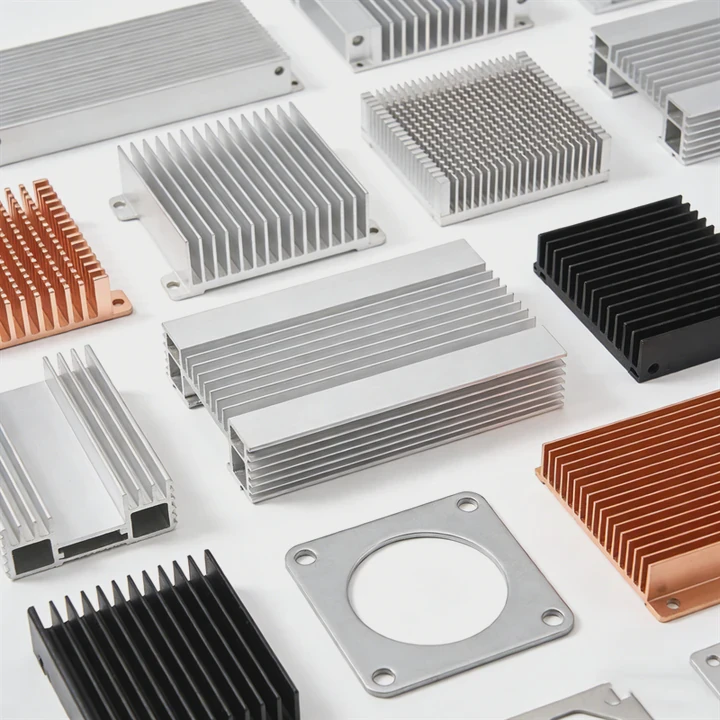
Pea-dot method
Place a small dot of paste at the center of the CPU. Pressing the heat sink spreads it evenly across the surface. Avoid pressing too hard, which can squeeze paste out of the sides.
Cross method
Draw a small X of paste on the CPU surface. This ensures coverage over the entire chip when the heat sink is pressed down.
Line method
Spread a thin line of paste along the length of the CPU die. Works well for rectangular CPUs like Intel chips. Check that it spreads under pressure without leaving gaps.
Tips for even spreading
- Use the minimum required amount. Too little reduces efficiency, too much squeezes out.
- Clean the CPU and heat sink surfaces with isopropyl alcohol before application.
- Avoid touching the paste with fingers to prevent contamination.
Why avoid excessive thermal paste?
Many beginners think more paste means better cooling. This is false and can cause problems.
Excessive thermal paste can reduce heat transfer, leak onto the motherboard, and even create short circuits if conductive.
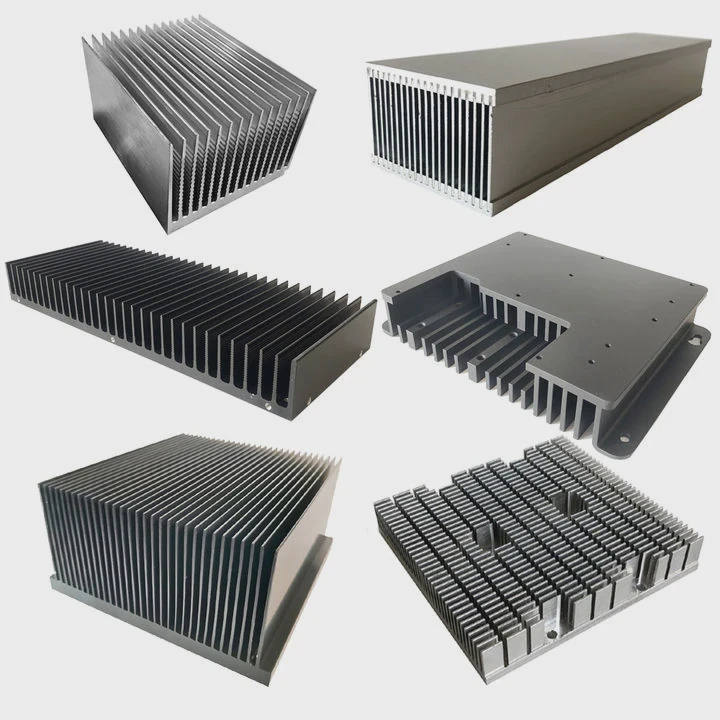
Risks of too much paste
- Reduced efficiency: Thick layers prevent proper contact between CPU and heat sink.
- Mess and cleanup: Squeezed paste can spill over CPU edges.
- Electrical hazards: Some pastes are conductive and may short motherboard traces.
- Difficulty replacing: Removing excess paste is harder and messy when upgrading.
Proper amount guideline
Use a small, pea-sized amount for most CPUs. The pressure from the heat sink will spread it evenly without excess. Always check coverage visually if possible.
Summary table of paste amounts
| CPU Size / Type | Recommended Paste Amount | Notes |
|---|---|---|
| Small CPU die | Pea-sized dot | Single center application |
| Large CPU die | Small line or X | Spread under pressure |
| High-end CPU / GPU | Thin layer | Ensure even surface coverage |
Where should paste be placed on CPU?
Placement affects cooling efficiency. Paste must sit on the CPU die, not on the edges or motherboard.
Thermal paste should be applied directly on the CPU die, covering the area that contacts the heat sink, without spilling onto surrounding components.
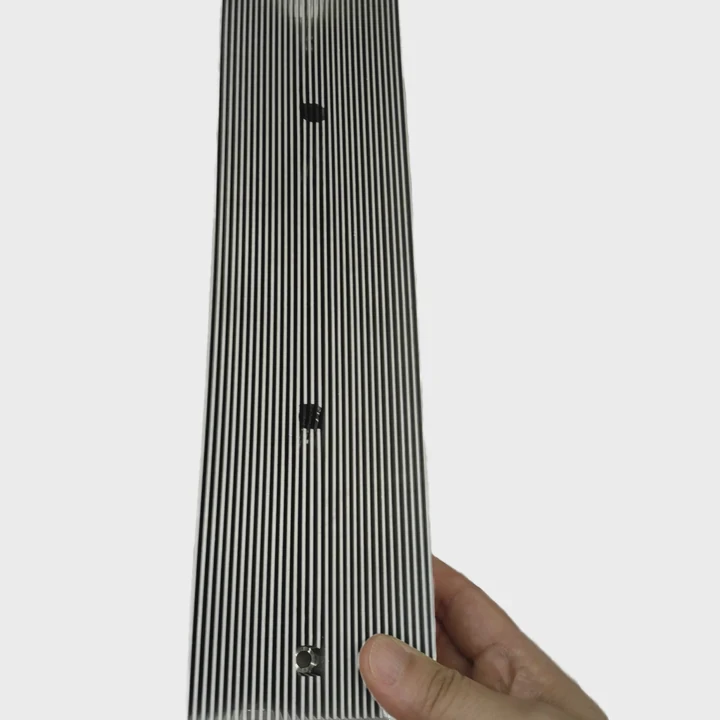
CPU die placement
- Identify the CPU die in the center of the package.
- Apply the recommended dot, line, or cross on the die itself.
- Avoid applying paste to the IHS (integrated heat spreader) edges or motherboard pads.
Heat sink contact
When the heat sink is placed, the paste spreads evenly. The die should have a thin layer of paste across its entire surface to fill micro-gaps and improve thermal conductivity.
Inspection
After mounting, remove the heat sink carefully if you want to check coverage. The paste should spread evenly with no gaps or thick clumps.
Placement diagram table
| Component | Paste Placement | Avoid Areas |
|---|---|---|
| CPU die | Center / line / X | Edges of die, motherboard |
| GPU chip | Center or thin line | PCB surrounding chip |
| Integrated heat spreader | Thin layer | Metal edges, screws |
Which application methods are recommended?
Different CPUs and coolers require different application methods for optimal results.
Recommended methods include pea-dot for standard CPUs, line method for rectangular dies, and cross method for large CPUs, ensuring even spread under heat sink pressure.
Pea-dot method
Best for small to medium CPU dies. Simple, minimal risk of over-application. Works for Intel and AMD mainstream CPUs.
Line method
Ideal for long rectangular dies like some Intel Core processors. Ensures full coverage along the CPU length.
Cross method
Suitable for large dies or high-performance chips. Provides coverage in multiple directions for even heat transfer.
Extra tips
- Always clean the surfaces before applying paste.
- Do not use excessive paste; thin, even layers are sufficient.
- Use tools or card scrapers for precise spreading only if needed; usually, the heat sink pressure is enough.
Summary table of recommended methods
| CPU Type / Size | Recommended Method | Notes |
|---|---|---|
| Small desktop CPU | Pea-dot | Simple, effective |
| Large desktop CPU | Cross | Ensures full coverage |
| Rectangular die CPU | Line | Spreads evenly under heat sink |
| GPU or high-TDP CPU | Pea-dot + inspection | Check coverage visually |
Conclusion
Correct thermal paste application improves heat transfer between CPU/GPU and heat sink. Using the right amount, placement, and method prevents overheating, ensures optimal performance, and prolongs hardware life.




