
how to attach heat sink?
- Yongxing
- 09 Jun ,2026
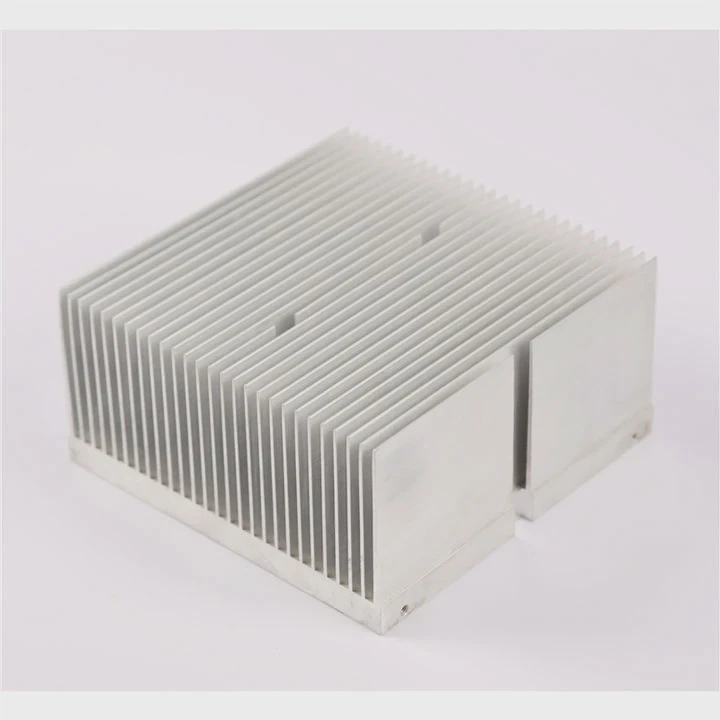
Attaching a heat sink may seem simple, but improper installation can reduce cooling efficiency and damage components.
Proper heat sink attachment ensures maximum thermal transfer, preventing overheating and maintaining the performance and reliability of electronic devices.
A well-installed heat sink is crucial for electronics to work safely under load.
What methods secure a heat sink properly?
There are several ways to attach a heat sink depending on device type and size.
Methods to secure a heat sink properly include screws, clips, adhesive pads, and thermal paste with pressure, each ensuring solid contact for effective heat transfer.
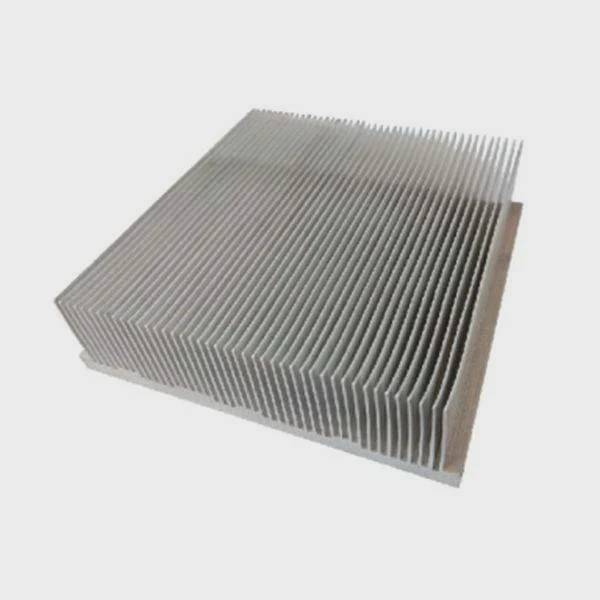
Common attachment methods
- Screws or bolts - Provides strong and stable contact.
- Clips - Easy to install, commonly used in CPUs and small components.
- Adhesive pads - Simple, low-cost solution for lightweight heat sinks.
- Thermal paste with bracket - Ensures both thermal transfer and stability.
Pros and cons
| Method | Advantages | Limitations |
|---|---|---|
| Screws/Bolts | Strong, reliable | Requires tools |
| Clips | Fast installation | Contact pressure may vary |
| Adhesive | Simple, clean | Harder to remove, weaker contact |
| Bracket + Paste | Best thermal contact | Slightly more complex installation |
Practical note
The choice of method depends on component size, weight, and thermal requirements. High-power devices need screw or bracket mounting for reliable thermal transfer.
Real-world insight
A power transistor in one project overheated because clips were loose. After switching to screws and thermal paste, temperature dropped 20°C under load.
Why is firm contact important for cooling?
Thermal contact determines how efficiently heat moves from the component to the heat sink.
Firm contact is important because it reduces thermal resistance, ensuring that heat transfers quickly from the device to the heat sink for effective cooling.
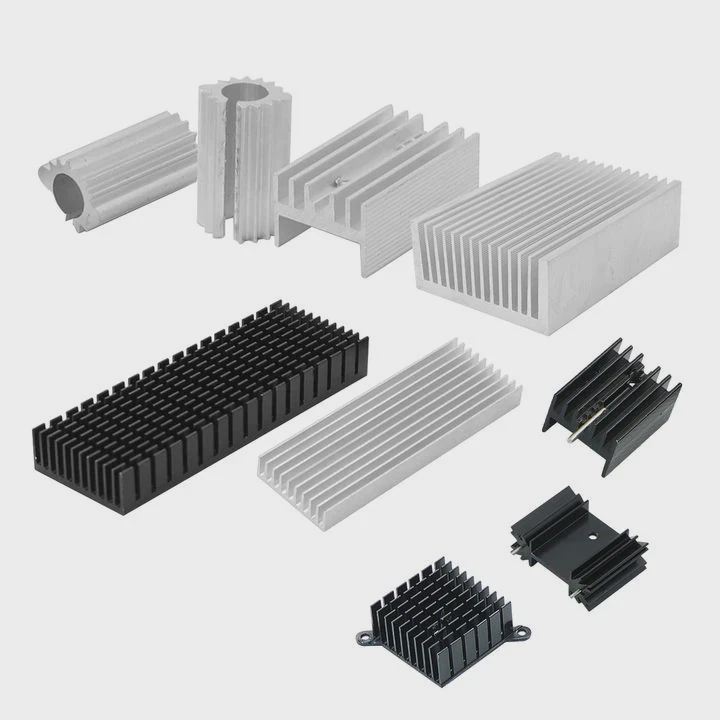
Heat transfer principles
- Heat moves best through solid surfaces.
- Even small air gaps drastically reduce efficiency.
- Thermal paste or pads fill microscopic gaps.
Consequences of poor contact
- Higher component temperature
- Reduced device performance
- Possible thermal shutdown or damage
How to ensure firm contact
- Clean both surfaces before installation
- Apply thermal paste evenly if required
- Tighten screws or fasteners evenly to avoid tilting
Example
A GPU without proper contact ran 15°C hotter than the same GPU with paste and even screw pressure. Performance was noticeably lower.
Where should mounting pressure be applied?
Pressure must be applied evenly on the heat sink to ensure maximum contact with the component surface.
Mounting pressure should be applied directly over the component’s surface and evenly across the heat sink to optimize thermal transfer and avoid warping.
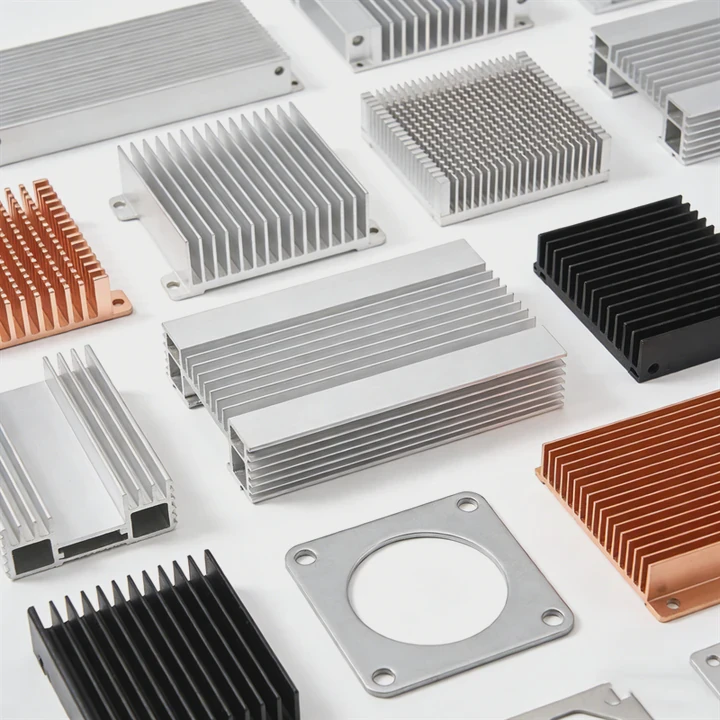
Best practices
- Focus on the center of the heat source (CPU, transistor, SSD controller)
- Apply even pressure to edges and corners
- Avoid tilting or uneven force
Risks of improper pressure
- Too little: poor thermal transfer, overheating
- Too much: component damage, PCB bending
Example
In a CPU build, uneven pressure caused one corner to lift slightly. The CPU reached 85°C under load. Correcting the mounting with even pressure lowered it to 65°C.
Tools for controlled pressure
- Torque screwdrivers
- Clips with tension adjustment
- Brackets with calibrated springs
Tip
Always follow manufacturer torque recommendations. Even small differences can affect cooling efficiency.
Which fasteners are used for heat sinks?
Fasteners secure the heat sink and maintain contact under vibration or movement.
Common fasteners include screws, bolts, clips, springs, and brackets, each designed to hold the heat sink firmly in place while allowing proper thermal transfer.
Types of fasteners
- Screws - Most common, provide adjustable pressure
- Bolts - Used for larger heat sinks or heavy components
- Clips - Quick and tool-free installation for light components
- Springs - Maintain constant pressure even with expansion or vibration
- Brackets - Combine support and pressure control
Comparison
| Fastener | Use Case | Notes |
|---|---|---|
| Screw | CPUs, power transistors | Adjustable torque |
| Bolt | Large heatsinks | Strong, secure |
| Clip | Light SSDs, low-power chips | Quick but limited pressure |
| Spring | CPUs, industrial modules | Maintains even pressure |
| Bracket | GPUs, server components | Stable, spreads load |
Installation tips
- Always match fastener type to device weight and thermal needs
- Check that screws or bolts are tightened evenly
- Avoid over-tightening to prevent damage
Real-world example
In one server system, power MOSFET heat sinks used spring-loaded screws. The springs maintained even pressure despite daily thermal expansion, keeping MOSFET temperatures low and performance stable.
Conclusion
Attaching a heat sink correctly is crucial for cooling. Use the proper method, ensure firm and even contact, apply pressure carefully, and select suitable fasteners. Proper installation maximizes thermal efficiency and protects electronics from overheating.




