
How to Check Heat Sink Temperature?
- Yongxing
- 20 Apr ,2026
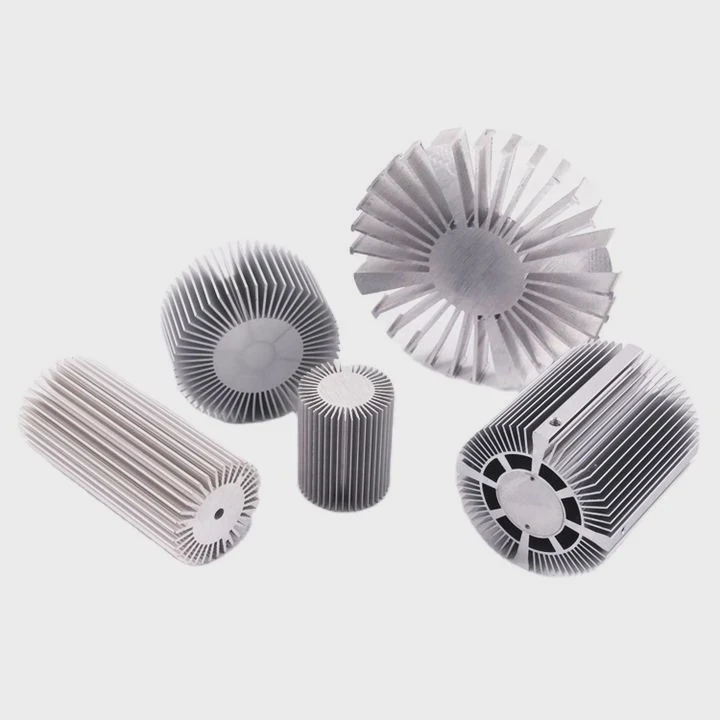
Heat builds up fast in high-power devices. Many systems fail because temperature is ignored. This problem leads to damage, downtime, and cost.
You can check heat sink temperature using tools like thermocouples, infrared cameras, and temperature sensors. These tools give real-time data and help keep systems within safe thermal limits.
Once temperature becomes visible, control becomes possible. So the next step is to understand which tools to use and how to apply them correctly.
What tools measure heat sink temperature?
Heat issues often stay hidden until failure happens. Many engineers guess instead of measure. This leads to poor design decisions and unstable products.
Common tools include thermocouples, RTDs, infrared thermometers, and thermal cameras. Each tool has its own accuracy, cost, and use case depending on the system setup.
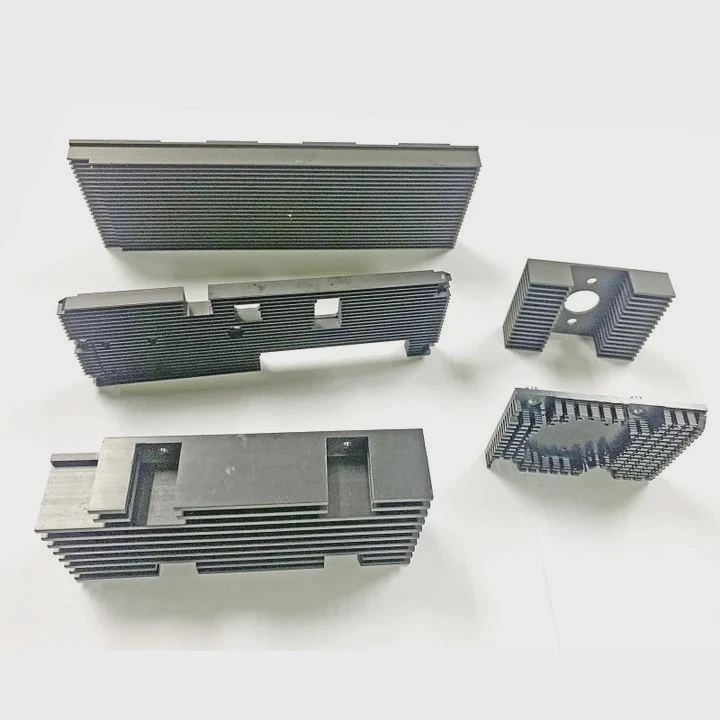
Types of Measurement Tools
Different tools serve different needs. Some offer contact measurement, while others work from a distance.
1. Contact-Based Tools
- Thermocouples
- RTDs (Resistance Temperature Detectors)
- Thermistors
These tools touch the heat sink surface directly.
2. Non-Contact Tools
- Infrared thermometers
- Thermal imaging cameras
These tools read temperature without touching the surface.
Comparison Table
| Tool Type | Accuracy | Response Time | Cost Level | Best Use Case |
|---|---|---|---|---|
| Thermocouple | Medium | Fast | Low | General industrial use |
| RTD | High | Medium | Medium | Precise lab measurements |
| Thermistor | High | Fast | Low | Electronics |
| IR Thermometer | Medium | Fast | Low | Quick surface checks |
| Thermal Camera | High | Fast | High | Full heat distribution analysis |
Practical Insight
In real projects, combining tools often gives the best result. For example, thermocouples provide continuous data, while thermal cameras reveal hot spots.
Installation Tips
- Place sensors close to heat source
- Ensure proper contact with surface
- Avoid airflow interference
- Calibrate tools regularly
Common Mistakes
- Measuring ambient air instead of surface
- Using IR tools on reflective surfaces without correction
- Ignoring emissivity settings
Temperature measurement is not just about tools. It is about correct usage and understanding system behavior.
Why monitor temperature for performance?
Many systems seem stable at first. But over time, heat slowly reduces efficiency. This hidden issue causes long-term damage.
Monitoring temperature helps maintain efficiency, prevent overheating, and extend the lifespan of components by keeping thermal conditions under control.
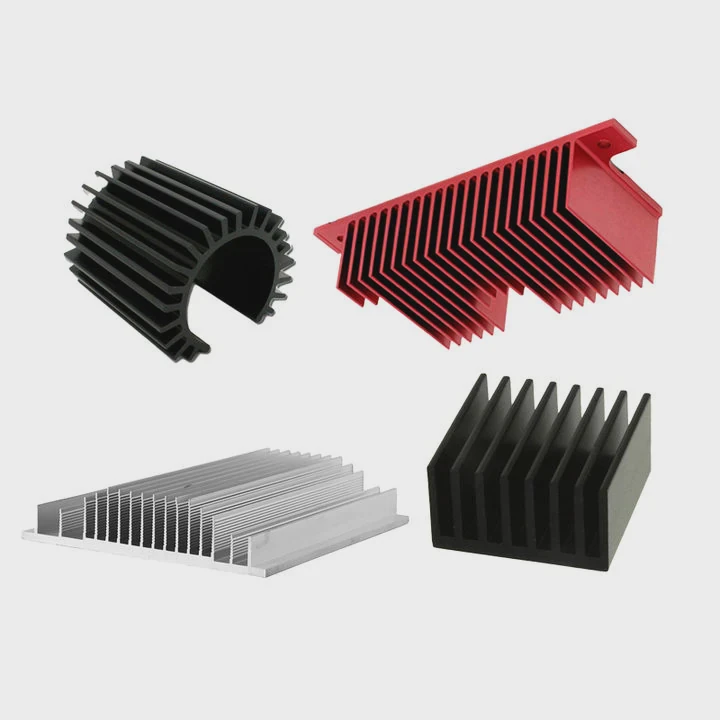
Impact on Performance
Heat directly affects performance in several ways:
1. Efficiency Loss
High temperature increases resistance. This reduces electrical efficiency.
2. Material Degradation
Heat causes expansion and stress. Over time, this weakens materials.
3. System Instability
Temperature fluctuations create unpredictable behavior.
Key Benefits of Monitoring
- Early detection of overheating
- Better system reliability
- Improved design optimization
- Lower maintenance cost
Real Scenario
In one project, a power module failed after 3 months. The root cause was uneven heat distribution. After adding monitoring, the issue was solved by redesigning the heat sink.
Performance vs Temperature Table
| Temperature Range | System Behavior | Risk Level |
|---|---|---|
| <40°C | Optimal performance | Low |
| 40–70°C | Stable operation | Medium |
| 70–90°C | Reduced efficiency | High |
| >90°C | Failure likely | Critical |
Long-Term Effects
Continuous high temperature leads to:
- Solder joint failure
- Semiconductor degradation
- Reduced lifespan
Monitoring Strategy
- Use real-time sensors
- Set alarm thresholds
- Log temperature data
- Analyze trends
Monitoring is not optional. It is a core part of thermal design.
Where should temperature be measured?
Many measurements fail because they are taken at the wrong location. This gives misleading results and wrong conclusions.
Temperature should be measured at the hottest point of the heat sink, near the heat source, and at airflow exit areas to get accurate thermal data.
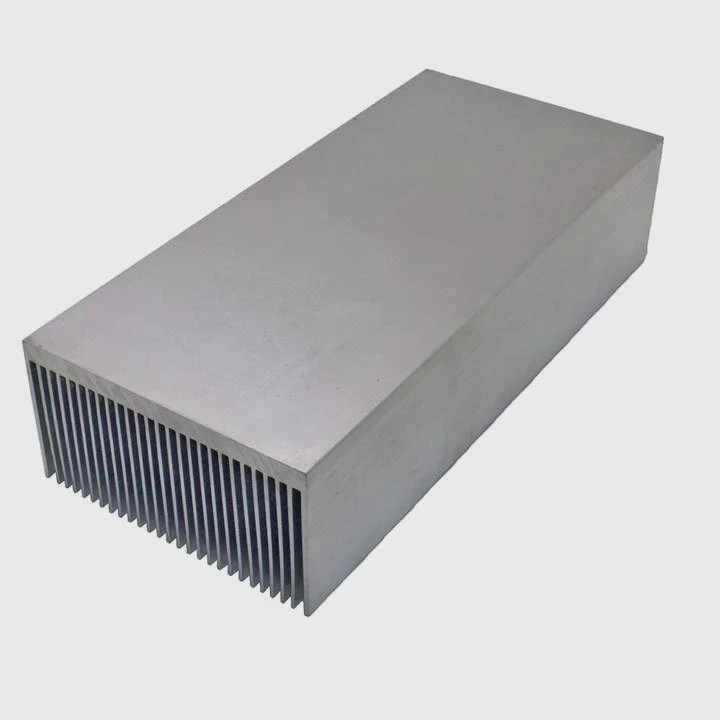
Critical Measurement Points
1. Base of Heat Sink
This is closest to the heat source. It shows actual thermal load.
2. Fin Surface
This area shows how well heat is dissipated.
3. Air Outlet
This helps evaluate airflow efficiency.
Why Location Matters
Heat distribution is not uniform. Some areas stay cool, while others overheat.
Example Layout
| Location | Purpose |
|---|---|
| Base Plate | Core temperature reading |
| Fin Tip | Cooling effectiveness |
| Air Exit | System airflow analysis |
Practical Guidelines
- Measure multiple points
- Focus on worst-case locations
- Avoid shadowed or blocked areas
Common Errors
- Measuring only one point
- Ignoring hot spots
- Placing sensors too far from source
Advanced Approach
Thermal cameras can map full heat distribution. This helps identify hidden hot spots.
Design Insight
Good measurement placement leads to better design decisions. It helps improve airflow, material choice, and structure.
Which ranges indicate safe operation?
Many engineers ask what temperature is “safe.” The answer depends on materials and application.
Safe operation usually falls between 40°C and 70°C for most heat sinks, but exact limits depend on component ratings and environmental conditions.
General Temperature Ranges
| Temperature | Condition | Action Needed |
|---|---|---|
| <40°C | Excellent | No action |
| 40–70°C | Safe | Monitor |
| 70–85°C | Warning | Improve cooling |
| >85°C | Unsafe | Immediate action |
Factors Affecting Safe Range
1. Material Type
Aluminum and copper have different thermal limits.
2. Application Type
- Consumer electronics: lower limits
- Industrial systems: higher tolerance
3. Environment
Ambient temperature affects heat sink performance.
Real Case Insight
In one system, a heat sink ran at 80°C. It seemed stable. But after 6 months, components failed due to thermal stress. Lowering it to 65°C solved the issue.
Safety Margins
Always design with margin:
- Keep 10–20°C below max rating
- Consider worst-case scenarios
Monitoring Thresholds
Set alarms at:
- Warning level: 70°C
- Critical level: 85°C
Design Recommendation
- Improve airflow
- Use better materials
- Increase surface area
- Consider liquid cooling if needed
Safe temperature is not fixed. It must be defined based on real system conditions.
Conclusion
Heat sink temperature must be measured, monitored, and controlled. The right tools, correct placement, and clear safe ranges ensure stable performance and long system life.




