
How to Clean CPU Heat Sink?
- Yongxing
- 10 Jun ,2026
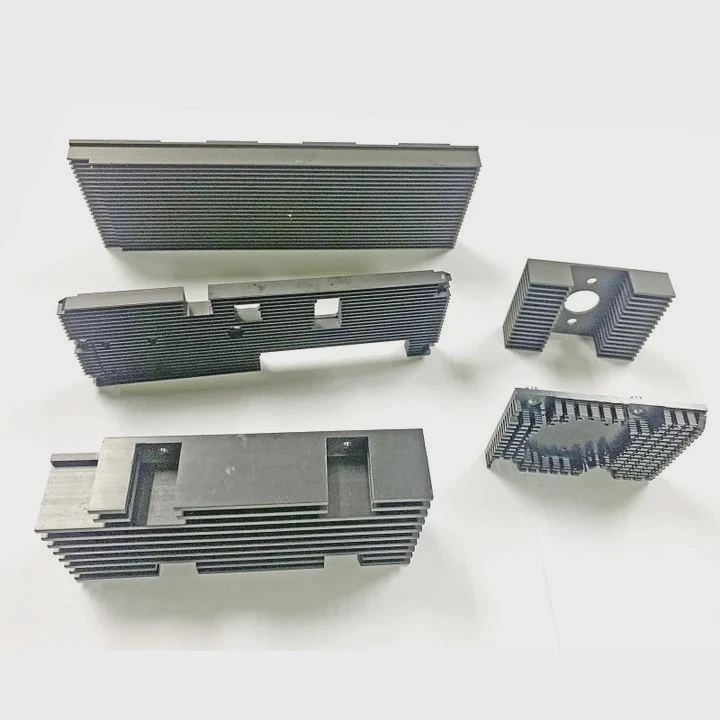
Cleaning a CPU heat sink might seem simple, but many users risk damaging the CPU. Dust and old thermal paste reduce performance quickly.
Proper cleaning keeps the CPU cool and extends its life. Regular maintenance prevents overheating and ensures the heat sink works efficiently.
Careful cleaning prevents accidents. Knowing which areas and tools are safe helps maintain both the CPU and the heat sink in top condition.
What precautions protect CPU during cleaning?
Cleaning can be risky if precautions are ignored. Static electricity or rough handling can destroy the CPU instantly.
Always power off the system and unplug all cables. Ground yourself to prevent static shock. Handle the CPU and heat sink carefully to avoid bending pins or damaging surfaces.
When preparing to clean a CPU heat sink, several key steps are critical. First, turn off your computer completely and unplug it from the power source. This stops any electrical current from reaching the CPU and prevents short circuits. Next, use an anti-static wrist strap or touch a grounded metal object frequently. Static electricity is subtle but can damage delicate CPU circuits permanently. Avoid touching the CPU pins or pads directly. Even a small scratch or bend can make the processor unusable.
Another precaution is to work in a clean environment. Dust and debris from surrounding areas can settle on the CPU during cleaning. Remove any loose objects from your workspace and use a flat, non-conductive surface. When removing the heat sink, do so slowly and evenly. Twisting or forcing it can pull the CPU out of its socket or damage the motherboard. Keep track of screws and small parts to avoid losing them, as improper reassembly can affect cooling performance. Finally, plan to apply new thermal paste after cleaning to maintain proper heat transfer between the CPU and heat sink.
Why remove old thermal paste when cleaning?
Old thermal paste dries and loses efficiency. It can create hotspots, reducing cooling effectiveness drastically.
Removing old thermal paste ensures proper contact between the CPU and heat sink. Fresh paste improves thermal conductivity and CPU performance.
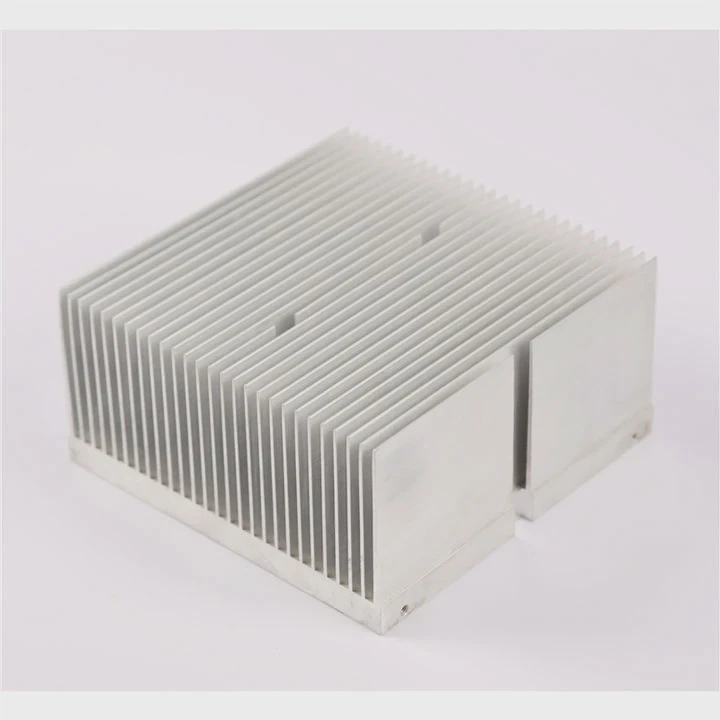
Thermal paste is essential for transferring heat from the CPU to the heat sink. Over time, paste can dry out, crack, or spread unevenly. If old paste is left on, cleaning alone will not restore full cooling efficiency. Removing it creates a clean surface for a new, even layer of paste. Use isopropyl alcohol and a soft lint-free cloth or paper to gently wipe the surface. Avoid abrasive materials that can scratch the CPU or heat sink.
Importance of Thermal Paste Quality
| Type of Thermal Paste | Thermal Conductivity (W/m·K) | Pros | Cons |
|---|---|---|---|
| Ceramic-based | 1-4 | Easy to apply, affordable | Lower conductivity than metal |
| Metal-based | 7-13 | High performance, long-lasting | Conductive, risky if spilled |
| Silicone-based | 1-3 | Simple, safe | Lower efficiency, may dry out faster |
Old thermal paste can trap dust or debris, further reducing heat transfer. After removal, inspect both CPU and heat sink surfaces for scratches or residue. This step guarantees that fresh paste will fully cover the surface without gaps. Skipping this process can lead to higher CPU temperatures and potential throttling during heavy workloads.
Where should cleaning be focused on CPU heat sink?
Dust accumulates unevenly. Fans and fins collect most debris, but base surfaces also need attention.
Focus cleaning on fan blades, heat sink fins, and the base contact area. Each component directly affects cooling efficiency.
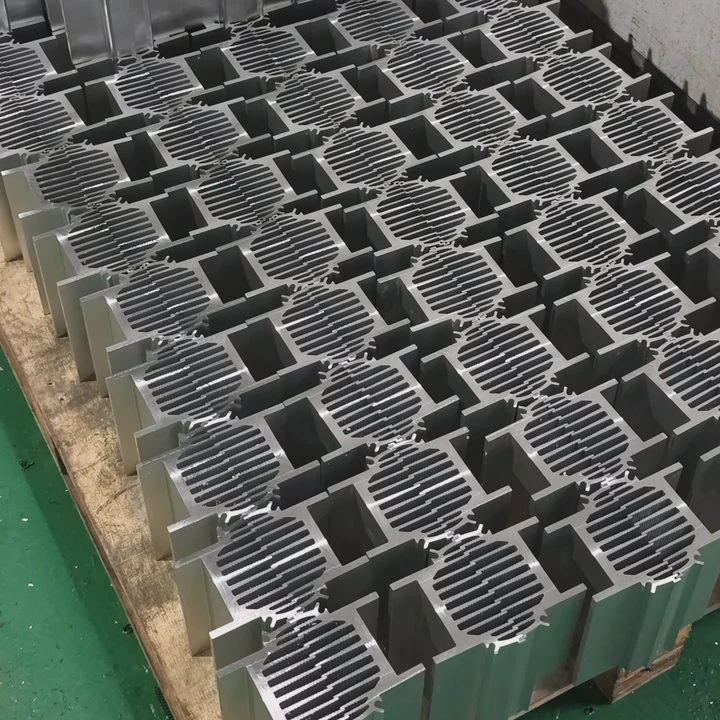
The heat sink has multiple areas where dirt can reduce performance. The fan draws air through the fins, which allows heat to dissipate. Dust buildup here blocks airflow and increases CPU temperature. Clean fan blades carefully with a brush or compressed air. Avoid spinning the fan too fast to prevent motor damage.
The fins themselves are thin and delicate. Use short bursts of compressed air to remove dust without bending them. For stubborn debris, a soft paintbrush works well. The base of the heat sink, which touches the CPU, must be spotless. Any residue or old thermal paste reduces heat transfer. Clean the base with isopropyl alcohol and a microfiber cloth.
Heat Sink Cleaning Focus Areas
| Component | Cleaning Method | Notes |
|---|---|---|
| Fan blades | Soft brush / compressed air | Prevent high-speed spinning |
| Fins | Compressed air, gentle brush | Avoid bending or deformation |
| Base plate | Isopropyl alcohol, lint-free cloth | Ensure complete thermal paste removal |
A thorough cleaning covers all these parts. Missing any one section can compromise overall cooling. Focus on each area individually, check airflow, and ensure the heat sink can make full contact with the CPU when reassembled. Clean spaces around screws and edges as well; these small details affect mounting and airflow.
Which tools are safe for CPU cleaning?
The wrong tools can scratch or short the CPU. Proper selection is critical to prevent accidents.
Safe tools include anti-static brushes, microfiber cloths, compressed air cans, and isopropyl alcohol. Avoid metal tools or household vacuum cleaners.
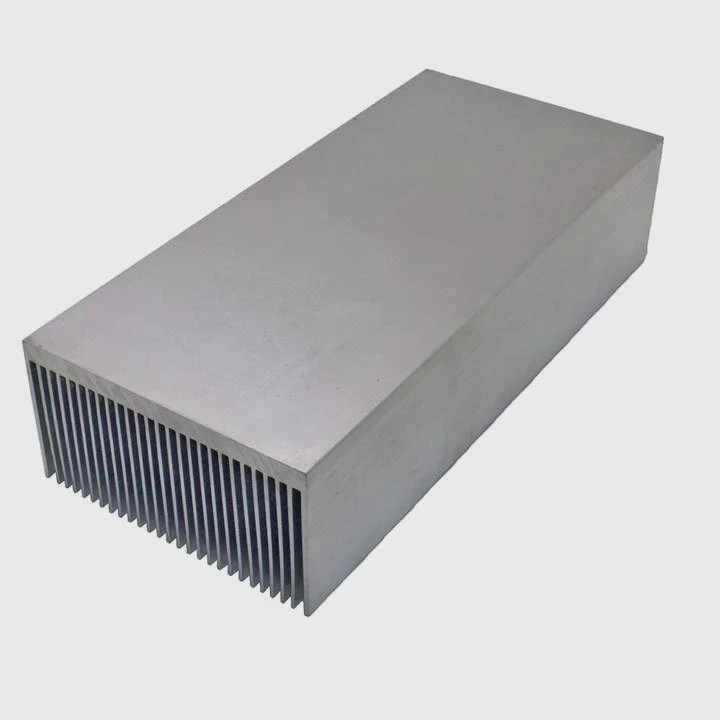
Selecting the right tools is essential. Anti-static brushes remove dust safely without generating static electricity. Microfiber cloths clean surfaces without scratching. Compressed air clears tight spaces in fins and fan blades efficiently. Use short bursts to prevent spinning fans too quickly. Isopropyl alcohol dissolves old thermal paste and evaporates quickly, leaving no residue.
Avoid using metal scrapers, knives, or sharp objects. These can damage the CPU surface or the heat sink. Household vacuum cleaners create static electricity and uneven suction, risking component damage. Cotton swabs are acceptable but avoid fibers breaking off inside small gaps. Tweezers can help remove stubborn particles, but handle gently. Gloves can prevent skin oils from contaminating thermal paste surfaces.
Recommended Tools Checklist
| Tool | Purpose | Safety Tip |
|---|---|---|
| Anti-static brush | Dust removal | Ground yourself |
| Compressed air | Cleaning fins & fans | Short bursts, hold can upright |
| Microfiber cloth | Wiping base | Use with isopropyl alcohol |
| Isopropyl alcohol | Thermal paste removal | ≥90% purity |
Using the correct tools ensures the heat sink remains functional and the CPU safe. Skipping proper precautions can result in bent fins, damaged fans, or worse, a fried CPU. Cleaning is not just about appearance; it directly affects performance and lifespan. Following safe practices consistently ensures reliable operation and prevents unnecessary repairs or replacements.
Conclusion
Cleaning a CPU heat sink requires care, the right tools, and proper focus. Removing old thermal paste, targeting fan blades, fins, and the base, and using safe tools guarantees optimal CPU cooling and extends its lifespan.




