
How to Clean Heat Sink?
- Yongxing
- 11 Jun ,2026
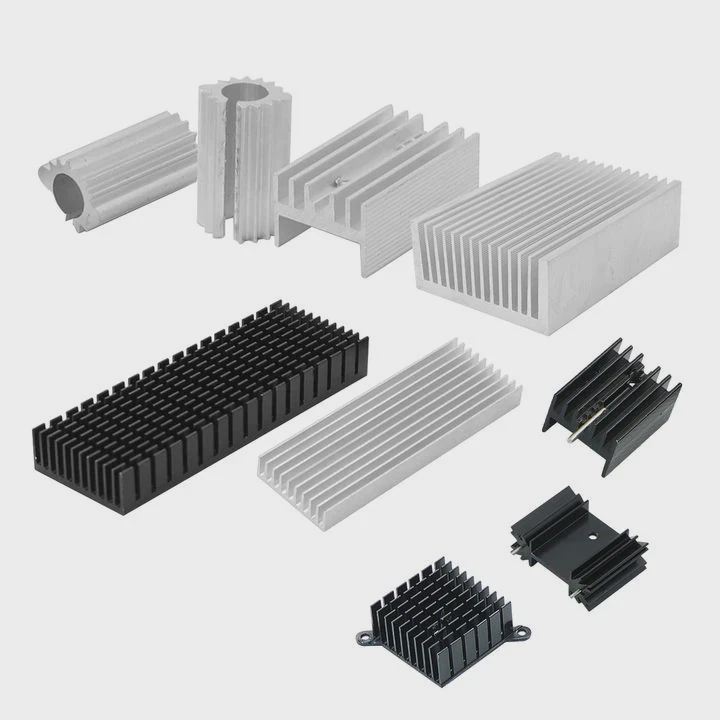
Dust and debris can block heat sinks, causing components to overheat and reducing device performance. Regular cleaning keeps electronics running efficiently.
Cleaning heat sinks removes dust and buildup, restores airflow, and ensures optimal cooling performance for longer device life.
Understanding proper cleaning methods prevents damage and improves thermal management.
What tools are best for cleaning heat sinks?
Using the right tools makes cleaning effective and safe. Soft brushes, compressed air, and microfiber cloths remove dust without harming delicate fins or components.
The best tools for cleaning heat sinks include soft-bristle brushes, compressed air cans, microfiber cloths, and gentle vacuums.
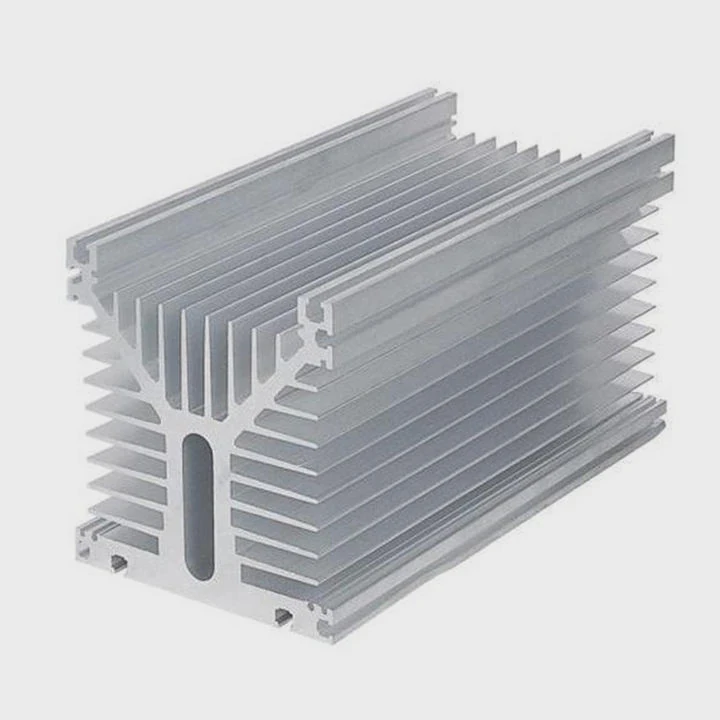
Recommended cleaning tools
- Compressed air - Blows dust from tight fins without touching components.
- Soft brush - Reaches corners and removes stubborn dust.
- Microfiber cloth - Wipes flat surfaces gently.
- Vacuum with brush attachment - Can remove dust without spreading it.
Avoid damaging tools
- Do not use metal brushes that may bend fins.
- Avoid wet cloths or liquids on electronics unless heat sink is removed.
- Be careful with static; use anti-static wristbands for sensitive devices.
Tool comparison table
| Tool | Best Use | Caution |
|---|---|---|
| Compressed air | Tight spaces, fins | Avoid over-spinning fans |
| Soft brush | Stubborn dust | Gentle pressure only |
| Microfiber cloth | Flat surfaces | Keep dry for electronics |
| Vacuum with brush | Loose dust | Avoid strong suction near fins |
Using the right tools ensures effective cleaning without harming components.
Why does dust reduce heat sink efficiency?
Dust acts as an insulating layer, blocking airflow and reducing heat transfer. Even a thin layer can increase temperatures by 5-15°C, triggering thermal throttling in sensitive devices.
Dust reduces heat sink efficiency by blocking airflow and insulating heat, causing higher operating temperatures and lower device performance.
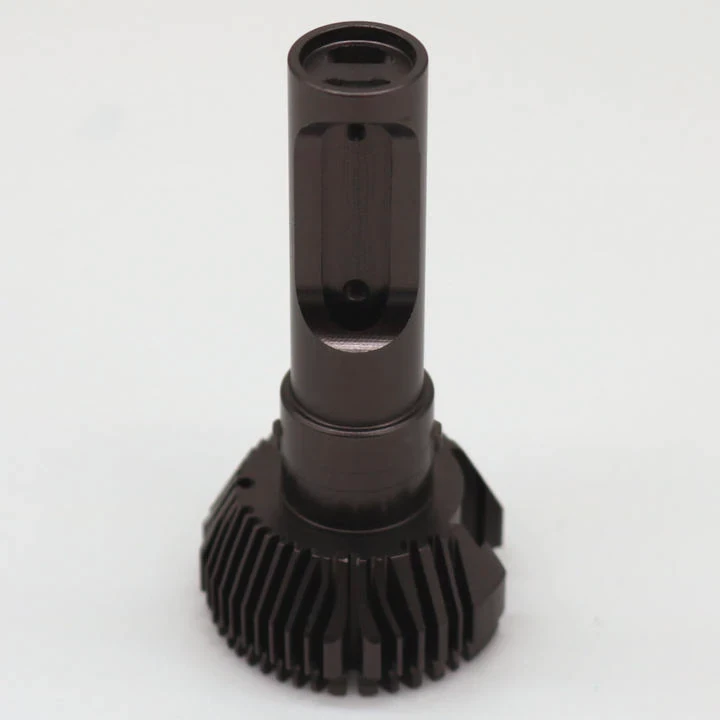
Impact of dust accumulation
- Airflow blockage - Reduces cooling by restricting natural or forced air.
- Heat buildup - Hotspots form, stressing components unevenly.
- Thermal throttling - Devices slow down to prevent overheating.
Dust and environment
Devices in dusty rooms, near pets, or on floors collect dust faster. Even low-power devices can overheat if vents and heat sinks are clogged.
Temperature comparison table
| Dust Level | Temperature Rise (°C) | Effect on Device |
|---|---|---|
| Light | 2-5 | Minor impact |
| Moderate | 5-10 | Occasional throttling |
| Heavy | 10-15+ | Frequent throttling & risk of failure |
Regular cleaning prevents dust-related performance loss and ensures components stay within safe limits.
Where should cleaning focus on the heat sink?
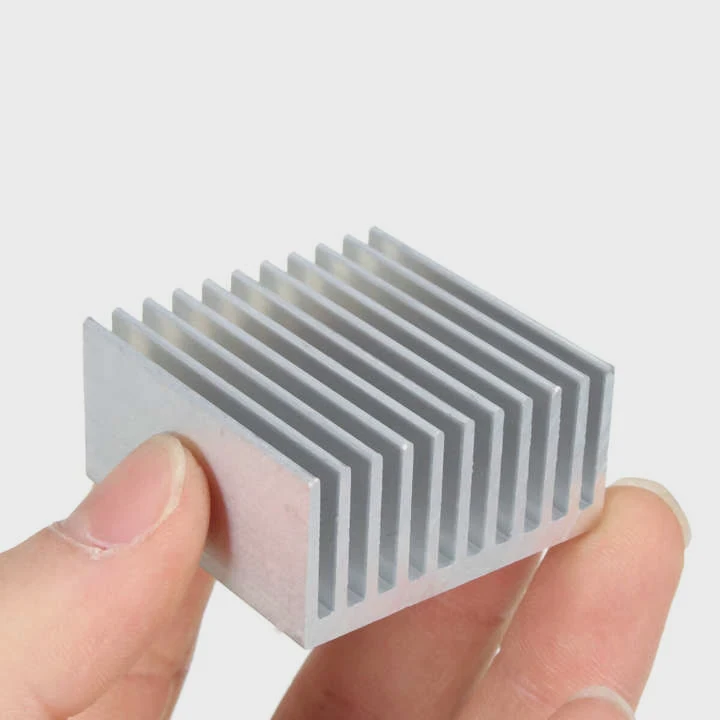
Cleaning should target the fins, base, and any airflow paths. Dust tends to accumulate between narrow fins and under edges, where heat transfer is most critical.
Focus cleaning on the fins, base, and airflow paths to maximize heat dissipation and restore cooling performance.
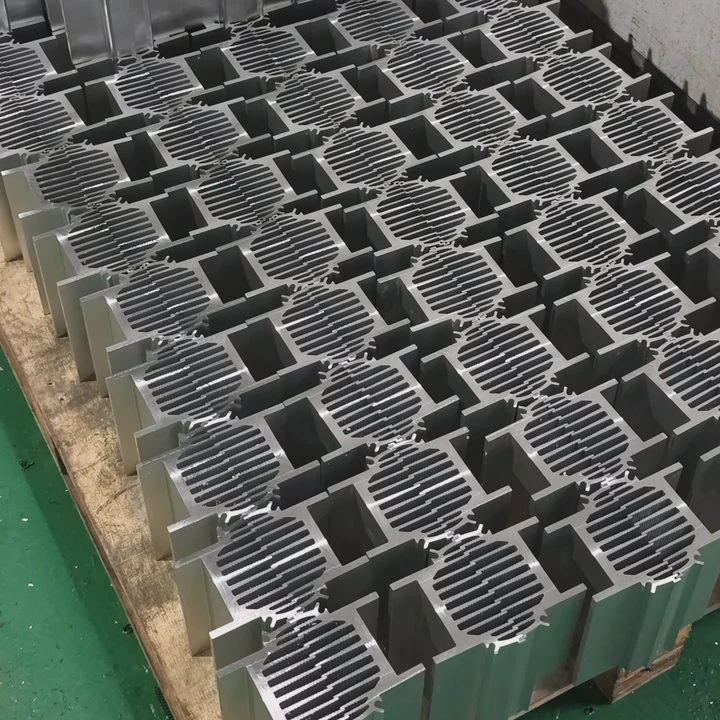
Critical areas
- Fins - Remove dust trapped between them for effective airflow.
- Base plate - Ensure thermal contact surfaces are free of debris.
- Surrounding vents - Clean case vents and fan blades to maintain airflow.
Cleaning tips
- Blow air through fins rather than along the edges to remove trapped dust.
- Use a soft brush to gently reach between tight fins.
- Avoid bending fins during cleaning.
Visual example table
| Heat Sink Area | Cleaning Method | Notes |
|---|---|---|
| Fins | Compressed air / brush | Hold steady, avoid bending |
| Base plate | Microfiber cloth | Wipe gently |
| Surrounding vents | Vacuum or compressed air | Clear airflow path |
Concentrating on these areas restores heat sink efficiency effectively.
Which cleaning methods are safest?
Safe methods avoid bending fins, introducing moisture, or creating static. Compressed air, soft brushes, and dry microfiber cloths are generally safest for in-place cleaning.
The safest cleaning methods involve dry, non-abrasive tools that remove dust without harming components or heat sink integrity.
Recommended methods
- Compressed air bursts - Hold fan blades to prevent spinning.
- Soft brush dusting - Use gentle strokes to remove debris.
- Microfiber wipe - For flat base or external surfaces.
- Vacuum with brush attachment - Low suction and steady movement.
Methods to avoid
- Water or liquid cleaners on electronics.
- Metal tools that can scratch or bend fins.
- Excessive force that can loosen heat sink mounting.
Safety table
| Method | Safety Level | Tip |
|---|---|---|
| Compressed air | High | Short bursts, fan held |
| Soft brush | High | Gentle strokes |
| Microfiber cloth | High | Dry only |
| Vacuum with brush | Medium | Low suction, steady motion |
| Metal pick / water | Low | Can damage fins or electronics |
Using safe cleaning practices preserves heat sink performance and prolongs component life.
Conclusion
Cleaning heat sinks regularly removes dust that blocks airflow and reduces thermal performance. Using safe tools and focusing on fins, base, and airflow paths restores cooling efficiency, protects components, and maintains device longevity.




