
How to Install Heat Sink on CPU?
- Yongxing
- 11 Jun ,2026
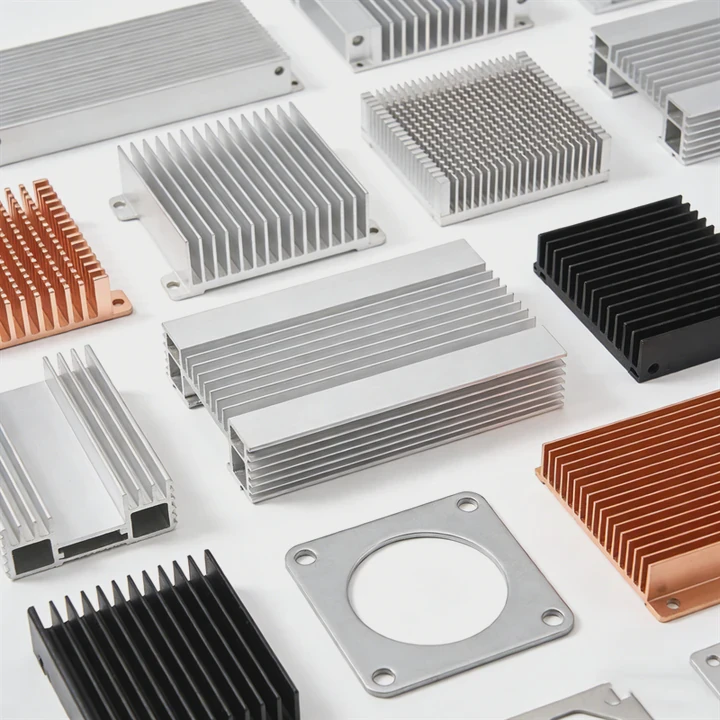
Installing a CPU heat sink incorrectly can cause overheating, crashes, or even permanent damage to your processor.
A properly installed CPU heat sink ensures efficient heat transfer from the CPU to the cooling system, keeping temperatures low and performance stable.
Correct installation is crucial for both stock and aftermarket coolers to maintain CPU longevity and avoid throttling.
What steps ensure proper CPU heat sink installation?
Installing a CPU heat sink requires careful preparation and a step-by-step approach to guarantee full contact with the processor.
Key steps include cleaning the CPU surface, applying thermal paste, aligning the heat sink, and securing it without overtightening screws.
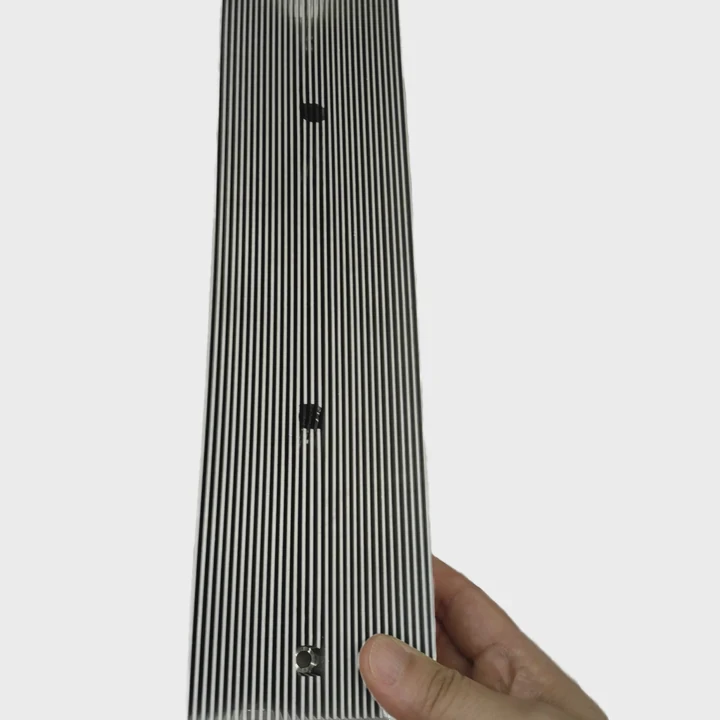
Step-by-Step Installation Guide
- Power off and unplug your PC - Prevent accidental shorts.
- Remove old cooler (if upgrading) - Clean residual thermal paste using isopropyl alcohol.
- Inspect the CPU and socket - Ensure no bent pins or dust.
- Apply thermal paste - Use a small pea-sized or line dot on the CPU center.
- Align heat sink - Position it directly over the CPU.
- Secure mounting - Use screws or clips evenly to prevent uneven pressure.
- Connect fan - Plug the fan header to the CPU_FAN port on the motherboard.
- Test boot - Monitor CPU temperature for initial stability.
Checklist for Proper Installation
| Step | Importance |
|---|---|
| Cleaning CPU | Removes old paste for better contact |
| Thermal paste | Enhances heat transfer |
| Alignment | Ensures full coverage of CPU surface |
| Even mounting | Prevents warping or damage to CPU |
Following these steps reduces the risk of poor contact, hotspots, and excessive fan noise. Proper installation ensures optimal cooling performance under both idle and load conditions.
Why is thermal paste important for CPUs?
CPU surfaces and heat sink bases have microscopic imperfections. Air gaps can reduce heat transfer efficiency.
Thermal paste fills these gaps, allowing heat to move efficiently from the CPU to the heat sink, which is critical for preventing overheating.
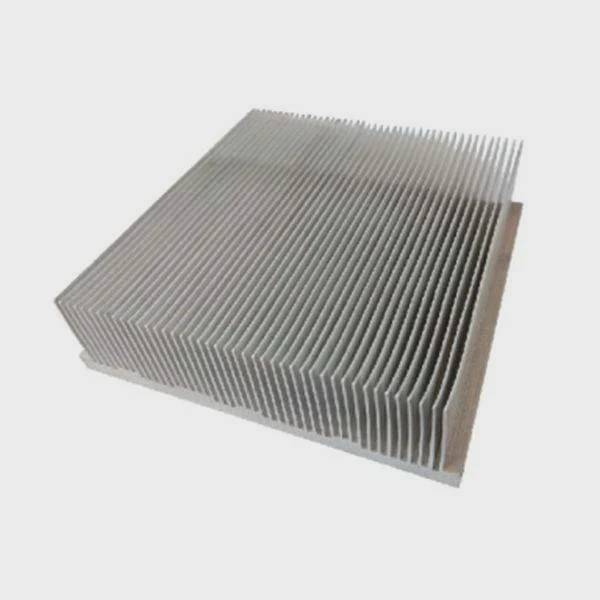
Without thermal paste, the heat sink touches the CPU unevenly, leaving small air pockets. These pockets act as thermal insulators, reducing cooling efficiency. Even high-quality heat sinks cannot perform properly without thermal paste.
Thermal Paste Types
| Type | Pros | Cons |
|---|---|---|
| Silicone-based | Affordable, easy to apply | Moderate thermal conductivity |
| Metal-based | Excellent heat transfer | Can be conductive, careful with installation |
| Ceramic | Non-conductive, stable | Slightly lower thermal performance |
| Liquid metal | Very high conductivity | Risky for inexperienced users |
Proper application ensures heat moves efficiently to the heat sink, maintaining low CPU temperatures. Too much paste can spill over edges, causing mess or potential shorts. Too little paste leaves gaps, reducing performance.
Tips for Application
- Use pea-sized or thin line for small CPUs.
- Spread evenly only if recommended by manufacturer.
- Avoid using excessive pressure when mounting the sink.
- Reapply paste every few years or after removing the cooler.
Thermal paste is a small but crucial part of CPU cooling. Skipping it can drastically reduce heat sink efficiency.
Where should the heat sink be aligned on CPU?
Correct alignment ensures full coverage of the CPU’s heat-generating surface and optimal airflow.
Heat sinks should be centered on the CPU, with the base flat and fully in contact with the thermal paste-covered surface.
Most CPU sockets have a rectangular or square layout. Align the heat sink’s base to cover the entire die. Some aftermarket coolers have directional airflow; align fins so the fan pushes hot air toward exhaust vents.
Alignment Checklist
| Aspect | Recommendation |
|---|---|
| Centering | Ensure the base covers the entire CPU die |
| Orientation | Fins aligned with case airflow |
| Clearance | Avoid touching RAM or VRM components |
| Fan connection | Connect to CPU_FAN header for speed control |
Proper alignment maximizes heat transfer and prevents overheating. Even small offsets can reduce contact area, creating hotspots that raise temperatures during high workloads.
Additional Notes
- Verify side clearance for RAM and tall modules.
- Some coolers have offset bases; read the manual carefully.
- Ensure the CPU cooler sits flush without tilting.
Centering the heat sink improves both cooling efficiency and system stability, especially during overclocking or heavy computational tasks.
Which mistakes to avoid during installation?
Many installation errors reduce heat sink efficiency or damage components.
Common mistakes include using too much or too little thermal paste, uneven mounting, poor alignment, or neglecting airflow considerations.
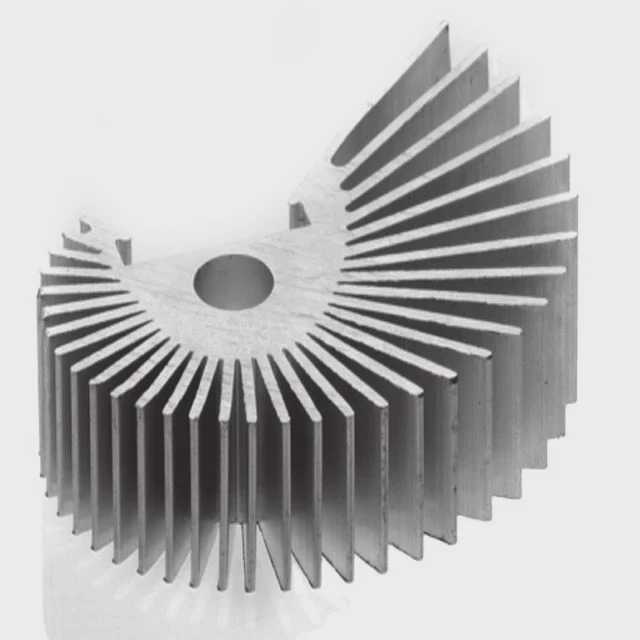
Common Mistakes
| Mistake | Consequence |
|---|---|
| Excess thermal paste | Spills over edges, may short motherboard |
| Too little paste | Leaves air gaps, poor heat transfer |
| Uneven mounting | Warps CPU or base, creates hotspots |
| Misalignment | Partial coverage, reduces cooling efficiency |
| Blocking airflow | Fan blocked by RAM or case, reduces cooling |
Best Practices
- Apply recommended amount of thermal paste.
- Tighten screws evenly, alternating diagonally.
- Check for obstruction between fan and RAM or VRMs.
- Confirm all fan headers are connected and functional.
- Monitor temperatures on first boot to ensure proper installation.
Avoiding these mistakes ensures your CPU remains cool, prevents thermal throttling, and maintains system longevity. Careful installation is critical for both stock and high-performance coolers.
Conclusion
Installing a CPU heat sink correctly is essential for maintaining safe temperatures, preventing throttling, and ensuring stable performance. Proper use of thermal paste, precise alignment, and careful mounting avoids common mistakes and keeps your CPU running optimally.




