
How to Install Heat Sinks on Raspberry Pi?
- Yongxing
- 12 Jun ,2026
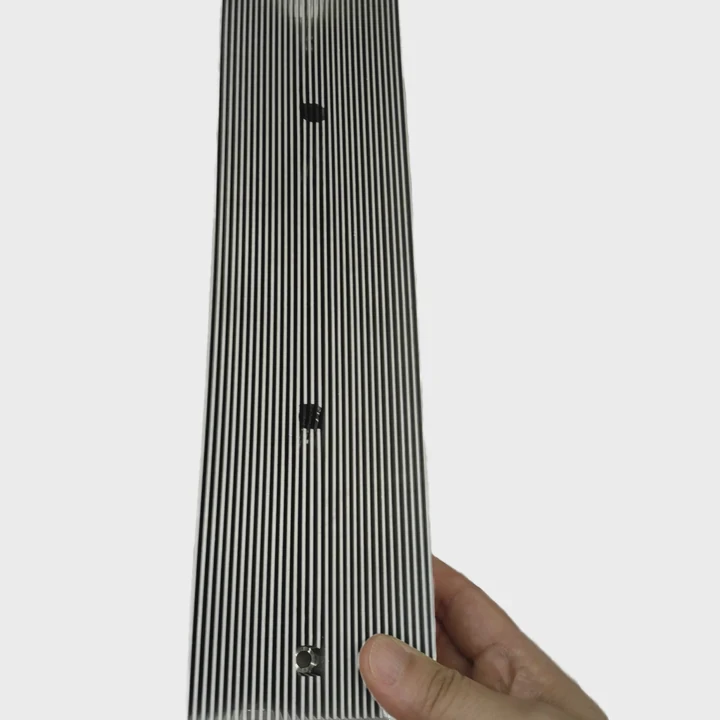
Raspberry Pi boards can overheat during heavy tasks. Installing heat sinks improves performance and prevents thermal throttling.
Heat sinks remove heat from CPU, GPU, and other chips, keeping the Pi cool. Correct installation ensures stable operation and longer device life.
Cooling is essential, especially for 3D printing, media streaming, or gaming projects. Let’s explore installation and best practices.
What components need heat sinks on Raspberry Pi?
Some chips generate more heat than others. The CPU, GPU, and power management ICs need heat sinks the most.
Installing heat sinks on these areas prevents overheating, reduces throttling, and improves performance during extended use.
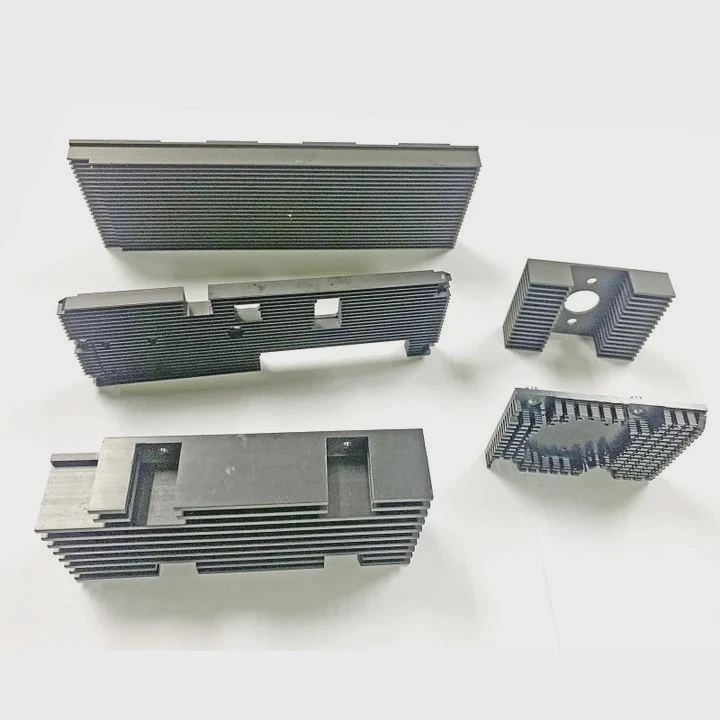
Key components
- CPU: Main processor, highest heat output
- GPU: Handles graphics and multimedia tasks
- PMIC (Power Management IC): Stabilizes power delivery
Optional components
- USB controller chip
- Ethernet controller
- RAM modules on older boards
Benefits of targeting critical chips
- Avoid thermal throttling during heavy computation
- Improve responsiveness for multimedia tasks
- Extend hardware lifespan
| Component | Heat Sink Type | Reason |
|---|---|---|
| CPU | Aluminum or copper fin | High heat production |
| GPU | Small aluminum plate | Moderate heat during graphics tasks |
| PMIC | Aluminum | Prevent overheating and maintain voltage stability |
| USB/Ethernet | Optional small plate | Prevent minor heat spikes |
Properly identifying the components needing heat sinks ensures the Pi stays cool under load without unnecessary cooling on low-heat areas.
Why use adhesive pads for installation?
Adhesive pads make attaching heat sinks easy and secure. They also provide good thermal conductivity without soldering.
Pads stick heat sinks directly to chips, ensuring full contact. This improves heat transfer while keeping installation simple for beginners.
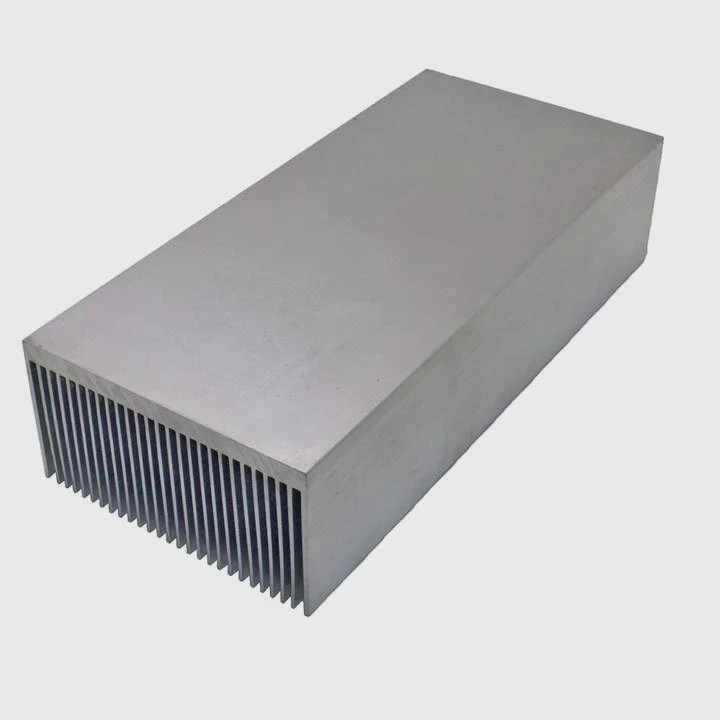
Advantages of adhesive pads
- Ease of use: Peel and stick, no tools required
- Good thermal transfer: Thin pads conduct heat efficiently
- Non-permanent: Pads can be removed or replaced
- Safety: Avoids damaging components or PCB traces
Installation tips
- Clean chip surfaces with isopropyl alcohol
- Ensure the pad covers the entire chip
- Press firmly but gently to remove air bubbles
| Feature | Benefit |
|---|---|
| Pre-cut pads | Perfect size for chips |
| Thermal conductivity | Efficient heat transfer |
| Reusability | Can remove or reposition if needed |
| No soldering | Beginner-friendly and safe |
Using adhesive pads simplifies heat sink installation, especially for Raspberry Pi boards that are compact and sensitive.
Where should heat sinks be attached on Pi?
Placement is critical. Heat sinks must contact the chips generating the most heat for effective cooling.
Common Raspberry Pi boards have clearly defined locations for CPU, GPU, and PMIC heat sinks. Following these ensures optimal performance.
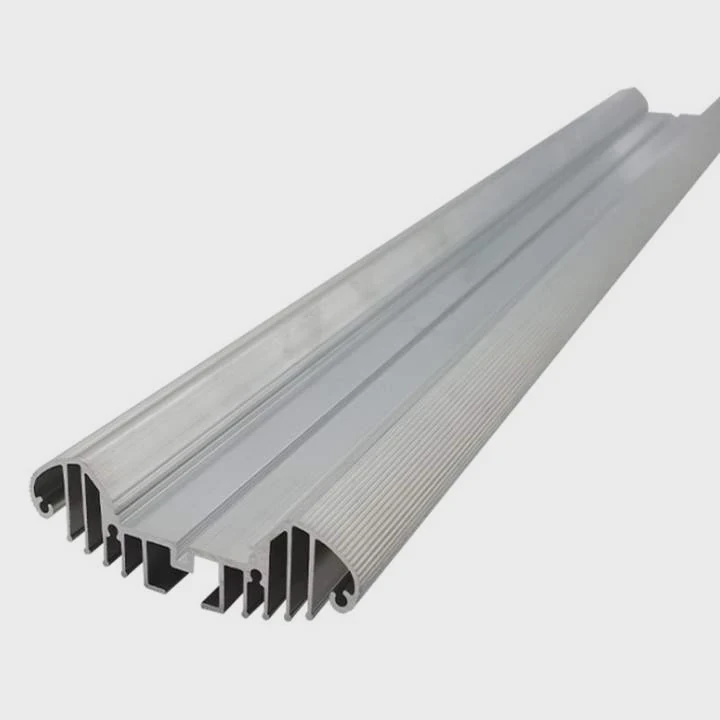
Recommended locations
- CPU: Large central chip, primary heat source
- GPU: Usually next to CPU or combined as SoC on newer Pi models
- PMIC: Smaller chip handling voltage conversion, often near edge of board
- Optional chips: USB controller, Ethernet, or RAM modules if experiencing heat spikes
Placement tips
- Align the heat sink so it fully covers the chip
- Avoid covering pins or connectors
- Use thermal pad or adhesive to ensure contact
- For multiple chips, use separate heat sinks for each
| Chip | Suggested Heat Sink | Notes |
|---|---|---|
| CPU | Medium-large aluminum plate | Ensure firm contact |
| GPU | Small aluminum or copper plate | Combine with CPU fan optional |
| PMIC | Small aluminum plate | Prevent voltage overheating |
| Optional | Small aluminum | Only if board runs hot |
Correct placement prevents overheating and keeps your Raspberry Pi running efficiently during extended sessions.
Which kits are best for Raspberry Pi cooling?
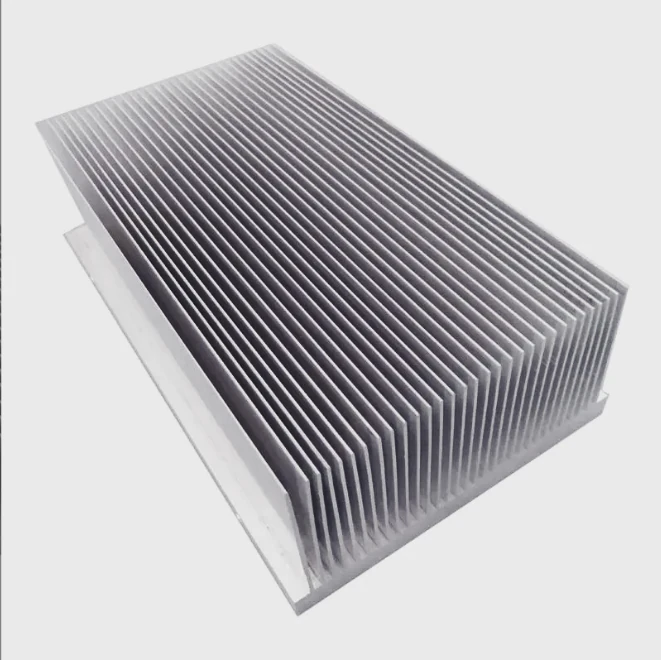
Raspberry Pi cooling kits vary by number of heat sinks, size, and material. Choosing the right kit ensures full coverage and better thermal management.
High-quality kits include multiple aluminum or copper heat sinks and pre-cut thermal pads. Some include small fans or cases with integrated cooling.
Features to look for
- Pre-cut sizes: Fit CPU, GPU, and PMIC exactly
- Material quality: Aluminum or copper for efficient heat transfer
- Included thermal pads: Easy, reliable installation
- Optional fan or case integration: For active cooling if running heavy workloads
Popular kit types
- Basic kit: 3-5 heat sinks, adhesive pads, passive cooling
- Advanced kit: Includes fan, multiple heat sinks, and optional case integration
- Full coverage: Designed for overclocked Pi boards or media projects
| Kit Type | Components Included | Use Case |
|---|---|---|
| Basic | CPU, GPU, PMIC heat sinks + pads | Standard cooling for most projects |
| Advanced | CPU/GPU/PMIC heat sinks + fan + pads | High workload or multimedia Pi |
| Full coverage | Heat sinks for all chips + fan + case | Overclocking or long-duration tasks |
Selecting the right kit makes installation easier and ensures the Raspberry Pi remains cool and reliable, even under heavy workloads.
Conclusion
Installing heat sinks on Raspberry Pi protects CPU, GPU, and PMIC chips from overheating. Adhesive pads simplify installation, while correct placement ensures effective cooling. Choosing the right kit guarantees stable performance, prevents thermal throttling, and extends the life of the board.




