
What Does the Heat Sink Do in a Computer?
- Yongxing
- 10 Mar ,2026
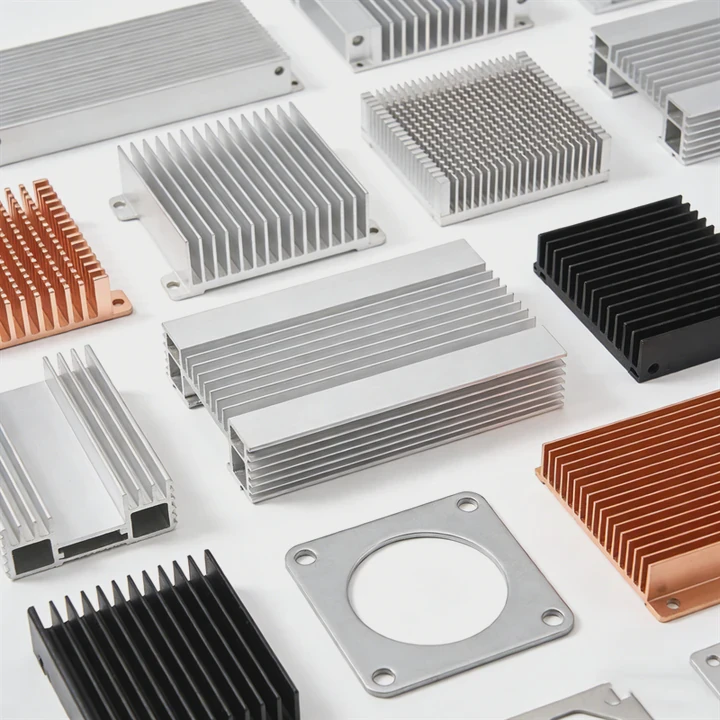
Modern computers run faster and handle more tasks than ever. This power creates a hidden issue: heat. Too much heat inside a computer can slow it down or even damage its internal parts.
A heat sink in a computer absorbs heat from critical components like the CPU or GPU and releases it into the surrounding air. This cooling process keeps hardware stable, prevents overheating, and maintains reliable system performance.
Computers depend on stable temperatures to operate efficiently. Without proper cooling, even powerful processors can quickly become unstable. Understanding how heat sinks work helps explain why thermal management is essential in modern computer design.
How does a heat sink cool computer components?
Computers process millions or even billions of operations every second. These operations generate heat inside the processor and other chips.
A heat sink cools computer components by conducting heat away from the processor, spreading the heat across metal fins, and allowing airflow to carry the heat away from the system.
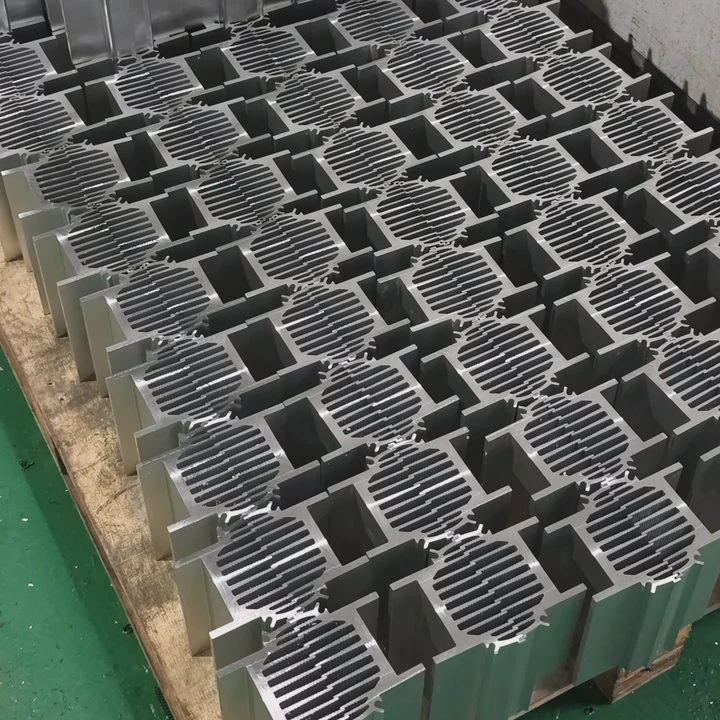
Inside a computer, heat sinks work through a combination of physical heat transfer processes. These processes move heat from a small silicon chip into the surrounding air.
Step 1: Heat Transfer from the Processor
The cooling process begins at the processor surface. The CPU or GPU generates heat during operation. This heat must move quickly into the heat sink.
Between the processor and the heat sink base sits a thermal interface material (TIM). This material fills microscopic gaps between the surfaces. It improves thermal conduction.
Without this layer, small air pockets would trap heat and reduce cooling efficiency.
Step 2: Heat Spreading Through the Heat Sink
After heat reaches the heat sink base, it spreads across the metal structure. Most heat sinks use aluminum or copper for this purpose.
These metals allow heat to move quickly through the structure.
The fins attached to the heat sink greatly increase surface area. More surface area allows more heat to escape.
| Heat Sink Component | Function |
|---|---|
| Base plate | Receives heat from the processor |
| Fins | Increase surface area for heat release |
| Heat pipes (optional) | Move heat rapidly across the sink |
Some computer heat sinks also include heat pipes. These pipes contain a working fluid that evaporates and condenses to move heat quickly across the cooler.
Step 3: Airflow Removes Heat
The final step is airflow.
Many computers use fans mounted above the heat sink. The fan pushes air through the fins and carries heat away.
Air cooling works best when airflow moves freely through the system.
Passive vs Active Cooling
Computer heat sinks usually operate in two cooling modes.
| Cooling Type | Description | Example Use |
|---|---|---|
| Passive Cooling | No fan, relies on natural airflow | Small PCs, embedded systems |
| Active Cooling | Uses fans to push air through fins | Gaming PCs, workstations |
Active cooling provides stronger thermal performance. That is why most desktop CPUs rely on a heat sink combined with a cooling fan.
Proper airflow design inside the computer case also improves cooling. When air moves smoothly across the heat sink, heat removal becomes much more efficient.
Why does a computer need a heat sink?
Computers rely on extremely small electronic components that generate heat during operation. Without cooling, this heat would quickly accumulate.
A computer needs a heat sink to keep critical components within safe operating temperatures, ensuring stable performance, preventing hardware damage, and extending system lifespan.
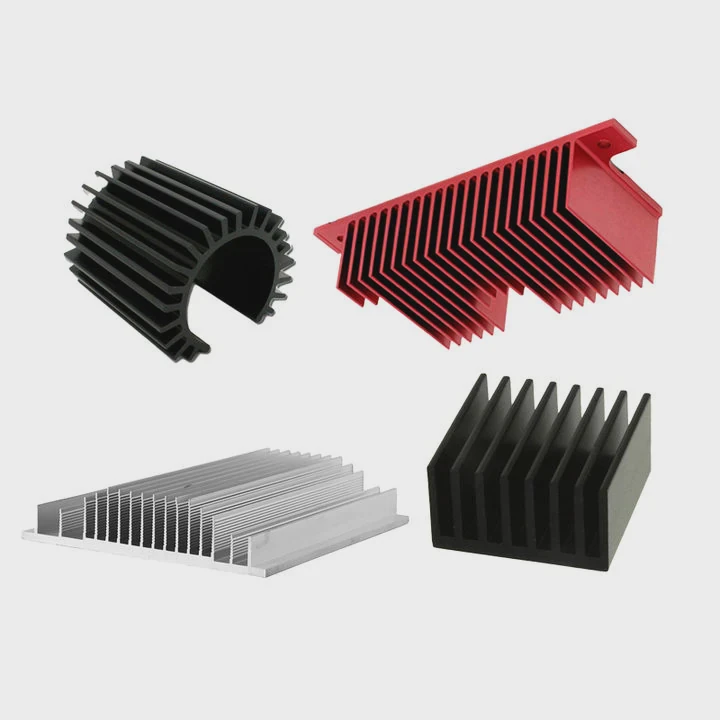
Modern processors pack billions of transistors into a tiny chip. When electricity flows through these circuits, some energy converts into heat.
Temperature Directly Affects Performance
High temperatures change how electronic circuits behave.
When a processor becomes too hot, the system may automatically reduce its clock speed. This process is called thermal throttling.
Thermal throttling protects the processor, but it reduces performance.
Users may notice:
- Slower system speed
- Reduced gaming performance
- Longer processing times
A well-designed heat sink prevents the processor from reaching those limits.
Preventing Hardware Damage
Excessive heat can damage electronic components.
Several types of failures can occur when temperatures remain high:
- Semiconductor degradation
- Solder joint fatigue
- Capacitor aging
- Circuit board warping
Over time, these failures may cause permanent hardware damage.
Heat sinks reduce the operating temperature and prevent long-term thermal stress.
Maintaining System Stability
Stable temperatures lead to stable systems.
When internal temperatures fluctuate too much, computers may experience:
- Random system crashes
- Unexpected shutdowns
- Data errors
Servers and high-performance computers depend heavily on thermal control. Reliable cooling ensures consistent operation during heavy workloads.
Power Density Is Increasing
Every new generation of processors increases computing power.
However, higher performance often leads to higher heat density.
The table below illustrates the trend.
| Processor Generation | Approximate Power | Cooling Requirement |
|---|---|---|
| Early desktop CPUs | 20–40 W | Small heat sink |
| Modern CPUs | 65–150 W | Large heat sink + fan |
| High-end CPUs | 200 W+ | Advanced cooling systems |
As computing power grows, heat sinks become even more important. They enable modern computers to deliver high performance without overheating.
Where is the heat sink located in a computer?
Many people open a computer case and notice a large metal structure with fins and a fan. This is usually the heat sink mounted on the processor.
The heat sink in a computer is typically mounted directly on top of the CPU or GPU, positioned to receive airflow from system fans or dedicated cooling fans.
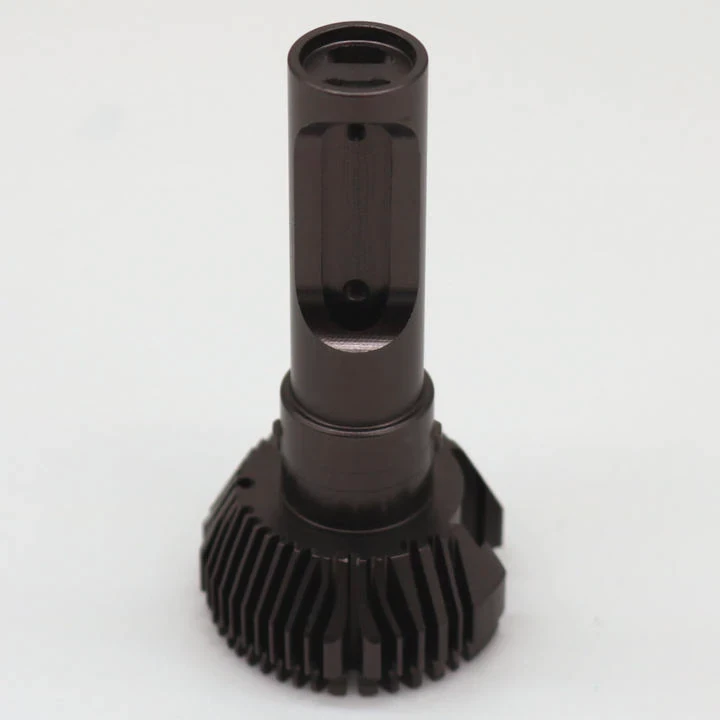
The exact placement of heat sinks depends on the type of computer and its internal layout.
CPU Heat Sink Location
The most visible heat sink in a computer sits directly above the CPU socket on the motherboard.
The CPU produces the highest concentration of heat inside most systems.
A typical CPU cooling structure includes:
- A metal heat sink
- Heat pipes or vapor chambers
- A cooling fan
This assembly is often called a CPU cooler.
GPU Heat Sink Location
Graphics cards contain their own processors. These GPUs generate large amounts of heat during gaming or graphics rendering.
Because of this, most graphics cards include a large heat sink mounted directly on the GPU chip.
GPU cooling systems usually include:
- Multiple heat pipes
- Aluminum fin arrays
- One to three cooling fans
These heat sinks occupy much of the graphics card’s size.
Other Locations Inside the Computer
Heat sinks also appear in other areas of the computer.
Examples include:
| Component | Heat Sink Usage |
|---|---|
| Motherboard VRM | Small aluminum heat sinks |
| Chipset | Passive cooling blocks |
| SSD (NVMe) | Compact thermal plates |
These components generate less heat than CPUs or GPUs, but they still benefit from thermal management.
Laptop vs Desktop Heat Sink Layout
Cooling systems differ between laptops and desktop computers.
Desktop computers have more space, so they often use large tower-style heat sinks.
Laptops require compact cooling systems. Many laptops use:
- Thin heat pipes
- Small fin stacks
- High-speed fans
Even though the designs differ, the cooling principle remains the same: remove heat from the processor and release it into the surrounding air.
Which parts rely on a heat sink most?
Not every component inside a computer requires a large heat sink. However, several key parts depend heavily on thermal management.
The components that rely most on heat sinks are CPUs, GPUs, voltage regulators, and power electronics because they generate the highest heat levels during operation.
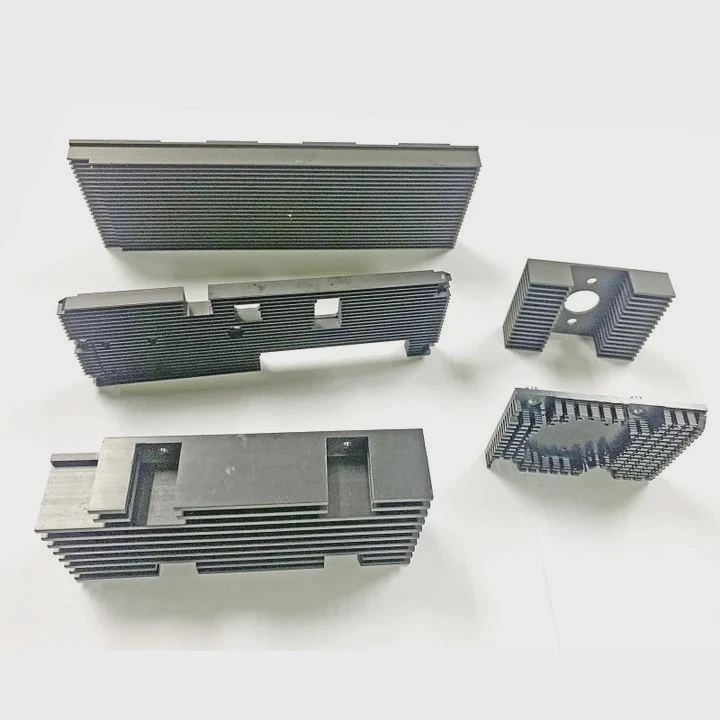
Understanding these components helps explain why computers contain multiple cooling structures.
Central Processing Unit (CPU)
The CPU is the brain of the computer. It performs calculations, runs software, and controls system operations.
Because the CPU operates continuously, it produces significant heat.
Modern desktop CPUs may generate 65–200 watts of thermal power.
This heat must be removed quickly to maintain safe temperatures.
Graphics Processing Unit (GPU)
The GPU handles complex graphics calculations.
Gaming, video rendering, and artificial intelligence workloads push GPUs to high power levels.
Many high-performance GPUs consume 250 watts or more.
Large heat sinks with multiple fans are required to keep these processors cool.
Voltage Regulation Modules (VRM)
The motherboard includes voltage regulators that convert power from the power supply.
These VRM circuits generate heat when delivering power to the CPU.
Although they produce less heat than processors, they still require small heat sinks to maintain stability.
Storage Devices
High-speed solid-state drives can also generate heat during heavy workloads.
NVMe SSDs often include compact heat sinks or thermal plates.
Without cooling, SSD performance may drop due to thermal throttling.
Summary of Key Components
| Computer Component | Heat Output | Cooling Requirement |
|---|---|---|
| CPU | Very high | Large heat sink + fan |
| GPU | Very high | Large multi-fan cooler |
| VRM | Moderate | Small heat sink |
| SSD | Low to moderate | Thermal plate or mini heat sink |
Each of these components contributes to the computer’s overall thermal load.
Effective heat sink design ensures the entire system remains within safe operating temperatures.
Conclusion
A heat sink is a vital cooling component in computers. It transfers heat away from processors and other critical parts, allowing airflow to remove the heat. By controlling temperature, heat sinks protect hardware, maintain system stability, and support the high performance demanded by modern computing.




