
What Is a Heat Sink on a Computer?
- Yongxing
- 10 Mar ,2026
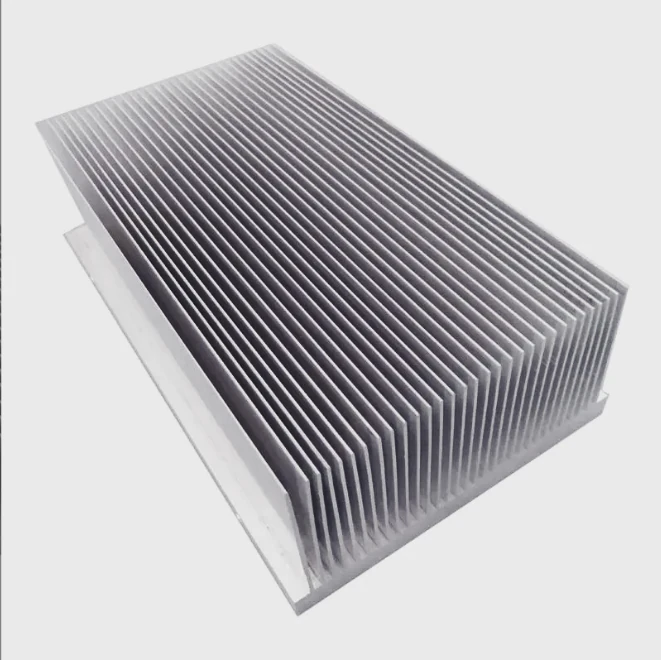
Computers perform billions of operations every second. This power generates heat inside tiny chips. If the heat stays trapped, components can slow down, become unstable, or even fail.
A heat sink on a computer is a metal cooling component attached to processors or other chips. It absorbs heat from these components and releases it into the surrounding air, helping maintain safe operating temperatures.
Temperature control is one of the hidden foundations of computer performance. A well-designed cooling system allows processors to run faster and longer without overheating. Understanding the role of a heat sink helps explain how modern computers stay reliable even under heavy workloads.
How is a computer heat sink structured?
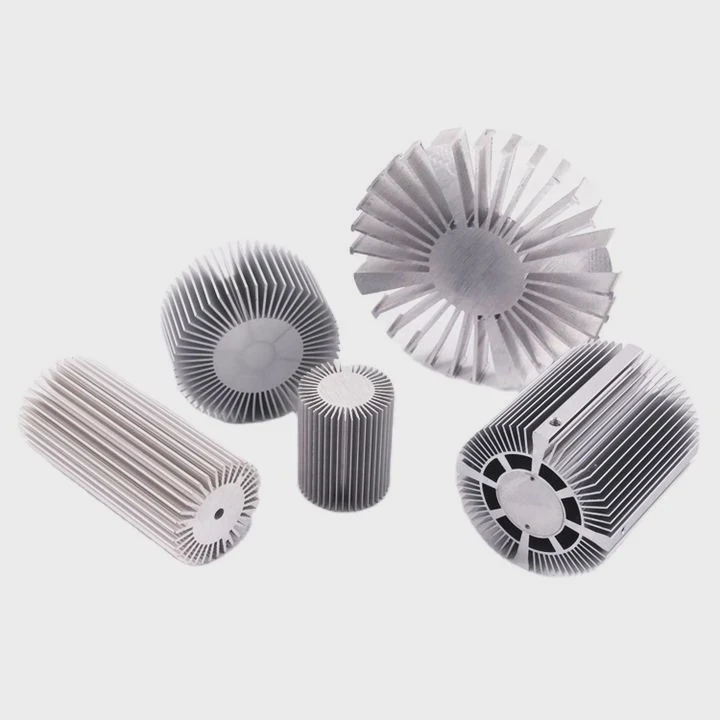
Computers generate concentrated heat in small areas. Processors such as CPUs and GPUs can produce large amounts of thermal energy within a tiny chip surface.
A computer heat sink is structured with a solid metal base that contacts the processor, a series of fins that increase surface area, and often additional elements like heat pipes to move heat efficiently.
A typical computer heat sink looks simple, but its structure is carefully engineered to improve heat transfer.
Main Structural Components
A basic heat sink consists of several key parts.
| Component | Function |
|---|---|
| Base plate | Directly contacts the processor and receives heat |
| Fins | Increase surface area for heat dissipation |
| Heat pipes | Transfer heat quickly across the heat sink |
| Mounting bracket | Secures the heat sink to the motherboard |
The base plate is the first part that touches the processor. It must be flat and smooth to ensure strong thermal contact.
Engineers usually apply thermal paste between the processor and the base plate. This paste fills microscopic gaps that would otherwise trap air.
Fin Structures
Fins are thin metal plates attached to the heat sink base. They dramatically increase surface area.
More surface area allows more heat to escape into the surrounding air.
Several fin designs are commonly used.
| Fin Type | Characteristics |
|---|---|
| Straight fins | Simple structure and easy manufacturing |
| Pin fins | Good airflow performance |
| Skived fins | High fin density for compact cooling |
| Folded fins | Used in high-performance cooling systems |
The spacing between fins is important. If fins are too close together, airflow becomes restricted. If fins are too far apart, cooling area is reduced.
Heat Pipes and Vapor Chambers
Many modern computer heat sinks include heat pipes.
A heat pipe is a sealed copper tube containing a small amount of working fluid. When heat enters the pipe, the fluid evaporates and moves to cooler areas where it condenses. This process transfers heat rapidly.
Heat pipes allow heat to spread evenly across the heat sink.
High-end cooling systems sometimes use vapor chambers, which are flat versions of heat pipes. They distribute heat across a larger surface area.
Structural Design and Thermal Efficiency
The structure of a heat sink directly affects its cooling ability.
Design engineers consider several factors:
- Surface area
- Airflow path
- Material conductivity
- Mechanical mounting pressure
Computer cooling systems often combine multiple technologies to achieve better heat removal. Even small improvements in structure can significantly reduce processor temperature.
Why is a heat sink attached to processors?
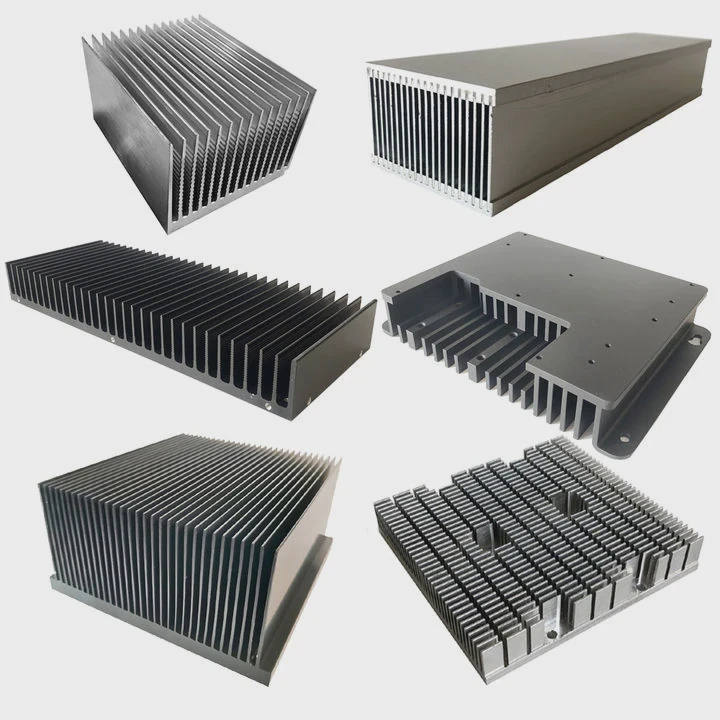
Processors are the most heat-intensive components in a computer. During operation, electrical energy flows through billions of transistors inside the chip.
A heat sink is attached to processors because it removes the heat generated during computation and prevents the processor from exceeding safe temperature limits.
Without proper cooling, processors would quickly overheat.
Heat Generation in Processors
Modern CPUs and GPUs contain extremely dense circuits. As current flows through these circuits, electrical resistance converts part of the energy into heat.
The more powerful the processor, the more heat it produces.
Typical processor heat output can reach:
| Processor Type | Typical Power |
|---|---|
| Entry-level CPU | 35–65 W |
| Mainstream CPU | 65–125 W |
| High-performance CPU | 150–250 W |
| High-end GPU | 250–450 W |
This amount of heat must be removed continuously during operation.
Thermal Throttling
Processors contain built-in protection systems. When temperatures rise too high, the processor automatically reduces its speed.
This mechanism is known as thermal throttling.
Thermal throttling protects hardware but reduces system performance.
Users may notice:
- Slower computing speed
- Lower gaming frame rates
- Delays during heavy tasks
A properly designed heat sink prevents the processor from reaching these thermal limits.
Protecting Hardware Reliability
Long-term exposure to high temperatures damages electronic components.
Heat accelerates material aging and weakens solder connections.
Over time, this can lead to:
- Processor instability
- System crashes
- Permanent hardware damage
Heat sinks reduce these risks by keeping temperatures within safe limits.
Maintaining Stable Computing Performance
Stable temperatures allow processors to maintain their maximum clock speeds.
This leads to:
- Faster processing
- More stable operation
- Longer component lifespan
For this reason, every modern computer processor requires some form of heat sink or cooling solution.
Where is a heat sink mounted on a PC?
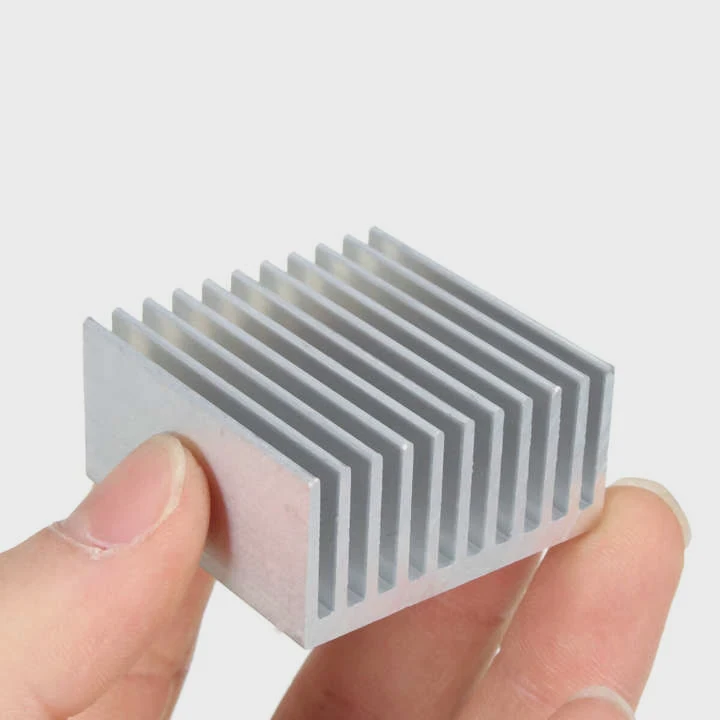
When people open a desktop computer case, the heat sink is often the most visible component. Its metal fins and cooling fan are easy to identify.
A heat sink on a PC is typically mounted directly on top of the CPU socket on the motherboard, while other smaller heat sinks may appear on the GPU, voltage regulators, and storage devices.
The location of a heat sink depends on the component that generates heat.
CPU Heat Sink Placement
The largest heat sink inside most computers sits above the CPU.
The CPU socket is located near the center of the motherboard. The heat sink mounts directly on top of it using screws or brackets.
A typical CPU cooling system includes:
- A heat sink base
- Heat pipes
- Aluminum fin stack
- Cooling fan
This assembly is often called a CPU cooler.
GPU Heat Sink Location
Graphics cards also contain powerful processors. These GPUs generate substantial heat during tasks such as gaming or video rendering.
For this reason, graphics cards include built-in cooling systems.
A GPU heat sink usually consists of:
- Large fin arrays
- Multiple heat pipes
- One or more cooling fans
These cooling systems often cover most of the graphics card.
Motherboard Heat Sinks
Motherboards include several small heat sinks that help cool supporting components.
Examples include:
| Component | Cooling Purpose |
|---|---|
| VRM modules | Regulate voltage for CPU |
| Chipset | Controls motherboard communication |
| NVMe SSD | Prevents storage overheating |
These heat sinks are usually smaller but still important for maintaining system stability.
Laptop Heat Sink Placement
Laptop computers use a different cooling design due to limited space.
Most laptops use a heat pipe cooling system. Heat pipes transfer heat from the CPU and GPU to a shared fin stack located near a small cooling fan.
Although smaller, laptop heat sinks perform the same essential task: removing heat from processors.
Which types of computer heat sinks exist?
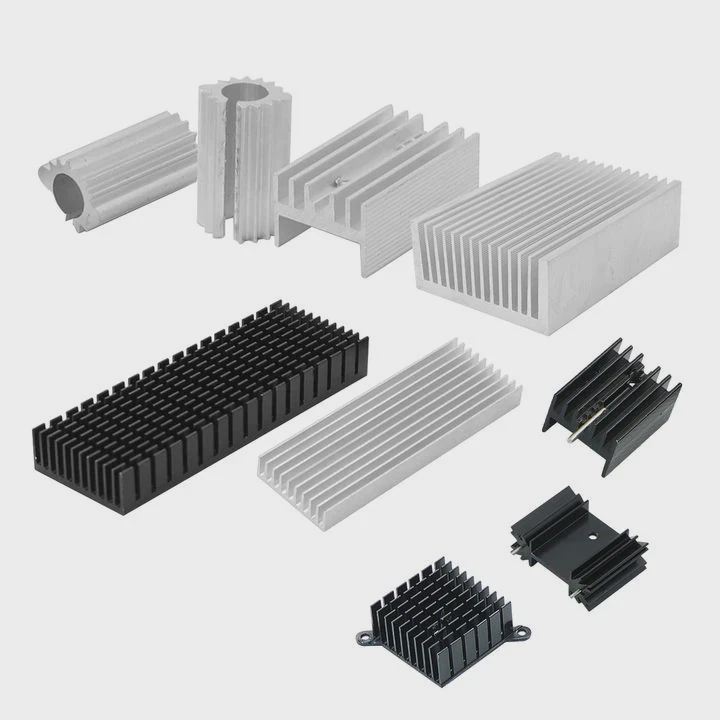
Computer cooling technology has evolved significantly as processors have become more powerful.
Common types of computer heat sinks include passive heat sinks, active heat sinks with fans, heat pipe coolers, vapor chamber coolers, and liquid cooling heat exchangers.
Each type offers different levels of cooling performance.
Passive Heat Sinks
Passive heat sinks operate without fans.
They rely on natural airflow and large surface area to remove heat.
These coolers are often used in:
- Small computers
- Embedded systems
- Low-power processors
Passive cooling produces no noise but has limited cooling capacity.
Active Heat Sinks
Active heat sinks include fans that push air through the fins.
This airflow greatly increases cooling efficiency.
Most desktop CPUs use active heat sink systems.
Benefits include:
- Higher cooling performance
- Lower processor temperature
- Stable operation during heavy workloads
Heat Pipe Coolers
Heat pipe coolers are widely used in modern computers.
Heat pipes transfer heat rapidly from the processor to the fin stack.
This allows larger cooling surfaces without increasing the size of the base.
Heat pipe coolers are common in:
- Gaming PCs
- Workstations
- Laptops
Vapor Chamber Heat Sinks
Vapor chambers are flat heat pipes that spread heat evenly across a large surface.
These coolers improve heat distribution for high-power processors.
They are often used in:
- High-end GPUs
- Premium laptops
- Data center hardware
Liquid Cooling Systems
Liquid cooling represents the most advanced consumer cooling solution.
In this system, heat transfers from the processor into a liquid cooling block. The liquid carries heat to a radiator where it dissipates through fins.
| Cooling Type | Cooling Capacity | Typical Use |
|---|---|---|
| Passive heat sink | Low | Small PCs |
| Fan heat sink | Medium | Desktop computers |
| Heat pipe cooler | High | Gaming systems |
| Vapor chamber cooler | Very high | High-end GPUs |
| Liquid cooling | Extreme | Overclocked systems |
Although liquid cooling is gaining popularity, traditional heat sinks remain the most common cooling solution in computers due to their reliability and simple design.
Conclusion
A heat sink is a critical cooling component in computers. It absorbs heat from processors and spreads it across metal fins where airflow removes the heat. By controlling temperature, heat sinks protect computer hardware, maintain stable performance, and support the increasing power of modern processors.




