
What Is a CPU Heat Sink?
- Yongxing
- 12 Mar ,2026
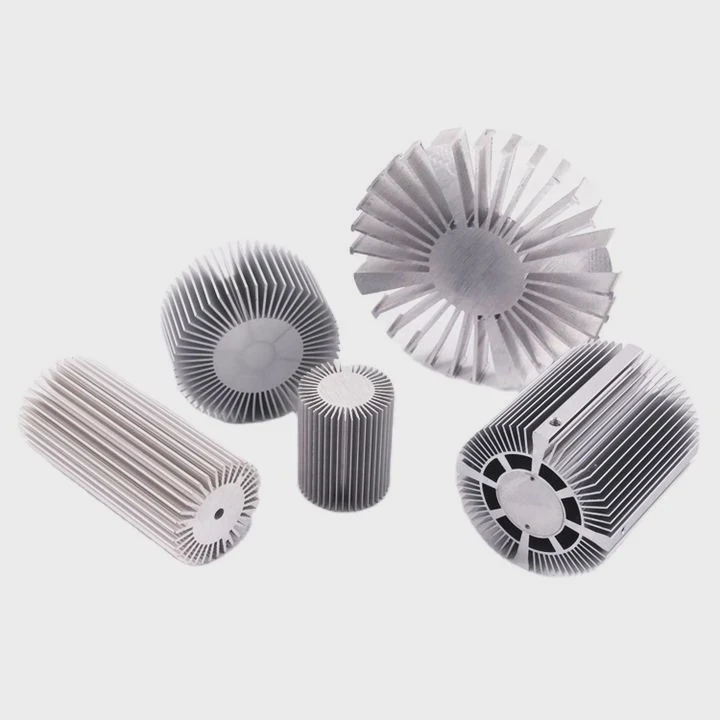
Many processors fail early because heat builds up too fast. Many engineers underestimate thermal design. This hidden problem can destroy performance and shorten hardware life.
A CPU heat sink is a metal component that absorbs and spreads heat away from a processor. It transfers heat to surrounding air or liquid, keeping the CPU within a safe operating temperature and preventing overheating or performance throttling.
Heat control plays a central role in modern electronics. As processors grow more powerful, they generate more heat. A well-designed heat sink becomes the silent protector that keeps systems stable and reliable.
How does a CPU heat sink protect processors?
Many processors suffer damage from excessive temperature. Heat builds up quickly during heavy workloads. Without proper cooling, the CPU may throttle, crash, or permanently fail.
A CPU heat sink protects processors by absorbing heat from the CPU surface and spreading it across a larger area. This allows heat to dissipate into the air or cooling system, maintaining stable processor temperatures.
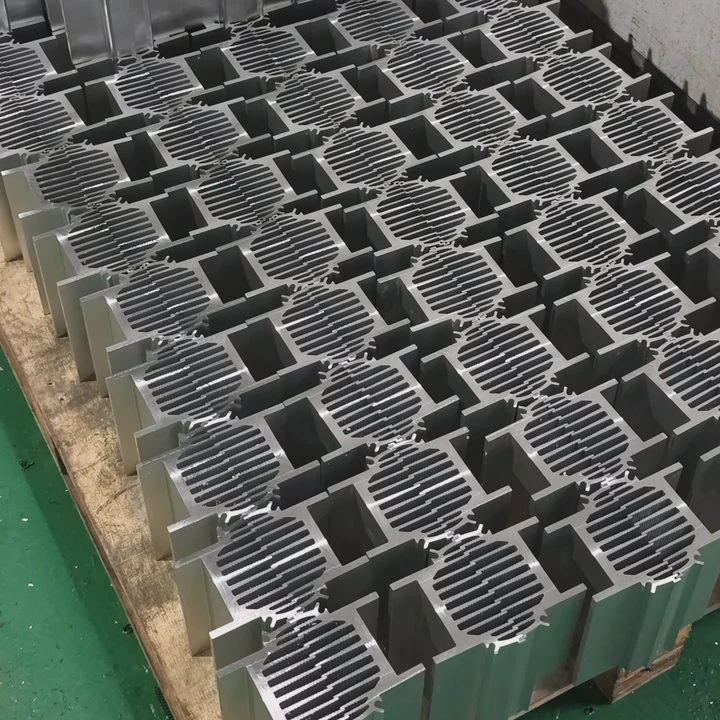
Heat generation inside a CPU
Every CPU generates heat during operation. Transistors switch billions of times each second. Electrical resistance converts some electrical energy into heat. As processing power increases, heat density rises sharply.
When temperature climbs above safe limits, several problems appear:
- Reduced clock speed due to thermal throttling
- System instability or unexpected shutdowns
- Shortened semiconductor lifespan
- Permanent silicon damage
A heat sink acts as the first line of thermal defense.
How heat sinks transfer heat
The protection process works through several thermal steps.
| Step | Process | Description |
|---|---|---|
| 1 | Heat absorption | The heat sink base touches the CPU and absorbs heat |
| 2 | Heat spreading | Metal spreads heat across fins or plates |
| 3 | Air transfer | Heat moves from fins into surrounding air |
| 4 | Heat removal | Fans or airflow carry heat away |
This process depends heavily on thermal conductivity. Materials like aluminum and copper move heat quickly from the processor surface to the cooling fins.
Role of thermal interface material
A CPU heat sink never touches the processor perfectly. Microscopic air gaps exist between surfaces. Air is a poor heat conductor.
Thermal paste solves this problem. The paste fills tiny gaps and improves heat transfer between the CPU and heat sink base.
Without thermal interface material, heat transfer efficiency drops dramatically.
Passive vs active heat sink systems
Cooling systems usually fall into two categories.
| Type | Description | Common Usage |
|---|---|---|
| Passive heat sink | Uses natural airflow only | Low-power electronics |
| Active heat sink | Uses fans or pumps | CPUs, GPUs, servers |
Modern processors almost always rely on active cooling. Fans increase airflow through the heat sink fins and remove heat much faster.
Long-term processor reliability
Temperature directly affects semiconductor lifespan. High heat accelerates material degradation inside the chip.
A good heat sink keeps the processor within safe temperature limits. This stability improves reliability and protects expensive hardware investments.
Many engineers treat heat sinks as simple accessories. In reality, they are critical components in system design.
Why do modern CPUs require strong cooling?
Modern processors deliver huge computing power. Yet higher performance always comes with higher heat output.
Modern CPUs require strong cooling because their transistor density and clock speeds produce large amounts of heat. Without efficient cooling, processors quickly exceed safe temperature limits and reduce performance.
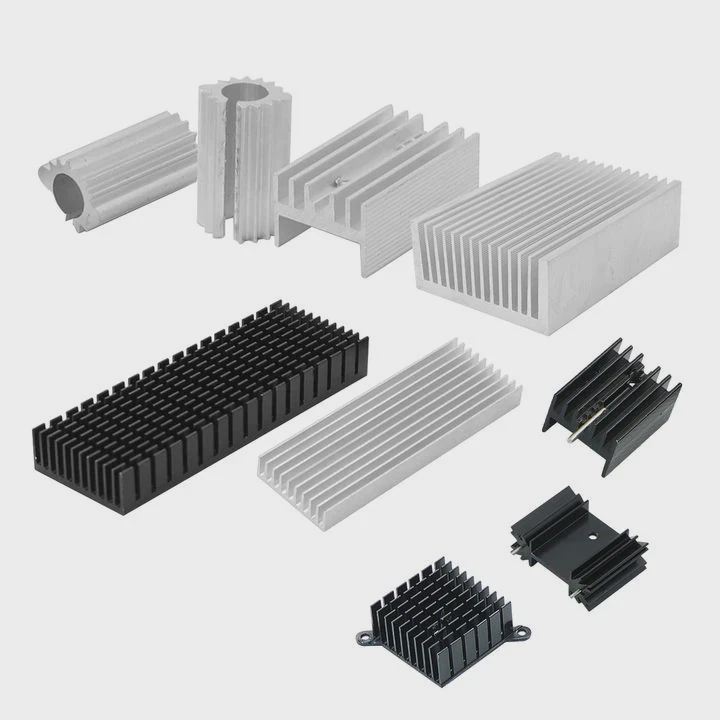
Increasing transistor density
Moore’s Law pushed chip designers to pack more transistors into smaller areas. Today’s processors may contain billions of transistors.
More transistors create more switching events. Each switching event generates heat.
The result is a high thermal power density inside a very small silicon area.
Rising CPU power consumption
Processor performance also depends on electrical power. Higher power allows higher frequencies and stronger computing ability.
Engineers measure this with Thermal Design Power (TDP).
| CPU Generation | Typical TDP Range | Cooling Requirement |
|---|---|---|
| Early desktop CPUs | 30–60 W | Simple aluminum heat sink |
| Modern desktop CPUs | 65–150 W | Heat pipe or large tower cooler |
| High-end workstation CPUs | 150–350 W | Advanced air or liquid cooling |
As TDP rises, cooling systems must handle more heat per second.
Effects of insufficient cooling
Weak cooling leads to serious system problems.
Thermal throttling
Most CPUs include built-in protection. When temperature rises too high, the processor reduces its clock speed.
This protects the chip but reduces performance.
System instability
High heat may cause system crashes or random shutdowns. Data processing becomes unreliable.
Hardware degradation
Long-term exposure to high temperature damages semiconductor structures. Over time, this reduces processor lifespan.
Cooling in high-power computing environments
Data centers, gaming systems, and AI hardware all generate extreme thermal loads.
Many high-performance CPUs now rely on advanced cooling methods such as:
- Heat pipe heat sinks
- Vapor chamber cooling
- Liquid cooling plates
- Immersion cooling systems
Each solution increases the ability to move heat away from the processor quickly.
Thermal design as a system requirement
Cooling is no longer an afterthought. It is a key part of system design.
Engineers must balance:
- Processor power
- airflow design
- heat sink size
- thermal resistance
When these factors align, the CPU runs faster and more reliably.
Where is a CPU heat sink mounted?
Many beginners imagine that a heat sink sits somewhere near the processor. In reality, it must be mounted precisely and tightly.
A CPU heat sink is mounted directly on top of the processor inside the computer motherboard socket area. It sits between the CPU and cooling airflow, usually secured by clips, screws, or mounting brackets.
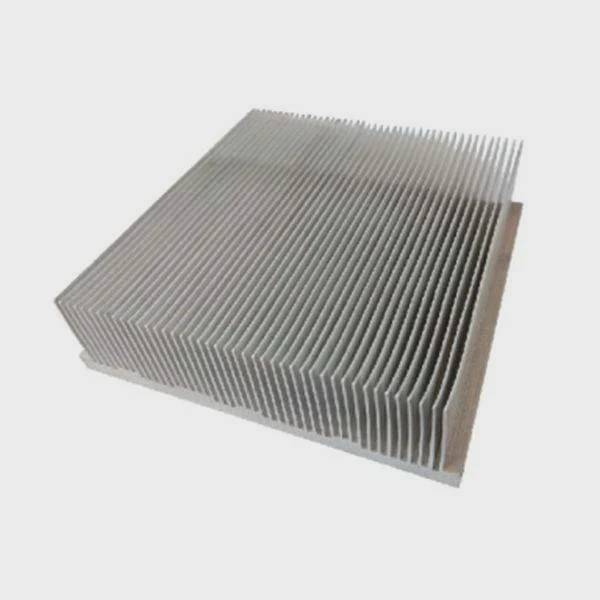
Location on the motherboard
A CPU heat sink always sits directly above the CPU package.
The basic stack looks like this:
CPU chip → thermal paste → heat sink base → cooling fins → airflow
This direct contact ensures efficient heat transfer.
Mounting mechanisms
Different processors use different mounting systems. These systems secure the heat sink firmly and maintain pressure on the CPU surface.
Common mounting types include:
| Mount Type | Description | Common Platforms |
|---|---|---|
| Clip mounting | Metal clips attach to socket brackets | Older desktop CPUs |
| Screw mounting | Screws attach cooler to motherboard backplate | Modern desktops |
| Push-pin mounting | Plastic pins lock cooler into board | Entry-level coolers |
| Retention brackets | Frame holds large coolers securely | Servers and workstations |
Proper mounting pressure is critical. Too little pressure reduces heat transfer. Too much pressure may damage the motherboard.
Role of backplates
Large heat sinks can weigh more than one kilogram. This weight creates mechanical stress on the motherboard.
Backplates distribute this force across the board. They prevent bending and protect the CPU socket area.
Airflow alignment
Heat sinks are designed to work with system airflow.
In desktop systems, airflow often follows this path:
Front intake → CPU heat sink → rear exhaust fan
This airflow carries heat away from the heat sink fins.
In servers, airflow usually moves from front to back through dense heat sink arrays.
Installation considerations
Several installation factors influence cooling performance:
- correct thermal paste application
- proper mounting pressure
- correct airflow direction
- sufficient clearance inside the case
A poorly installed heat sink can reduce cooling efficiency dramatically.
Even a high-quality cooler fails if installation is incorrect.
Which materials are used for CPU heat sinks?
Not all heat sinks perform equally. Material choice plays a major role in thermal performance.
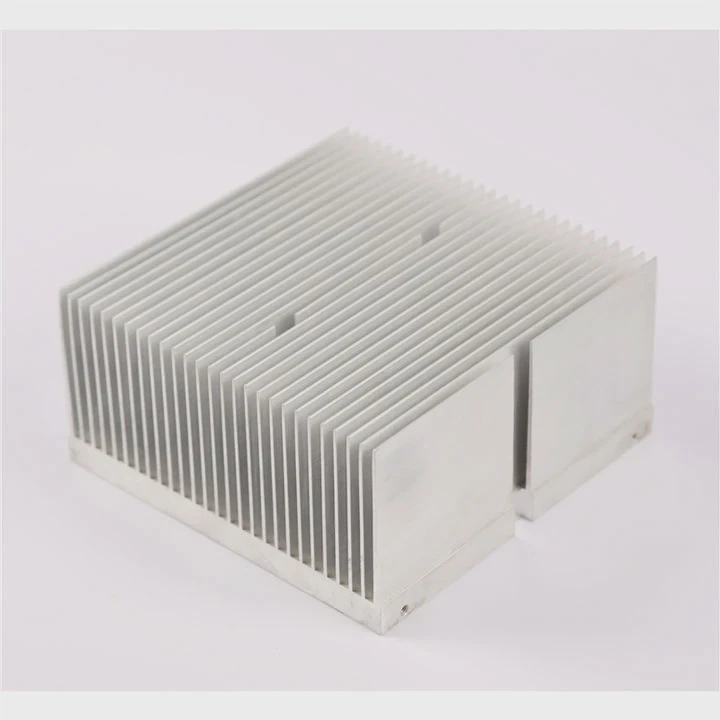
CPU heat sinks are typically made from aluminum, copper, or a combination of both. These metals offer high thermal conductivity, allowing heat to move quickly from the processor to the cooling fins.
Aluminum heat sinks
Aluminum is the most widely used material for heat sinks.
Several advantages explain its popularity.
- Lightweight structure
- Lower manufacturing cost
- Good thermal conductivity
- Easy extrusion manufacturing
Aluminum heat sinks are common in consumer electronics and mid-power processors.
Copper heat sinks
Copper provides higher thermal conductivity than aluminum.
This means heat moves through copper faster.
However, copper also has disadvantages:
- higher cost
- heavier weight
- harder machining process
For this reason, many heat sinks use copper only in key areas.
Hybrid aluminum-copper designs
Many modern CPU coolers combine both metals.
| Component | Material | Purpose |
|---|---|---|
| Base plate | Copper | Fast heat absorption |
| Heat pipes | Copper | Rapid heat transfer |
| Cooling fins | Aluminum | Lightweight heat dissipation |
This hybrid approach balances performance and cost.
Heat pipes and vapor chambers
Advanced heat sinks often include heat pipes. These sealed tubes contain a working fluid that evaporates and condenses to move heat quickly.
Heat pipes dramatically increase thermal transfer efficiency.
Vapor chambers use a similar principle but spread heat across a flat plate.
These technologies are common in:
- gaming PCs
- workstation CPUs
- servers
- high-performance electronics
Manufacturing processes for heat sinks
Several manufacturing methods shape heat sink structures.
Common methods include:
- aluminum extrusion
- CNC machining
- skiving
- vacuum brazing
- friction stir welding
Each method influences fin density, thermal resistance, and cost.
Advanced thermal systems often combine several processes to achieve optimal performance.
Material choice and manufacturing method together determine how effectively a heat sink removes heat from modern processors.
Conclusion
A CPU heat sink plays a vital role in protecting processors from heat damage. By transferring heat away from the CPU and releasing it into the surrounding environment, heat sinks ensure stable performance, long hardware life, and reliable computing systems.




