
What Is a Heat Sink in a Computer?
- Yongxing
- 12 Mar ,2026
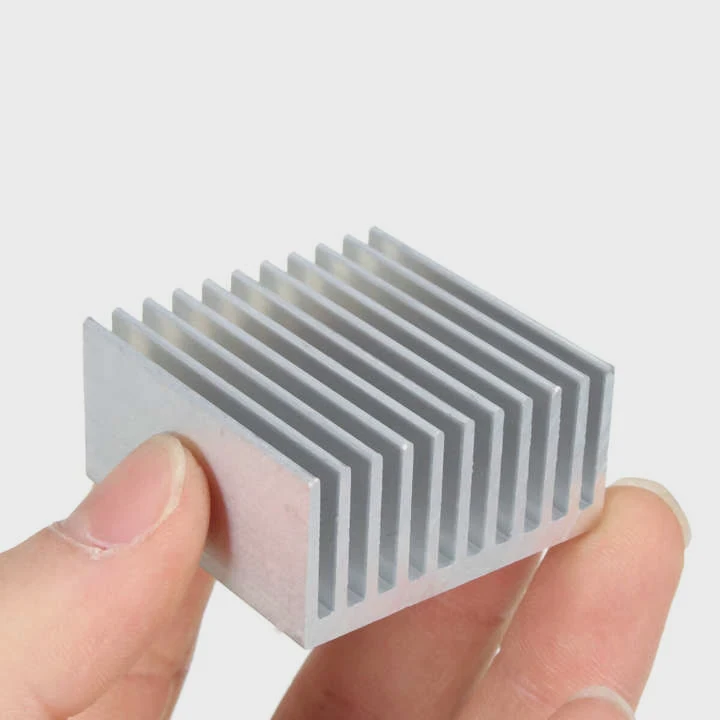
Many computers slow down or fail because of heat. Excess heat damages chips and reduces performance. Many users do not know how computers remove that heat.
A heat sink in a computer is a metal component that absorbs heat from electronic chips and releases it into the surrounding air. It protects processors, GPUs, and power components from overheating and keeps hardware running safely and efficiently.
Heat sinks appear in many places inside a computer. They sit on processors, graphics cards, and power circuits. Each one plays a key role in moving heat away from sensitive electronics.
How does a heat sink cool computer hardware?
A computer chip can generate intense heat in a very small area. Without cooling, temperatures rise quickly and cause system instability.
A heat sink cools computer hardware by absorbing heat from the chip, spreading the heat through metal fins, and releasing it into the air with natural or forced airflow.
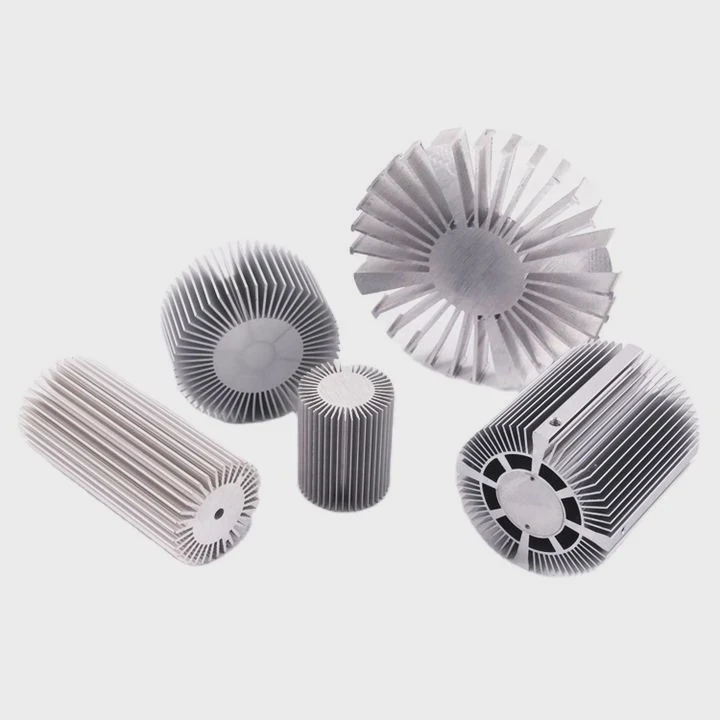
Modern electronic chips are extremely powerful. They process millions or billions of calculations each second. This process produces heat as electrical energy moves through tiny circuits. If heat stays inside the chip, temperatures rise rapidly.
A heat sink solves this problem through three basic heat transfer steps.
Step 1: Heat Transfer From Chip to Heat Sink
The first step is heat conduction. Heat moves from the chip surface into the heat sink base. A thermal interface material sits between the chip and the heat sink.
This material fills tiny air gaps. Air blocks heat flow. Thermal paste improves contact between surfaces and allows heat to transfer efficiently.
Step 2: Heat Spreading Through the Metal
The heat sink base spreads heat into a larger structure. Most heat sinks use aluminum or copper because both metals conduct heat well.
The heat travels from the base into many thin fins. These fins increase surface area. A larger surface area allows more heat to escape.
Step 3: Heat Dissipation Into Air
Air carries heat away from the fins. This step can happen in two ways.
- Natural airflow (passive cooling)
- Fan-assisted airflow (active cooling)
A fan pushes air across the fins. The moving air removes heat faster than still air.
Typical Heat Sink Cooling Structure
| Component | Function |
|---|---|
| Base Plate | Directly contacts the chip and absorbs heat |
| Thermal Paste | Improves heat transfer between chip and heat sink |
| Heat Pipes (optional) | Move heat quickly across the heat sink |
| Cooling Fins | Increase surface area for heat release |
| Fan | Pushes air across fins for faster cooling |
Why Surface Area Matters
Heat sinks often look like stacks of thin metal plates. This design is not random.
More fins create more surface area. More surface area means more air contact. This improves heat removal.
For example:
| Heat Sink Design | Surface Area | Cooling Ability |
|---|---|---|
| Solid block | Low | Poor cooling |
| Fin structure | High | Strong cooling |
| Fin + fan system | Very high | Excellent cooling |
Real Example Inside a Computer
A CPU heat sink may remove more than 150 watts of heat during heavy workloads. Gaming systems and AI systems can produce even more heat.
Without a heat sink, the CPU temperature would reach unsafe levels within seconds.
For this reason, heat sinks are one of the most critical parts of computer thermal management.
Why do GPUs also use heat sinks?
Graphics cards perform extremely demanding calculations. These calculations generate a large amount of heat.
GPUs use heat sinks because graphics processors produce high thermal loads during rendering, gaming, and AI computing, and heat sinks prevent overheating while maintaining stable performance.
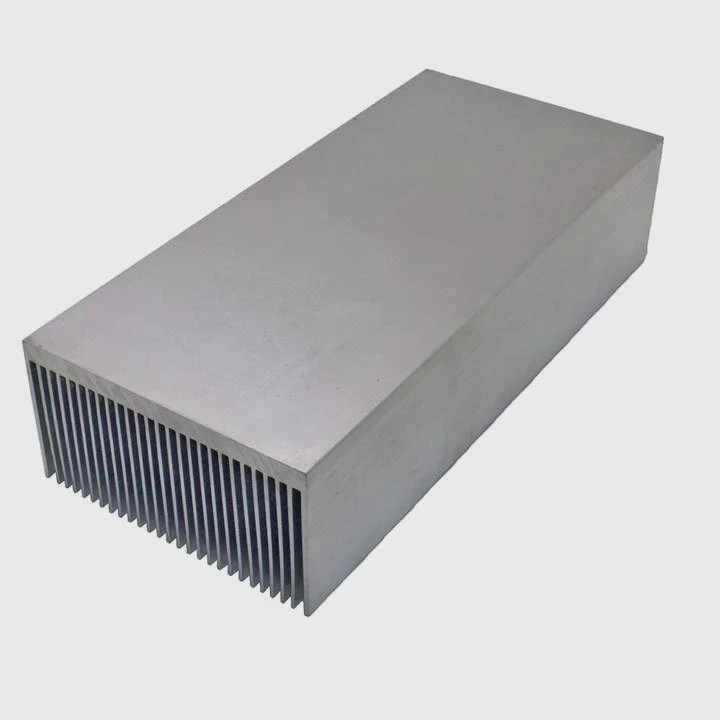
A GPU works differently from a CPU. A CPU focuses on sequential tasks. A GPU handles thousands of small tasks at the same time. This parallel processing requires many computing cores.
More cores mean more power consumption. More power consumption means more heat.
Heat Generation in Modern GPUs
High-end GPUs can consume massive power.
| GPU Category | Typical Power Consumption |
|---|---|
| Entry-level GPU | 30–75W |
| Mid-range GPU | 120–220W |
| High-end GPU | 300–450W |
All this power turns into heat.
If heat remains inside the GPU chip, several problems occur:
- Performance drops
- System instability appears
- Hardware lifespan decreases
GPU Cooling Architecture
Modern graphics cards use complex cooling systems.
These systems usually include:
- Large aluminum heat sinks
- Copper heat pipes
- Multiple cooling fans
- Thermal pads for memory modules
Why GPU Heat Sinks Are Larger
GPU heat sinks are often much larger than CPU heat sinks.
There are three main reasons.
1. Higher Thermal Load
GPUs often generate more heat than CPUs during gaming or rendering.
2. Wider Chip Surface
The GPU die and memory modules spread across a larger area. The heat sink must cover more components.
3. Silent Cooling Requirements
Many systems aim for quiet operation. A larger heat sink allows slower fan speeds.
Multi-Fan GPU Heat Sink Design
Most modern GPUs use a triple-fan cooling system.
| Cooling Component | Purpose |
|---|---|
| Copper Base Plate | Absorbs heat from GPU die |
| Heat Pipes | Transfer heat across the heat sink |
| Aluminum Fins | Release heat into air |
| Cooling Fans | Maintain airflow across fins |
GPU Memory and VRM Cooling
A GPU heat sink does more than cool the GPU chip.
It also cools:
- VRAM memory chips
- Voltage regulation modules (VRMs)
- Power delivery circuits
Thermal pads transfer heat from these components to the heat sink.
Without proper heat sinks, a GPU could quickly reach temperatures above safe limits. This is why nearly every graphics card includes a large and carefully designed heat sink.
Where can heat sinks be found on motherboards?
Many people believe heat sinks exist only on CPUs and GPUs. In reality, motherboards contain several smaller heat sinks.
Heat sinks on a motherboard cool power regulators, chipsets, and high-speed storage components to maintain stable system operation.
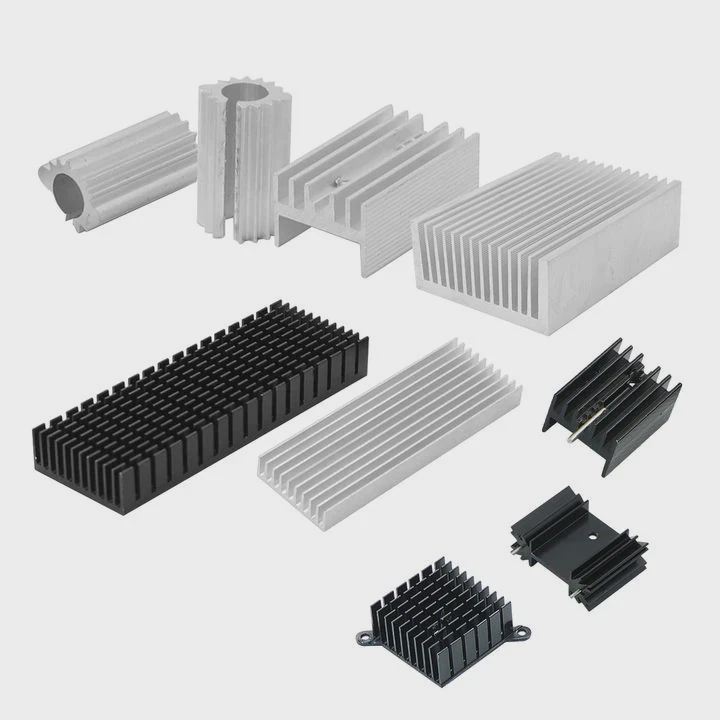
Modern motherboards support powerful processors, fast memory, and high-speed storage devices. Each of these subsystems generates heat.
Manufacturers place heat sinks on several key areas.
1. VRM Heat Sinks
The Voltage Regulator Module (VRM) converts power from the power supply into stable voltage for the CPU.
This conversion process produces heat. If the VRM overheats, the CPU may throttle or the system may crash.
VRM heat sinks sit near the CPU socket. They often appear as large metal blocks with fins.
2. Chipset Heat Sinks
The chipset manages communication between the CPU, storage devices, and expansion slots.
Chipsets used to run very hot. Newer designs are more efficient but still require cooling.
Many motherboards include a small aluminum heat sink on the chipset.
3. M.2 SSD Heat Sinks
High-speed NVMe SSDs generate significant heat during data transfers.
Some SSD controllers can reach temperatures above 70°C. When this happens, the SSD may slow down.
Motherboard manufacturers now include small M.2 heat sinks to keep SSD temperatures stable.
Common Motherboard Heat Sink Locations
| Component | Heat Sink Purpose |
|---|---|
| CPU VRM | Stabilize voltage regulation temperatures |
| Chipset | Maintain communication controller stability |
| M.2 SSD | Prevent storage throttling |
| Network Controllers | In some high-end boards |
Passive Cooling Design
Motherboard heat sinks usually operate without fans. They rely on case airflow instead.
Air from case fans moves across the motherboard and removes heat from these components.
Heat Sink Integration With Aesthetic Design
Modern gaming motherboards integrate heat sinks into decorative designs. Some include:
- RGB lighting
- Aluminum armor plates
- Integrated heat pipes
These designs combine thermal function with visual appearance.
Still, the primary role remains thermal protection. Without these small heat sinks, power circuits and controllers could easily overheat during heavy workloads.
Which cooling systems include heat sinks?
Heat sinks appear in many types of cooling systems. They are a core component in both air cooling and liquid cooling solutions.
Most computer cooling systems include heat sinks because they provide the primary surface for heat dissipation from electronic components.
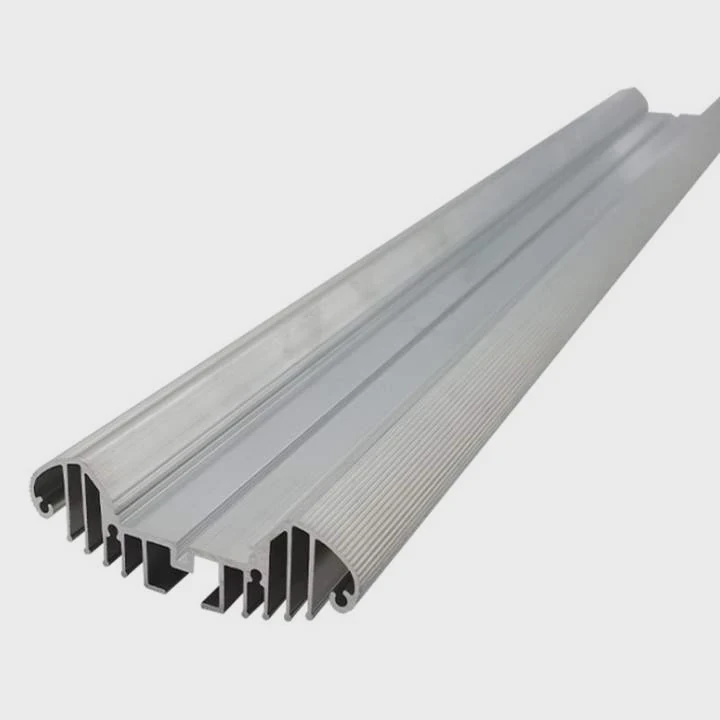
Cooling systems vary depending on performance requirements. However, heat sinks almost always play a central role.
Air Cooling Systems
Air cooling is the most common method used in computers.
A typical air cooling system includes:
- Heat sink
- Cooling fan
- Thermal interface material
The heat sink absorbs heat from the chip. The fan pushes air across the fins.
Air cooling systems are widely used because they are simple, reliable, and cost effective.
Liquid Cooling Systems
Liquid cooling systems also rely on heat sinks.
Instead of fins directly on the CPU, a liquid cooler uses a water block and radiator.
The radiator acts as a large heat sink.
Cooling System Comparison
| Cooling Type | Heat Sink Role |
|---|---|
| Air Cooling | Main heat dissipation structure |
| Liquid Cooling | Radiator functions as heat sink |
| Passive Cooling | Large heat sink without fan |
| Vapor Chamber Cooling | Heat spreader connected to fin stack |
Radiator as a Heat Sink
A radiator in a liquid cooling system works just like a heat sink.
It contains:
- Thin metal fins
- Tubes carrying coolant
- Large surface area for heat transfer
Fans push air through the radiator to remove heat.
Advanced Thermal Technologies
High-performance systems may combine several technologies.
Examples include:
- Vapor chambers
- Heat pipes
- Liquid cooling loops
- Phase change cooling modules
These systems still rely on heat sinks or fin stacks to release heat into air.
Why Heat Sinks Remain Essential
Even the most advanced cooling systems require a final heat dissipation structure.
That structure is usually a heat sink.
Without a heat sink, heat would stay trapped in the cooling loop or inside the chip package.
For this reason, heat sinks remain one of the most important components in modern electronics cooling systems.
Conclusion
Heat sinks are essential components inside computers. They absorb heat from processors, GPUs, and power circuits, then release it into the air. Without heat sinks, modern high-performance hardware could not operate safely or maintain stable performance.




