
What Is a Heat Sink in Computers?
- Yongxing
- 11 Mar ,2026
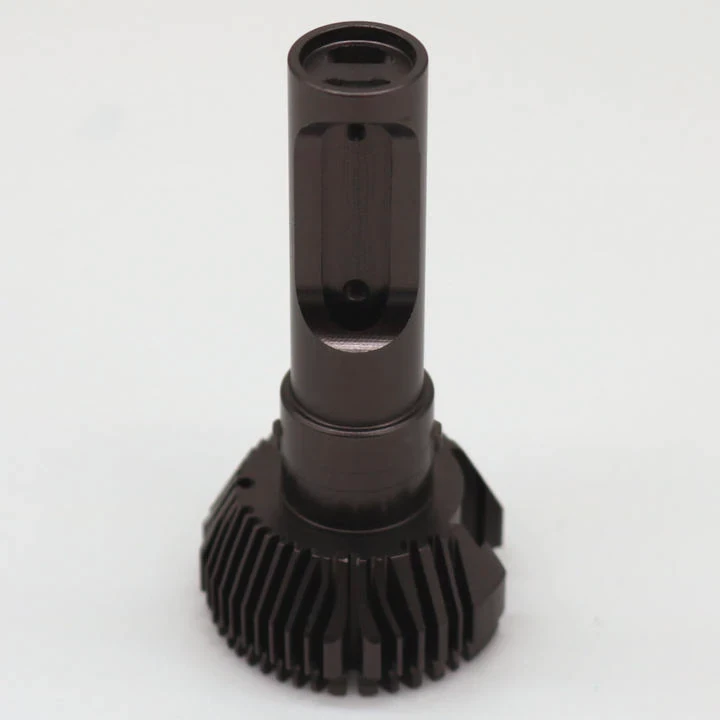
Computers often slow down, crash, or even fail because of overheating. Many users blame software. The real cause is often poor heat control inside the machine.
A heat sink in a computer is a metal component designed to absorb and dissipate heat from electronic parts such as CPUs, GPUs, and power modules, keeping them within safe operating temperatures.
Heat management plays a key role in modern electronics. As computing power increases, components produce more heat. A heat sink acts as a simple but critical solution that protects hardware and ensures stable system performance.
How are heat sinks used in computers?
Many computer failures begin with heat buildup. Components run harder. Temperature rises quickly. Without proper cooling, performance drops and hardware life becomes shorter.
Heat sinks are used in computers by attaching them to heat-producing components such as CPUs, GPUs, and voltage regulators, where they absorb heat and transfer it into the surrounding air for cooling.
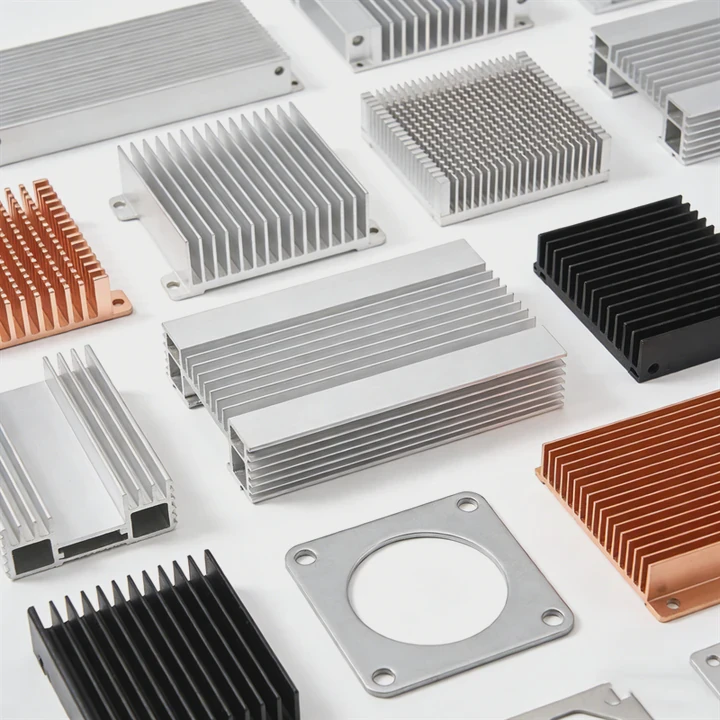
Heat sinks appear in many areas inside a computer system. Their basic job is simple: move heat away from sensitive electronic parts. The process works through conduction and convection.
Basic working principle of a heat sink
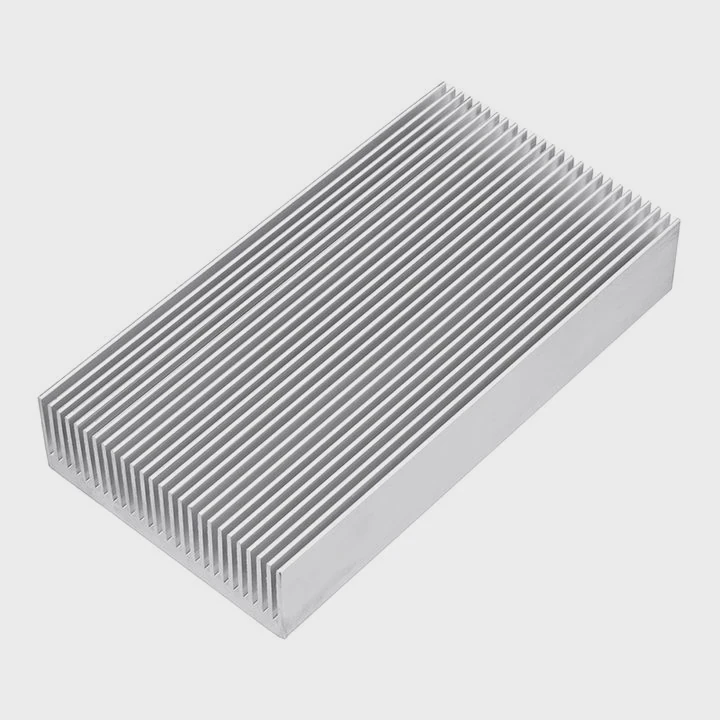
A heat sink normally consists of a metal base and multiple fins. The base sits directly on the hot component. Thermal paste fills microscopic air gaps between surfaces.
Heat moves in three steps:
- Heat transfers from the chip to the heat sink base
- Heat spreads through the metal body
- Heat releases into the air through fins
Airflow from a fan often improves this process.
Common materials used in computer heat sinks
Most computer heat sinks use aluminum or copper. Each material offers different advantages.
| Material | Advantages | Typical Use |
|---|---|---|
| Aluminum | Lightweight, low cost, easy to manufacture | Standard CPU coolers, motherboard heat sinks |
| Copper | Higher thermal conductivity | High-performance CPUs and GPUs |
| Aluminum + Copper Hybrid | Balanced cost and performance | Gaming PCs and workstation systems |
Types of heat sinks found in computers
Heat sinks come in different designs depending on cooling needs.
Passive heat sinks
Passive heat sinks do not use fans. They rely on natural airflow. They appear in low-power electronics and small components.
Examples include:
- SSD controllers
- Motherboard chipsets
- small voltage regulators
Active heat sinks
Active heat sinks include a fan. The fan increases airflow and removes heat faster. This design is common in CPUs and GPUs.
Heat pipe heat sinks
High-performance computers often use heat pipes. Heat pipes move heat away from the chip quickly and distribute it across larger fins.
Why heat sinks matter in system stability
Heat directly affects electronic performance. Semiconductor devices operate best within specific temperature ranges.
When heat rises too much, several problems occur:
- CPU thermal throttling
- system instability
- unexpected shutdowns
- permanent hardware damage
Heat sinks help maintain stable operating temperatures. This improves reliability and extends the lifespan of computer components.
In many system designs, engineers carefully choose heat sink size, fin density, and airflow direction. These details decide how efficiently heat moves out of the system.
Why do CPUs require dedicated heat sinks?
Modern CPUs process billions of operations every second. Each calculation generates heat. Without cooling, temperature rises extremely fast.
CPUs require dedicated heat sinks because they generate high thermal loads during operation, and a specialized cooling structure is needed to remove heat quickly and maintain safe processor temperatures.
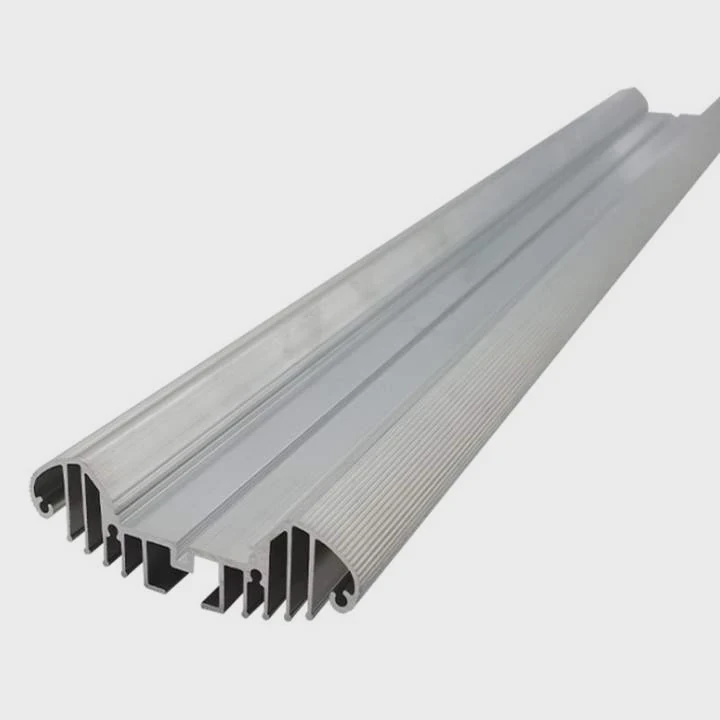
A CPU is often the hottest component inside a computer. During heavy workloads like gaming, rendering, or data processing, temperatures can exceed 90°C if cooling is insufficient.
How CPU heat is generated
Inside a CPU, billions of transistors switch on and off constantly. Each switching action consumes electrical energy. A portion of that energy turns into heat.
The faster the processor runs, the more heat it produces.
Key factors that increase CPU heat include:
- higher clock speeds
- increased voltage
- multi-core processing
- heavy computational workloads
Thermal Design Power (TDP)
CPU manufacturers define a thermal value called TDP.
TDP indicates the maximum heat a processor is expected to generate under normal workloads. Cooling solutions must handle this heat load.
| CPU Type | Typical TDP | Cooling Requirement |
|---|---|---|
| Low-power laptop CPU | 15W – 35W | Small heat pipe + fan |
| Desktop mainstream CPU | 65W – 125W | Large air heat sink |
| High-performance workstation CPU | 200W+ | Advanced air or liquid cooling |
A heat sink must dissipate heat equal to or greater than the CPU’s TDP.
Structure of a CPU cooling system
A typical CPU cooling system includes several parts:
- heat sink base plate
- thermal interface material (thermal paste)
- fins for heat dissipation
- cooling fan or airflow system
- mounting bracket
The thermal paste is important. It improves contact between the CPU surface and the heat sink base.
Risks of poor CPU cooling
Without a proper heat sink, CPU temperature can rise within seconds after power-on.
This leads to problems such as:
- thermal throttling (automatic speed reduction)
- system crashes
- motherboard damage
- shortened CPU lifespan
Modern processors include built-in thermal protection. When temperature becomes too high, the CPU automatically reduces performance or shuts down the system.
Even with these protections, good cooling remains necessary for stable long-term operation.
Where can you find heat sinks inside PCs?
Many people think only the CPU has a heat sink. In reality, modern PCs contain several heat sinks distributed across the motherboard and graphics system.
Heat sinks can be found inside PCs on components such as the CPU, GPU, motherboard chipsets, VRM modules, SSD controllers, and sometimes memory modules.
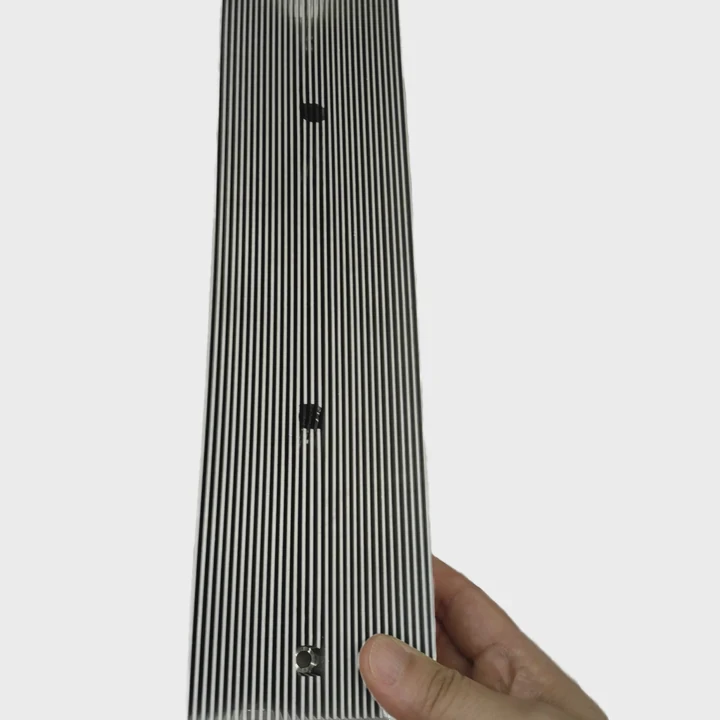
Each of these components generates heat during operation. Heat sinks help keep them within safe temperatures.
CPU heat sink location
The CPU heat sink is the most visible one. It sits directly on top of the processor in the center area of the motherboard.
In many desktop systems, it includes a large fin structure and a cooling fan.
GPU heat sink system
Graphics cards generate large amounts of heat during gaming or rendering tasks.
Most GPUs use advanced cooling systems that include:
- large aluminum heat sinks
- copper heat pipes
- multiple fans
- sometimes vapor chambers
These cooling systems occupy a large portion of the graphics card.
Motherboard VRM heat sinks
Voltage Regulator Modules (VRMs) convert power for the CPU. During this process they generate heat.
Manufacturers place small heat sinks on top of VRM components near the CPU socket.
These heat sinks help maintain stable power delivery.
SSD heat sinks
High-speed NVMe SSDs can reach high temperatures during heavy data transfers.
Many modern motherboards include thin aluminum heat spreaders for SSD slots.
These heat sinks prevent thermal throttling.
Chipset heat sinks
Motherboard chipsets manage communication between hardware components.
Chipsets generate moderate heat and usually include a small heat sink or heat spreader.
In high-end motherboards, this heat sink may also include a small fan.
Which computer parts generate the most heat?
Inside a computer, several components convert electrical energy into heat. Some parts generate significantly more heat than others.
The computer parts that generate the most heat include the CPU, GPU, power supply units, and voltage regulator modules, especially during heavy workloads such as gaming, rendering, or data processing.
Understanding which parts produce the most heat helps engineers design better cooling systems.
CPU heat output
The CPU is usually the primary heat source in a typical computer.
Heavy workloads such as:
- video editing
- scientific simulations
- software compilation
can push the processor close to its maximum thermal limit.
Modern CPUs often require large tower heat sinks or liquid cooling systems.
GPU heat generation
In gaming systems, the GPU may produce even more heat than the CPU.
High-end graphics cards often consume 300W or more of power.
Large triple-fan heat sinks and heat pipes are common in these cards.
Power supply heat
Power Supply Units (PSUs) convert AC electricity into stable DC power for the computer.
Energy conversion produces heat as a side effect.
PSUs include internal heat sinks and cooling fans to manage this heat.
Voltage regulators and motherboard power stages
VRMs supply stable voltage to the CPU and GPU.
These circuits operate under high current loads.
They generate considerable heat and require dedicated heat sinks for reliability.
Relative heat generation of computer components
The following table shows typical heat output ranges of major components.
| Component | Typical Power Consumption | Heat Generation Level |
|---|---|---|
| CPU | 65W – 250W | Very High |
| GPU | 150W – 450W | Extremely High |
| Power Supply | 400W – 1000W input | Moderate |
| VRM Modules | 20W – 60W | Moderate |
| SSD | 5W – 10W | Low |
Effective cooling solutions often combine several technologies, including heat sinks, heat pipes, and controlled airflow.
A well-designed heat management system ensures stable computer performance even under heavy workloads.
Conclusion
Heat sinks play a critical role in computer reliability. They transfer heat away from CPUs, GPUs, and other components. With proper heat sink design and airflow, computers maintain stable performance and avoid overheating damage.




