
What Is Heat Sink in Computer?
- Yongxing
- 11 Mar ,2026
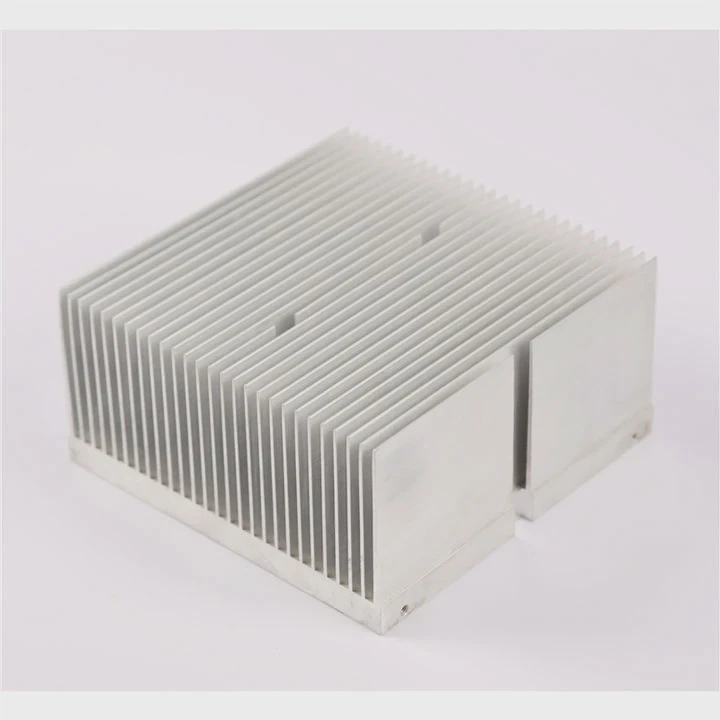
Computers often slow down or crash after long use. Heat is usually the hidden reason. Many users never think about the small metal part that quietly controls temperature.
A heat sink in a computer is a metal component that absorbs heat from chips like the CPU and releases it into the air, preventing overheating and keeping the system stable.
Most people see a fan when they open a computer, but the fan alone does not remove heat. The real work begins with the heat sink. Understanding how this simple device works helps explain how modern computers stay reliable even under heavy workloads.
How does a computer heat sink function?
Small chips inside a computer create intense heat during operation. Without control, this heat quickly damages electronic components and shortens system life.
A computer heat sink works by transferring heat away from the CPU into a larger metal surface, where the heat spreads out and dissipates into the surrounding air, often with help from a cooling fan.
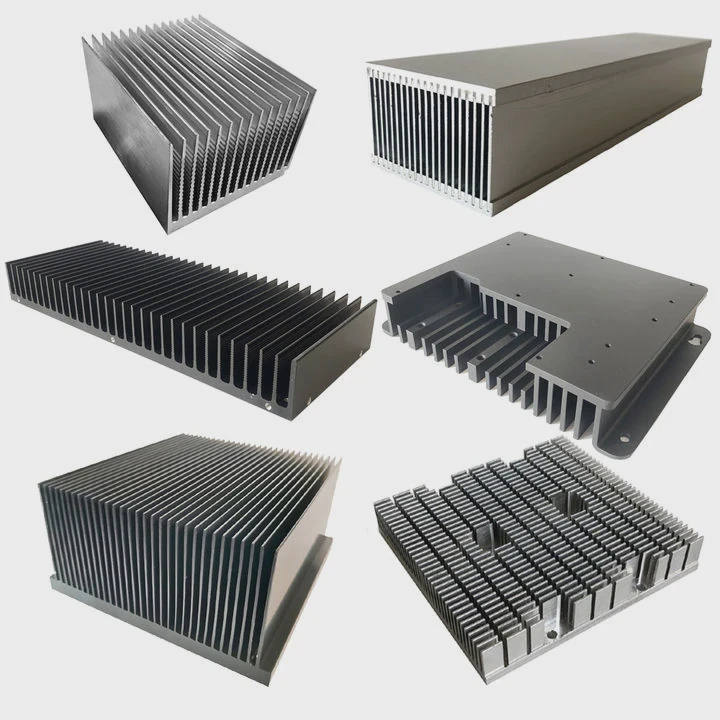
A heat sink works through three basic heat transfer steps: conduction, spreading, and convection. Each step helps move heat farther away from the processor.
Heat transfer from CPU to heat sink
When the CPU runs programs, millions of electrical signals move through transistors. This process produces heat. The CPU surface becomes the first heat source.
The base of the heat sink touches the CPU. Heat moves directly from the processor into the metal base. This process is called thermal conduction.
Metals like aluminum and copper are used because they conduct heat quickly.
| Material | Thermal Conductivity | Weight | Typical Use |
|---|---|---|---|
| Aluminum | Medium | Light | Most consumer heat sinks |
| Copper | Very high | Heavy | High-performance systems |
| Copper + Aluminum | Balanced | Medium | Hybrid heat sinks |
Heat spreading across fins
Once heat enters the base plate, the heat sink spreads it across multiple cooling fins. These fins increase the surface area.
More surface area means more heat can leave the metal.
A flat block of metal would trap heat. Thin fins allow air to flow between them. This design dramatically increases cooling efficiency.
Airflow removes the heat
After heat spreads across the fins, it must leave the metal. This happens through convection.
Air passing through the fins carries heat away.
Two airflow types are common:
- Passive cooling – natural air movement
- Active cooling – fan pushes air across fins
Most desktop computers use active cooling because CPUs generate significant heat.
Simplified heat flow path
| Step | Process | Result |
|---|---|---|
| 1 | CPU generates heat | Temperature rises |
| 2 | Heat moves to heat sink base | Metal absorbs heat |
| 3 | Heat spreads through fins | Larger cooling area |
| 4 | Airflow removes heat | System temperature drops |
This simple chain allows modern processors to run billions of operations per second without overheating.
Why is thermal paste used with heat sinks?
Even when a heat sink sits directly on a CPU, heat does not transfer perfectly. Microscopic gaps between the surfaces trap air and reduce cooling efficiency.
Thermal paste is used between the CPU and the heat sink to fill tiny air gaps, allowing heat to transfer more efficiently from the processor into the metal heat sink.
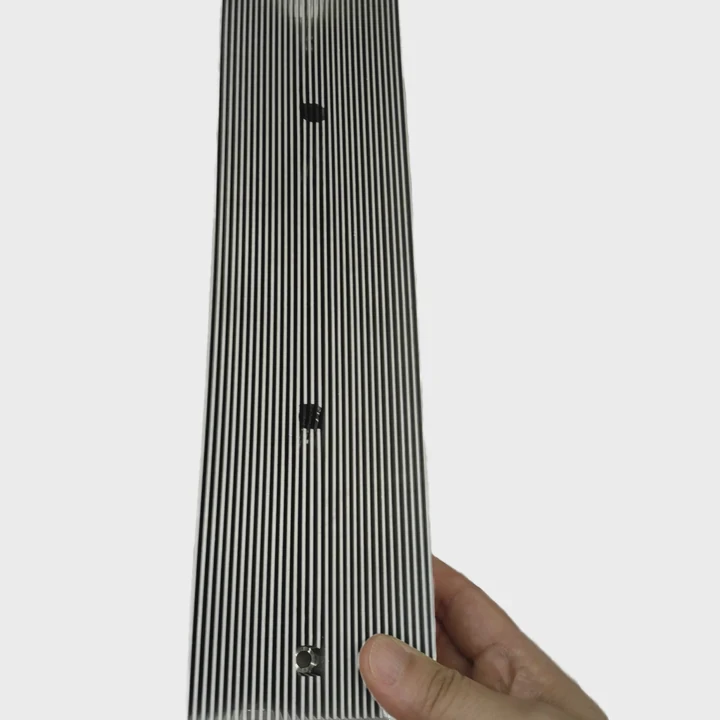
Many beginners assume metal touching metal gives perfect contact. In reality, both surfaces contain tiny imperfections.
These imperfections create small air pockets.
Air is a very poor heat conductor, which makes cooling less effective.
Surface imperfections and heat transfer
When viewed under a microscope, CPU and heat sink surfaces look rough.
Small ridges and valleys prevent full contact.
Thermal paste fills these spaces and removes trapped air.
Role of thermal interface materials (TIM)
Thermal paste belongs to a group called Thermal Interface Materials (TIMs).
These materials improve heat transfer between two solid surfaces.
Common TIM materials include:
- Thermal grease
- Phase-change materials
- Thermal pads
- Liquid metal compounds
Among these, thermal grease is the most widely used in computers.
Comparison of common thermal interface materials
| TIM Type | Conductivity | Ease of Use | Typical Application |
|---|---|---|---|
| Thermal grease | High | Easy | CPUs and GPUs |
| Thermal pad | Medium | Very easy | Laptops and VRMs |
| Phase change material | High | Moderate | Servers |
| Liquid metal | Very high | Difficult | Extreme overclocking |
Proper application method
Applying thermal paste incorrectly reduces cooling performance.
Most builders follow a simple method:
- Clean CPU surface
- Apply a small drop of paste
- Mount heat sink evenly
- Let pressure spread the paste
Too much paste actually reduces performance because it becomes an insulating layer.
Why thermal paste matters in real systems
During early system builds, thermal paste was sometimes ignored. Systems still worked, but temperatures increased dramatically.
In one test setup during a workshop build, CPU temperature dropped nearly 10–15°C after correct paste application.
That small improvement greatly increases hardware lifespan.
Thermal paste may look insignificant, yet it plays a critical role in the overall thermal design.
Where is the CPU heat sink installed?
Many new computer users open a case and immediately notice a fan. Under that fan sits the actual cooling device: the heat sink.
The CPU heat sink is installed directly on top of the processor inside the motherboard’s CPU socket area, ensuring direct thermal contact with the CPU surface.
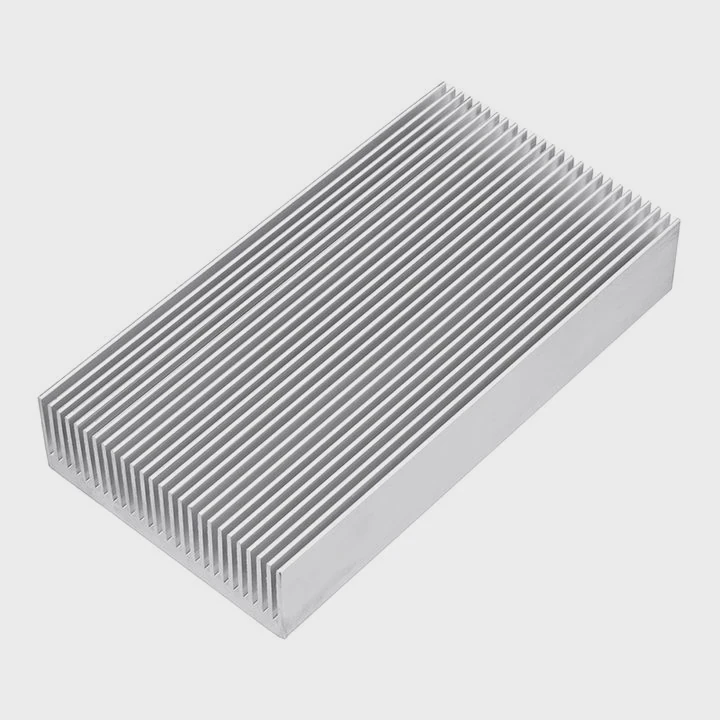
The location of the heat sink is determined by the position of the CPU on the motherboard.
CPU socket area
The CPU sits in a special slot called the CPU socket.
This socket connects the processor to the motherboard circuitry.
Right above the CPU is where the heat sink is mounted.
Mounting systems used for heat sinks
Different manufacturers use different mounting systems.
Common mounting methods include:
- Spring-loaded screws
- Retention brackets
- Push-pin clips
- Backplate mounting
These systems ensure even pressure across the CPU surface.
Even pressure is critical. Uneven pressure can cause poor thermal contact.
Typical desktop CPU cooling stack
A desktop cooling assembly usually includes multiple layers:
| Layer | Function |
|---|---|
| CPU chip | Generates heat |
| Thermal paste | Improves contact |
| Heat sink base | Absorbs heat |
| Cooling fins | Spread heat |
| Fan | Moves air through fins |
This stack works together to remove heat efficiently.
Differences between desktops and laptops
Desktop heat sinks are usually larger because space is available.
Laptop cooling systems must fit inside a thin chassis.
Laptop heat sinks often use:
- Heat pipes
- Vapor chambers
- Ultra-thin fin stacks
These systems move heat away from the CPU toward exhaust vents.
Airflow direction inside the case
Correct heat sink placement also supports overall case airflow.
Air usually moves through this path:
- Cool air enters from the front
- Air passes through CPU heat sink
- Warm air exits through rear fans
Proper airflow prevents heat buildup inside the case.
Without a heat sink installed correctly, CPU temperature can rise above 90°C, which triggers automatic throttling or shutdown.
Which shapes are common for heat sinks?
Heat sinks may look simple, but their shapes strongly affect cooling efficiency. Engineers design different structures depending on airflow, power level, and space constraints.
Common heat sink shapes include finned plate heat sinks, pin-fin heat sinks, folded fin designs, and heat pipe structures, each optimized for different airflow and cooling requirements.
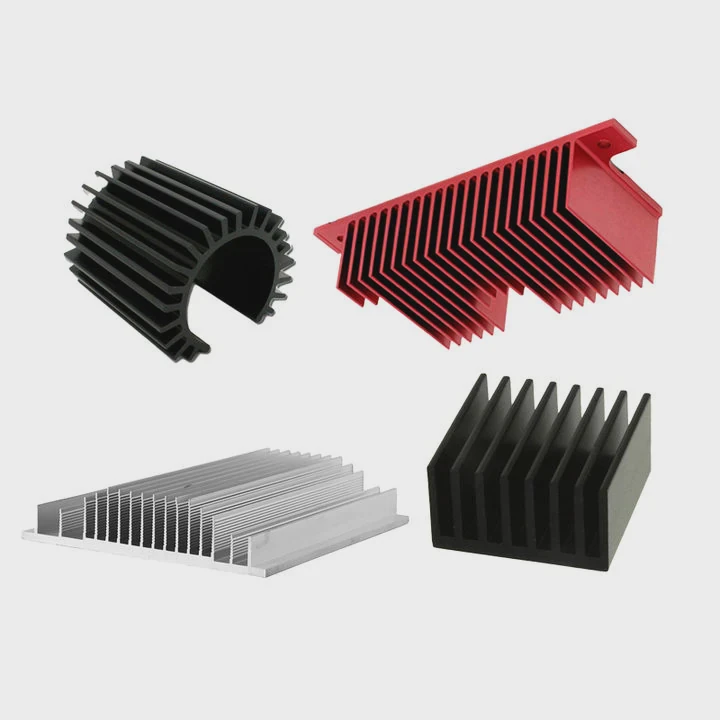
Heat sink geometry determines how well heat spreads and how air flows across the surface.
Straight fin heat sinks
Straight fins are the most common design.
Parallel fins extend upward from a base plate.
Air flows between the fins and removes heat.
Advantages include:
- Simple manufacturing
- Low cost
- Good airflow performance
This design appears in most desktop CPU coolers.
Pin fin heat sinks
Pin fins replace flat fins with many small pins.
Pins can be cylindrical or square.
This design increases surface area and works well when airflow direction is uncertain.
Pin fin heat sinks often appear in:
- LED lighting
- industrial electronics
- compact cooling modules
Folded fin heat sinks
Folded fins use thin metal sheets bent into tight waves.
This design creates extremely dense cooling surfaces.
Advantages include:
- very large surface area
- lightweight structure
These heat sinks often appear in high-power electronics.
Heat pipe heat sinks
Modern CPU coolers often combine fins with heat pipes.
Heat pipes move heat quickly using internal fluid evaporation.
Heat travels from the base to the fin stack much faster than through solid metal.
Comparison of common heat sink geometries
| Heat Sink Shape | Cooling Efficiency | Airflow Requirement | Typical Application |
|---|---|---|---|
| Straight fin | Medium | Directed airflow | Desktop CPUs |
| Pin fin | High | Any direction | LEDs and compact systems |
| Folded fin | Very high | Strong airflow | Power electronics |
| Heat pipe cooler | Very high | Fan assisted | Gaming PCs and servers |
Design factors engineers consider
When designing heat sinks, several factors must be balanced:
- thermal resistance
- airflow resistance
- weight
- manufacturing cost
- system space
For example, a large server cooler may prioritize performance, while a laptop heat sink must prioritize compact size.
In thermal engineering projects, choosing the right geometry often makes the difference between stable operation and overheating.
Conclusion
A computer heat sink removes heat from processors and spreads it into the air through metal fins and airflow. Combined with thermal paste and proper installation, this small device keeps modern computers stable, efficient, and capable of handling demanding workloads.




