
Where Is Heat Sink in Computer?
- Yongxing
- 13 Mar ,2026
Computers often overheat when users do not understand how cooling parts work. Many people open a PC case and see metal blocks but feel confused about what they are.
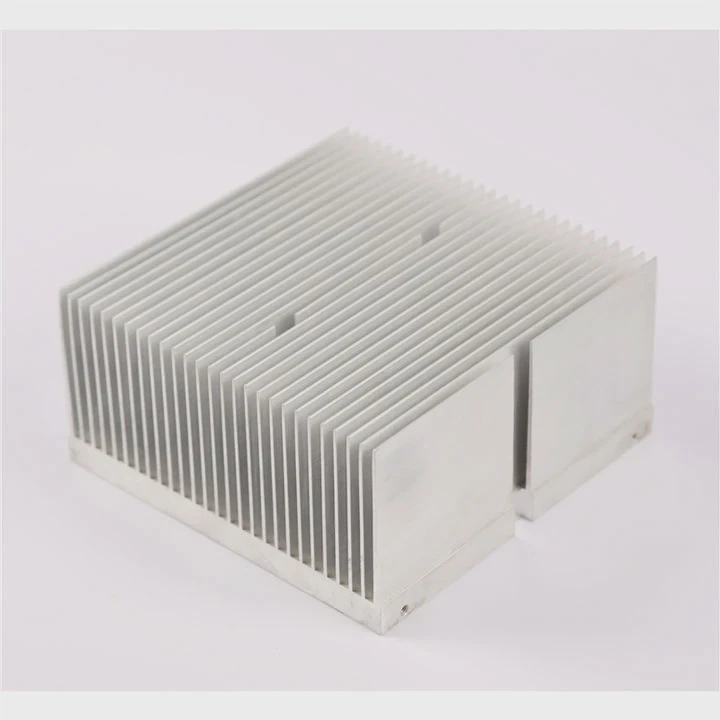
A heat sink in a computer is a metal cooling component usually attached to high-heat parts like the CPU, GPU, power regulators, and chipset. It absorbs heat and releases it into the air with the help of fins and airflow.
Many users first notice a heat sink when they upgrade RAM or clean dust from their computer. The metal structure looks simple. Yet it plays a key role in system stability, performance, and long-term hardware life.
How can you identify a heat sink inside a PC?
Heat problems can damage hardware quickly. Many new PC users open their computer and struggle to recognize which part actually controls heat.
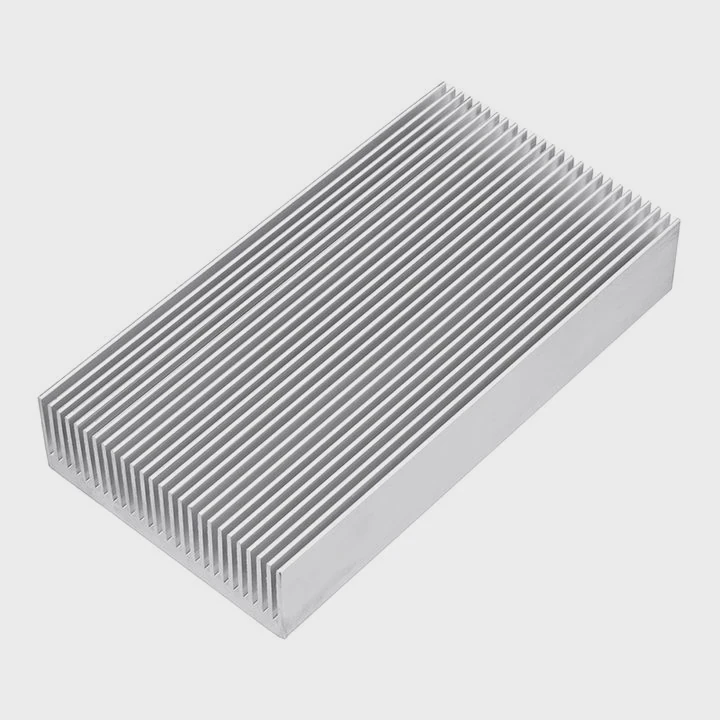
A heat sink inside a PC is usually a block of aluminum or copper with many thin fins. It sits directly on top of a chip and is often paired with a fan or airflow path.
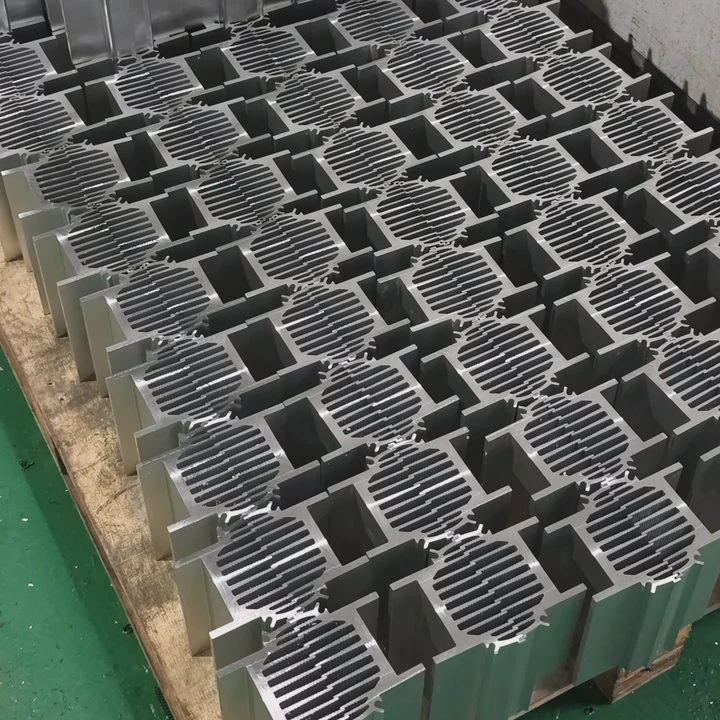
A heat sink is easy to recognize once someone understands its physical structure. The part usually looks like a stack of metal fins. These fins increase surface area so heat can move into the air faster.
Key visual features of a heat sink
When looking inside a computer case, several design clues reveal a heat sink.
| Feature | Description | Purpose |
|---|---|---|
| Metal fins | Thin parallel plates | Increase cooling surface |
| Aluminum or copper | Common materials | Improve thermal conductivity |
| Mounted on chips | Installed directly on components | Transfer heat quickly |
| Sometimes with fan | Active cooling | Improve airflow |
The fin structure is the most obvious indicator. Heat sinks rely on large surface area. Many narrow fins create more space for heat to move into surrounding air.
Typical materials used
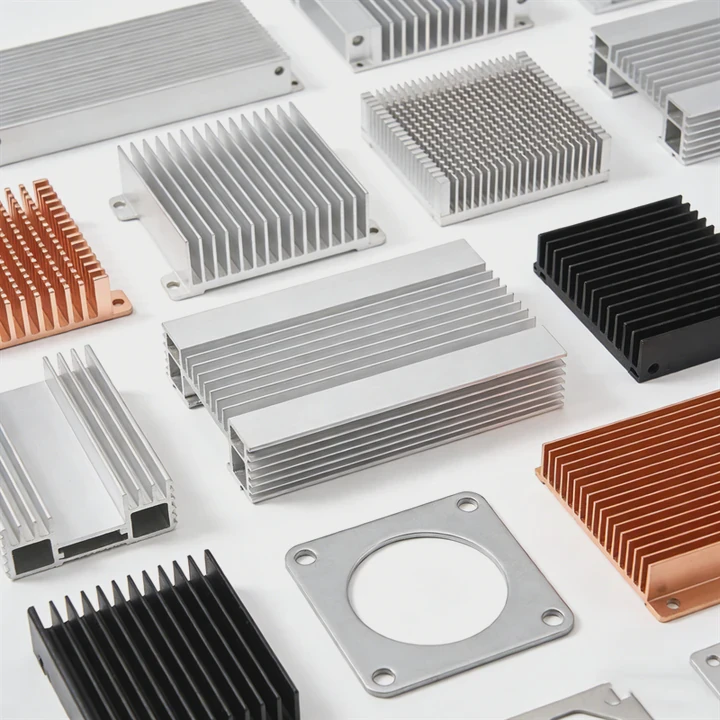
Most computer heat sinks use aluminum. Aluminum offers a strong balance between thermal performance, weight, and cost. Copper is also common in high-performance systems because it transfers heat faster.
| Material | Thermal conductivity | Typical use |
|---|---|---|
| Aluminum | Moderate | Most consumer PCs |
| Copper | High | Gaming and high-power devices |
| Hybrid designs | Copper base + aluminum fins | Balanced performance |
The base of the heat sink touches the chip surface. A thin layer of thermal paste fills microscopic gaps between the chip and the metal base. This improves heat transfer efficiency.
Why the fin design matters
The fins guide airflow through the heat sink. Air from system fans moves between the fins and carries heat away.
A larger heat sink with more fins usually cools better. That is why high-power devices such as gaming CPUs or industrial electronics often use large cooling modules.
Heat sinks are therefore not decorative metal parts. They are carefully designed thermal components that protect sensitive electronics from overheating.
Why is the CPU heat sink easy to spot?
When someone first opens a PC case, the CPU heat sink is usually the largest cooling structure visible on the motherboard.
The CPU heat sink is easy to spot because it sits near the center of the motherboard and is often attached to a large cooling fan or tower-style fin structure.
The central processing unit produces the most consistent heat in most computers. Because of this, its cooling system is normally the most visible.
CPU heat sink location
The CPU socket sits near the center or upper center of the motherboard. The heat sink is mounted directly on top of this socket.
Most systems use one of two designs:
| Type | Description | Common in |
|---|---|---|
| Top-down cooler | Fan blows air directly onto fins | Office PCs |
| Tower cooler | Vertical fin stack with side fan | Gaming PCs |
Tower coolers are easy to recognize. They look like a tall metal block with a fan attached to the side.
Why the CPU needs strong cooling
The CPU handles most processing tasks in a computer. Every calculation produces heat.
Several factors increase CPU heat output:
- High clock speed
- Multiple processing cores
- Heavy workloads
- Overclocking
Without a heat sink, a CPU would reach dangerous temperatures within seconds.
How the CPU heat sink works
The cooling process happens in several steps:
- Heat moves from the CPU chip to the heat sink base
- The base spreads heat into the metal fins
- Airflow removes heat from the fins
Many modern CPU coolers also use heat pipes. Heat pipes move heat rapidly from the base to upper fin areas.
This design spreads heat across a larger surface area, which improves cooling performance.
Where are additional heat sinks installed?
Many people think the CPU is the only component that uses a heat sink. In reality, modern computers contain several heat-generating parts that require cooling.
Additional heat sinks are installed on GPUs, motherboard power regulators (VRMs), chipsets, SSD controllers, and sometimes RAM modules.
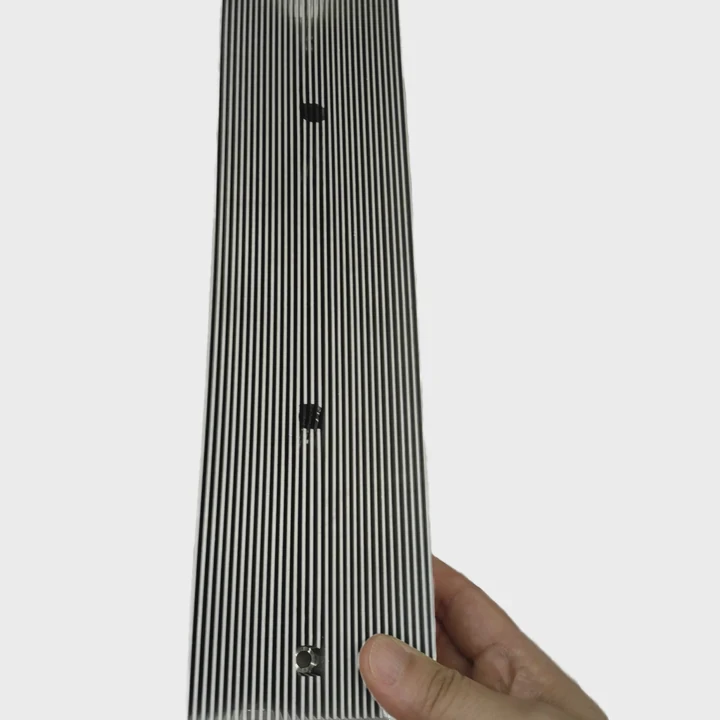
These extra heat sinks may be smaller than the CPU cooler. However, they still play a critical role in system stability.
GPU heat sinks
Graphics cards generate significant heat during gaming or 3D rendering.
The GPU heat sink is usually hidden under a large cooling shroud with fans.
Typical GPU cooling structure:
| Component | Role |
|---|---|
| Copper base plate | Absorbs heat from GPU chip |
| Heat pipes | Spread heat across cooler |
| Aluminum fin stack | Releases heat into air |
| Fans | Move air through fins |
High-performance graphics cards can produce more heat than CPUs. This is why their cooling systems are often large and complex.
Motherboard VRM heat sinks
Voltage regulator modules control power delivery to the CPU.
These components are located near the CPU socket and often have small rectangular heat sinks.
Without proper cooling, VRMs can overheat during heavy workloads or overclocking.
Chipset heat sinks
The motherboard chipset controls communication between components such as USB ports, storage devices, and PCIe slots.
Many chipsets use small passive heat sinks.
These heat sinks are usually located near the lower middle area of the motherboard.
SSD heat sinks
Modern NVMe SSDs can become very hot during high-speed data transfers.
Some motherboards include small metal heat spreaders for SSD slots. These are slim heat sinks designed to prevent thermal throttling.
Which components sit beneath heat sinks?
Many users see heat sinks but do not know what electronic parts they actually cover.
Heat sinks are installed directly on high-power semiconductor components such as CPUs, GPUs, VRMs, chipsets, and high-speed storage controllers.
The chips under heat sinks are responsible for most of the electrical work inside a computer.
CPU
The CPU is the main processor of the system. It performs calculations, runs programs, and manages system operations.
Because it processes millions of instructions every second, it generates a large amount of heat.
The CPU heat sink is therefore one of the most critical cooling elements.
GPU
The graphics processing unit handles rendering tasks such as gaming graphics, video processing, and AI workloads.
Modern GPUs contain thousands of small processing cores. These cores consume significant power and generate large thermal loads.
This is why GPU cooling systems are large and complex.
VRM power stages
Voltage regulator modules convert power from the power supply into stable voltages for the CPU.
VRMs contain MOSFET transistors that generate heat when switching electrical current.
Small heat sinks help keep these components within safe temperature ranges.
Chipset controller
The motherboard chipset acts as a communication hub.
It connects storage devices, USB ports, network controllers, and expansion slots.
Although it consumes less power than CPUs or GPUs, it still produces heat during operation.
SSD controller chips
High-speed NVMe SSDs include controller chips that manage data flow.
These controllers can become hot when transferring large files.
Small SSD heat sinks help prevent performance throttling.
| Component under heat sink | Function | Heat level |
|---|---|---|
| CPU | Main processor | Very high |
| GPU | Graphics processing | Very high |
| VRM | Power regulation | Medium |
| Chipset | Data communication | Low to medium |
| SSD controller | Storage management | Medium |
Understanding what sits beneath a heat sink helps users better understand how thermal management protects computer hardware.
Conclusion
Heat sinks in a computer sit directly on high-temperature chips like CPUs, GPUs, VRMs, and SSD controllers. Their metal fin structures absorb heat and release it into airflow, protecting critical components and maintaining stable performance.




