Where Is Heat Sink Located?
- Yongxing
- 29 Apr ,2026
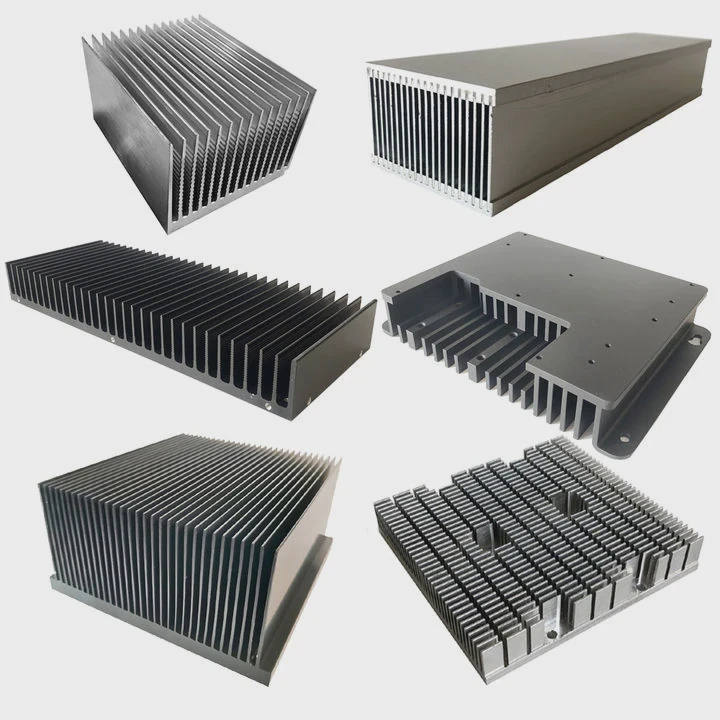
Many devices fail early because heat builds up in hidden places. Most users never notice the heat sink until a fan gets loud or a system slows down.
A heat sink is usually located close to the part that creates the most heat, such as a CPU, power chip, LED module, battery controller, or motor driver. It touches or sits very near that source so heat can move away fast.
Many people use devices every day without seeing the cooling parts inside. Once you know where heat sinks are placed, it becomes easier to repair products, improve airflow, and choose better equipment.
How to Find a Heat Sink in Devices?
Heat damage often starts before users notice it. A laptop may lag, a charger may feel hot, or a game console may become noisy. In many cases, the heat sink is already working hard inside.
To find a heat sink, open the service panel or outer cover if safe, then look for a metal part with fins, plates, or blocks attached to a hot chip. It is often aluminum or copper and may sit under a fan.
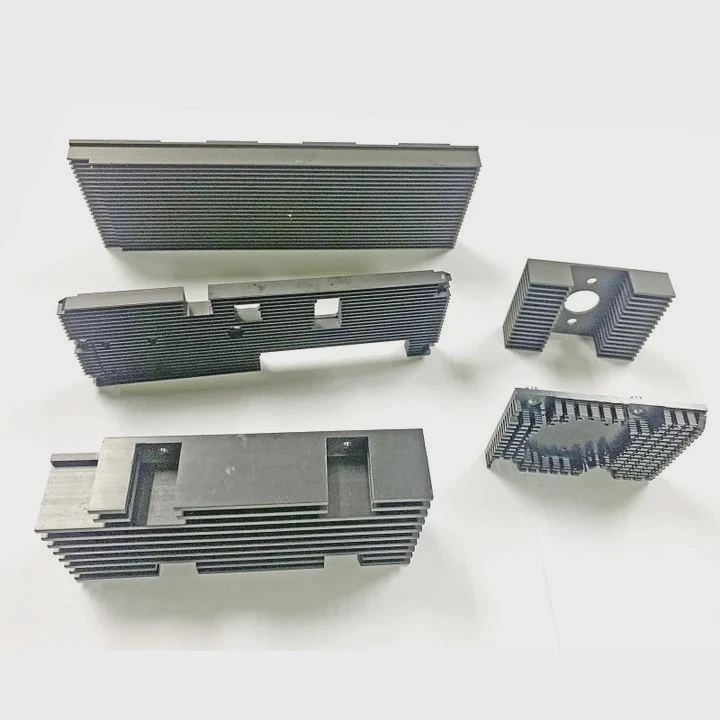
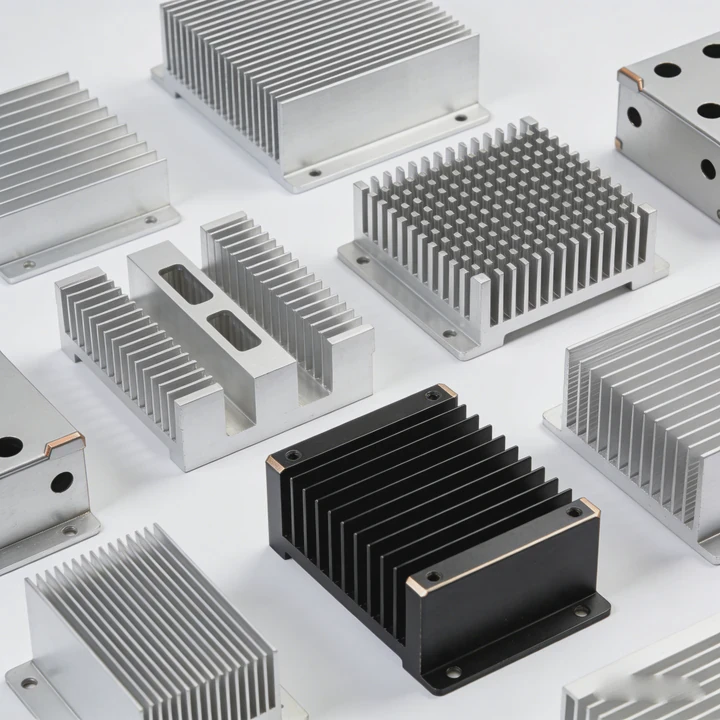
Finding a heat sink becomes simple when you know what shapes to search for. Most heat sinks are metal because metal moves heat well. Many use thin fins to increase surface area. More area means more contact with air, and that means better cooling.
Common Visual Signs
A heat sink often looks like one of these:
| Shape | Usual Use | Easy Sign |
|---|---|---|
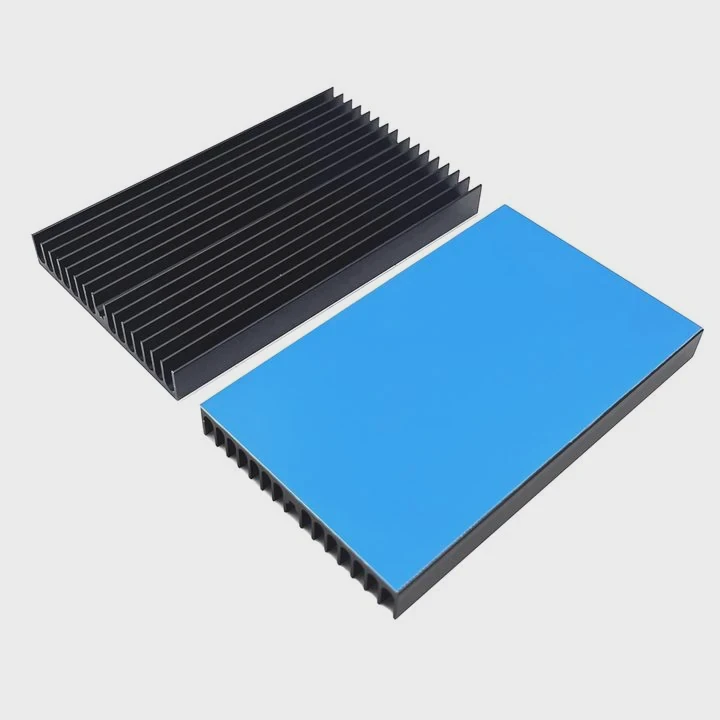
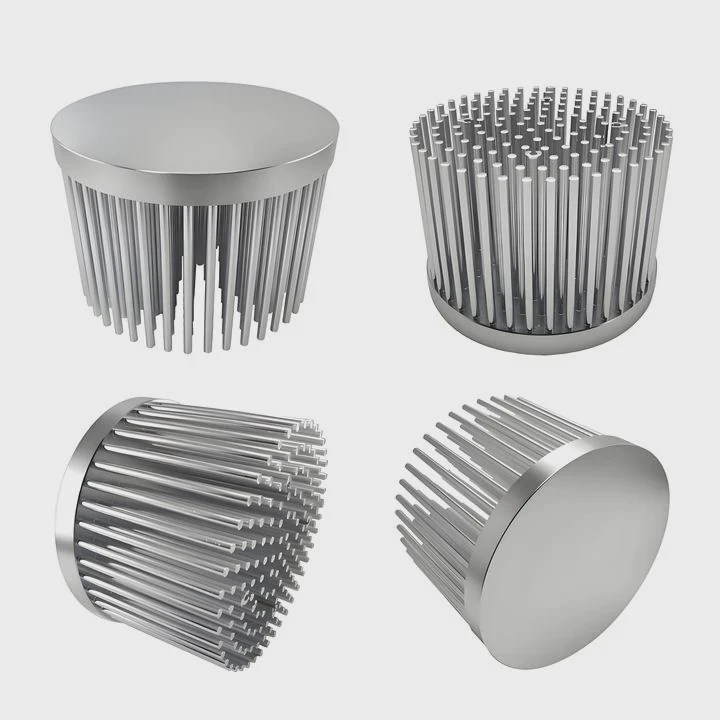
| Fin stack | Computers | Thin parallel fins |
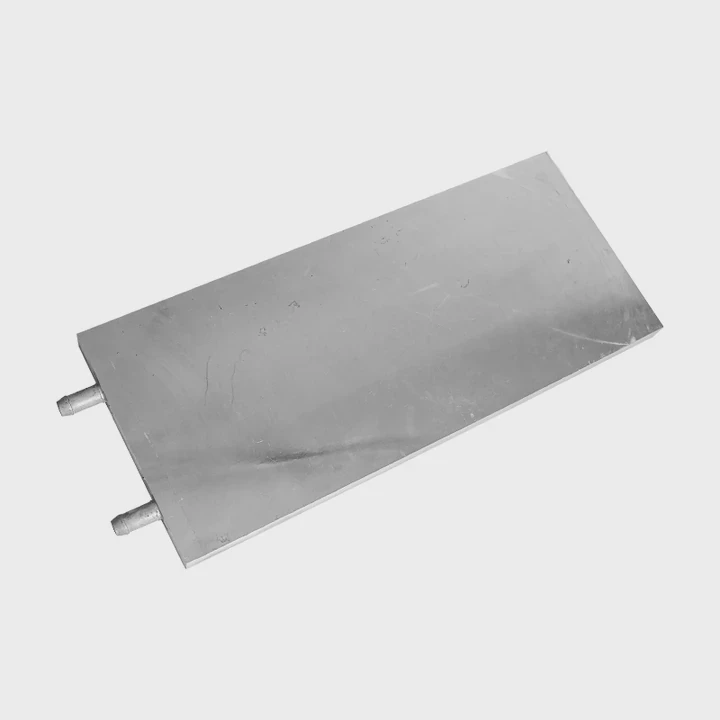
| Flat plate | LED lights | Wide metal base |
| Block with grooves | Power supply | Thick body with cuts |
| Pipe + fins | Laptops | Copper tubes linked to fins |
Where to Check First
In most devices, check these areas first:
- Near the power input section
- Near processors or control chips
- Near motors or driver boards
- Behind vents or fan openings
- Under top covers with warning labels
Examples by Device
A desktop PC usually places the heat sink on the CPU. It sits at the center of the motherboard with a fan above it. A laptop often hides the heat sink under the keyboard side, linked by heat pipes to a side vent. A TV may place heat sinks near the power board. An LED floodlight often uses the whole rear housing as one large heat sink.
Safety Notes
Never open sealed products while plugged in. Power supplies, microwaves, and some lighting products can store dangerous energy. It is safer to check manuals or exploded diagrams first.
Practical Tip
When I inspect equipment, I first follow the hot zone. Burn marks, dust near vents, fan noise, and warm casing areas often point directly to the heat sink location. Heat usually tells the truth faster than labels do.
Why Are Heat Sinks Placed Near Heat Sources?
Many users think a heat sink can sit anywhere inside a device. That sounds simple, but distance creates resistance. If heat must travel too far, temperatures rise fast.
Heat sinks are placed near heat sources because short heat paths move energy faster, reduce temperature rise, improve reliability, and lower the need for bigger fans or larger cooling systems.
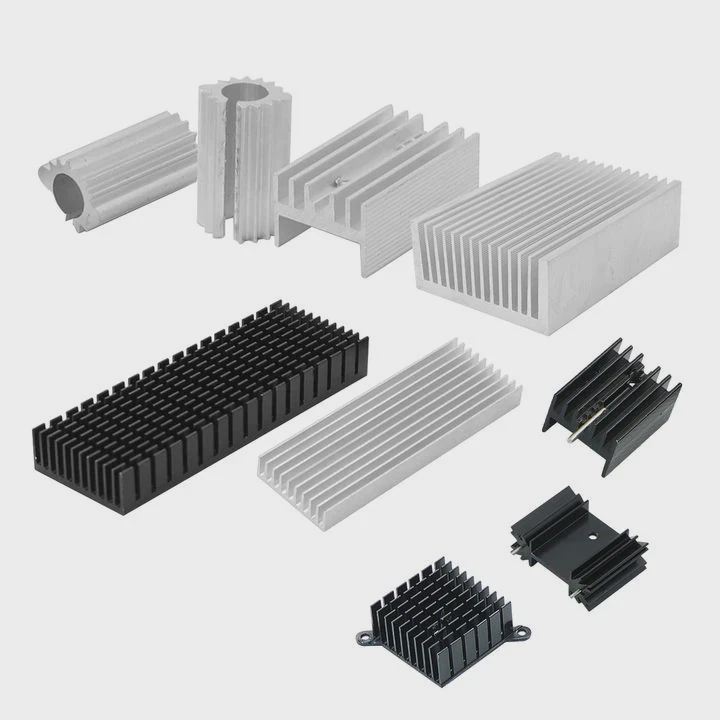
The main job of a heat sink is to receive heat quickly, then release it to air or another cooling medium. If a heat sink sits far away, the heat must pass through more material, more joints, and more contact surfaces. Every extra step slows transfer.
The Short Path Rule
A processor chip may generate intense heat in a tiny area. If the sink touches the chip through thermal paste or a thermal pad, heat enters the metal body almost at once. That direct path matters.
Why Distance Hurts Cooling
| Longer Distance Effect | Result |
|---|---|
| More thermal resistance | Higher chip temperature |
| More interface layers | Poor contact losses |
| Slower heat spread | Hot spots form |
| Bigger cooling demand | More noise or cost |
Real Product Examples
A desktop CPU cooler clamps directly onto the processor lid. A power transistor in an inverter bolts onto a metal sink beside it. High-power LEDs mount on metal-core boards that connect straight to a sink plate. These layouts are common because they work.
Design Balance
Engineers still balance many limits:
- Space inside the enclosure
- Airflow direction
- Cable routing
- Service access
- Weight limits
- Manufacturing cost
That means the heat sink may not touch the source in a perfect straight line. Sometimes heat pipes, vapor chambers, or copper spreaders bridge the gap.
Reliability Impact
Electronics age faster at high temperature. Solder joints crack sooner. Capacitors dry out earlier. Plastics may deform. Batteries lose life faster. A nearby heat sink helps prevent all of these issues.
Field Observation
When I see a device with poor cooling, the problem is often not the heat sink size. It is the layout. A good sink placed badly can perform worse than a smaller sink placed correctly.
Where Are Typical Heat Sink Positions?
Many buyers ask where heat sinks are usually placed, but there is no single universal spot. Position depends on the heat source, airflow path, and enclosure shape.
Typical heat sink positions include directly on processors, beside power components, near vents, along outer walls, behind LED panels, and inside top zones where warm air naturally rises.
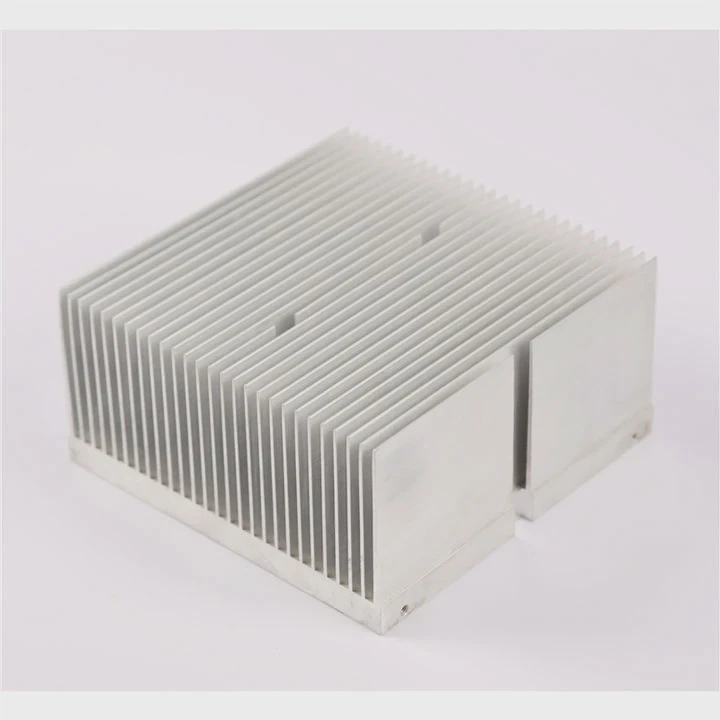
Although designs differ, patterns repeat across industries. Once you learn those patterns, you can predict cooling layouts quickly.
In Computers
Desktop towers often place the CPU heat sink near the motherboard center. GPU heat sinks sit on graphics cards close to expansion slots. VRM sinks may line the CPU socket edge.
In Consumer Electronics
TVs often mount sinks on power boards near the rear cover. Routers may place small sinks over network chips. Game consoles usually use a large central sink with airflow tunnels.
In Industrial Equipment
Motor drives, power supplies, and control cabinets often place heat sinks on rear panels or side walls. Some use external fins so heat exits the cabinet instead of staying inside.
In Lighting Products
LED street lights and floodlights often use the back housing as a heat sink. This saves space and removes heat from the LED board directly.
Natural Airflow Matters
Warm air rises. Because of that, passive cooling designs often place fins vertically. Vertical fins allow air to move upward between channels.
| Device Type | Typical Position | Cooling Style |
|---|---|---|
| Desktop PC | CPU center area | Fan + fins |
| Laptop | Hinge or side vent | Heat pipe + fan |
| LED Lamp | Rear body | Passive |
| Power Supply | Near switch devices | Fan or passive |
| Inverter | Rear wall | Large fins |
Why Outer Walls Are Popular
An enclosure wall can become part of the heat sink. This reduces part count and saves space. It also keeps internal air cooler.
Space Constraints
Small products like mini PCs or handheld tools use stacked layouts. In these designs, the heat sink may look unusual because engineers must fit cooling into narrow volumes.
My Rule of Thumb
If I cannot see inside a device, I check vents, thick metal areas, and zones near power connectors. Those spots often reveal where the heat sink sits.
Which Devices Include Visible Heat Sinks?
Some heat sinks hide inside products, but many are easy to see. Visible heat sinks often mean the device creates enough heat that exposed cooling helps performance.
Devices with visible heat sinks include desktop computers, graphics cards, LED floodlights, amplifiers, industrial drives, solar inverters, 3D printers, and some chargers or network gear.
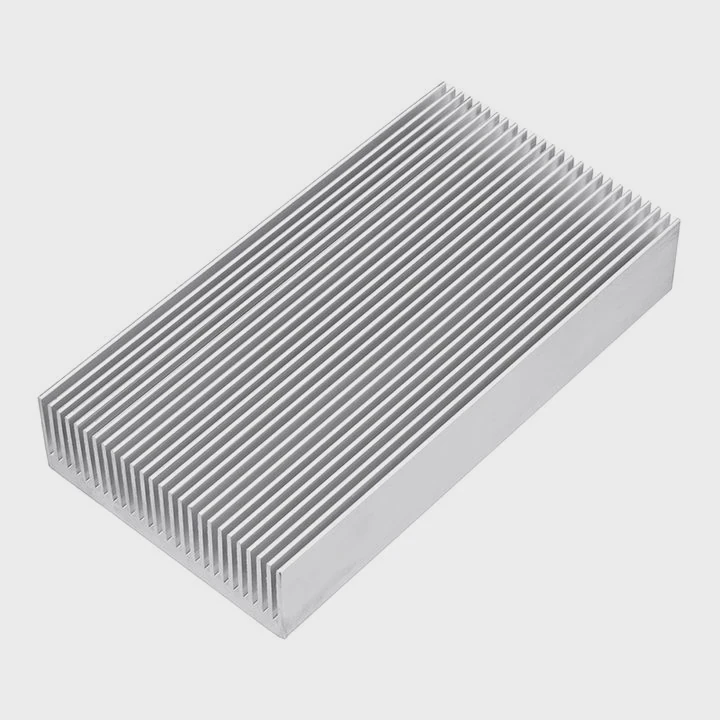
Visible heat sinks are common when airflow access matters or when designers want easy maintenance. Fins exposed to room air cool better than fins trapped inside a sealed shell.
Everyday Examples
Desktop Computers
The CPU cooler is one of the most visible heat sinks in modern homes. Many gaming systems use tall fin towers or liquid-cooling radiators.
Graphics Cards
Large GPUs often carry long aluminum fin arrays with two or three fans. This is a clear sign of high thermal load.
LED Lighting
Street lights, grow lights, and floodlights often show ribbed rear housings. Those ribs are heat sink fins.
Audio Amplifiers
Many amplifiers use side-mounted black aluminum fins. The dark finish can also help radiation slightly.
Commercial and Industrial Examples
- Solar power inverters
- Motor controllers
- CNC machine drives
- Telecom base units
- EV charging systems
- Laser equipment
Why Some Brands Hide Them
Slim products often hide heat sinks for appearance. Phones and tablets may use internal graphite sheets, vapor chambers, or hidden frames instead of visible fins.
Visible vs Hidden Cooling
| Cooling Type | Advantage | Common Use |
|---|---|---|
| Visible fins | Better airflow | PCs, lights, drives |
| Hidden sink | Cleaner design | Laptops, TVs |
| Chassis as sink | Saves space | Routers, mini PCs |
| Vapor chamber hidden | Thin profile | Phones |
Buying Insight
When I compare hardware, visible cooling does not always mean better quality. A smart hidden design can outperform a cheap exposed sink. Material, contact pressure, airflow, and total area matter more than looks alone.
Easy Test
If a device has metal fins and warm air moves through them, you are likely looking at the heat sink doing its job.
Conclusion
Heat sinks are usually placed where heat starts and where air can remove it fast. Once you know the patterns, you can spot them in almost any device and judge cooling quality with confidence.