
Heat Sink for GPU?
- Yongxing
- 16 Apr ,2026
Opening paragraph:
High GPU temperatures can throttle performance and even damage hardware if left unchecked. Efficient cooling is vital for stable operation.
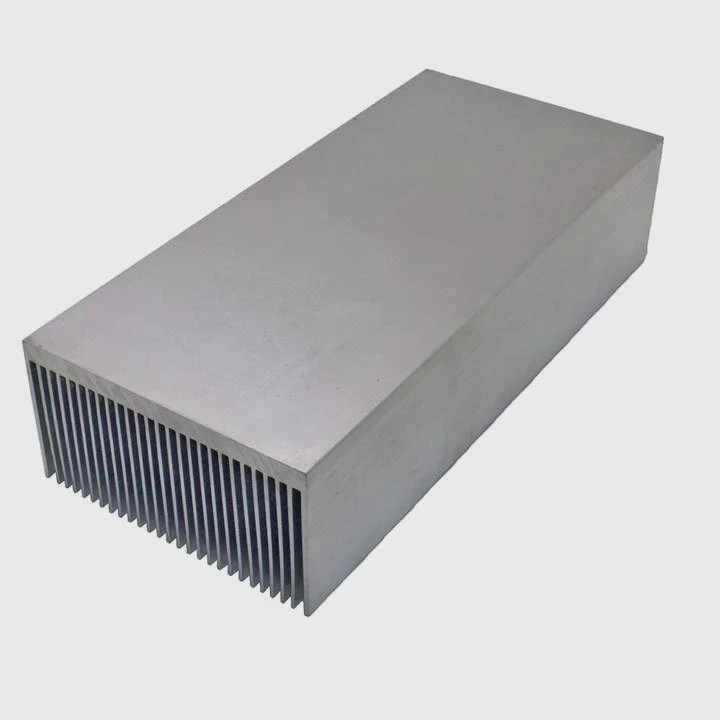
A GPU heat sink helps manage temperature by transferring heat from the GPU chip to the surrounding air. It prevents overheating and maintains consistent performance during heavy workloads.
Good cooling keeps GPUs running smoothly and avoids hardware failure. Understanding how heat sinks work helps you choose the right GPU or cooling solution.
How does a GPU heat sink dissipate heat?
Opening paragraph:
GPU chips generate a lot of heat during operation, which can cause crashes or slowdowns if not removed quickly.
A GPU heat sink dissipates heat by drawing it from the GPU die and spreading it across metal fins. Airflow, often assisted by fans, carries the heat away to keep the GPU safe.
The Basics of Heat Transfer
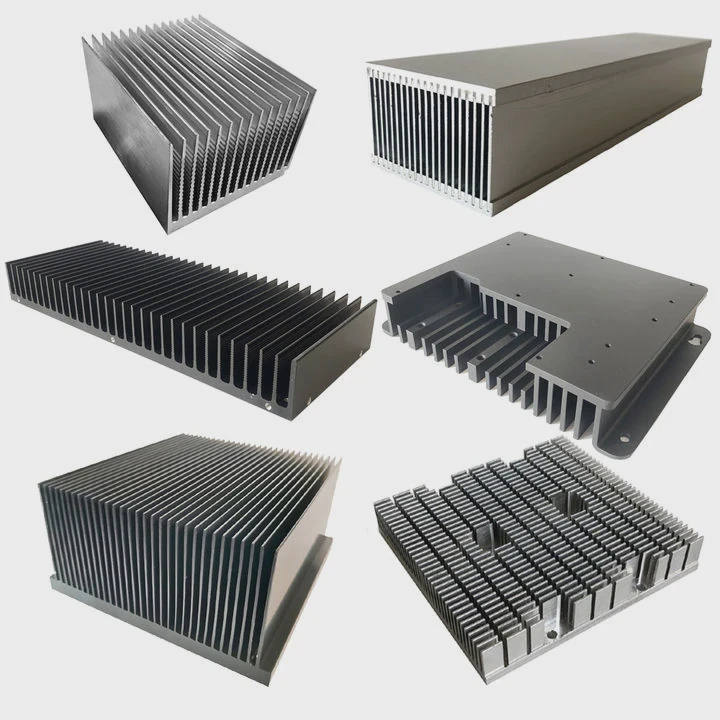
Heat sinks use metals like aluminum or copper because they conduct heat well. Copper transfers heat faster, while aluminum is lighter and cheaper. A thermal interface material (TIM) sits between the GPU and heat sink to improve contact and reduce resistance.
Fins and Surface Area
Fins increase the surface area, allowing more heat to escape into the air. The larger the surface area, the more heat can be removed. Fans push air through the fins, speeding up cooling.
Conduction, Convection, and Radiation
- Conduction: Heat moves from the GPU chip to the heat sink base.
- Convection: Air passing through the fins carries heat away.
- Radiation: The heat sink emits small amounts of heat as infrared radiation.
| Component | Function |
|---|---|
| Heat sink base | Directly contacts GPU to absorb heat |
| Fins | Spread heat to larger area |
| Thermal paste | Improves heat transfer efficiency |
| Fan | Moves hot air away |
Common Issues
Poor contact or degraded thermal paste can reduce performance. Dust buildup on fins or blocked airflow also reduces efficiency. Regular maintenance helps keep the GPU cool and extends its lifespan.
Why do GPUs require advanced cooling?
Opening paragraph:
Modern GPUs handle extremely high workloads, generating temperatures that can exceed 90°C without proper cooling.
Advanced cooling is required because GPUs perform millions of calculations per second, producing intense heat that simple passive cooling cannot handle. Effective cooling ensures performance, longevity, and system stability.
High Power Density
GPUs have many cores packed into a small space. This density means heat builds up fast, and even small inefficiencies can lead to thermal throttling.
Thermal Throttling
If a GPU gets too hot, it reduces clock speeds to prevent damage. While this protects the hardware, performance drops significantly.
Cooling Techniques
Advanced GPUs may use:
- Liquid cooling: Circulates coolant over the GPU for efficient heat removal.
- Hybrid cooling: Combines air and liquid methods.
- High-performance fans: Provide strong airflow through heat sink fins.
| Cooling Method | Pros | Cons |
|---|---|---|
| Air cooling | Easy to install, low cost | Limited for extreme loads |
| Liquid cooling | Very efficient | More expensive, complex |
| Hybrid cooling | Best of both worlds | Requires maintenance |
Environmental Considerations
Ambient temperature affects cooling. Hotter rooms reduce efficiency, while proper case airflow enhances heat removal. Planning system layout is as important as the heat sink design itself.
Where is the heat sink located on a GPU?
Opening paragraph:
Many users wonder why GPU temperature can spike even with fans running. Location and design matter.
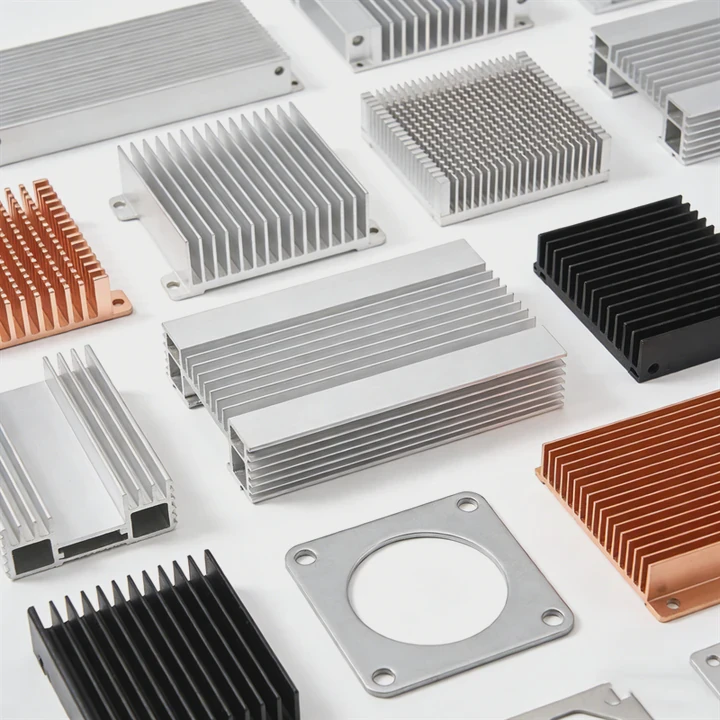
The heat sink sits directly on top of the GPU die, sometimes covering VRAM and power components. It’s designed to capture and disperse heat before it affects performance or stability.
GPU Layers
Modern GPUs include:
- GPU die – main processor generating heat.
- VRAM chips – generate secondary heat.
- VRM (voltage regulator modules) – control power delivery and also get warm.
The heat sink usually contacts all three areas with thermal pads or paste.
Installation
Heat sinks are secured with screws or clips. Fans or liquid blocks sit on or near the heat sink to move the heat away. The goal is a continuous thermal path from chip to air or coolant.
Maintenance Tips
- Dust regularly to avoid blocked airflow.
- Replace thermal paste every few years for optimal contact.
- Ensure fans spin freely for maximum airflow.
Diagram of GPU Heat Components
| Component | Heat Role |
|---|---|
| GPU die | Primary heat source |
| VRAM | Secondary heat source |
| VRM | Stabilizes power, generates minor heat |
| Heat sink | Absorbs and spreads heat |
| Fan | Moves heat away from fins |
Understanding placement helps diagnose overheating issues and guides upgrades or maintenance.
Which GPU designs use larger heat sinks?
Opening paragraph:
Not all GPUs are the same. Some need bigger heat sinks due to higher performance and power use.
High-end GPUs and workstation models use larger heat sinks to handle greater heat output. Gaming GPUs with multiple fans often pair with extended fin arrays or liquid cooling solutions.
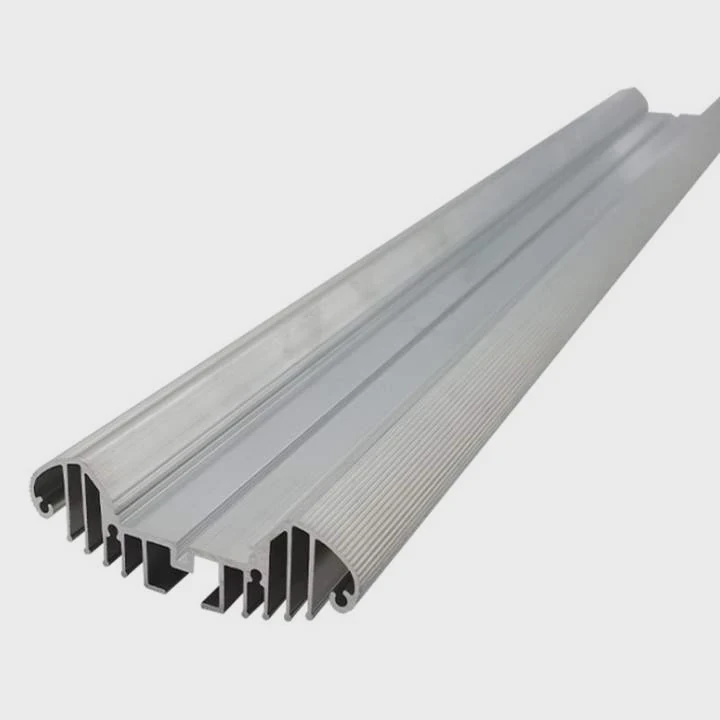
High-Performance Models
Gaming and workstation GPUs with 300W+ TDP need large heat sinks and multiple fans. Some custom models extend over the entire PCB to cool VRAM and VRM.
Form Factor Influence
Compact GPUs or low-profile cards have smaller heat sinks, relying on case airflow. These are efficient for light workloads but may throttle under heavy gaming or rendering.
Custom Cooling Solutions
Manufacturers offer:
- Triple-fan setups
- Extended fin arrays
- Vapor chamber heat sinks
- Liquid cooling blocks
Comparison Table
| GPU Type | Heat Sink Size | Cooling Style |
|---|---|---|
| Low-profile | Small | Single fan, compact fins |
| Mid-range | Medium | Dual fan, wider fins |
| High-end gaming | Large | Triple fan or liquid-cooled |
| Workstation | Extra large | Full PCB coverage, hybrid cooling |
Factors Affecting Design
Heat sink size depends on:
- TDP rating
- GPU die size
- Overclocking potential
- Case airflow and space
- Ambient temperature requirements
A larger heat sink doesn’t just cool better. It allows the GPU to maintain higher clocks without throttling and reduces fan noise by spreading heat more effectively.
Practical Advice
When choosing a GPU, consider heat sink size relative to your case. Extra-large heat sinks can improve cooling but may block other components or airflow. Always check dimensions and clearance.
Conclusion
GPU heat sinks are essential for performance and longevity. Proper design, size, and airflow ensure stable operation and prevent thermal throttling, while advanced cooling methods allow high-end GPUs to run efficiently under heavy loads.
- Pre Heat Sink for PS5?
- Next: Heat Sink for M.2 SSD?




