
Heat Sink for M.2 SSD?
- Yongxing
- 16 Apr ,2026
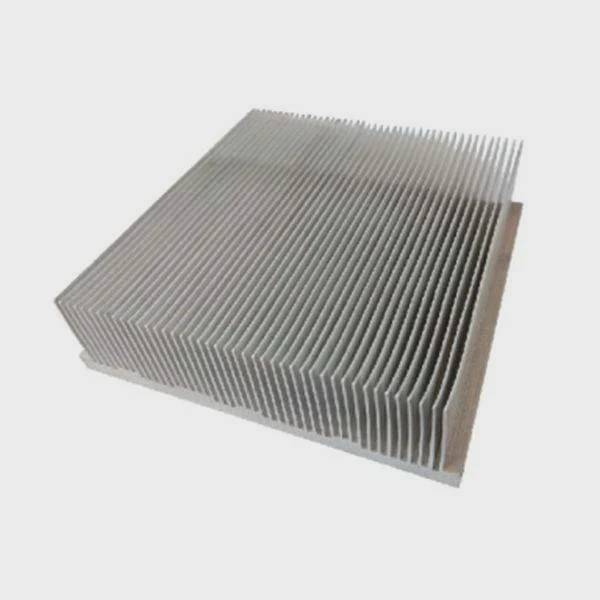
M.2 SSDs are fast, but heat can slow them down. A heat sink may solve this problem by keeping temperatures in check.
A heat sink improves M.2 SSD performance by reducing thermal throttling, keeping the drive cooler, and maintaining high-speed data transfer over long periods. It ensures consistent performance during heavy workloads.
Understanding how heat affects M.2 SSDs helps us see why heat sinks matter. Let’s explore how they work and why some drives need them more than others.
How does a heat sink improve M.2 SSD performance?
High temperatures can make your SSD slow unexpectedly. Heat sinks prevent that by spreading heat away from the chip.
Heat sinks improve M.2 SSD performance by transferring heat from the NAND and controller to a larger surface area, lowering the operating temperature and reducing the chance of thermal throttling.
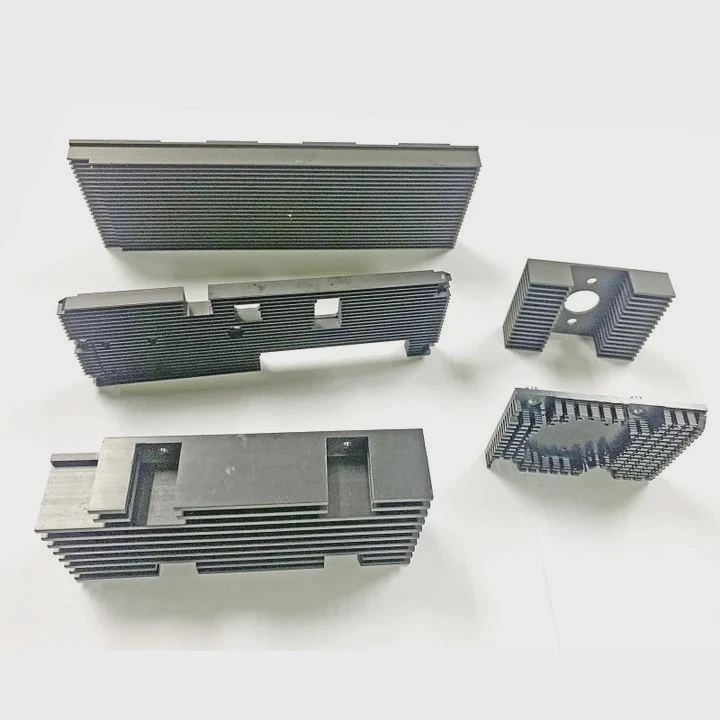
A heat sink works like a mini radiator for your SSD. When your drive works hard, it generates heat, especially the controller chip. Without proper cooling, the SSD slows down to prevent damage. Thermal throttling is the main reason performance drops in heavy workloads like video editing or gaming.
How heat sinks help
Heat sinks use metal, usually aluminum or copper, to absorb heat from the SSD surface. The heat then spreads over fins or flat surfaces, which increases the area exposed to air. This allows the heat to leave the SSD faster. Some designs include thermal pads to improve contact between the chip and the heat sink.
Performance impact
Adding a heat sink can reduce temperature by 10–20°C depending on airflow and workload. Lower temperatures prevent throttling, keeping the SSD close to its peak speed. For example, a high-speed NVMe SSD can drop from 7,000 MB/s to 4,000 MB/s if it overheats. With a heat sink, this drop is minimized.
Table: Heat Sink Benefits
| Benefit | Description |
|---|---|
| Reduced thermal throttling | Keeps SSD running at maximum speed longer |
| Extended lifespan | Less heat reduces wear on NAND chips |
| Improved stability | Consistent performance in long tasks |
| Better airflow management | Works with case fans to remove heat efficiently |
Heat sinks are most effective in systems with limited airflow. Even in laptops, thin heat sinks can help prevent overheating. Some motherboards also include built-in M.2 heatsinks, showing their importance.
Why do high-speed M.2 SSDs overheat?
Modern SSDs are incredibly fast. High speeds mean more energy use, and more energy creates more heat.
High-speed M.2 SSDs overheat because NVMe controllers and NAND chips generate significant heat during heavy data transfers, often exceeding the drive’s thermal design limit.
M.2 SSDs are tiny but powerful. Unlike SATA drives, NVMe SSDs use the PCIe interface for higher bandwidth. This allows read/write speeds of several gigabytes per second. Higher speed means higher power consumption. Power converts to heat inside a small area. Heat accumulates quickly, especially without active airflow.
Main reasons for overheating
- High-speed controllers – The SSD controller manages data flow. Faster controllers produce more heat.
- Dense NAND layout – Multiple NAND chips are close together. Heat builds up quickly with intense activity.
- Limited surface area – M.2 drives are slim. Less metal and area to dissipate heat.
- Poor airflow – Many small cases or laptops don’t provide enough air movement for cooling.
Table: Factors Affecting SSD Heat
| Factor | Effect on Temperature |
|---|---|
| Workload intensity | Heavy writes generate maximum heat |
| SSD size and layout | Smaller drives have less heat dissipation |
| Case airflow | Poor ventilation traps heat around the SSD |
| Ambient temperature | High room temperatures increase operating temp |
Overheating can reduce performance and lifespan. Drives may throttle, which lowers speeds to protect the components. In extreme cases, SSDs could fail if thermal limits are consistently exceeded. This is why heat management is critical.
Where should a heat sink be installed on M.2 SSD?
Placement matters. The wrong location may make your heat sink ineffective or even block airflow.
A heat sink should be installed directly on the controller and NAND chips of the M.2 SSD, ensuring maximum thermal contact and efficient heat dissipation.
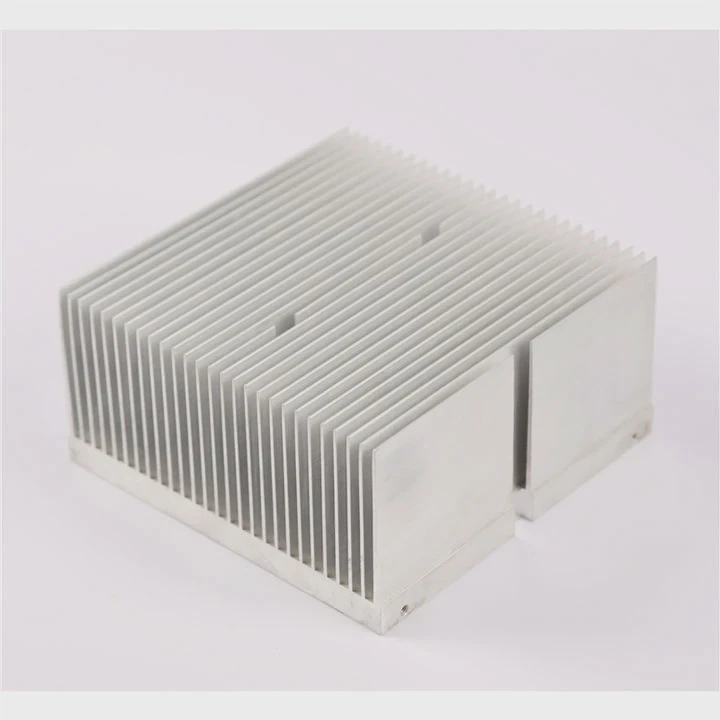
Installing a heat sink correctly is more than just sticking it on the drive. The critical areas to cool are the controller chip and the NAND chips, as these are the main sources of heat. Using thermal pads between the heat sink and the chips ensures good contact and efficient heat transfer.
Installation tips
- Clean the SSD surface to remove dust or oils before attaching the heat sink.
- Use thermal pads or thermal paste to fill any gaps.
- Ensure the heat sink does not interfere with other components or airflow in the case.
- If your motherboard has a built-in M.2 slot cover, consider combining it with the heat sink for better cooling.
Diagram: SSD Heat Sink Placement
| Component | Placement Tip |
|---|---|
| Controller | Direct contact with heat sink surface |
| NAND chips | Cover with thermal pad under heat sink |
| PCB edges | Optional smaller heat sink pieces for extra cooling |
Correct placement ensures heat moves efficiently from the SSD to the heat sink and then into the surrounding air. Poor installation may leave hot spots, causing throttling.
Which M.2 SSDs require heat sinks most?
Not all SSDs need extra cooling. Some low-speed drives run cool naturally, but high-performance drives can get hot fast.
High-speed NVMe M.2 SSDs with PCIe 4.0 or 5.0 interfaces require heat sinks the most, especially in gaming, video editing, or heavy data transfer environments.
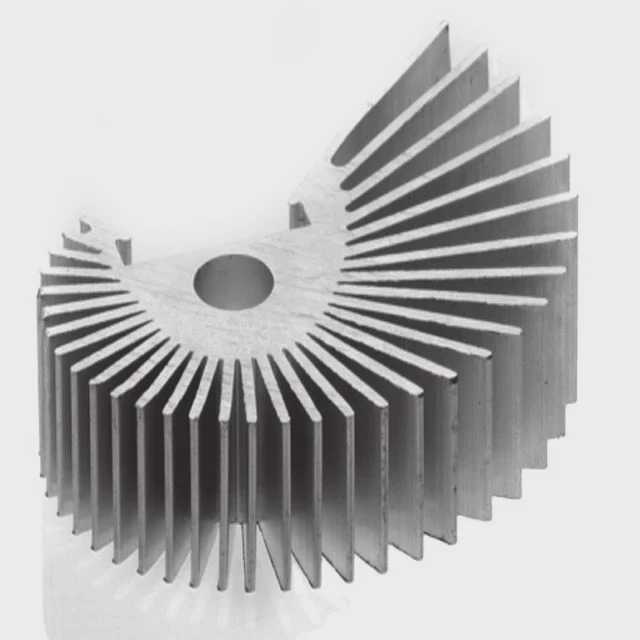
Some M.2 SSDs run cooler because they have lower speed or less dense NAND. SATA M.2 drives rarely need heat sinks. The most heat-sensitive drives are PCIe 4.0 or 5.0 NVMe SSDs. They can generate up to 10–15W of heat in short bursts. Continuous heavy workloads, like 4K video rendering or large file transfers, amplify heat production.
Drives that benefit most
- High-end NVMe SSDs with sequential speeds above 5,000 MB/s
- PCIe Gen4 or Gen5 SSDs with multiple NAND channels
- Drives in small form-factor PCs with limited airflow
- SSDs in laptops without dedicated cooling systems
Table: SSD Heat Sink Requirement
| SSD Type | Heat Sink Need |
|---|---|
| SATA M.2 | Low |
| NVMe PCIe 3.0 | Moderate |
| NVMe PCIe 4.0 | High |
| NVMe PCIe 5.0 | Very High |
Using a heat sink ensures these drives maintain consistent performance. Without it, speeds may drop and the lifespan may shorten.
Conclusion
A heat sink is essential for high-speed M.2 SSDs. It prevents overheating, avoids thermal throttling, and ensures your drive works at peak performance. Correct installation and targeting high-performance drives make the biggest difference.




