
How to Clean Heat Sink Fan?
- Yongxing
- 17 Apr ,2026
Keeping a heat sink fan clean is often ignored, yet dust buildup can damage your device. Many face reduced cooling efficiency due to blocked airflow.
Cleaning a heat sink fan involves careful dust removal without harming components. Proper methods restore airflow and improve cooling performance efficiently.
A clean fan ensures your device runs cooler, lasts longer, and avoids overheating issues. Let’s explore the best ways to maintain your fan effectively.
What methods clean heat sink fans safely?
Removing dust incorrectly can damage fan blades or electronic components. Many people use forceful methods that harm the fan or motherboard.
Safe cleaning methods include compressed air, soft brushes, and gentle wiping. These prevent static damage and keep your fan in working order.
Proper cleaning begins with powering down your device and unplugging it. Using compressed air in short bursts clears dust from blades and heatsink fins. A soft brush removes remaining particles, especially in tight spaces. For stubborn grime, a microfiber cloth slightly dampened with isopropyl alcohol works well. Always hold the fan to prevent it from spinning too fast during cleaning. Avoid vacuum cleaners that can generate static electricity. Reassembling carefully after cleaning ensures no loose screws or cables interfere with operation.
Common safe methods
| Method | Pros | Cons |
|---|---|---|
| Compressed air | Fast, effective in tight fins | Can spin fan too fast, risk of static |
| Soft brush | Gentle, precise | Time-consuming |
| Microfiber cloth | Removes sticky dust | Needs careful dampening |
| Isopropyl wipes | Disinfects, removes grime | Must avoid excess liquid |
Regular cleaning intervals, about every 3–6 months depending on environment, prevent dust from accumulating. Working in a static-free area is essential. Also, consider removing the fan if your system design allows for easier access.
Why does fan dust reduce airflow?
Dust builds up on the fan blades and heatsink fins. Even a thin layer can block air passages, making it harder for the fan to cool the system.
Dust reduces airflow by clogging fins and increasing resistance. This forces the fan to work harder, creating heat buildup and noise.
When dust accumulates, it disrupts the smooth path of airflow. Blades cannot spin freely if debris sticks to them, and heatsink fins cannot dissipate heat efficiently. Dust also acts as an insulating layer, reducing thermal transfer from components. Over time, fans wear out faster due to constant high-speed operation trying to maintain cooling. Devices with heavy dust accumulation may trigger thermal throttling or unexpected shutdowns. Environmental factors like pets, smoking areas, or carpets accelerate dust accumulation. Understanding how dust affects airflow helps prioritize preventive cleaning and reduces long-term maintenance issues.
Airflow impact
| Issue | Effect |
|---|---|
| Dust on blades | Reduces rotation speed |
| Dust on fins | Lowers heat dissipation |
| Fan bearing debris | Increases noise and wear |
| Clogged filters | Blocks intake airflow |
Proactive cleaning ensures consistent airflow and thermal performance. Even small improvements in dust management can enhance device reliability significantly.
Where should cleaning be applied on the fan?
Not all fan areas need the same attention. Over-cleaning some spots can be wasted effort, while neglecting critical areas causes overheating.
Focus cleaning on fan blades, heatsink fins, and nearby intake/exhaust areas to maximize airflow improvement.
Start with the visible fan blades, gently brushing or using compressed air to remove loose dust. Then, clean the heatsink fins, which often trap fine particles between gaps. Pay attention to intake vents and exhaust ports, as dust here can restrict airflow entering or leaving the system. Bearings and motor hubs usually need minimal cleaning; avoid direct liquid contact. For high-end or sealed fans, only use air bursts to avoid damage. Cleaning in layers—first the large dust clumps, then finer debris—ensures thorough maintenance.
Key cleaning spots
| Area | Cleaning Tip |
|---|---|
| Fan blades | Use soft brush, hold blades |
| Heatsink fins | Compressed air, short bursts |
| Intake vents | Vacuum or brush gently |
| Exhaust vents | Ensure no obstruction |
| Motor hub | Minimal contact, avoid liquids |
Proper attention to these areas prevents hotspots and maintains fan longevity. Frequent inspection helps catch early dust buildup before it affects cooling efficiency.
Which tools help clean fans effectively?
Many try household tools but not all are safe. Using incorrect tools can damage delicate fan blades or create static that harms electronics.
Recommended tools include compressed air, soft brushes, microfiber cloths, and isopropyl alcohol swabs to clean fans safely and effectively.
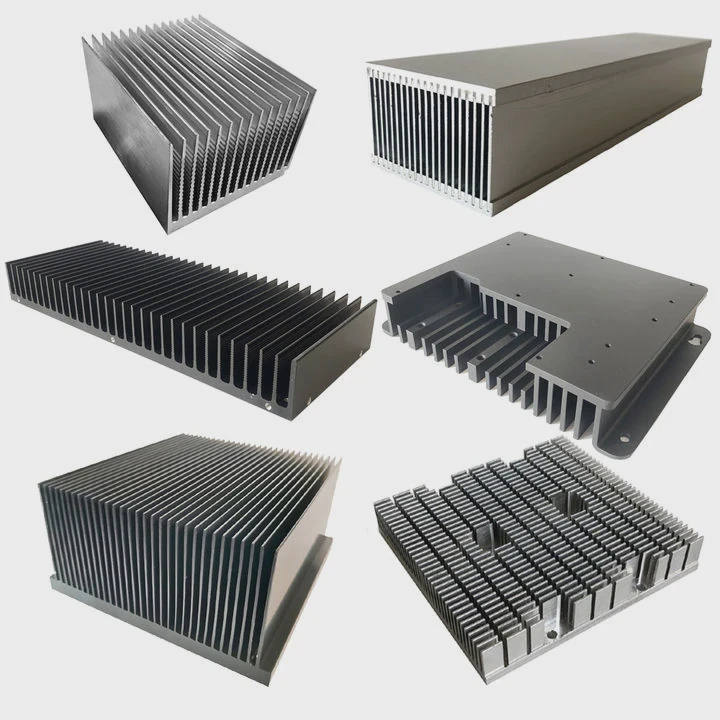
Compressed air cans provide controlled bursts to remove dust from hard-to-reach spaces without touching the fan physically. Brushes with soft bristles are excellent for carefully sweeping debris from blades and fins. Microfiber cloths, slightly dampened, wipe sticky residues without scratching surfaces. Isopropyl alcohol swabs clean stubborn dirt without leaving moisture behind. Anti-static wrist straps and mats are optional but enhance safety. Avoid metallic tools or harsh chemicals that could scratch or corrode components. Using the right combination of tools streamlines cleaning and reduces the risk of fan damage.
Tool guide
| Tool | Use Case | Safety Note |
|---|---|---|
| Compressed air | Dust removal from blades/fins | Hold fan still |
| Soft brush | Loosen stuck dust | Gentle strokes only |
| Microfiber cloth | Wipe surfaces | Slightly dampened only |
| Isopropyl swab | Stubborn debris | Avoid over-wetting |
| Anti-static strap | Protect electronics | Optional, recommended |
Choosing the right tools reduces cleaning time and prevents common mistakes. Proper handling preserves fan balance and prevents future overheating issues.
Conclusion
Regularly cleaning heat sink fans restores airflow, reduces heat buildup, and extends device life. Using safe methods, focusing on critical areas, and employing the right tools ensures efficient, long-lasting cooling performance.
- Pre Heat Sink for M.2 SSD?
- Next: How to Fix Heat Sink?




