
How to Fix Heat Sink?
- Yongxing
- 17 Apr ,2026
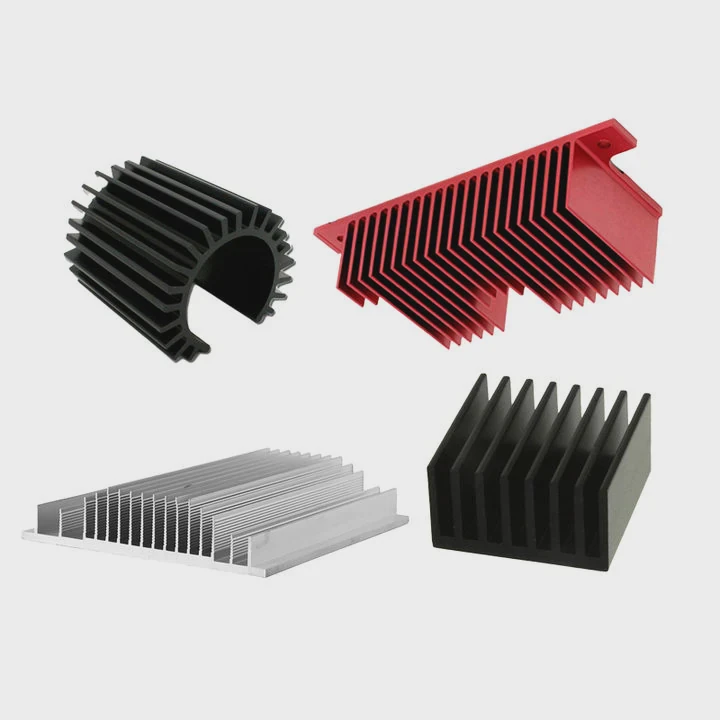
Heat sinks are vital for keeping electronics cool, yet problems can sneak up fast. Overheating or poor performance can stop devices from working properly.
Fixing a heat sink involves identifying the root cause and addressing it carefully. Common issues include poor thermal contact, loose mounting, dust buildup, or damaged fins. Timely repair can restore optimal heat dissipation and protect sensitive components.
Understanding the problem deeply helps prevent recurring failures. Let’s explore common issues and solutions for heat sinks.
What Common Issues Affect Heat Sinks?
Heat sinks can fail for several reasons. Dust, bent fins, or wrong mounting can all reduce cooling. Ignoring these problems can cause devices to overheat and fail quickly.
Common problems include dust accumulation, corrosion, improper thermal paste application, and physical damage to fins or base. Each issue reduces heat transfer and lowers performance.
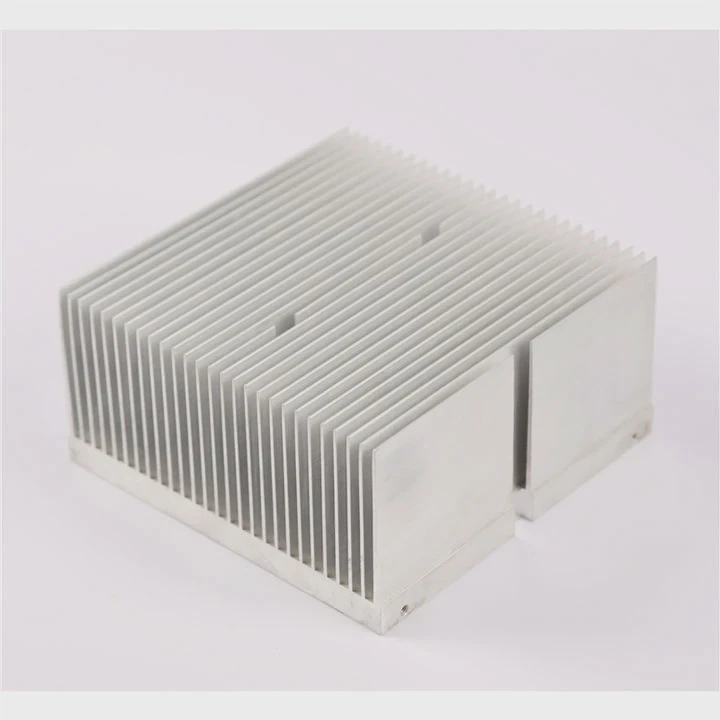
Types of Common Issues
- Dust and Debris – Dust can block airflow, making cooling inefficient. It is especially problematic in dusty industrial environments or computers with high fan speeds.
- Corrosion or Oxidation – Metal surfaces can corrode, especially copper or aluminum heat sinks in humid conditions. This reduces thermal conductivity.
- Thermal Interface Problems – Improper thermal paste or pad usage can create gaps between the heat sink and chip. Heat cannot flow efficiently.
- Physical Damage – Bent fins or cracked bases limit surface area and reduce cooling power. Dropping or mishandling during installation is a common cause.
Preventive Measures
- Clean heat sinks regularly using compressed air or soft brushes.
- Check thermal paste thickness and condition every 6–12 months.
- Inspect fins and base for physical damage before reinstallation.
- Ensure heat sink matches the component’s thermal requirements.
| Issue Type | Signs to Watch For | Simple Fix |
|---|---|---|
| Dust Accumulation | High temperatures, noisy fans | Compressed air cleaning |
| Thermal Paste Failure | Hot CPU/GPU, uneven cooling | Reapply thermal paste |
| Corrosion | Discolored metal, poor conductivity | Clean with alcohol, replace if severe |
| Physical Damage | Bent fins, cracks | Straighten fins carefully or replace |
By identifying the specific issue, you can prioritize repairs effectively and avoid unnecessary replacements.
Why Might a Heat Sink Become Loose?
A loose heat sink causes poor contact with the chip. This lowers cooling efficiency and can trigger overheating alarms in devices. Understanding the causes helps prevent repeat problems.
Heat sinks may loosen due to improper mounting, thermal cycling, or worn-out clips and screws. Fixing the attachment ensures stable thermal performance and prevents hardware damage.
Causes of Loosening
- Mounting Errors – Screws or clips not fully tightened during installation can allow the heat sink to shift over time.
- Thermal Cycling – Heating and cooling expand and contract metals differently. Repeated cycles can loosen mounts.
- Worn or Damaged Clips – Retention clips or screws can degrade with age or frequent removal.
- Vibration – Fans or mechanical systems can shake the heat sink loose, especially in industrial or automotive applications.
How to Check
- Gently try to move the heat sink by hand. Any movement indicates looseness.
- Inspect screws, clips, or springs for wear or missing parts.
- Ensure mounting surfaces are clean and flat.
| Cause | Symptoms | Fix Approach |
|---|---|---|
| Loose Screws | Heat spike, fan noise | Tighten or replace screws |
| Clip Wear | Uneven contact | Replace clip or spring |
| Thermal Cycling | Gradual heating problems | Reapply thermal paste and secure |
| Vibration | Sudden temperature jumps | Add washers or anti-vibration |
Proper reattachment not only restores performance but also extends component life.
Where Should Repairs Be Applied on Heat Sink?
Repairs must target the parts that affect heat transfer most. Base surfaces, fins, and thermal interface materials are key areas. Knowing where to work ensures efficient fixes.
Focus repairs on the heat sink base, thermal pads, paste, and damaged fins. These areas are critical for heat transfer and overall cooling performance.
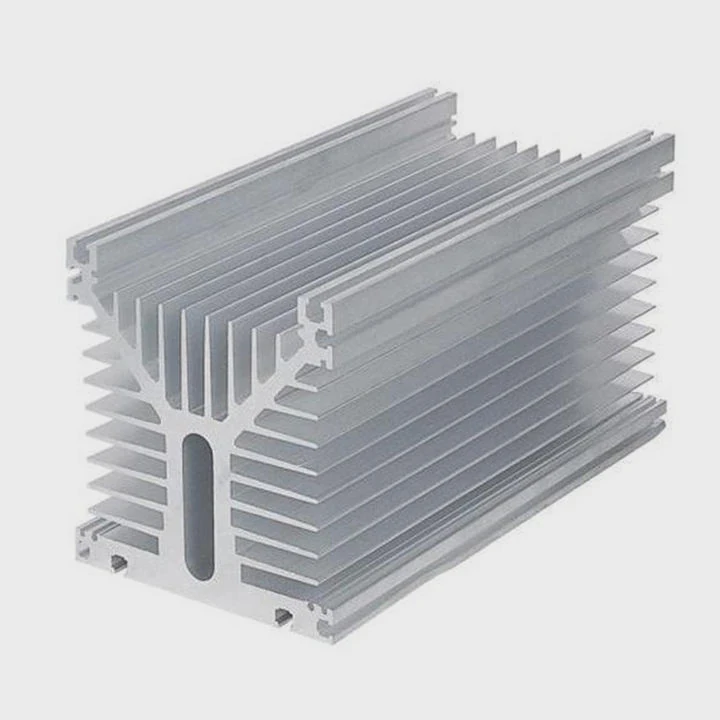
Key Repair Areas
- Base Contact Surface – Flatten or polish to remove warps or scratches. Use isopropyl alcohol to clean old thermal paste.
- Thermal Interface Material – Replace dried or uneven thermal paste or pads to restore proper contact.
- Fins and Heat Pipes – Straighten bent fins carefully and ensure no obstruction in airflow paths.
- Mounting Mechanism – Replace worn clips, springs, or screws to ensure firm attachment.
Repair Procedure Tips
- Remove the heat sink carefully.
- Clean the base with alcohol and a lint-free cloth.
- Check for physical damage and straighten fins if needed.
- Apply new thermal paste in a thin, even layer.
- Reattach securely, ensuring full contact with the chip.
| Repair Location | Common Problems | Recommended Action |
|---|---|---|
| Base Surface | Scratches, warp | Polishing and cleaning |
| Thermal Paste | Dry or uneven | Reapply thin, even layer |
| Fins | Bent or blocked | Straighten carefully |
| Mounting Mechanism | Loose or missing parts | Replace screws/clips |
Properly targeting repairs avoids wasted effort and ensures the heat sink functions optimally.
Which Solutions Restore Heat Sink Performance?
Restoring performance involves cleaning, repairing, or replacing key components. Each solution addresses a specific failure mode. Using proper methods improves heat dissipation and device reliability.
Solutions include cleaning dust, reapplying thermal paste, tightening mounts, straightening fins, or replacing damaged parts. Combining these steps restores heat sink efficiency fully.
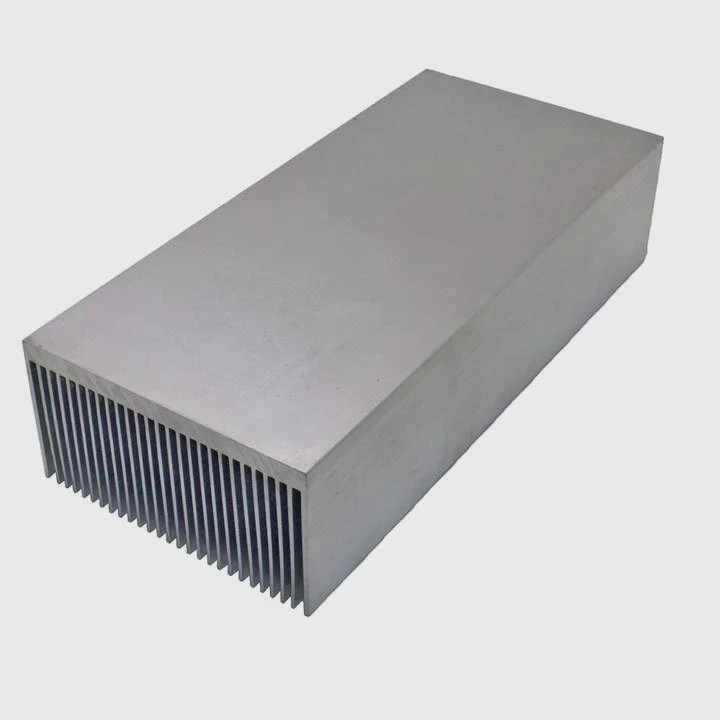
Step-by-Step Solutions
- Clean the Heat Sink – Remove dust and debris. Ensure airflow is not blocked.
- Reapply Thermal Paste – Use quality thermal paste or pads in proper thickness.
- Tighten or Replace Mounts – Screws, springs, and clips must be secure.
- Repair Fins and Heat Pipes – Straighten bends and check connections.
- Replace if Severely Damaged – If base or fins are broken, replace the heat sink entirely.
Maintenance Tips for Long-Term Performance
- Regularly inspect and clean dust every 3–6 months.
- Monitor temperature for unusual spikes.
- Maintain good airflow in enclosures.
- Use thermal simulation tools to optimize placement and size for new designs.
| Solution | When to Apply | Benefit |
|---|---|---|
| Cleaning | Dust or airflow blockage | Restores heat dissipation |
| Thermal Paste Replacement | Old or dry paste | Improves thermal contact |
| Mount Tightening | Loose heat sink | Ensures consistent cooling |
| Fins Repair | Bent or damaged fins | Maximizes surface area |
| Replacement | Severely damaged or warped base | Fully restores performance |
Following these steps regularly prevents overheating and keeps electronics running longer.
Conclusion
Fixing heat sinks is simple if you know where to check. Clean surfaces, secure mounts, and replace thermal material to restore cooling. Regular maintenance prevents future failures and ensures stable device operation.




